2017年9月28日星期四

New arrival! VVDI Pro M35080/D80 Adapter, EEPROM clip adapter, EWS3 adapter

New arrival!
Xhorse VVDI Pro M35080/D80 Adapter, $39.99 free shipping
Xhorse VVDI Pro EEPROM clip adapter, $49.99 free shipping
Xhorse VVDI Pro EWS3 adapter, $39.99 free shipping
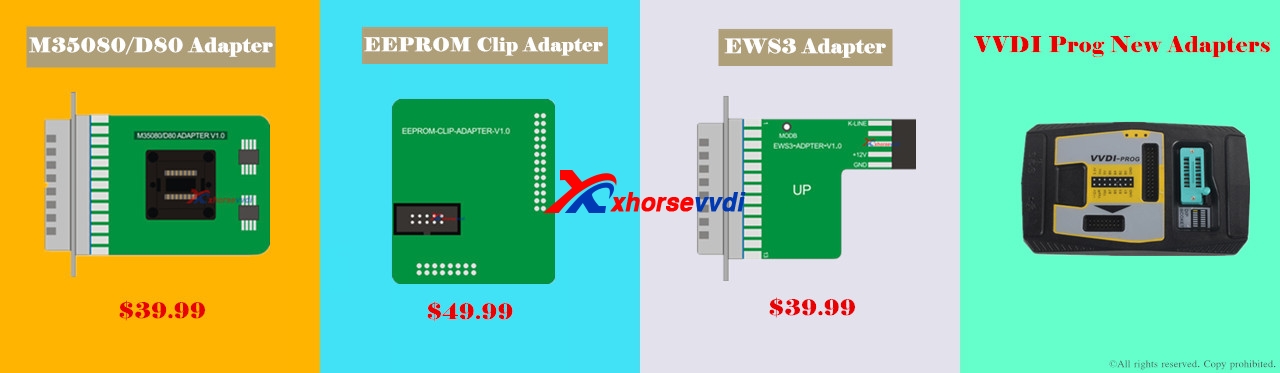
With the 3 pieces of new adapters, What you can do?
Here we go one by one.
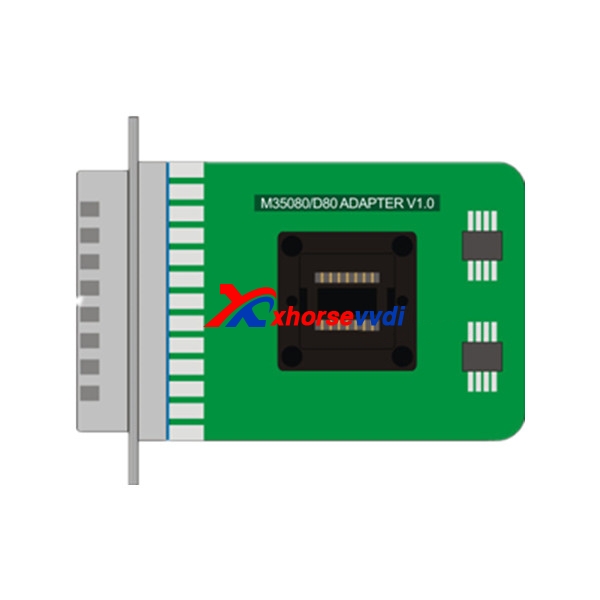
  1. VVDI Pro M35080/D80 Adapter functions:
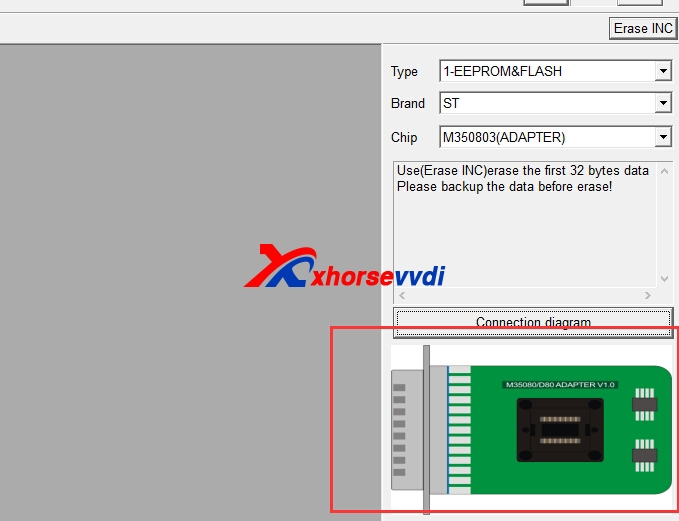
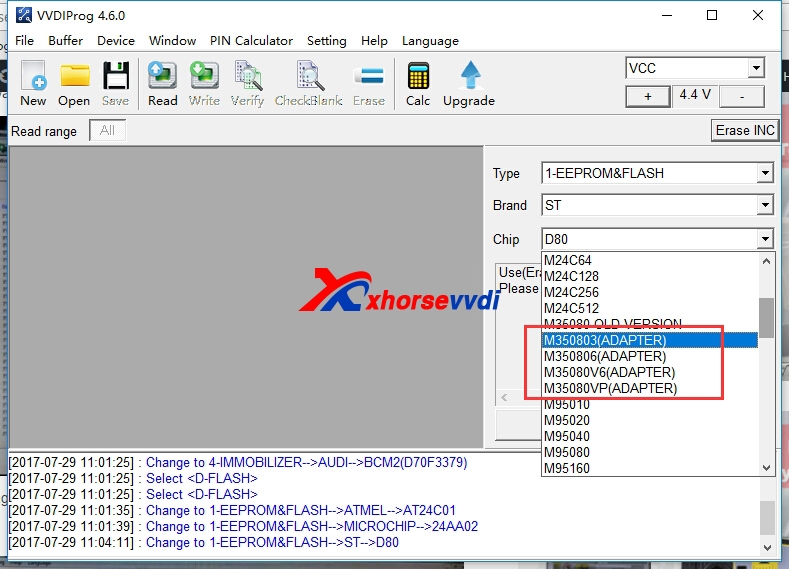
With M35080/D80 Adapter, your VVDI Pro V4.6.0 can perform function D80, D160, M350803, M350806, M35080V6,M35080VP options in <1-EEPROM&FLASH. Without this adapter, these function won't work.
Attach M35080/D80 Adapter picture and VVDI Pro V4.6.0  options:

  1. VVDI Pro EEPROM clip adapter functions:
Only with EEPROM clip adapter, can VVDI Pro v4.6.1 perform these functions:
Add AT24C01(CLIP),AT24C02(CLIP), AT24C04(CLIP), AT24C08(CLIP), AT24C16(CLIP), AT24C32(CLIP), AT24C64(CLIP), AT24C128(CLIP), AT24C256(CLIP),AT24C512(CLIP), AT24C1024(CLIP), AT25010(CLIP), AT25020(CLIP), AT25040(CLIP), AT25080(CLIP), AT25160(CLIP), AT25320(CLIP), AT25640(CLIP), AT25128(CLIP),AT25256(CLIP), AT25512(CLIP), AT93C06[A](CLIP), AT93C46[A](CLIP), AT93C56[A](CLIP), AT93C57[A](CLIP), AT93C66[A](CLIP), AT93C76[A](CLIP),AT93C86[A](CLIP) options in <1-EEPROM&FLASH>-> (Need EEPROM CLIP ADAPTER)
+ Add CAT24C/W01(CLIP), CAT24C/W02(CLIP), CAT24C/W04(CLIP), CAT24C/W08(CLIP), CAT24C/W16(CLIP), CAT24C/W32(CLIP), CAT24C/W64(CLIP), CAT25C128(CLIP),CAT25C256(CLIP), CAT93C46[A](CLIP), CAT93C56[A](CLIP), CAT93C57[A](CLIP), CAT93C66[A](CLIP), CAT93C76[A](CLIP), CAT93C86[A](CLIP) options in<1-EEPROM&FLASH>-> (Need EEPROM CLIP ADAPTER)
+ Add XL[S]24C01(CLIP), XL[S]24C02(CLIP), XL[S]24C04(CLIP), XL[S]24C08(CLIP), XL[S]24C16(CLIP), XL[S]93C/LC06(CLIP), XL[S]93C/LC46(CLIP), XL[S]93C/LC56(CLIP),XL[S]93C/LC66(CLIP) options in <1-EEPROM&FLASH>-> (Need EEPROM CLIP ADAPTER)
+ Add FM24C02(CLIP), FM24C03(CLIP), FM24C04(CLIP), FM24C08(CLIP), FM24C09(CLIP), FM24C16(CLIP), FM24C17(CLIP), FM93CS06(CLIP), FM93CS46(CLIP), FM93CS56(CLIP),FM93CS66(CLIP),
NM24C02(CLIP), NM24C03(CLIP), NM24C04(CLIP), NM24C05(CLIP), NM24C08(CLIP), NM24C09(CLIP), NM24C16(CLIP), NM24C17(CLIP), NM24U17(CLIP),NM24C32(CLIP), NM24C65(CLIP), NM93C06(CLIP),
NM93C46(CLIP), NM93C56(CLIP), NM93C66(CLIP), NM93C86(CLIP), NM93CS06(CLIP), NM93CS46(CLIP), NM93CS56(CLIP),NM93CS66(CLIP) options in <1-EEPROM&FLASH>-> (Need EEPROM CLIP ADAPTER)
+ Add 24AA02(CLIP), 24AA04(CLIP), 24AA08(CLIP), 24AA16(CLIP), 24AA164(CLIP), 24AA32(CLIP), 24AA128(CLIP), 24AA256(CLIP), 24C02(CLIP), 24C04(CLIP), 24C32(CLIP),24LC02(CLIP), 24LC04(CLIP),
24LC08(CLIP), 24LC16(CLIP), 24LC164(CLIP), 24LC32(CLIP), 24LC64(CLIP), 24LC65(CLIP), 24LC128(CLIP), 24LC256(CLIP),93C/LC/AA46A(CLIP), 93C/LC/AA56A(CLIP), 93C/LC/AA66A(CLIP), 93C/LC/AA76A(CLIP), 93C/LC/AA86A(CLIP), 93C/LC/AA46B(CLIP), 93C/LC/AA56B(CLIP), 93C/LC/AA66B(CLIP),93C/LC/AA76B(CLIP), 93C/LC/AA86B(CLIP), 93C/LC/AA46C(CLIP), 93C/LC/AA56C(CLIP), 93C/LC/AA66C(CLIP), 93C/LC/AA76C(CLIP), 93C/LC/AA86C(CLIP) options in<1-EEPROM&FLASH>-> (Need EEPROM CLIP ADAPTER)
+ Add M24C01(CLIP), M24C02(CLIP), M24C04(CLIP), M24C08(CLIP), M24C16(CLIP), M24C32(CLIP), M24C64(CLIP), M24C128(CLIP), M24C256(CLIP), M24C512(CLIP),M93C06(CLIP),M93C46(CLIP),
M93C56(CLIP), M93C66(CLIP), M93C76(CLIP), M93C86(CLIP), M95010(CLIP), M95020(CLIP), M95040(CLIP), M95080(CLIP), M95160(CLIP), M95320(CLIP), M95640(CLIP),M95128(CLIP), M95256(CLIP),
M95512(CLIP), ST24C01(CLIP), ST24C02(CLIP), ST24C04(CLIP), ST24C08(CLIP), ST24C16(CLIP), ST24E16(CLIP), ST24E32(CLIP), ST24W02(CLIP),ST24W04(CLIP), ST24W08(CLIP), ST24W16(CLIP), ST25C01(CLIP), ST25C02(CLIP), ST25C04(CLIP), ST25C08(CLIP), ST25C16(CLIP), ST25E16(CLIP), ST25E32(CLIP), ST93CS56(CLIP),ST93CS57(CLIP), ST93CS66(CLIP), ST93CS67(CLIP), ST93CS47(CLIP),
ST93CS46(CLIP) options in <1-EEPROM&FLASH>-> (Need EEPROM CLIP ADAPTER)
+ Add X24C01(CLIP), X5043(CLIP), X5045(CLIP) options in <1-EEPROM&FLASH>->(Need EEPROM CLIP ADAPTER)
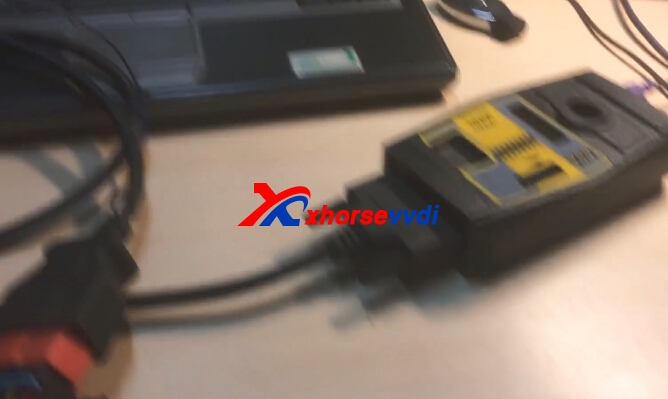
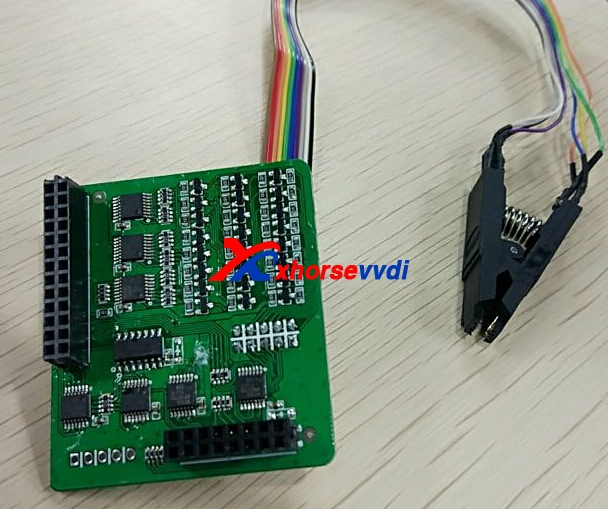
Attach EEPROM CLIP ADAPTER picture:
  1. VVDI Pro EWS3 adapter Functions
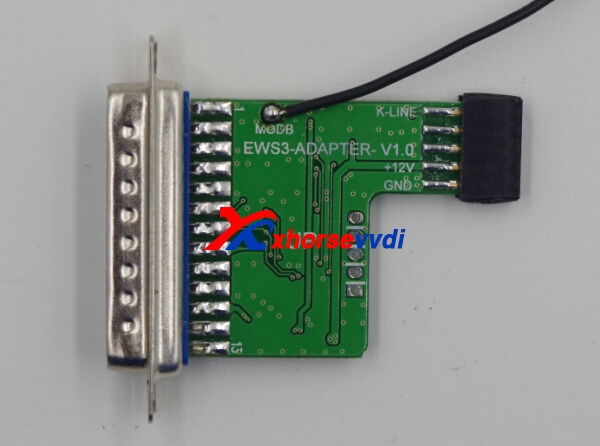
Only with EWS3 adapter, can Xhorse VVDI Pro adapter can perform EWS3-KLINE(0D46J) option in <4-IMMOBILIZER>.
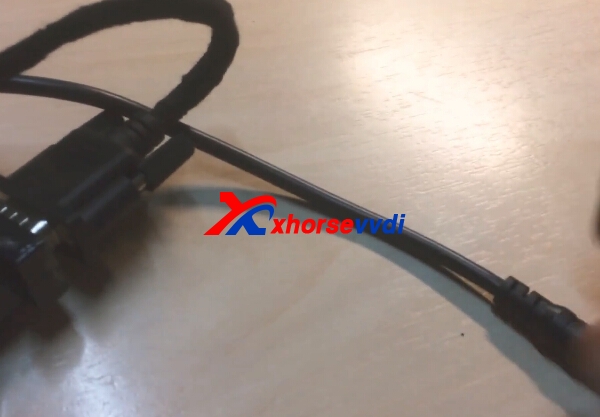
Attach EWS3 adapter pictures:


 New arrival! VVDI Pro M35080/D80 Adapter, EEPROM clip adapter, EWS3 adapter

2017年9月26日星期二

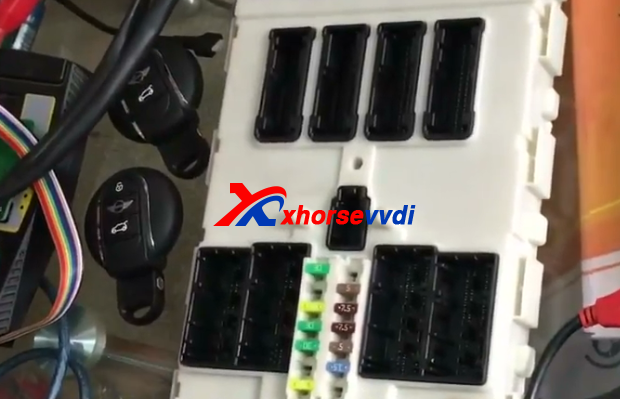
How to use VVDI2 and VVDI PROG Adapter Program BMW BDC All Key Lost

VVDI2 BMW FEM/BDC system function released and available now.And this blog is about VVDI2 and VVDI Prog adapter to program BMW BDC all key lost.VVDI Prog adapter,will release soon.
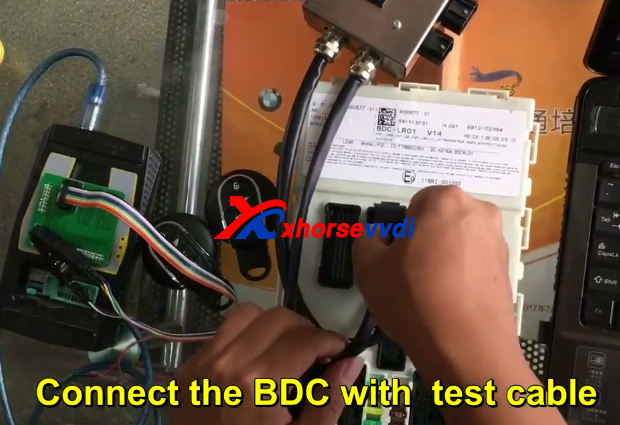
1.Connect the BDC with test cable.
vvdi2 bmw bdc
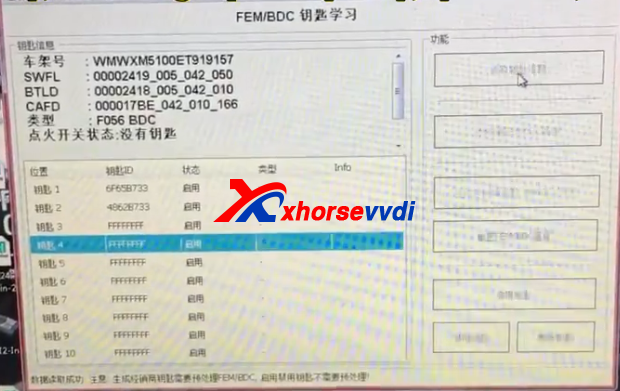
2.Use VVDI2 FEM software to read key information.
vvdi2 bdc
3.Then go to the processing option Read and save the encoding file.
vvdi2 bmw fem
4.Prepare to open the BDC.
vvdi2 bdc
vvdi2 bdc
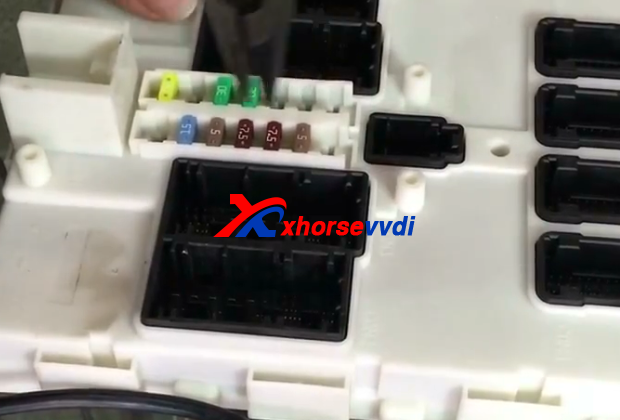
5.Take photos before decomposition and record the location of fuse.
vvdi2
6.Break download the BDC.
vvdi2 bmw fem
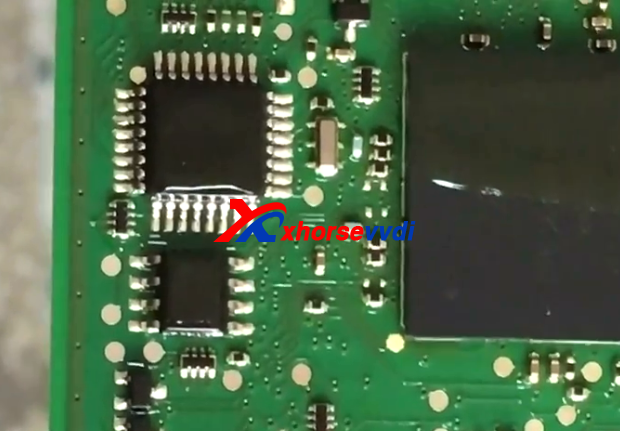
7.Clean IC with special solvent and blade.
vvdi2
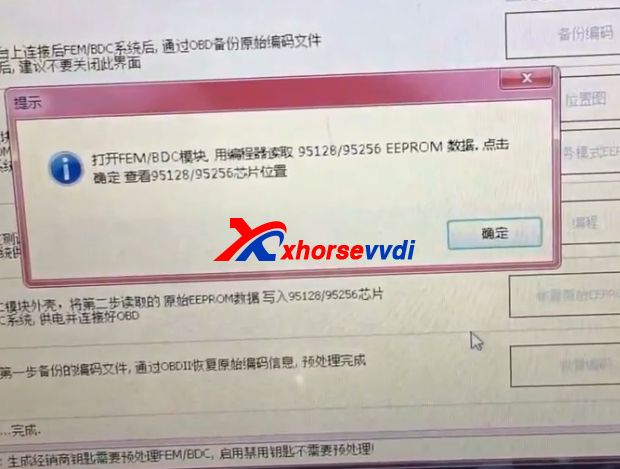
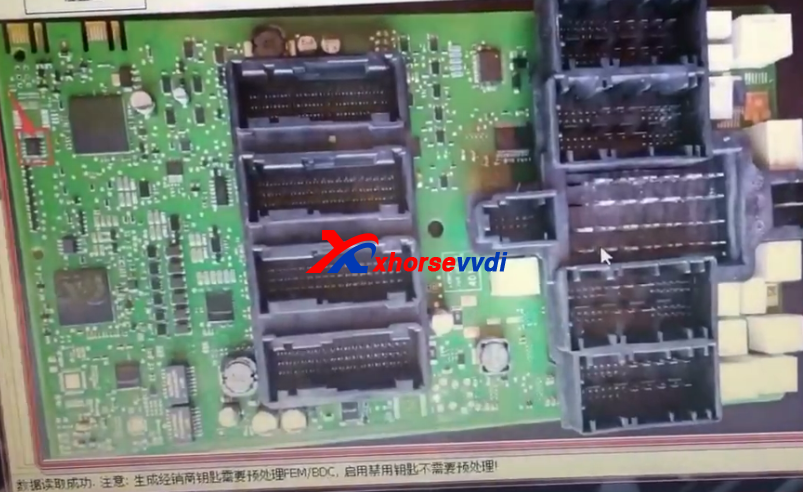
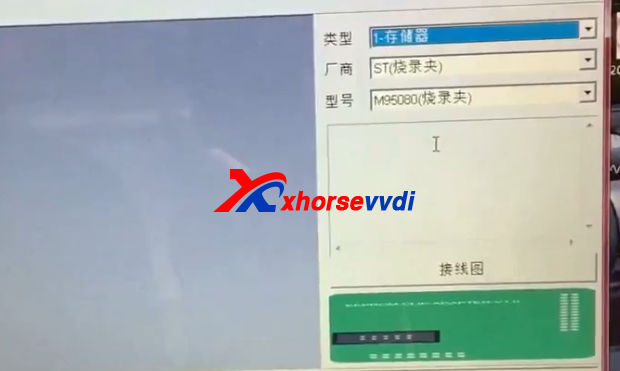
8.Connect VVDI Prog adapter to read data.VVDI Prog read M95256 data,if fail,please try again and again.Read data and save data,verify the data is read correctly.
vvdi2
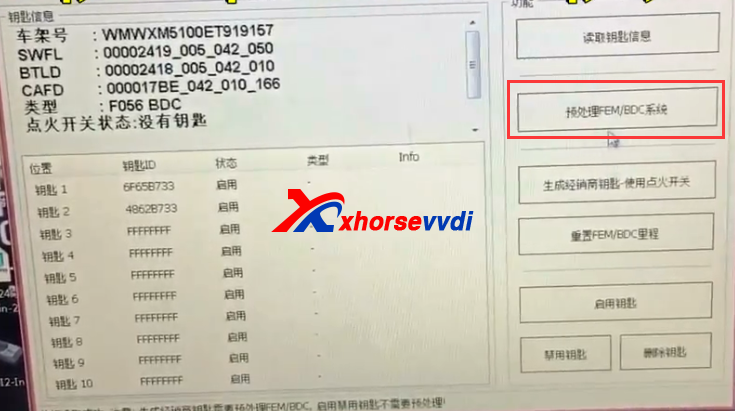
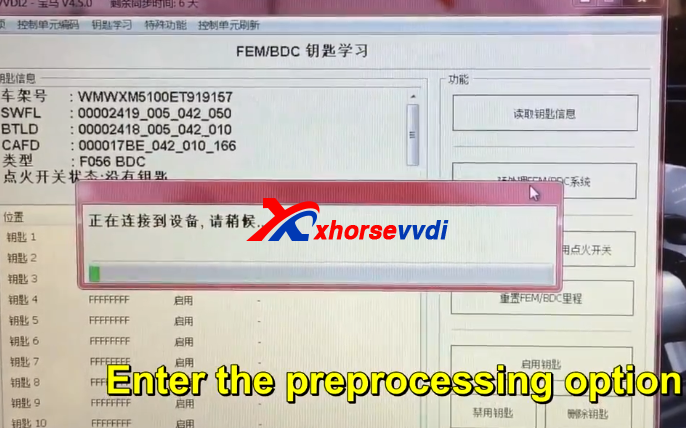
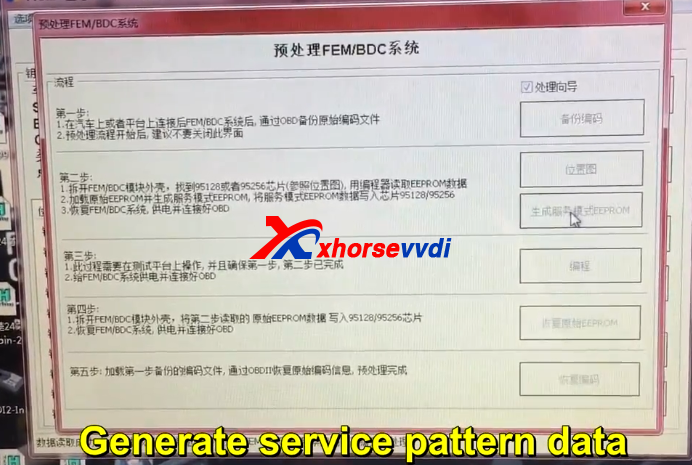
9.Enter the preprocessing option.Generate service pattern data.
vvdi2 bmw fem vvdi2 bmw fem
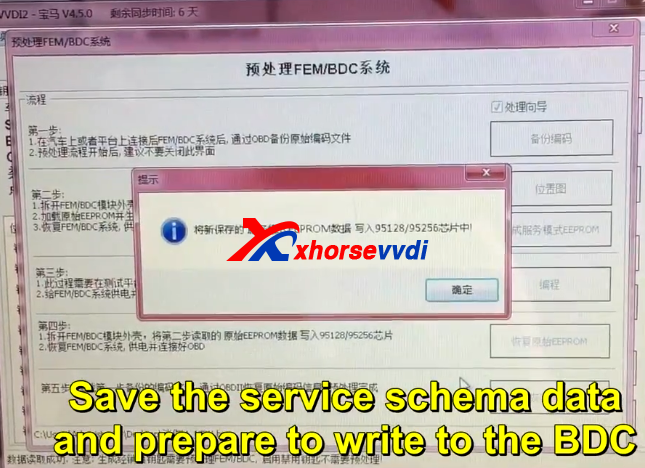
10.Save the service schema data and prepare to write to the BDC.
vvdi2
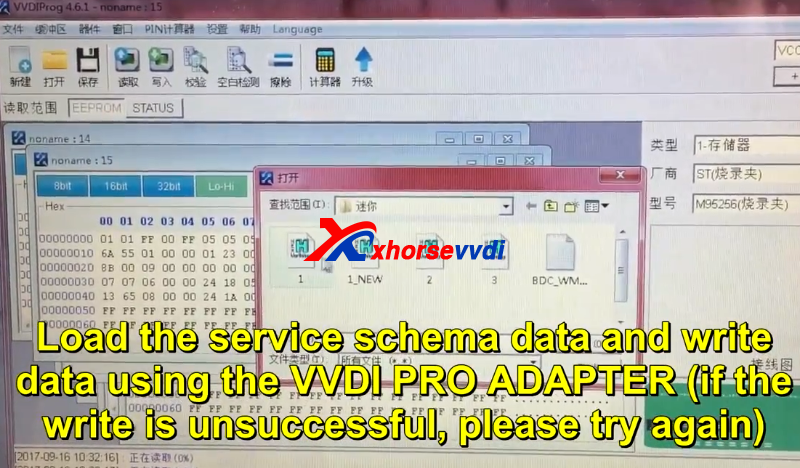
11.Load the service scheme data and write data using the vvdi prog adapter(If the write is unsuccessful,please try again)
vvdi2
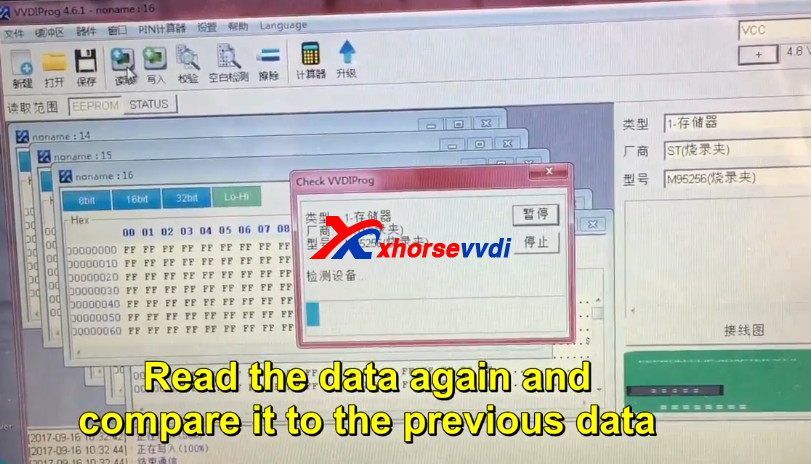
12.VVDI Prog read the data again and compare it to the previous data.
If the data is consistent,there is NO problem writing the data,and you cam prepare for next step.

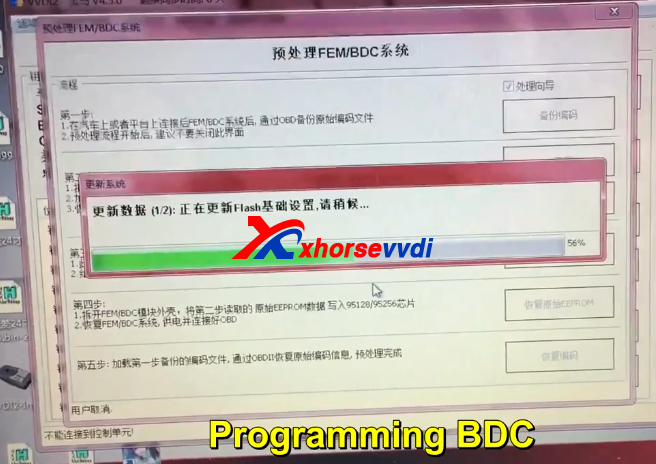
13.Connect with VVDI2,programming BDC.
VVDI BMW
14.VVDI Prog read the data again and compare it to the previous data.Same step as step 12.
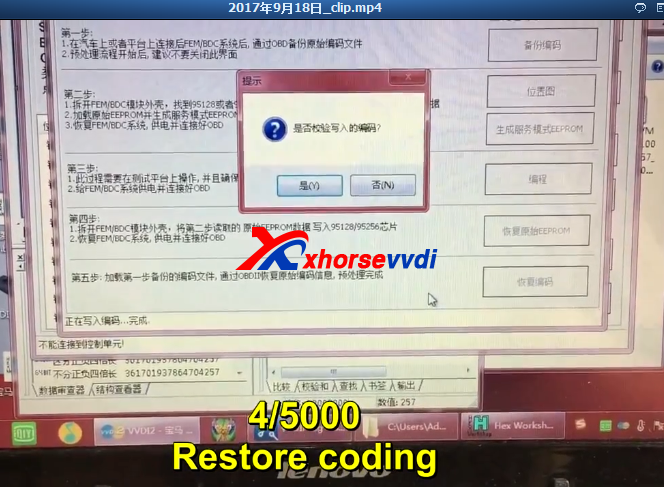
15.Restore coding.
vvdi2 bmw fem
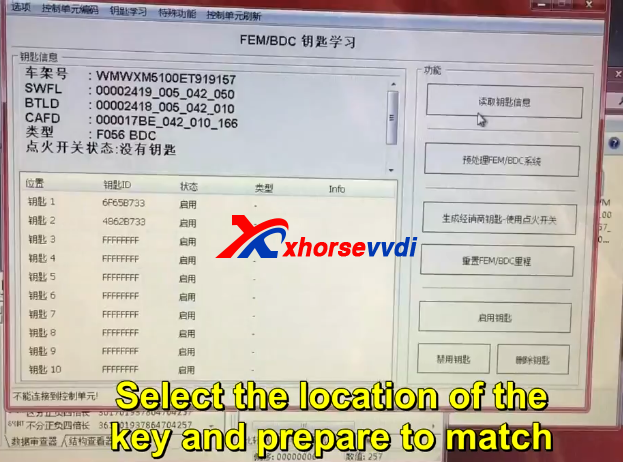
16.Restore successfully.And then prepare match key.
Select the location of the key and prepare to match.
vvdi2 bmw fem all key lost
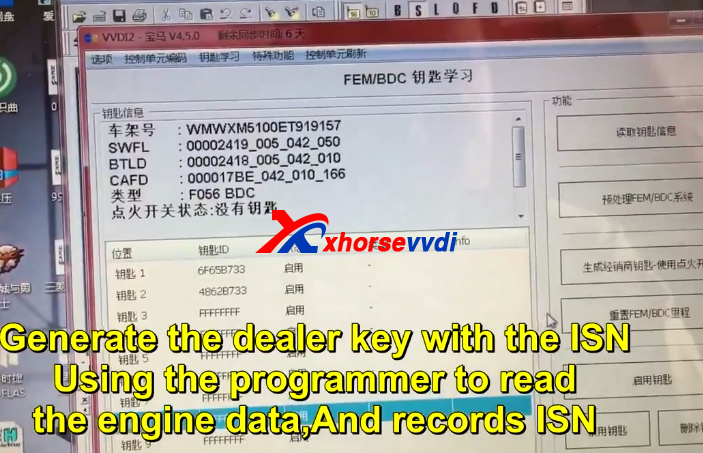
17.Using the programmer to read the engine and record ISN.
vvdi2
18.Generate the dealer key with the ISN.


 original:How to use VVDI2 and VVDI PROG Adapter Program BMW BDC All Key Lost
2017年9月22日星期五

How to use Iscancar VAG MM-007 Change 4th IMMO UDS Instrument?

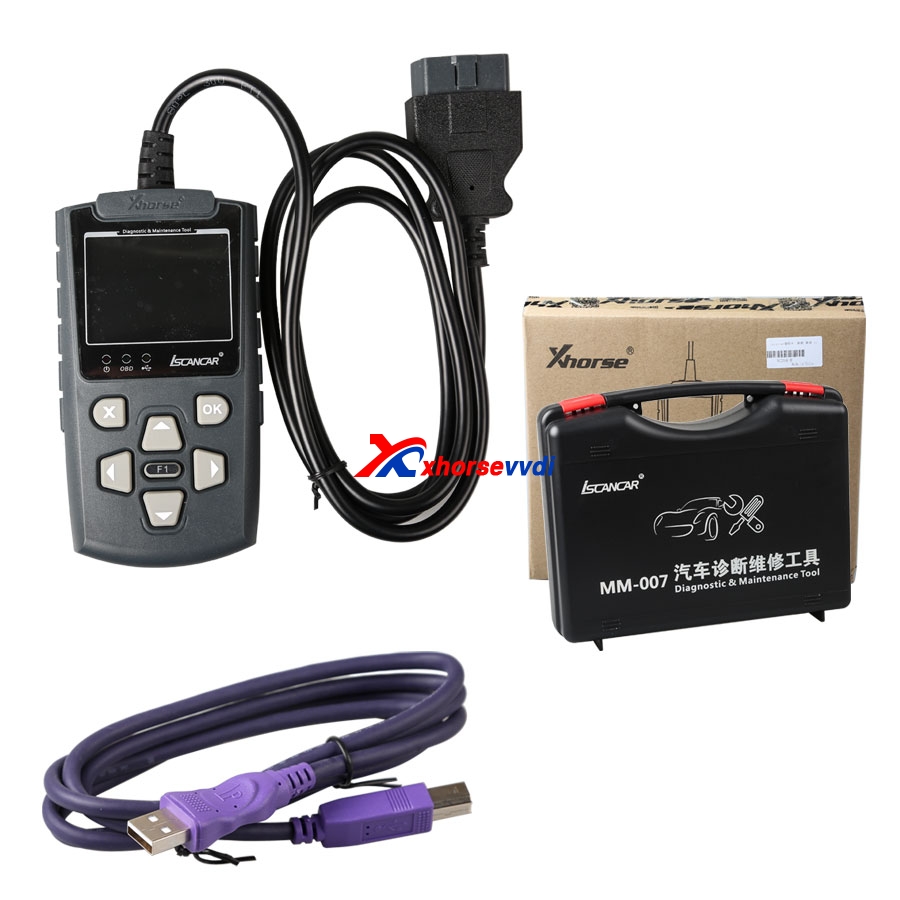
Iscancar VAG MM-007 English/Chinese version is in stock now.And MM-007 can support controller diagnostic, such as basic setting, channel adaption, read DTC, clear DTC, system login .etc
VAG MM-007
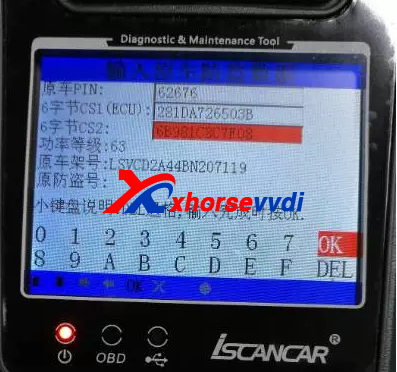
1.Firstly,it will request PIN and CS information to input into new instrument, you can get it via Iscancar VAG MM-007 to read by OBD from the engine or IMMO system to read.
xhorse vag mm-007
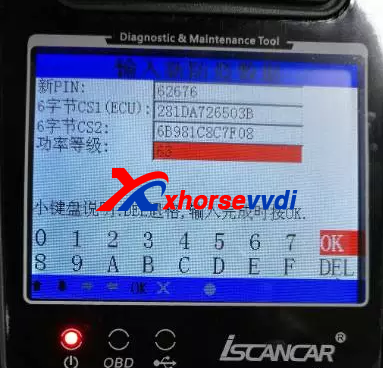
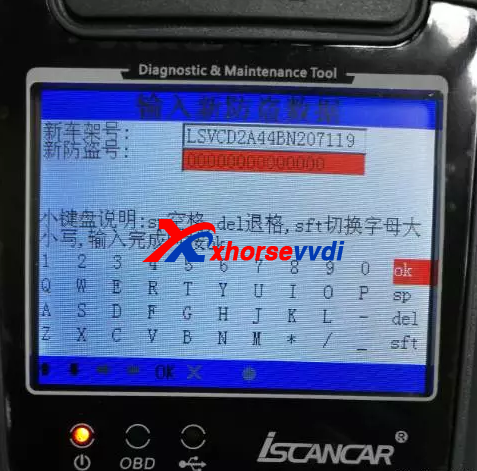
2.Enter the new PIN, CS1 (6 bytes CS in the engine), CS2 (another 6 bytes CS), in general,the IMMO system will display all the data, power level (the value in IMMO and the engine system needs to the same).

3.Enter new VIN and IMMO code.
Xhorse Iscancar VAG MM-007
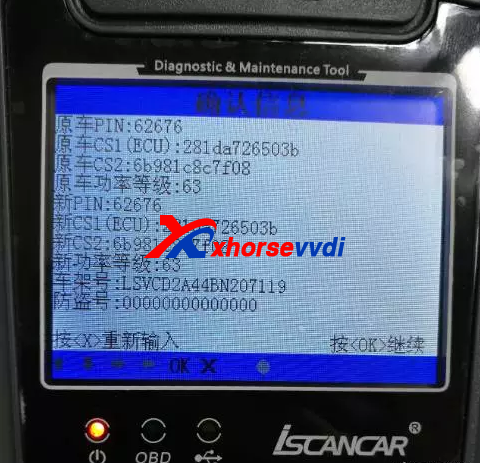
4.Confirm the data is right or not.

5.If all the data is right,the dashboard will display new information for PIN,CS,VIN.etc.
6. Instrument matching is completed, the dashboard will display 0-0, then need to learn the key and synchronous engine, you can complete it with VAG MM-007 too.

2017年9月19日星期二

How to use VVDI MB Tool Renew Benz X164 CR4 ECU?

VVDI MB BGA Tool can do Benz ECU/Gearbox renew function.And in previous,we display renew gearbox,now here is some photos to display VVDI MB Tool Renew Benz X164 CR4 ECU.
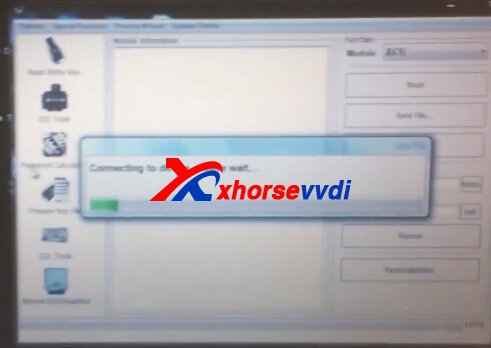
1.Connect VVDI Benz with ECU and computer.
vvdi benz ecu renew
vvdi benz ecu renew
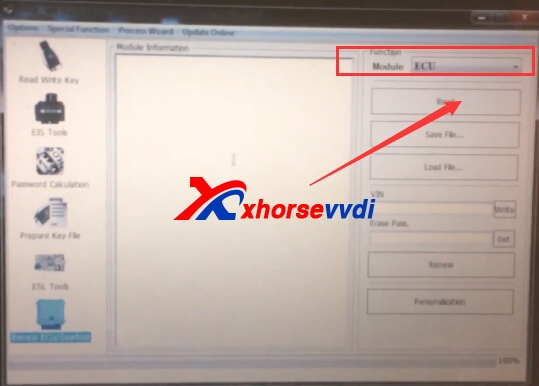
2.Choose ECU,and then click "Read"
vvdi benz ecu renew vvdi benz ecu renew
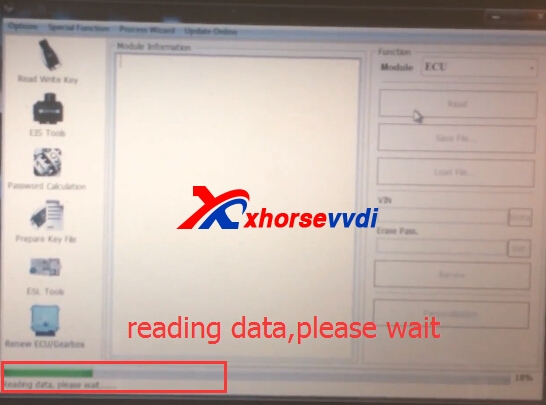
Reading data processing,please wait.
vvdi benz ecu renew
3.Read successfully.Get Erase password,then renew.
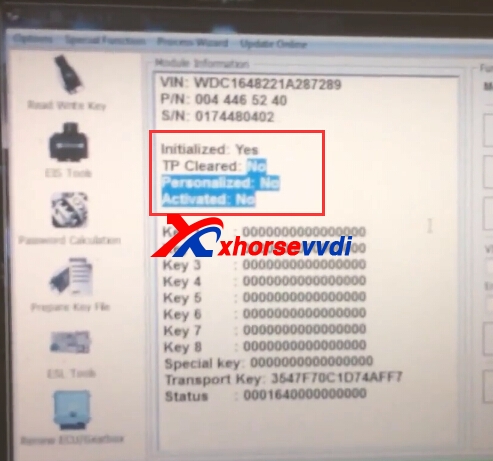
4.After renew,read ECU again,it shows information like following:
Initialized: Yes
TP cleared: NO
Personalized: No
Activated: No
vvdi benz ecu renew
Some customers may ask the VVDI MB Tool ECU/Gearbox support list,it does not have specific one,you can choose ECU connect test to read,if can be read,it will be supported.

 original:How to use VVDI MB Tool Renew Benz X164 CR4 ECU?

How to use Condor XC-MINI Key Cutting Machine Cut Lexus Key?

iKeycutter ikeycutter condor xc-mini Master Series Automatic Key Cutting Machine is with 3 years warranty,and can do multi-brands car models,we display how to cut key by key code and key by bitting in previous blog,and this new blog is about cut Lexus key.
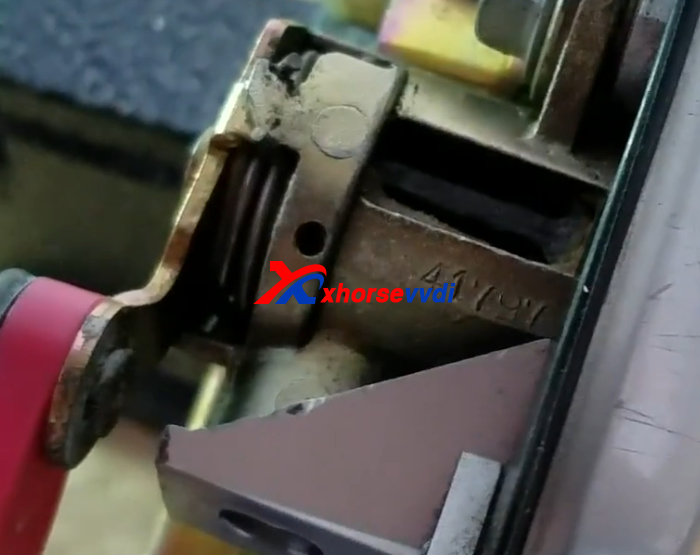
1.Find the key code on Lexus car door.
condor xc-mini
2.Start Condor mini key cutting machine,and choose "key database".
condor mini
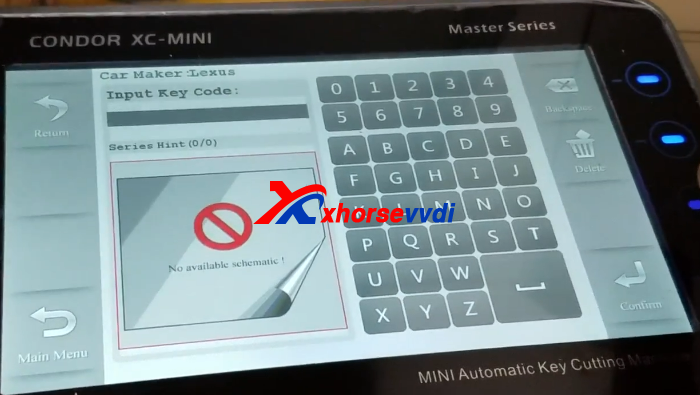
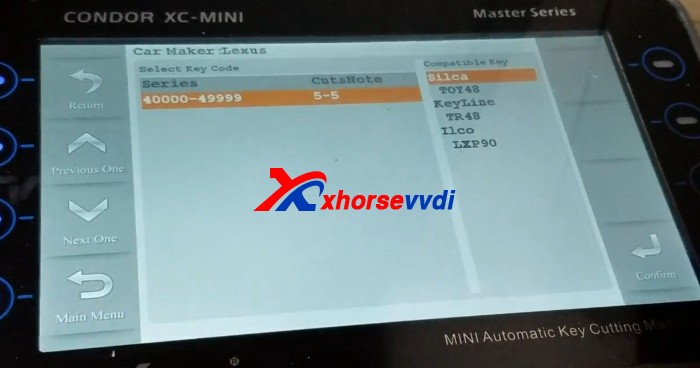
3.Choose Lexus car brand,and input the key code.
condor mini
condor mini
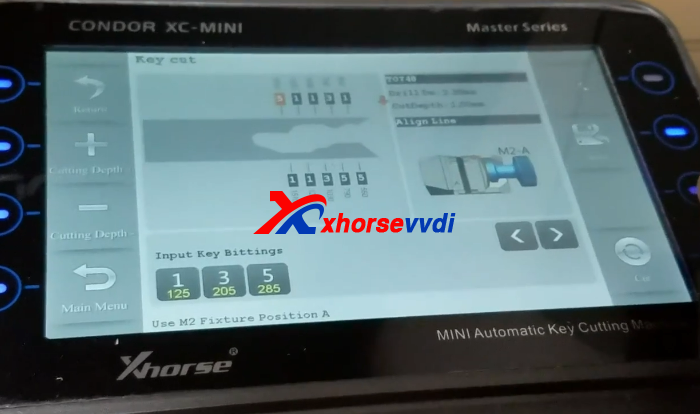
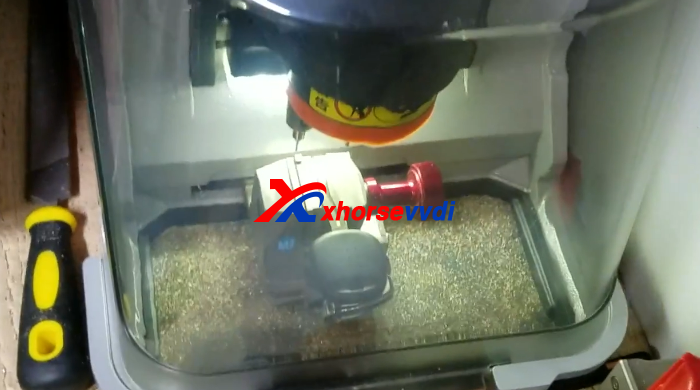
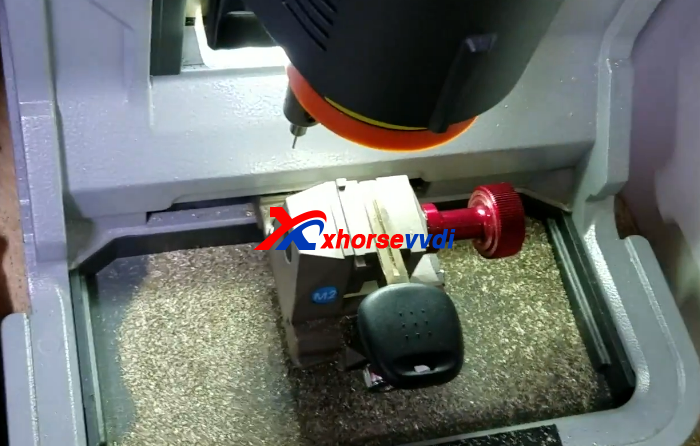
4.Then it shows the clamp you need to use.Put the M2 clamp and new key blade.Press CUT.
MINI CONDOR
condor xc-mini
5.After cut one side,change to another side.
condor xc-mini lexus
6.Key cutting process finish.Test Key on door.

condor mini

 original:How to use Condor XC-MINI Key Cutting Machine Cut Lexus Key?

How to use VVDI MB Tool Program Benz W220?

VVDI MB BGA Tool can do different Benz car models,and in the list it can support to program keys for W215, W220.Here this blog will display about VVDI MB Tool program Benz W220 key.
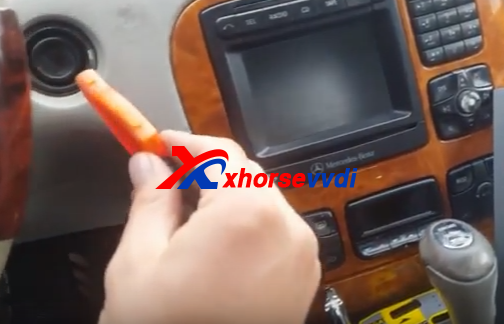
1.Start VVDI Benz software,connect VVDI MB with computer,insert IR adapter into car.
vvdi mb tool
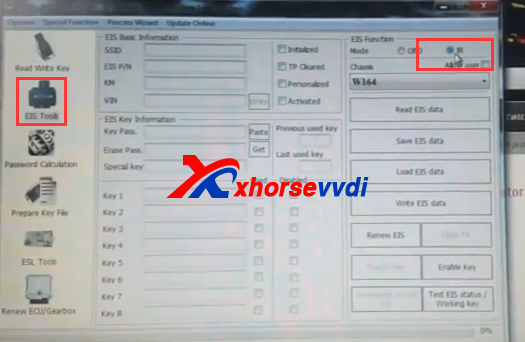
2.Choose EIS Tools and IR mode.
vvdi benz key programmer
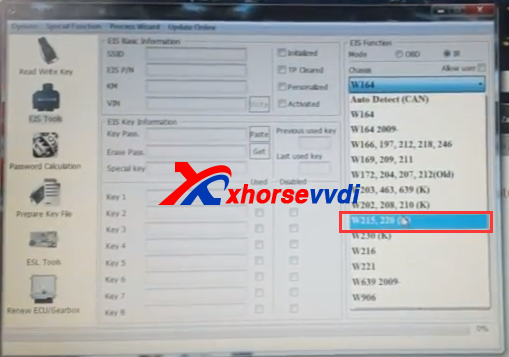
3.W220 chassis.
vvdi benz w220
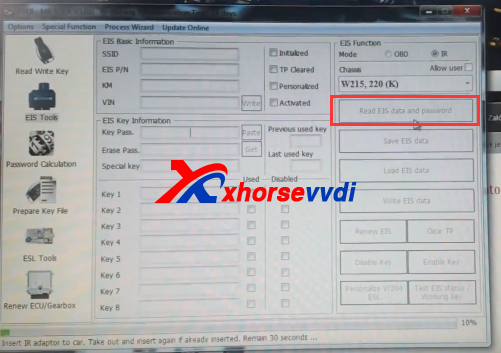
4. Click "Read EIS Dada and Password"
Insert IR adapter to car.Take out and insert again.Remain 30 seconds.
vvdi benz w220
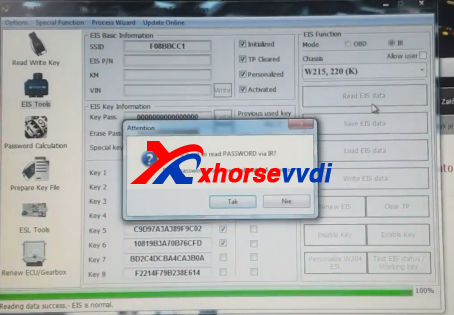
5.Reading data,then it shows:read password via IR,click Yes to continue.
vvdi benz
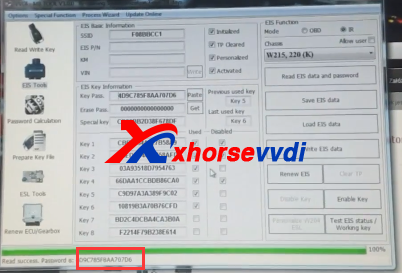
6.After read password successfully,it will display automatically.If it fails,please try other way to get key password.
vvdi mb tool w220
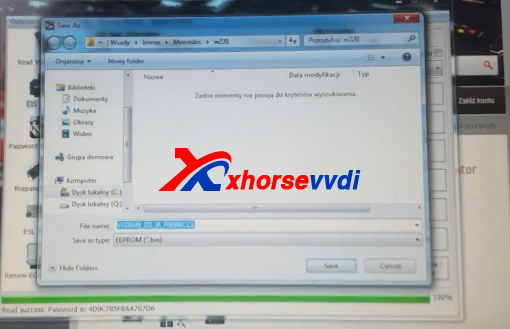
7.Click "Save EIS Data",save the data.
vvdi benz w220
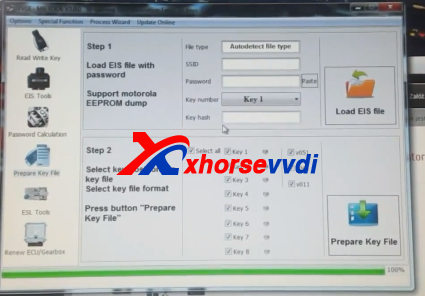
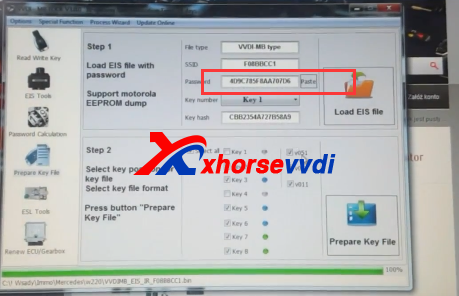
8.Click "Prepare Key File",then "Load EIS File"
vvdi benz
9.Paste the key password you have read in step 6.
vvdi benz key programmer
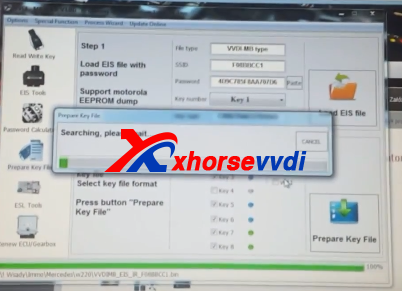
10.Choose the key number,and then "prepare key file".
vvdi benz w220
11.Click "Read Write key" in vvdi mb tool software.Then identification key.
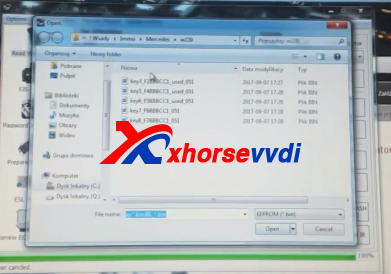
12."Load key file".
vvdi benz
13.Writing key successfully.