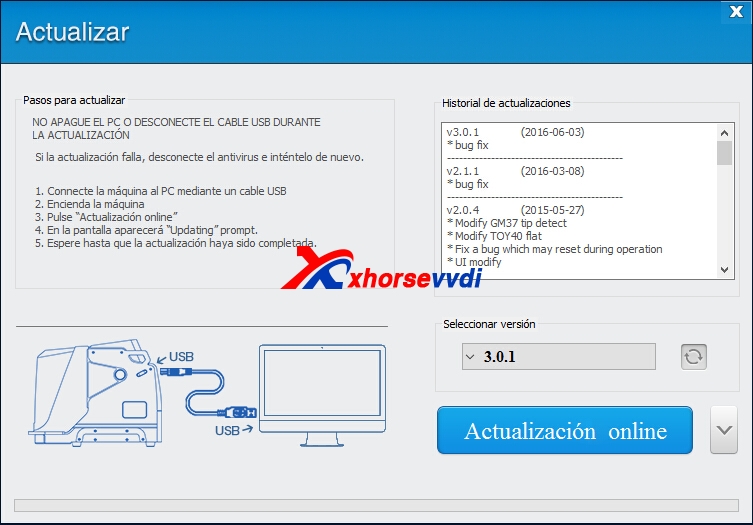
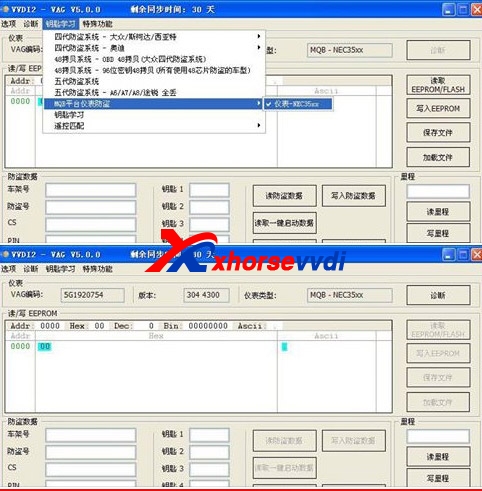
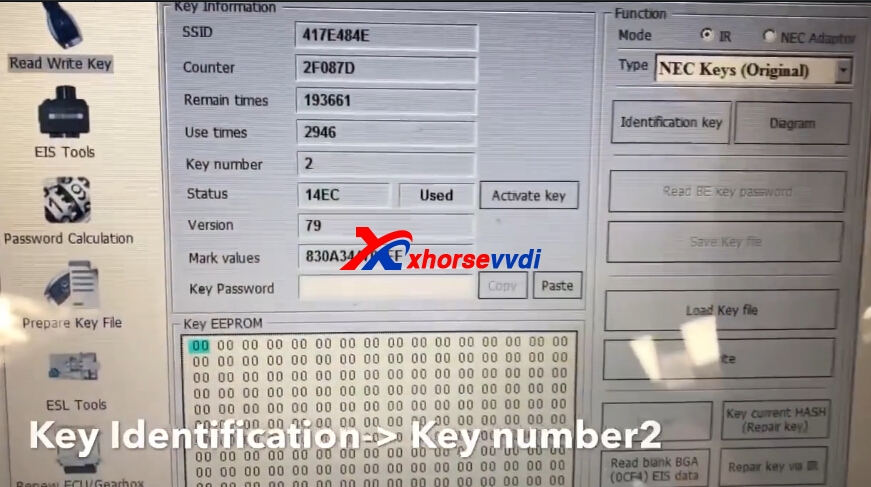
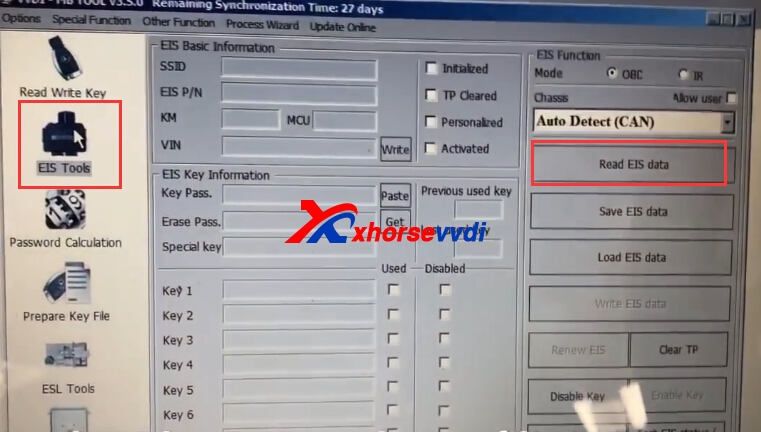
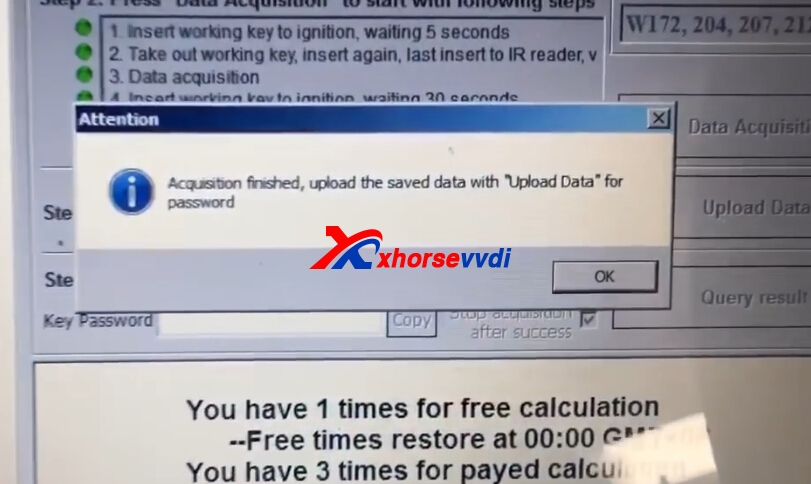
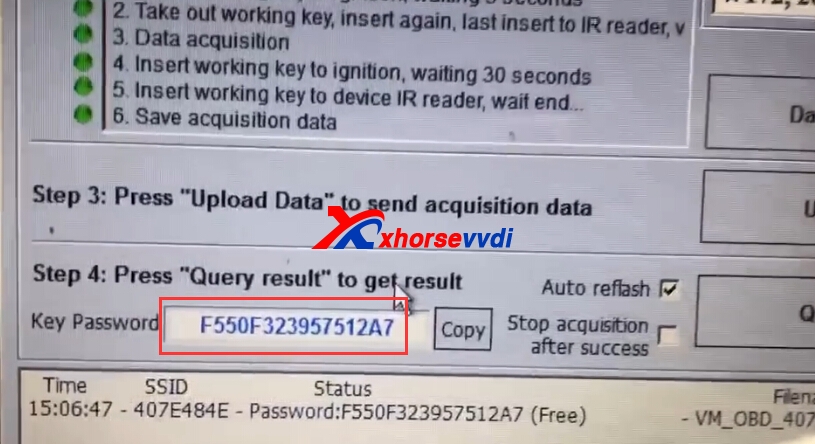
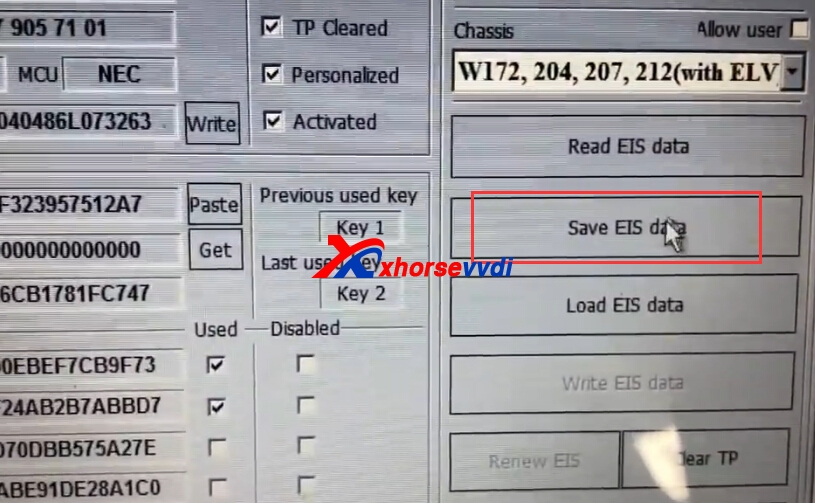
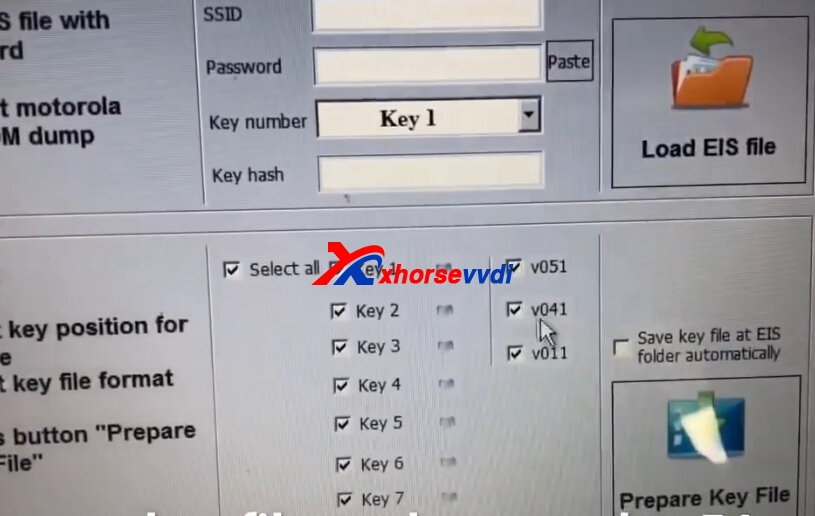
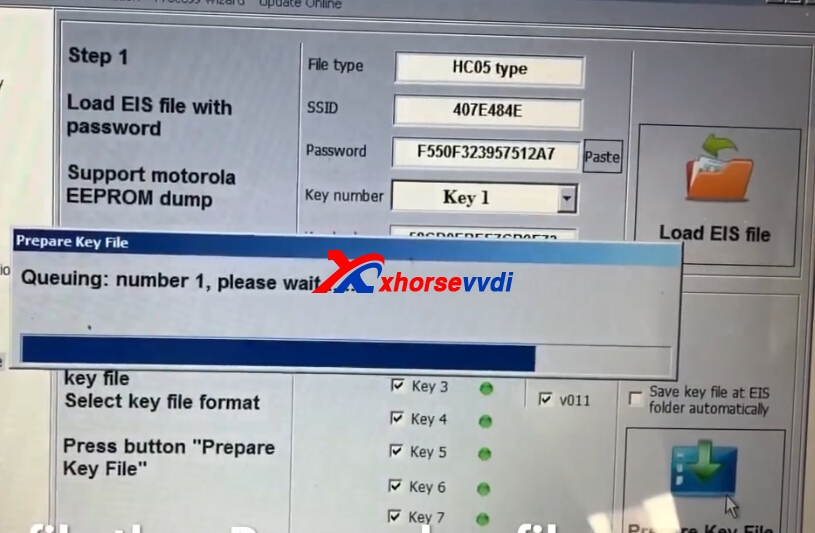
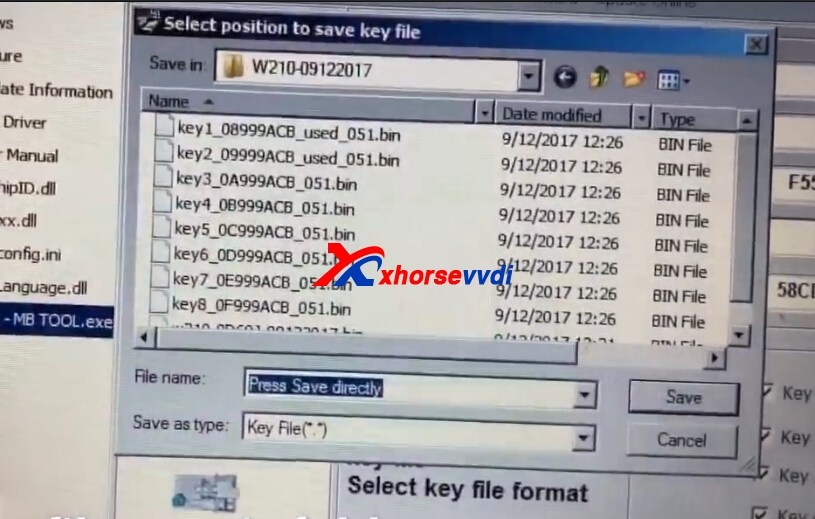
Here we go one by one in the aspects of supported type, connection diagram, features etc.
Read & write TMS370(PLCC28 package)chip
Read / Write old type Jetta immo box.
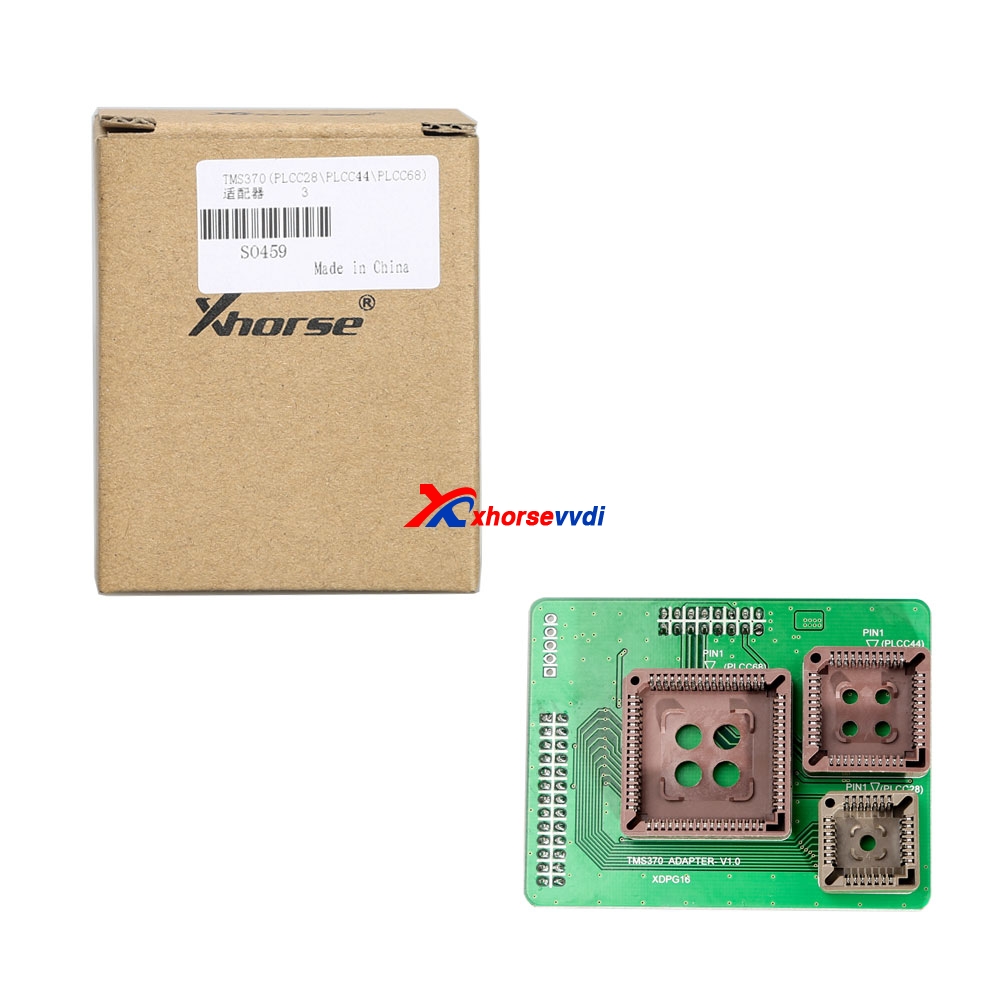
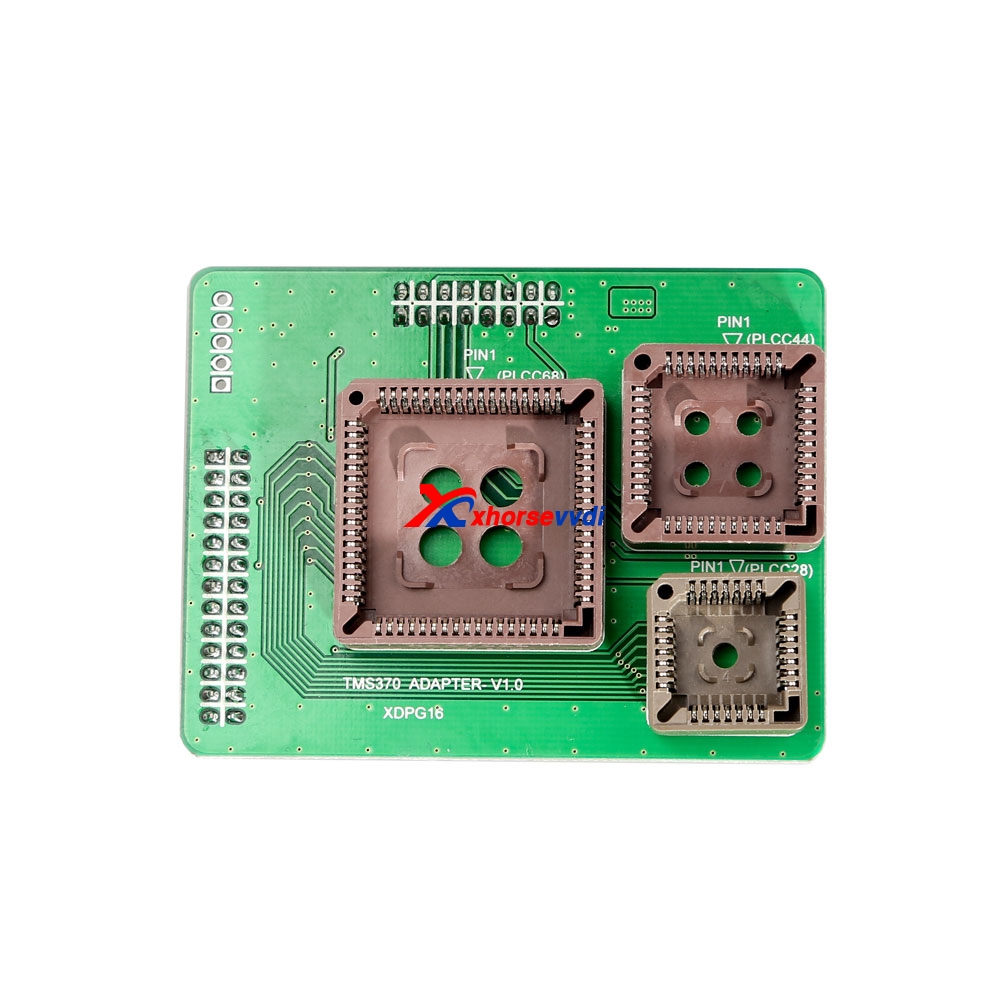
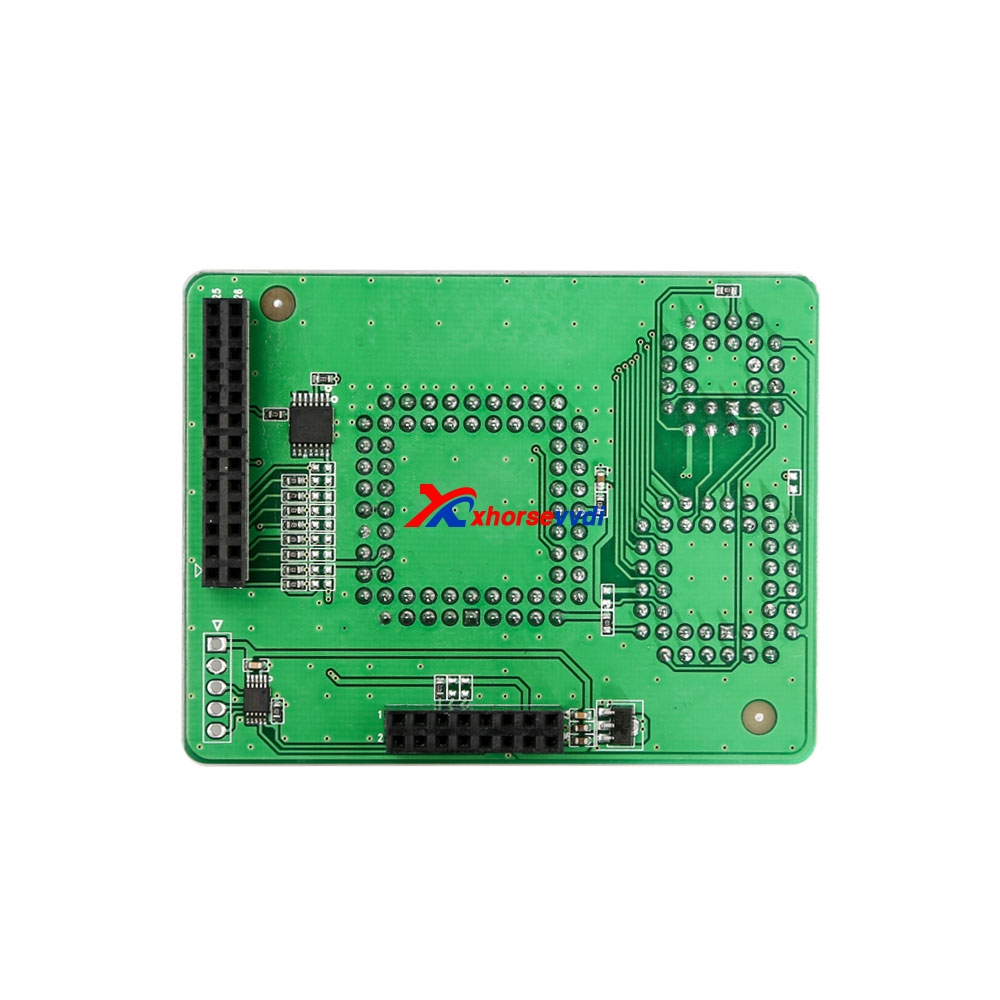
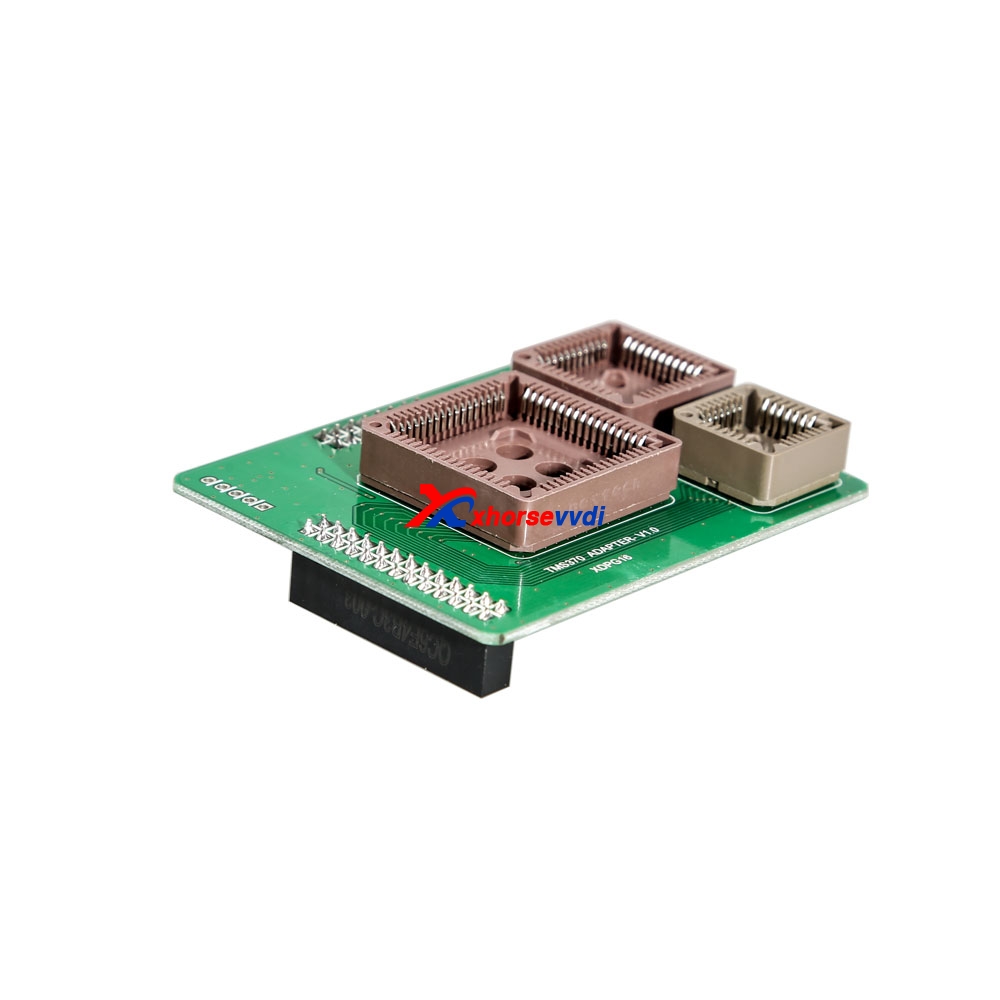
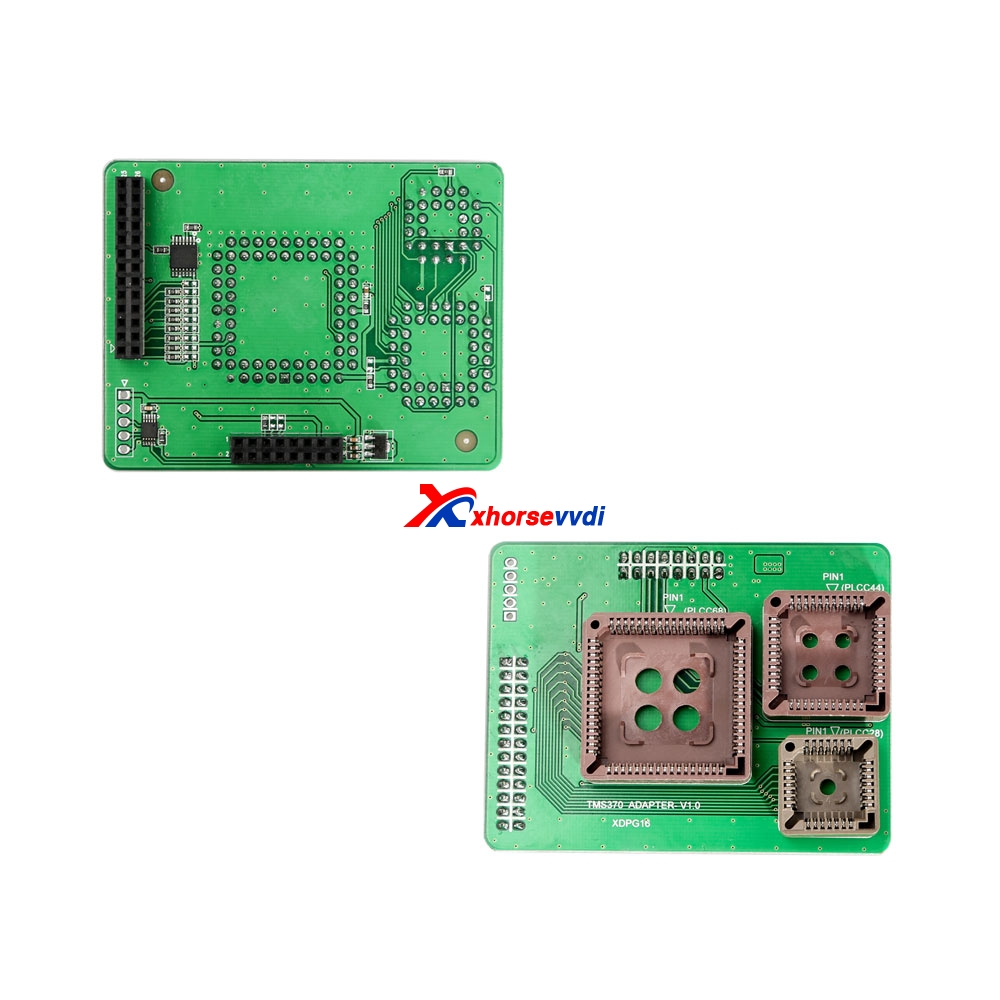
- Xhorse TMS370 PLCC44 adapter:
- Xhorse TMS370 PLCC68 adapter:
(Read & write Opel radio module)
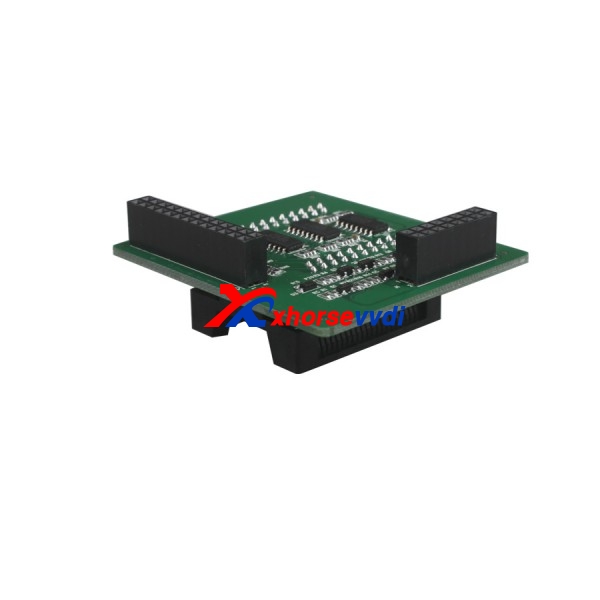
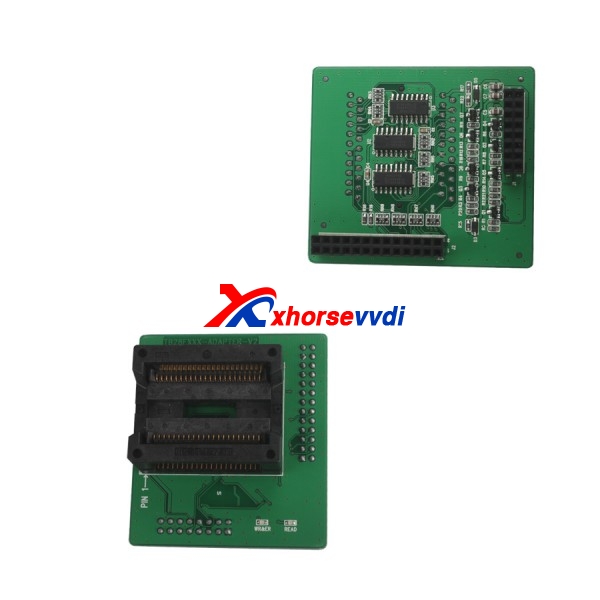
- VVDI Prog XDPG13CH AM29FxxxB Adapter (SOP44/TSOP48 Standard/Reverse Point)
VVDI Prog add the following chips which have to work with AM29FxxxB Adapter:
AM29F200BB-xxE,
AM29F200BB-xxF,
AM29F200BB-xxS,
AM29F200BT-xxE,
AM29F200BT-xxF,
AM29F200BT-xxS,
AM29F400BB-xxE,
AM29F400BB-xxF,
AM29F400BB-xxS,
AM29F400BT-xxE,
AM29F400BT-xxF,
AM29F400BT-xxS,
AM29F800BB-xxE,
AM29F800BB-xxF,
AM29F800BB-xxS,
AM29F800BT-xxE,
AM29F800BT-xxF,
AM29F800BT-xxS,
AM29F160BBxxE,
AM29F160BBxxF
AM29F160BTxxE,
AM29F160BTxxF options in <1-EEPROM&FLASH>-> (Need AM29FXXXB ADAPTER)
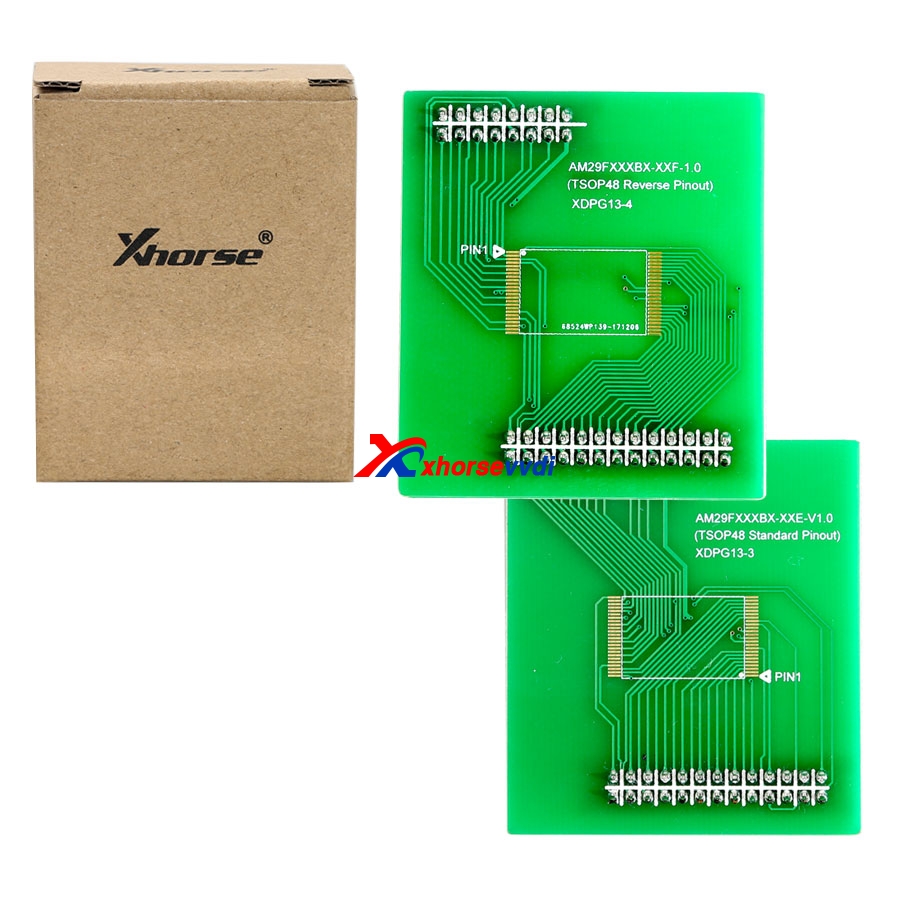
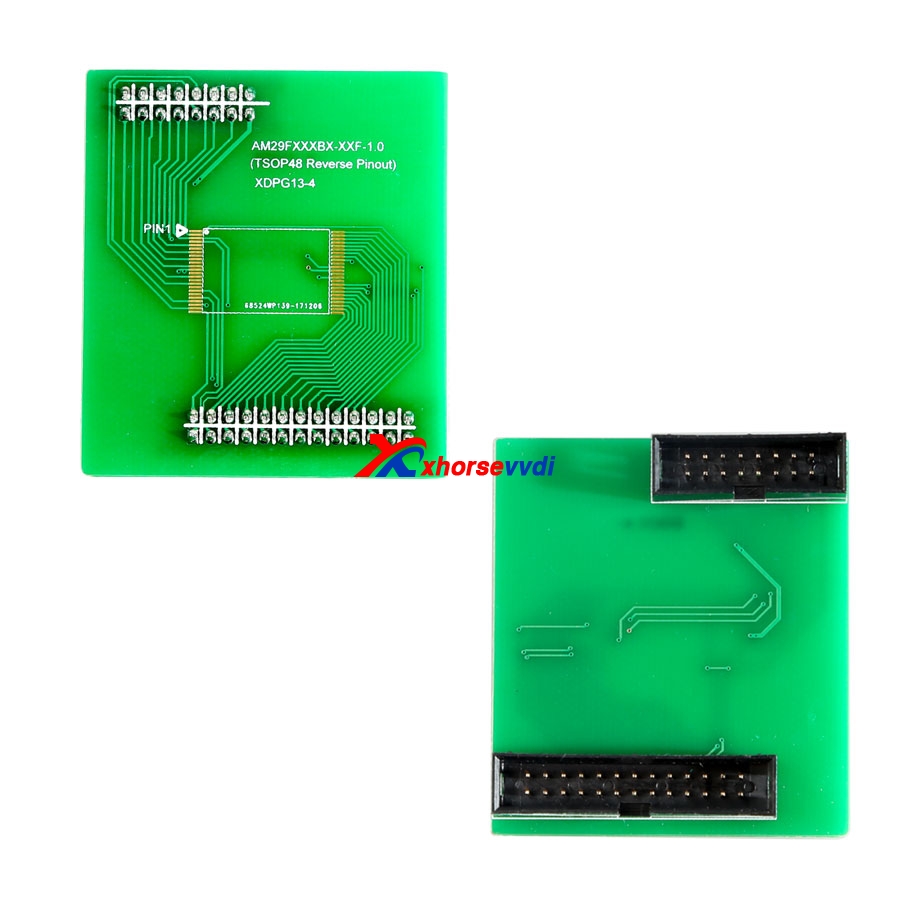
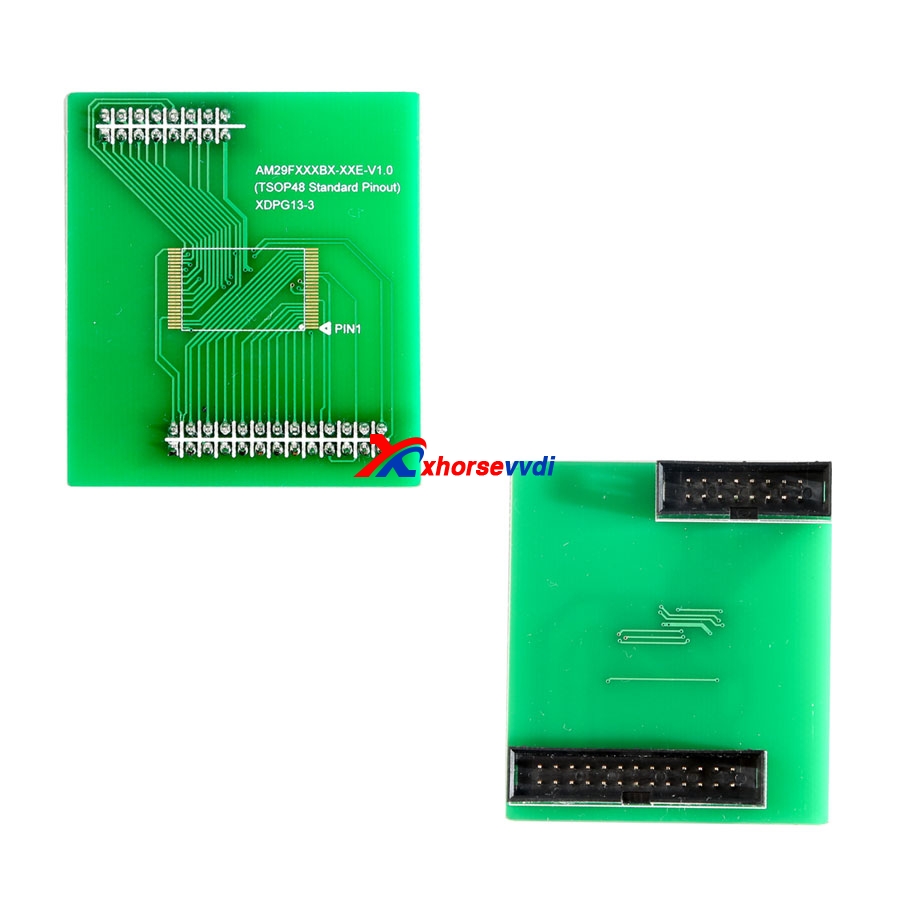
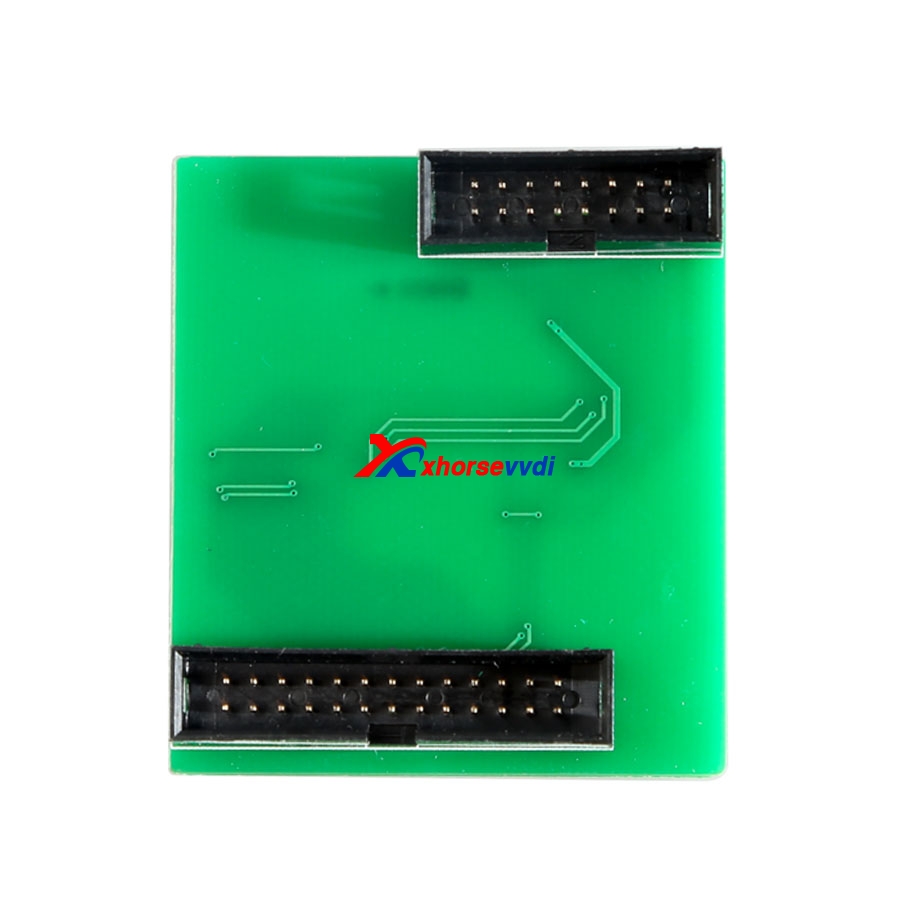
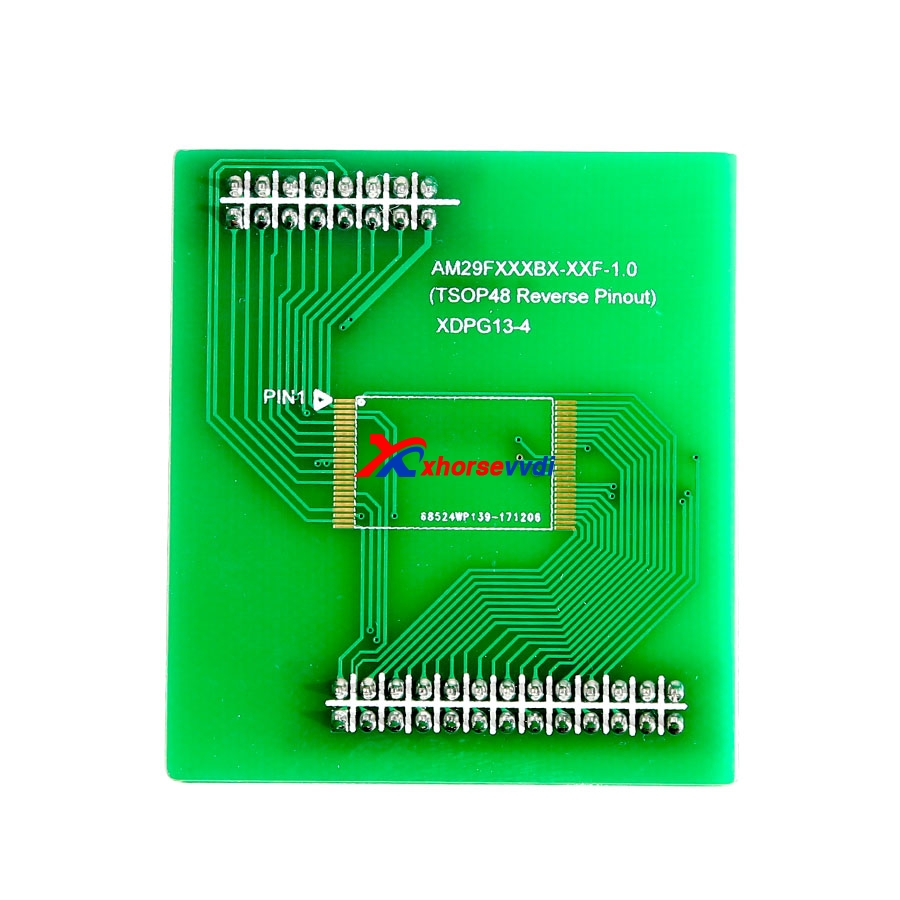
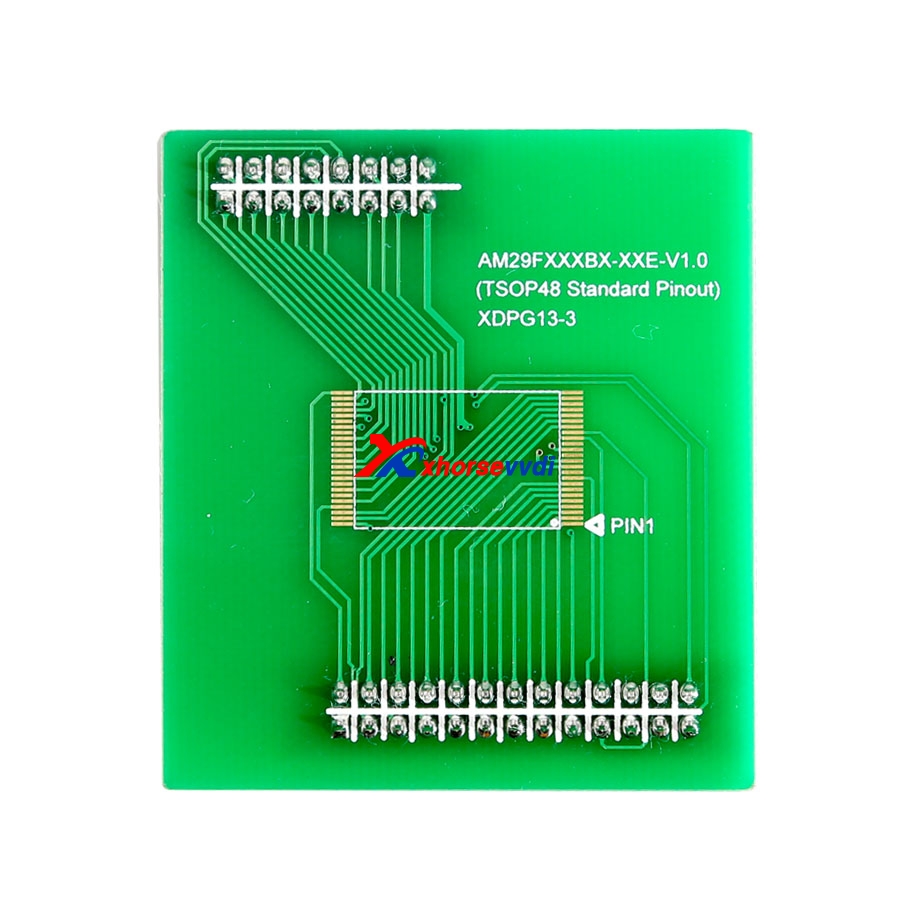
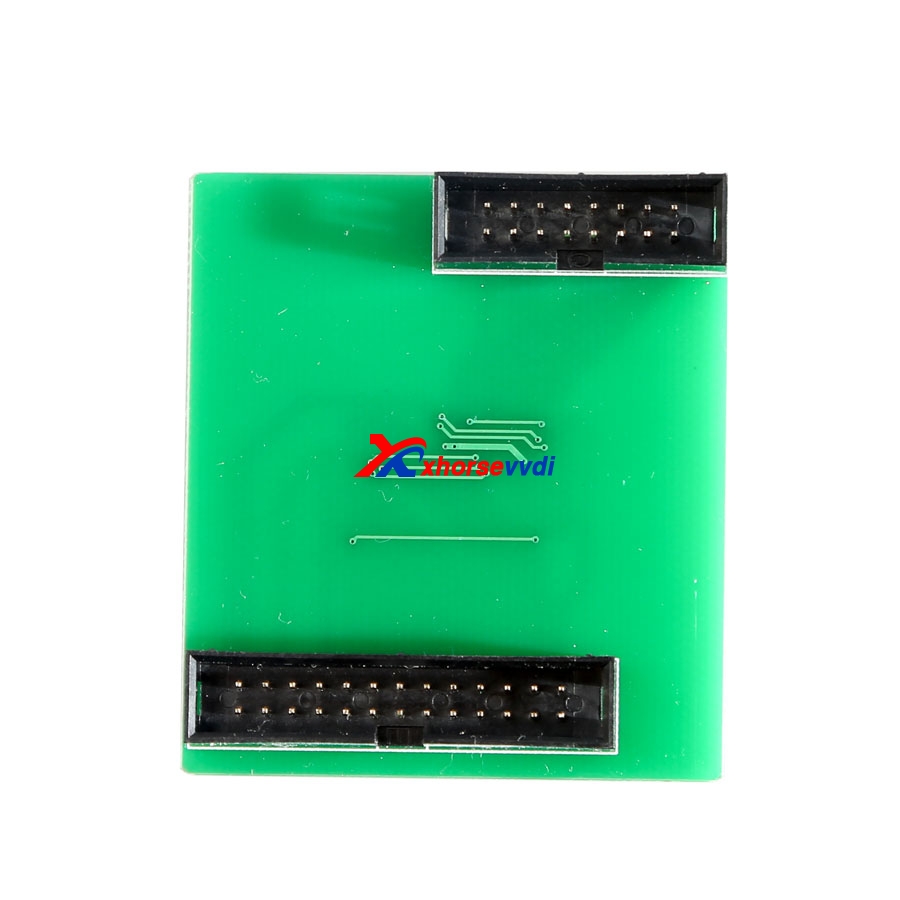

Add MC68HC05X32(0D69J),MC68HC05X32(1D69J), MC68HC05X32(1H52A),
MC68HC705X32(0G47V) options in <2-MCU>->
This is for read eproom motorola from hc705x32 . 0d69j, 1d69j, 1H52A and 0G47V
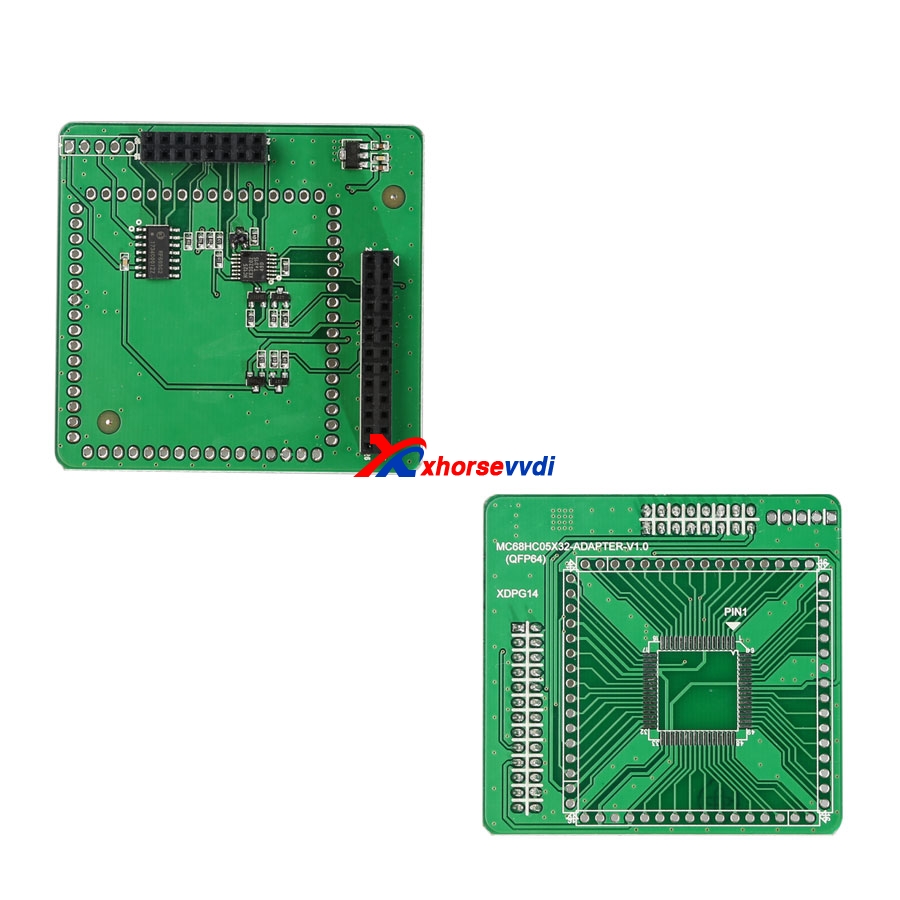
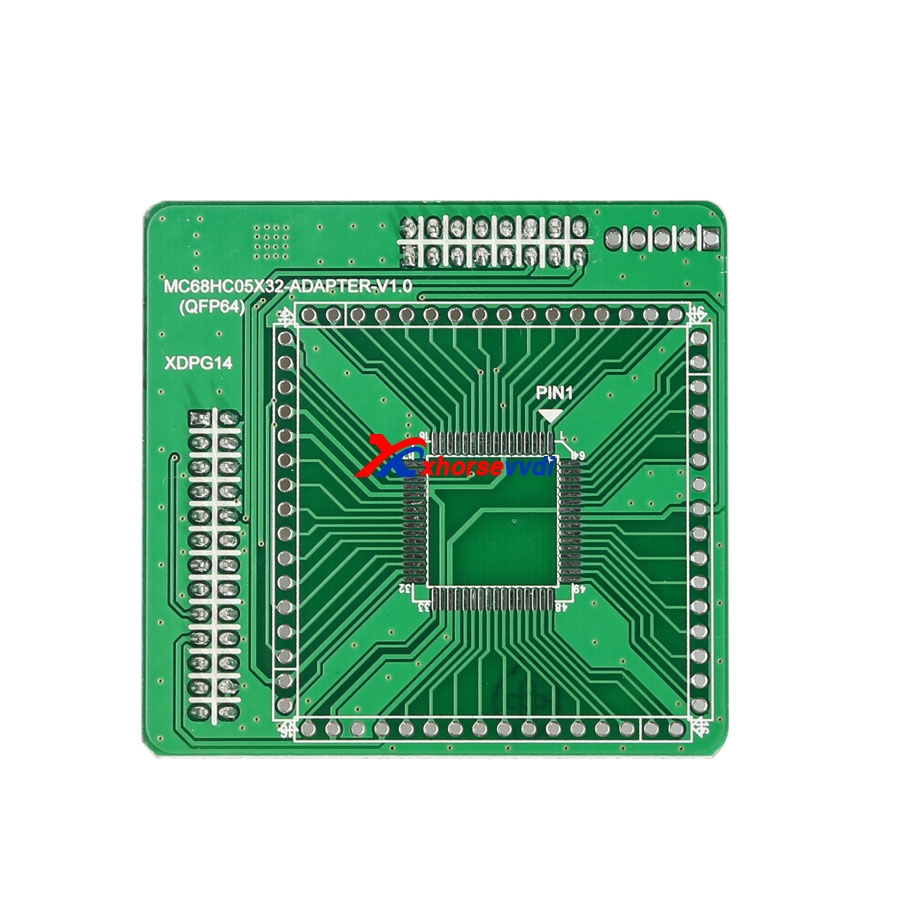
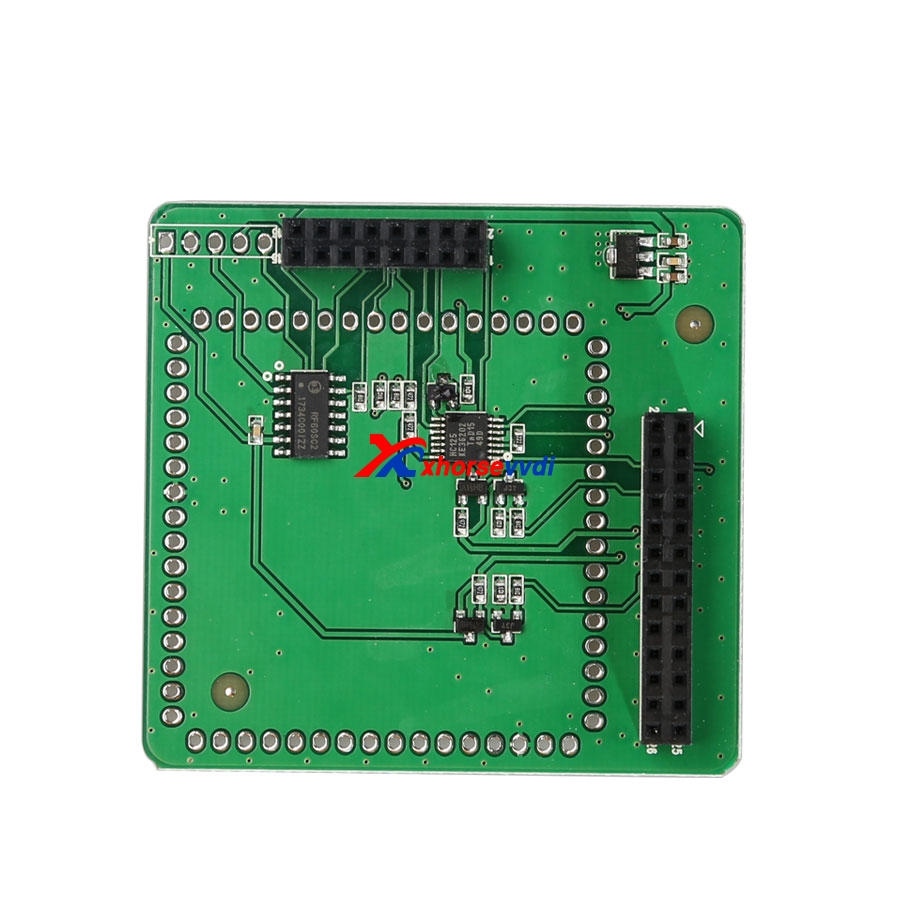
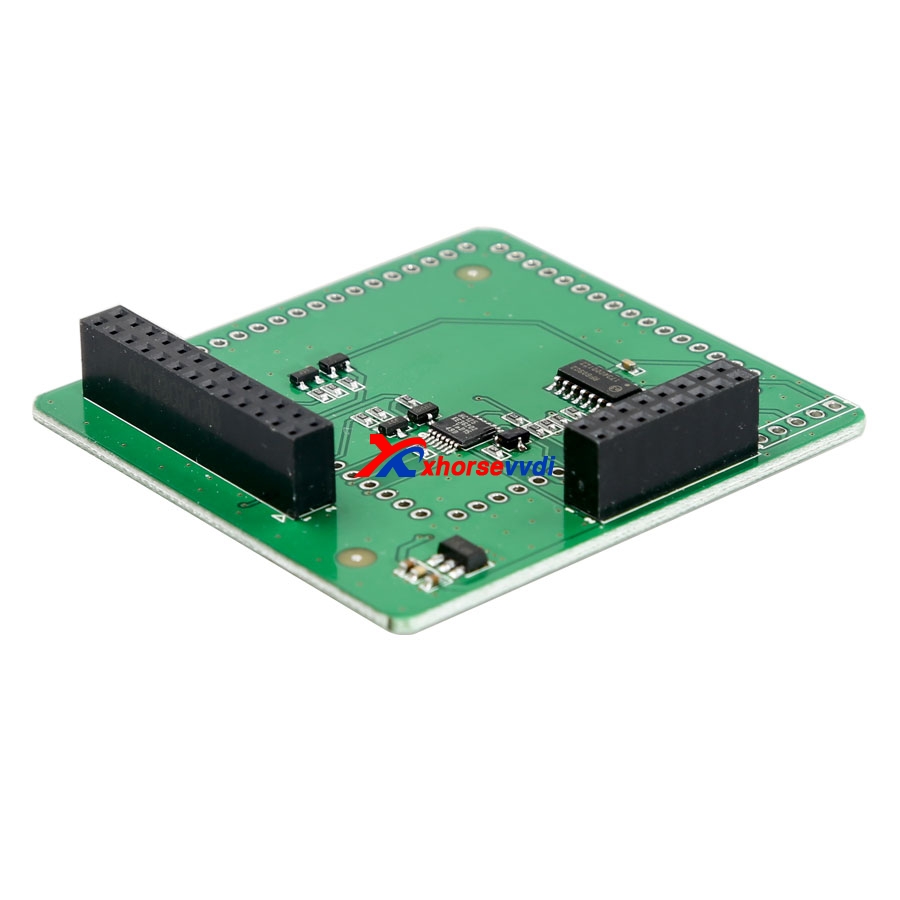
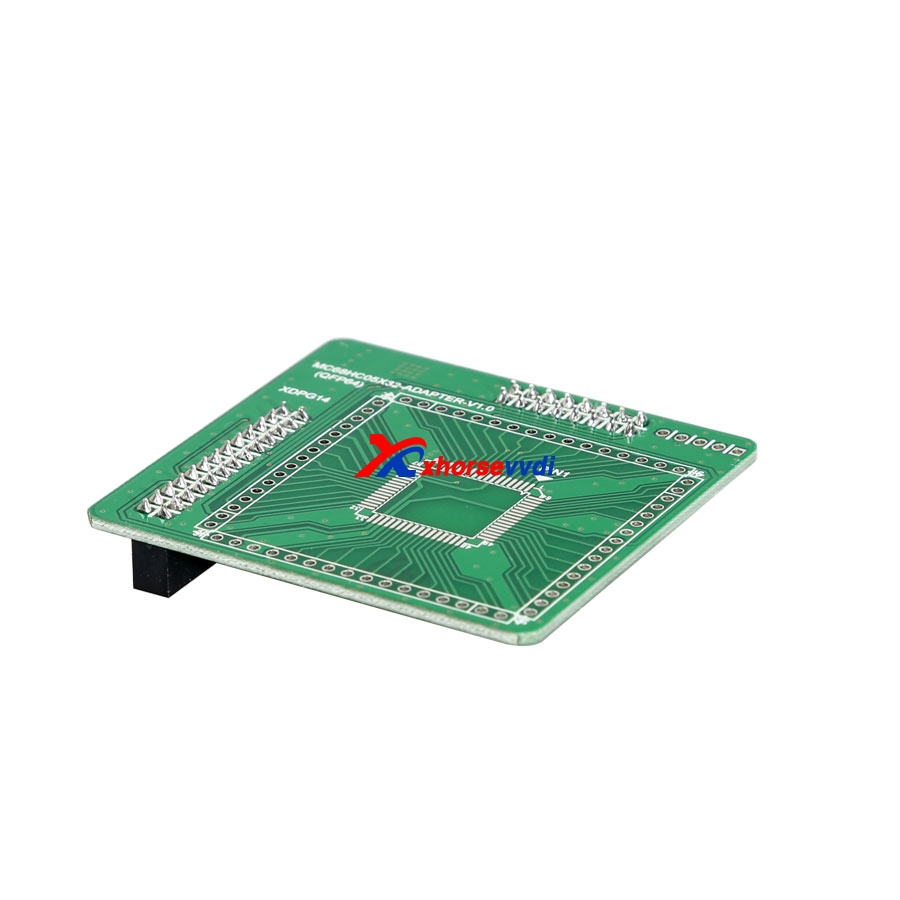
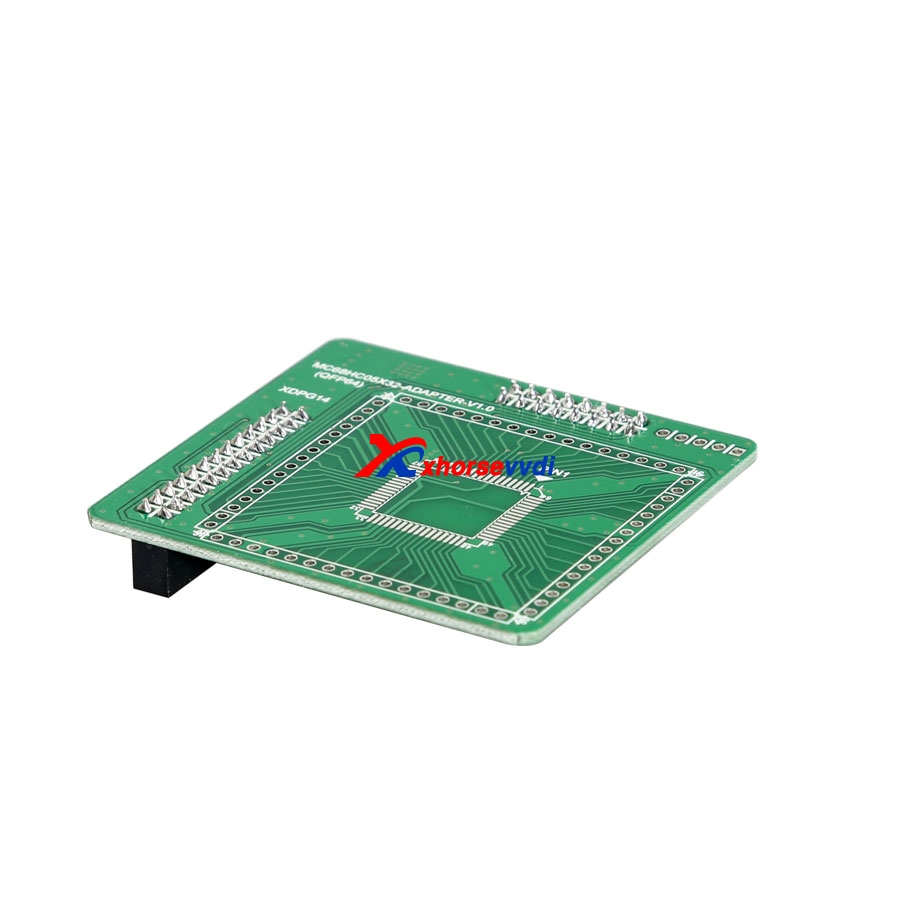
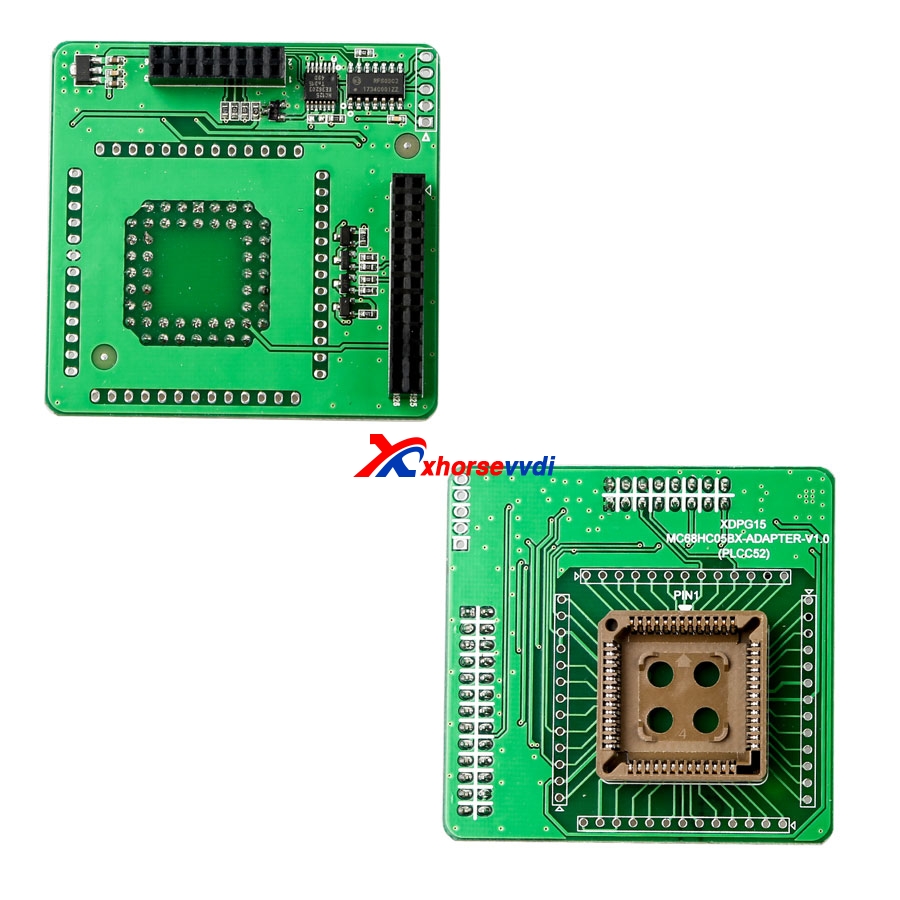
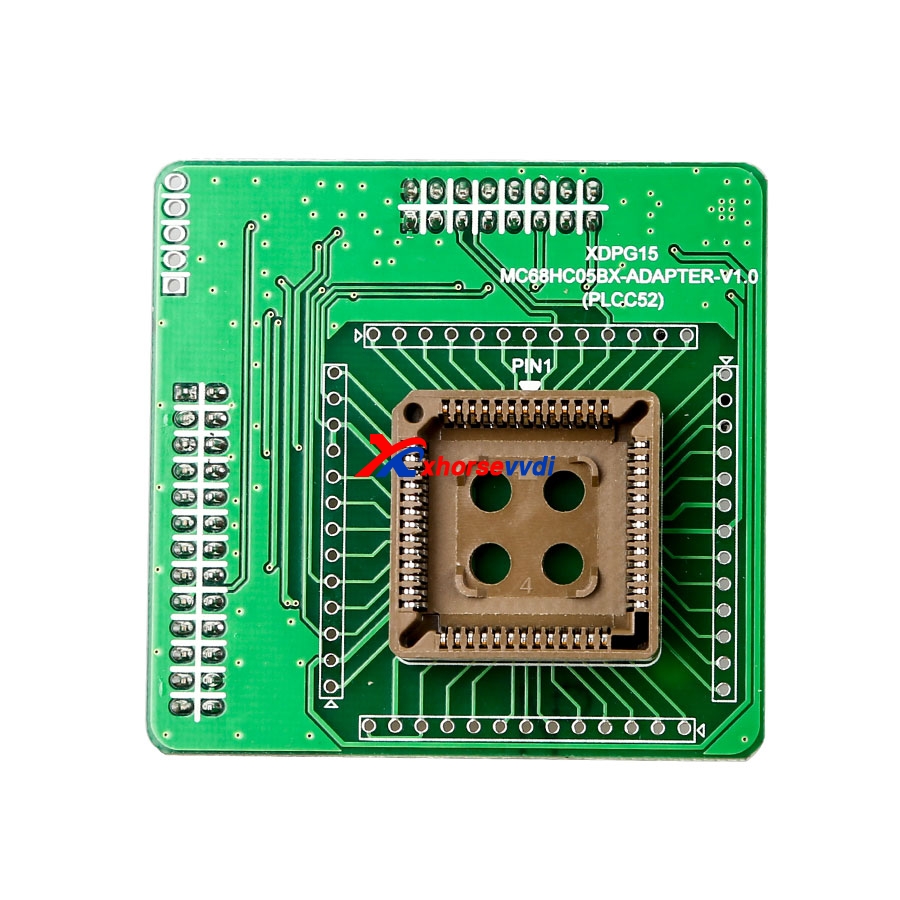
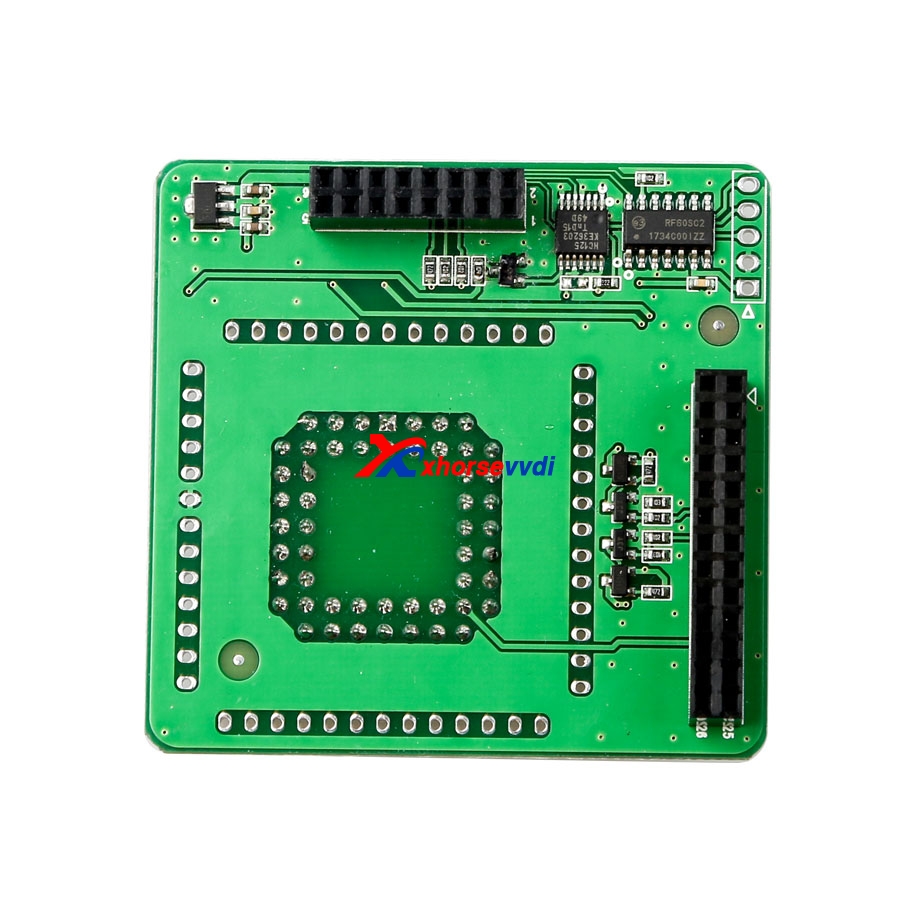
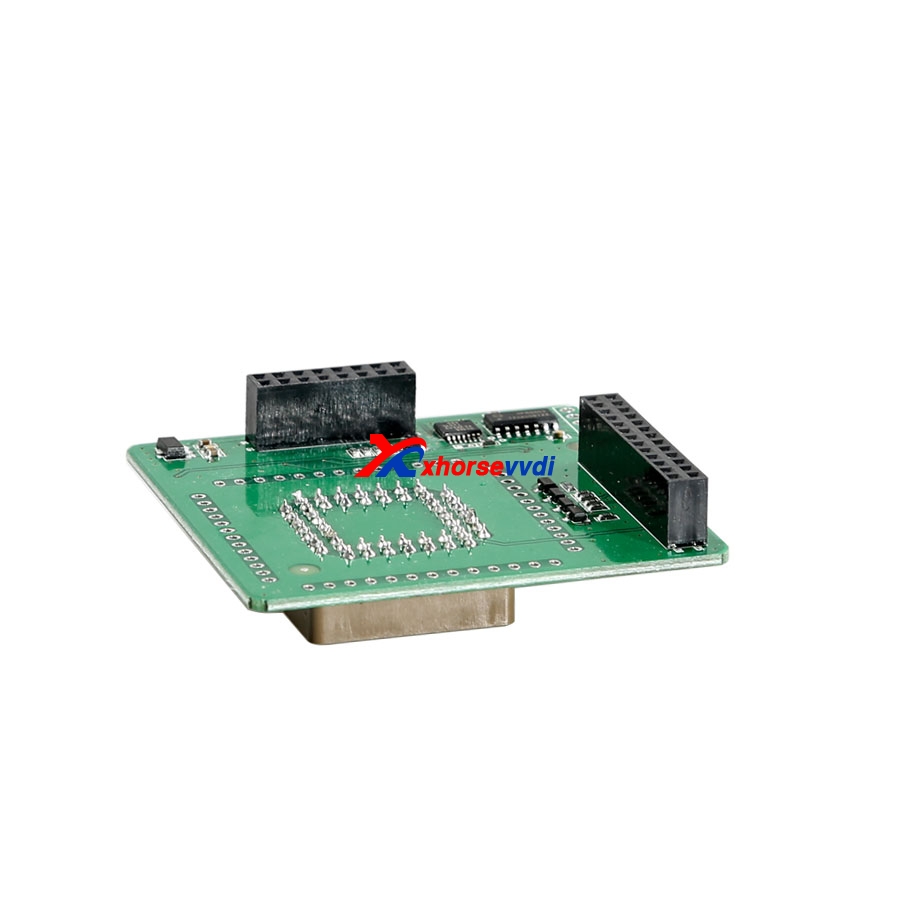
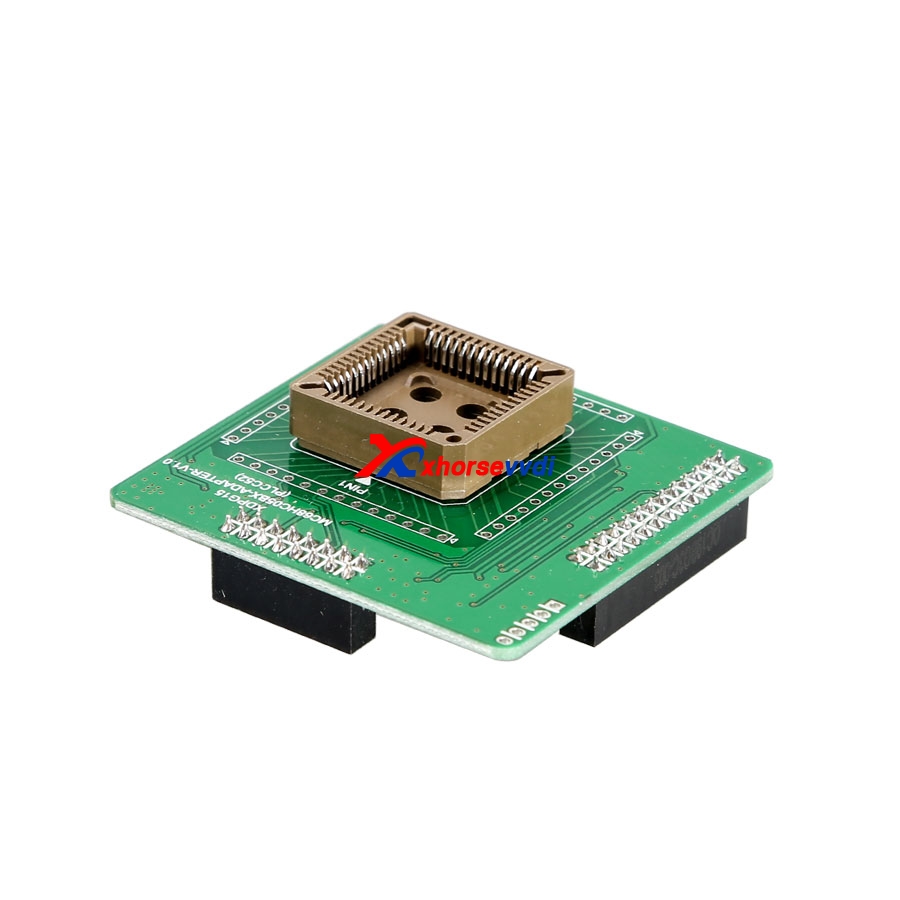
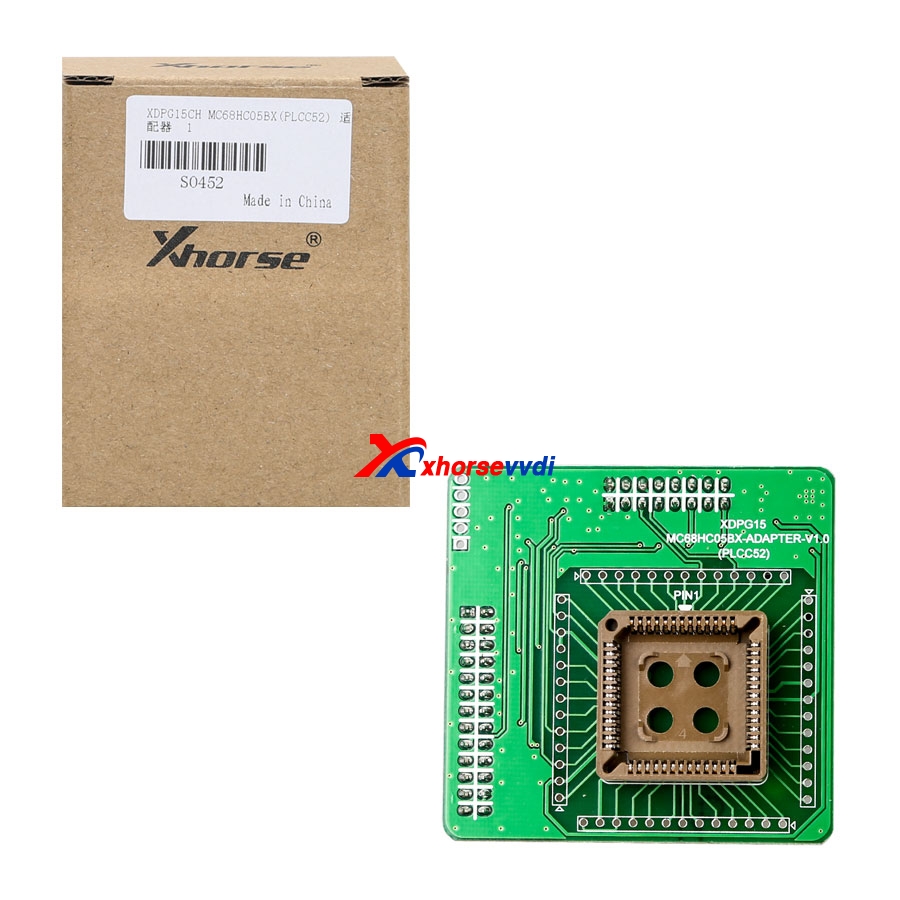
6.VVDI PROG XDPG15CH MC68HC05BX(PLCC52) Adapter
VVDI PROG Adds MC68HC05B32(0D60J),MC68HC05B32(3G96A),MC68HC705B16(1K20C) options in <2-MCU>-> (Need MC68HC05BX ADAPTER)
Features:
Professional
Don't need to solder
Safe
Package list:
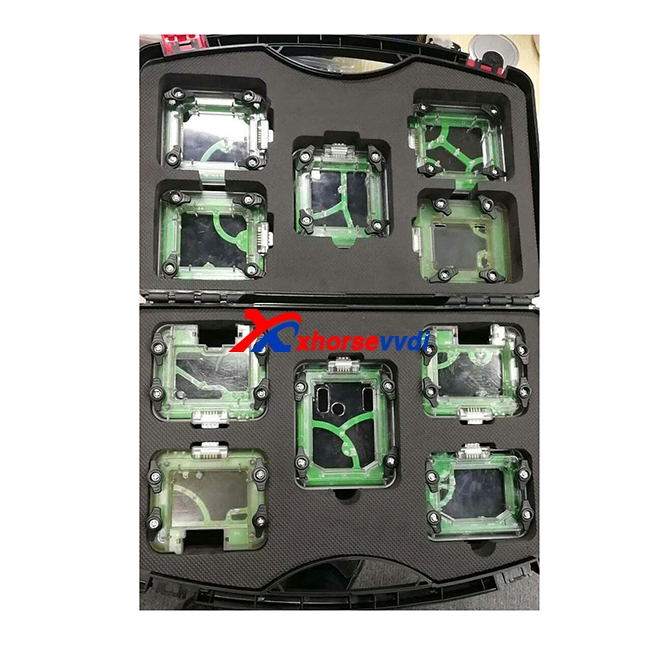
for W164(ST12)
for W169(ST12)
for W203(HC08)
for W209/211(ZWG)
for W209/211(HC12)
for W211(ST12)
for W215/220/230
for W639(HC08)
for SPRINTER(ST12)
for VITO W639(ST12)
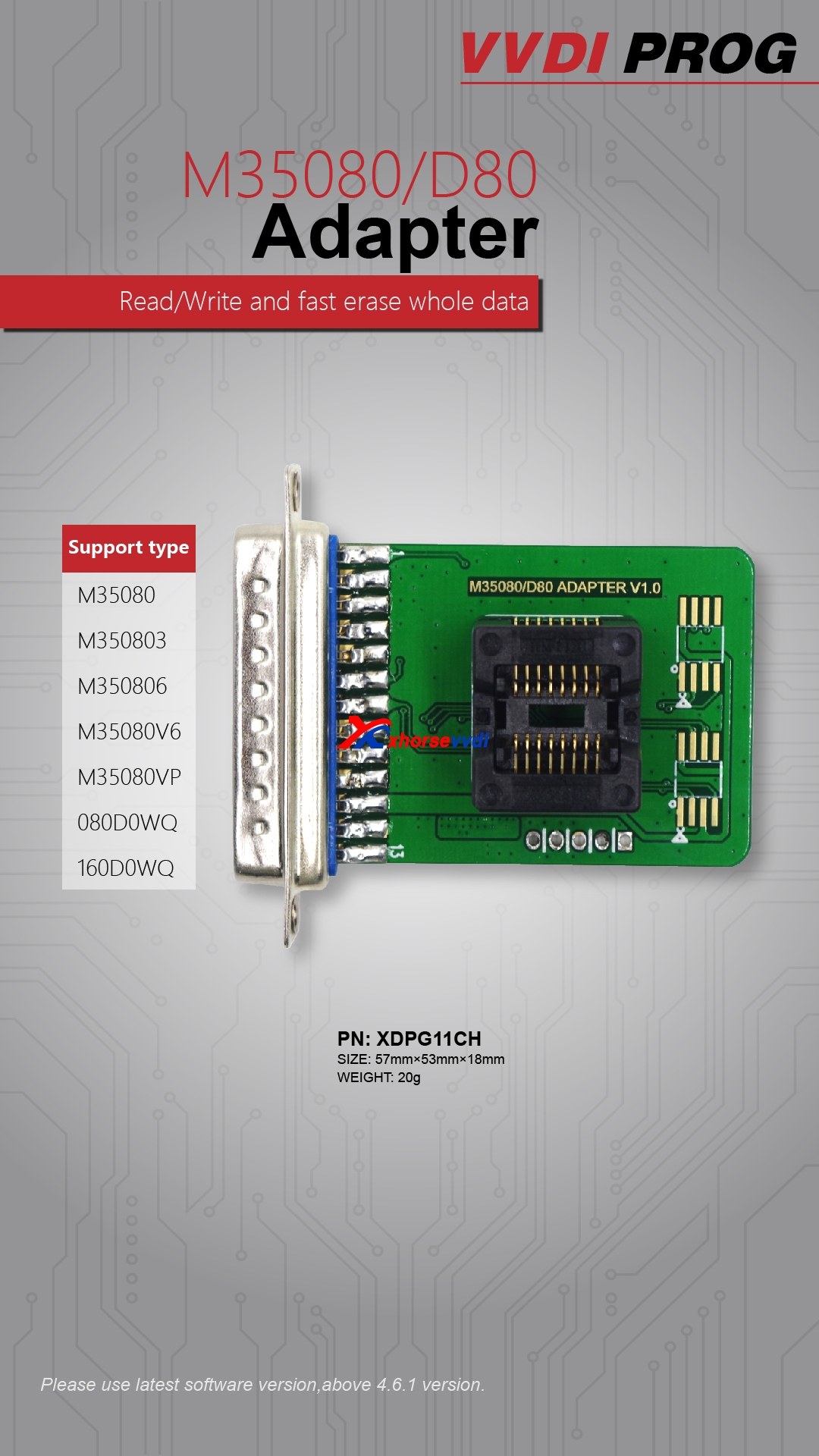
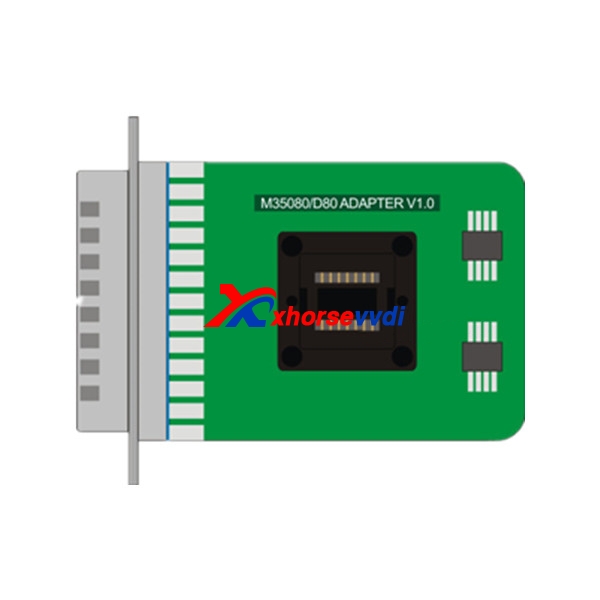
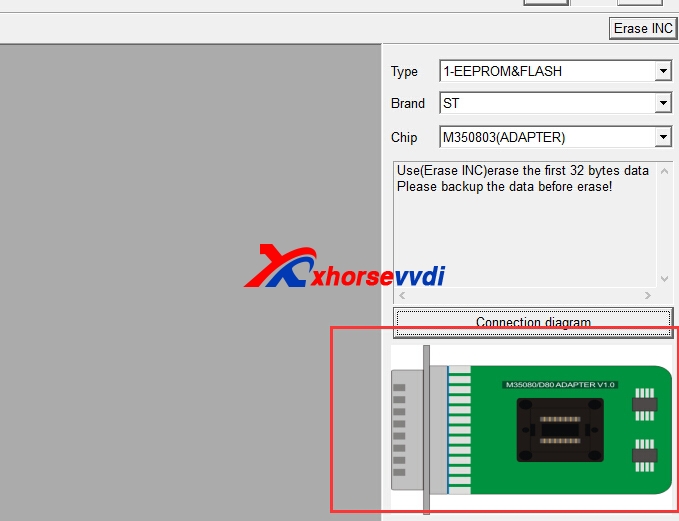
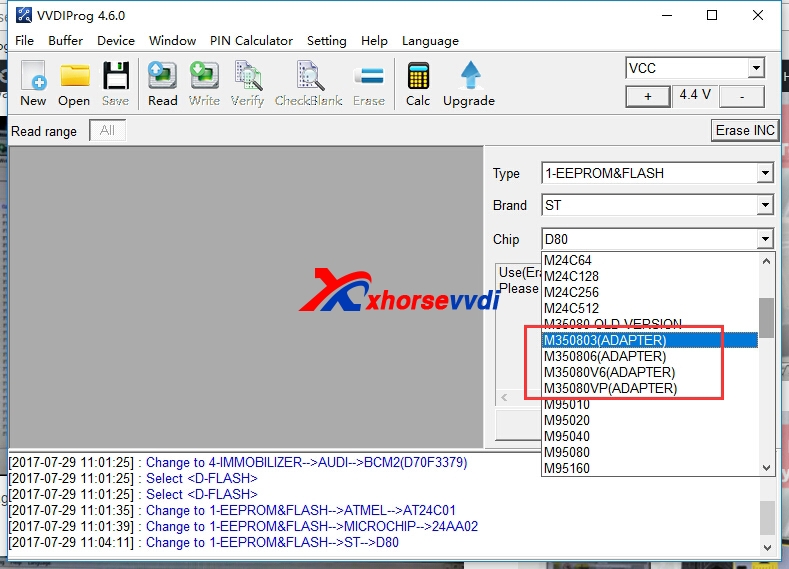
- VVDI Pro M35080/D80 Adapterfunctions:
Attach M35080/D80 Adapter picture and VVDI Pro V4.6.0 connection diagram:
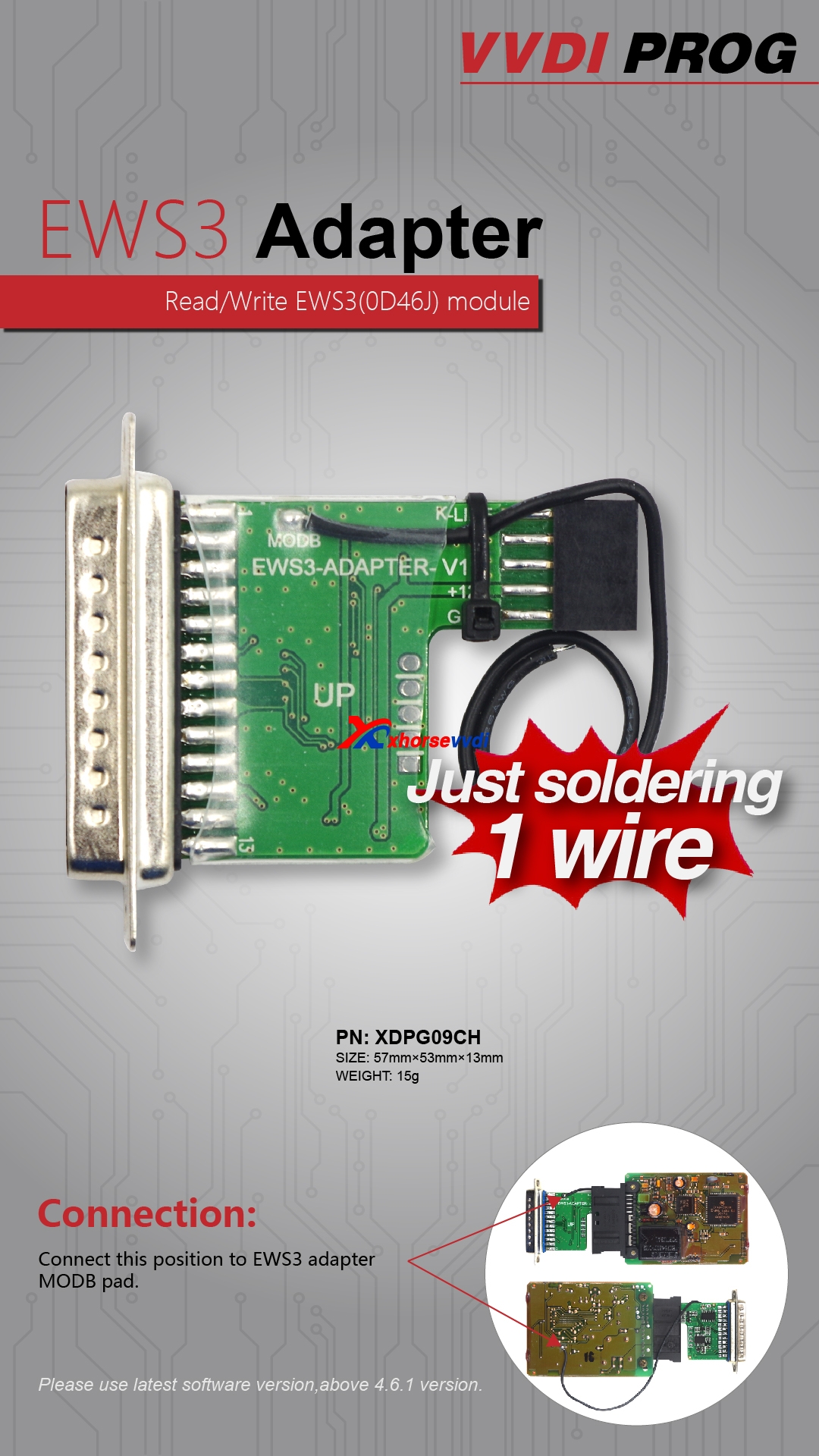
- VVDI Pro EWS3 adapter Functions
Attach EWS3 adapter pictures of connection:
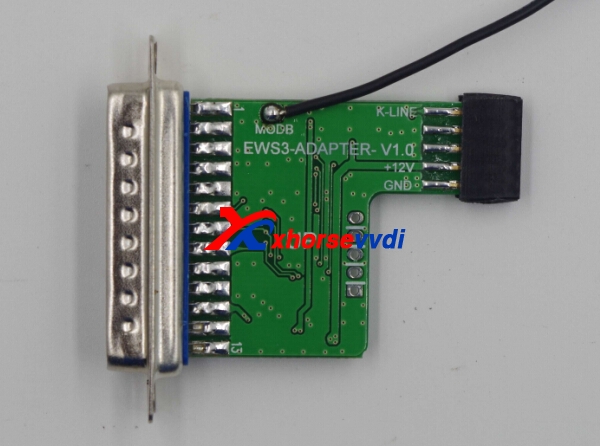
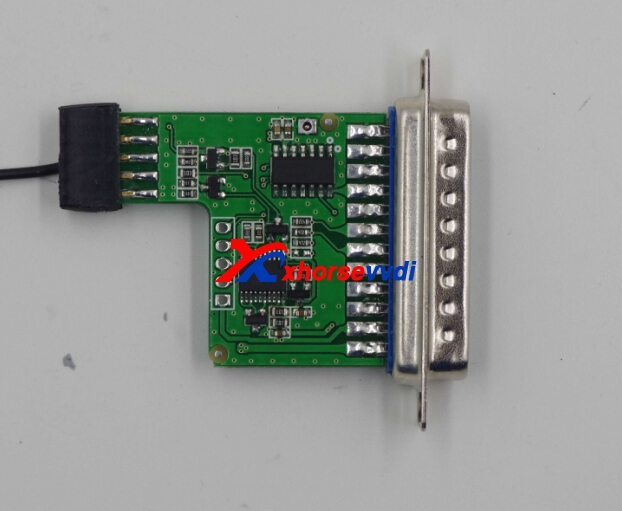
To have EEPROM clip adapter, VVDI Pro v4.6.1 can add these functions:
Add AT24C01(CLIP),AT24C02(CLIP), AT24C04(CLIP), AT24C08(CLIP), AT24C16(CLIP), AT24C32(CLIP), AT24C64(CLIP), AT24C128(CLIP), AT24C256(CLIP),AT24C512(CLIP), AT24C1024(CLIP), AT25010(CLIP), AT25020(CLIP), AT25040(CLIP), AT25080(CLIP), AT25160(CLIP), AT25320(CLIP), AT25640(CLIP), AT25128(CLIP),AT25256(CLIP), AT25512(CLIP), AT93C06[A](CLIP), AT93C46[A](CLIP), AT93C56[A](CLIP), AT93C57[A](CLIP), AT93C66[A](CLIP), AT93C76[A](CLIP),AT93C86[A](CLIP) options in <1-EEPROM&FLASH>-> (Need EEPROM CLIP ADAPTER)
+ Add CAT24C/W01(CLIP), CAT24C/W02(CLIP), CAT24C/W04(CLIP), CAT24C/W08(CLIP), CAT24C/W16(CLIP), CAT24C/W32(CLIP), CAT24C/W64(CLIP), CAT25C128(CLIP),CAT25C256(CLIP), CAT93C46[A](CLIP), CAT93C56[A](CLIP), CAT93C57[A](CLIP), CAT93C66[A](CLIP), CAT93C76[A](CLIP), CAT93C86[A](CLIP) options in<1-EEPROM&FLASH>-> (Need EEPROM CLIP ADAPTER)
+ Add XL[S]24C01(CLIP), XL[S]24C02(CLIP), XL[S]24C04(CLIP), XL[S]24C08(CLIP), XL[S]24C16(CLIP), XL[S]93C/LC06(CLIP), XL[S]93C/LC46(CLIP), XL[S]93C/LC56(CLIP),XL[S]93C/LC66(CLIP) options in <1-EEPROM&FLASH>-> (Need EEPROM CLIP ADAPTER)
+ Add FM24C02(CLIP), FM24C03(CLIP), FM24C04(CLIP), FM24C08(CLIP), FM24C09(CLIP), FM24C16(CLIP), FM24C17(CLIP), FM93CS06(CLIP), FM93CS46(CLIP), FM93CS56(CLIP),FM93CS66(CLIP),
NM24C02(CLIP), NM24C03(CLIP), NM24C04(CLIP), NM24C05(CLIP), NM24C08(CLIP), NM24C09(CLIP), NM24C16(CLIP), NM24C17(CLIP), NM24U17(CLIP),NM24C32(CLIP), NM24C65(CLIP), NM93C06(CLIP),
NM93C46(CLIP), NM93C56(CLIP), NM93C66(CLIP), NM93C86(CLIP), NM93CS06(CLIP), NM93CS46(CLIP), NM93CS56(CLIP),NM93CS66(CLIP) options in <1-EEPROM&FLASH>-> (Need EEPROM CLIP ADAPTER)
+ Add 24AA02(CLIP), 24AA04(CLIP), 24AA08(CLIP), 24AA16(CLIP), 24AA164(CLIP), 24AA32(CLIP), 24AA128(CLIP), 24AA256(CLIP), 24C02(CLIP), 24C04(CLIP), 24C32(CLIP),24LC02(CLIP), 24LC04(CLIP),
24LC08(CLIP), 24LC16(CLIP), 24LC164(CLIP), 24LC32(CLIP), 24LC64(CLIP), 24LC65(CLIP), 24LC128(CLIP), 24LC256(CLIP),93C/LC/AA46A(CLIP), 93C/LC/AA56A(CLIP), 93C/LC/AA66A(CLIP), 93C/LC/AA76A(CLIP), 93C/LC/AA86A(CLIP), 93C/LC/AA46B(CLIP), 93C/LC/AA56B(CLIP), 93C/LC/AA66B(CLIP),93C/LC/AA76B(CLIP), 93C/LC/AA86B(CLIP), 93C/LC/AA46C(CLIP), 93C/LC/AA56C(CLIP), 93C/LC/AA66C(CLIP), 93C/LC/AA76C(CLIP), 93C/LC/AA86C(CLIP) options in<1-EEPROM&FLASH>-> (Need EEPROM CLIP ADAPTER)
+ Add M24C01(CLIP), M24C02(CLIP), M24C04(CLIP), M24C08(CLIP), M24C16(CLIP), M24C32(CLIP), M24C64(CLIP), M24C128(CLIP), M24C256(CLIP), M24C512(CLIP),M93C06(CLIP),M93C46(CLIP),
M93C56(CLIP), M93C66(CLIP), M93C76(CLIP), M93C86(CLIP), M95010(CLIP), M95020(CLIP), M95040(CLIP), M95080(CLIP), M95160(CLIP), M95320(CLIP), M95640(CLIP),M95128(CLIP), M95256(CLIP),
M95512(CLIP), ST24C01(CLIP), ST24C02(CLIP), ST24C04(CLIP), ST24C08(CLIP), ST24C16(CLIP), ST24E16(CLIP), ST24E32(CLIP), ST24W02(CLIP),ST24W04(CLIP), ST24W08(CLIP), ST24W16(CLIP), ST25C01(CLIP), ST25C02(CLIP), ST25C04(CLIP), ST25C08(CLIP), ST25C16(CLIP), ST25E16(CLIP), ST25E32(CLIP), ST93CS56(CLIP),ST93CS57(CLIP), ST93CS66(CLIP), ST93CS67(CLIP), ST93CS47(CLIP),
ST93CS46(CLIP) options in <1-EEPROM&FLASH>-> (Need EEPROM CLIP ADAPTER)
+ Add X24C01(CLIP), X5043(CLIP), X5045(CLIP) options in <1-EEPROM&FLASH>->(Need EEPROM CLIP ADAPTER)
Attach VVDI Pro EEPROM CLIP ADAPTER pictures of connection:
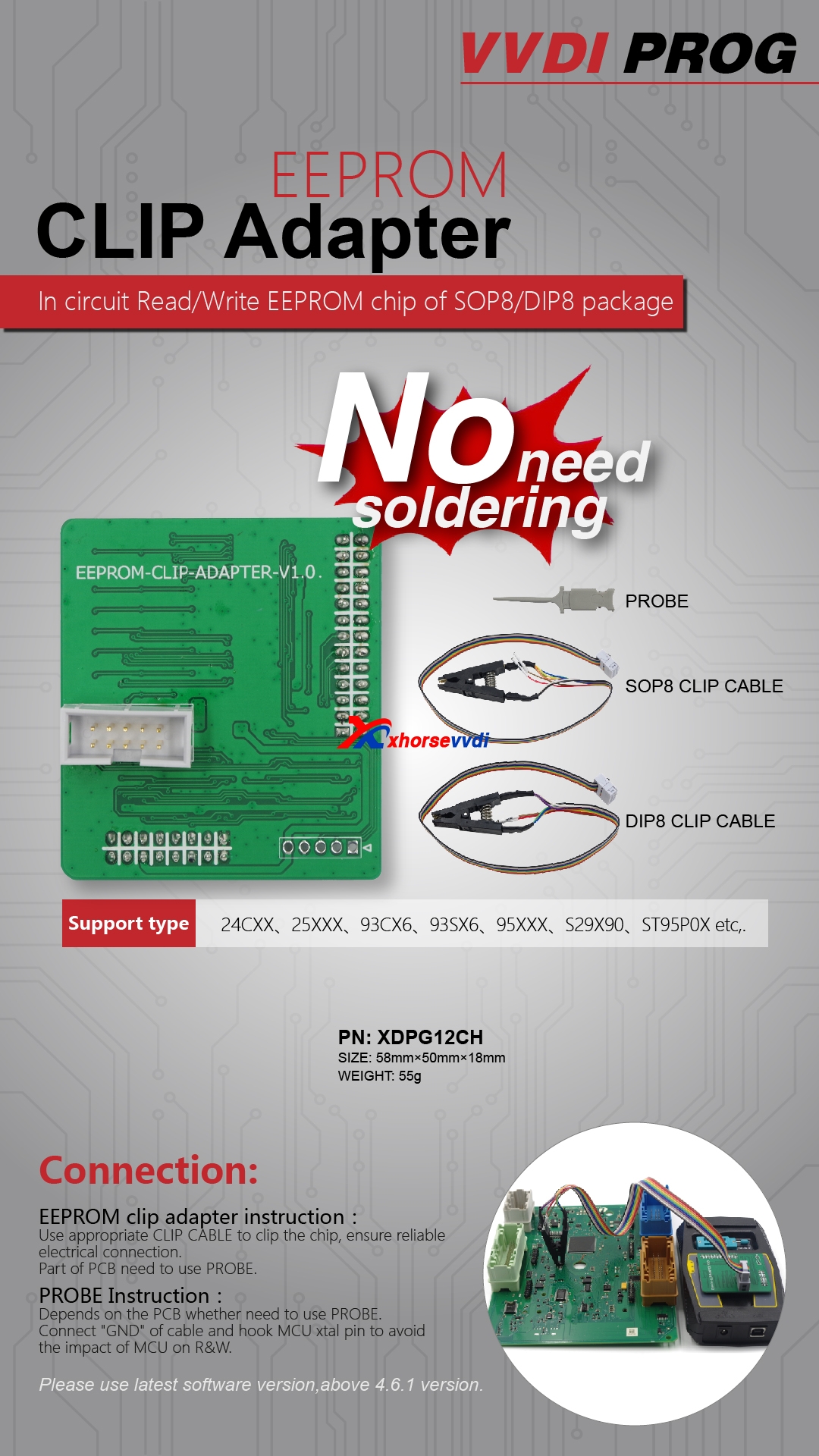
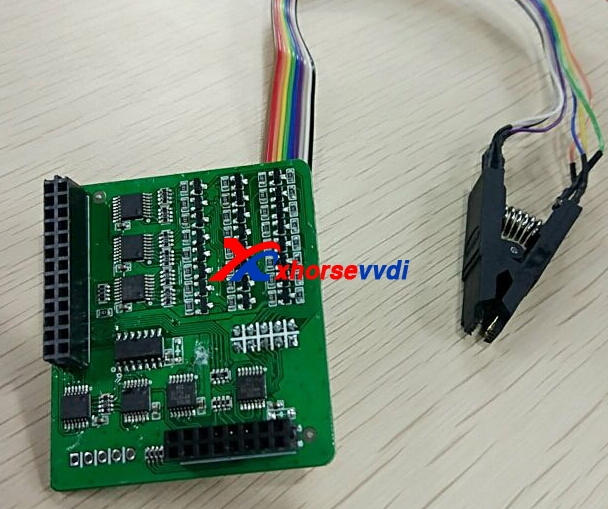
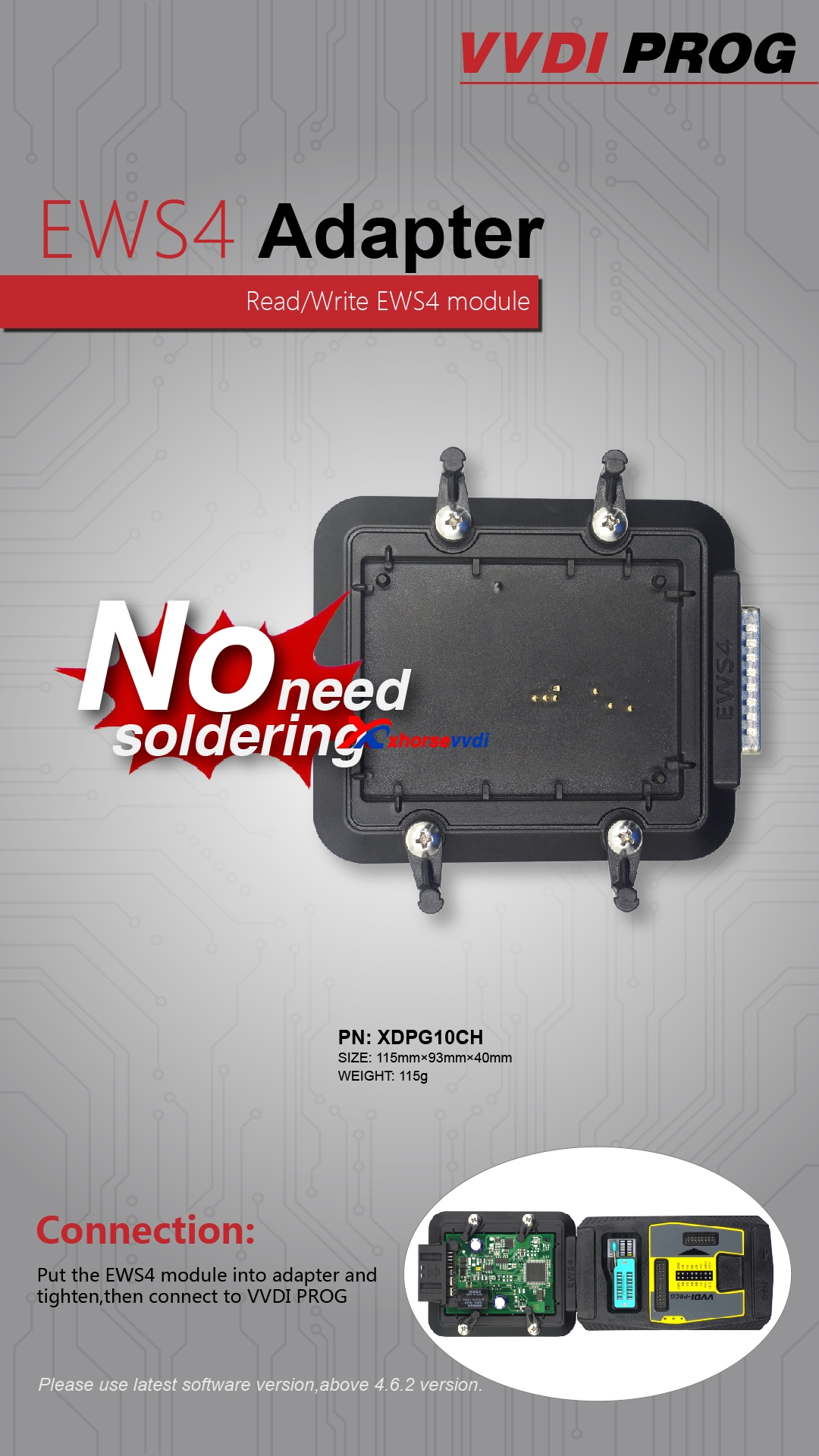
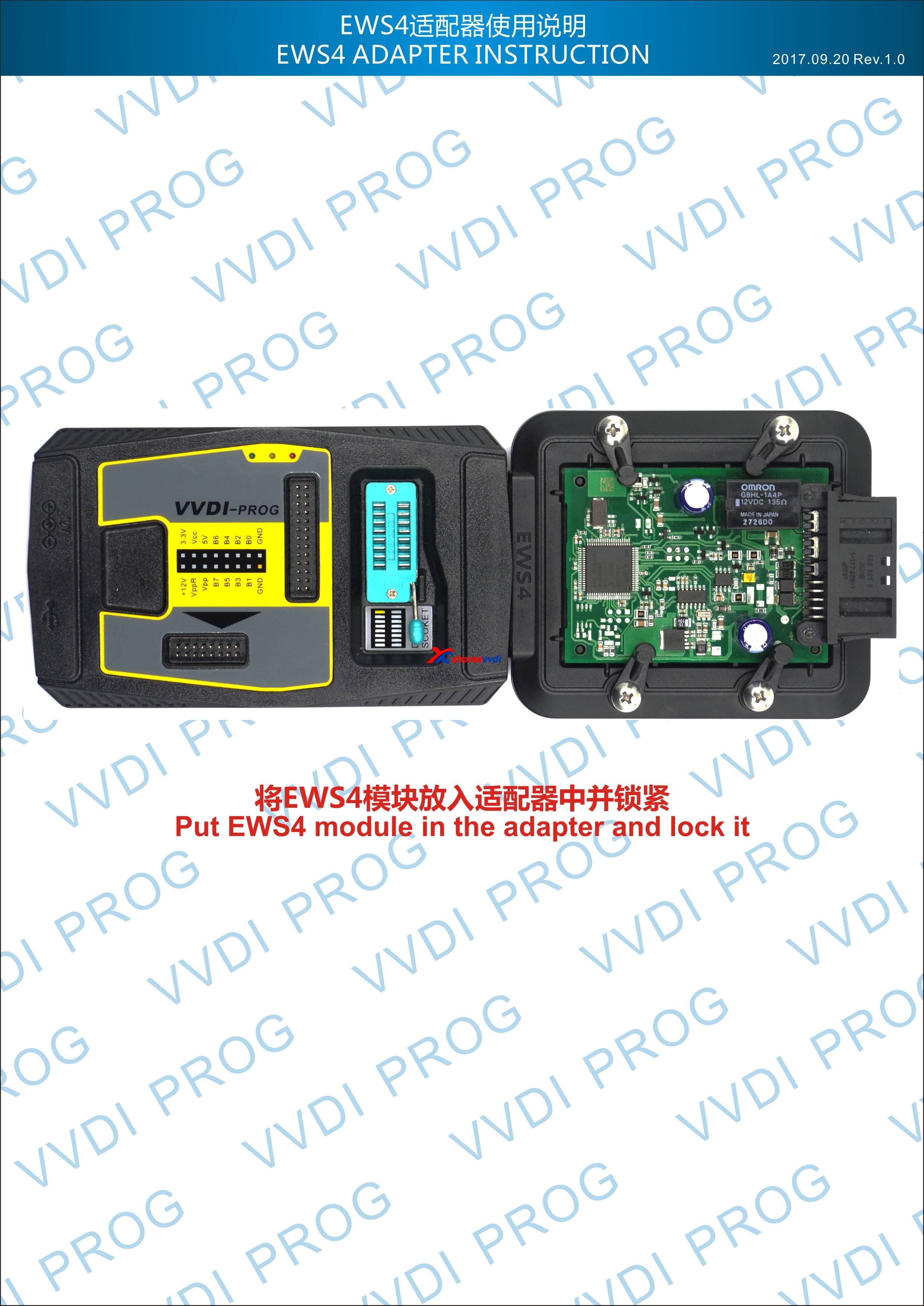
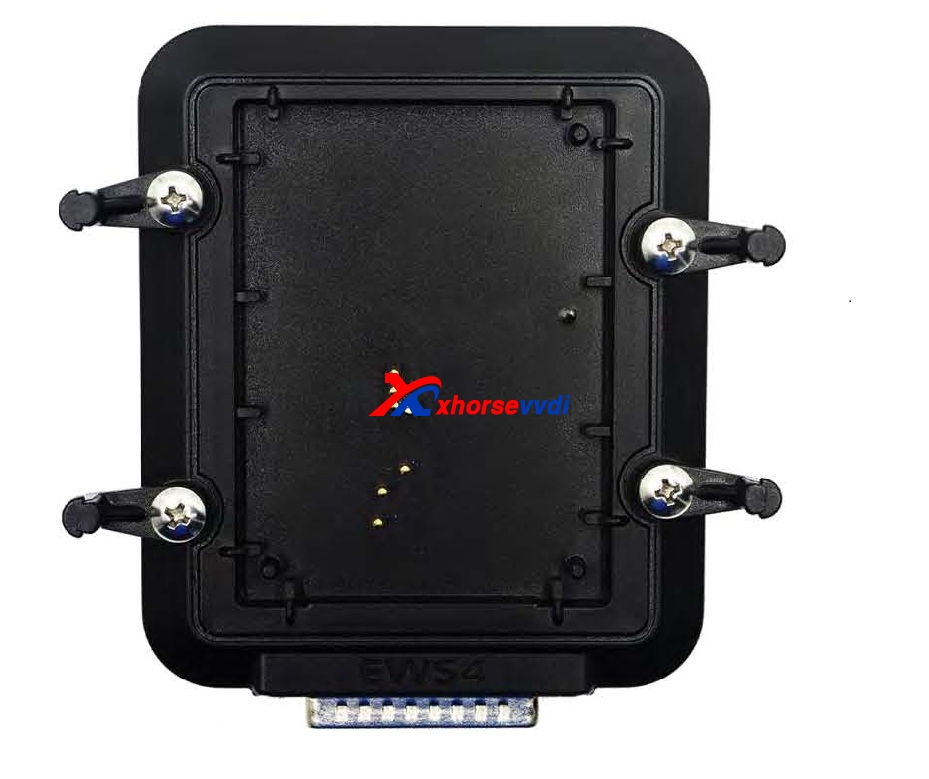
Read / write EWS4 module.
No need soldering
For connection, please read below picture:
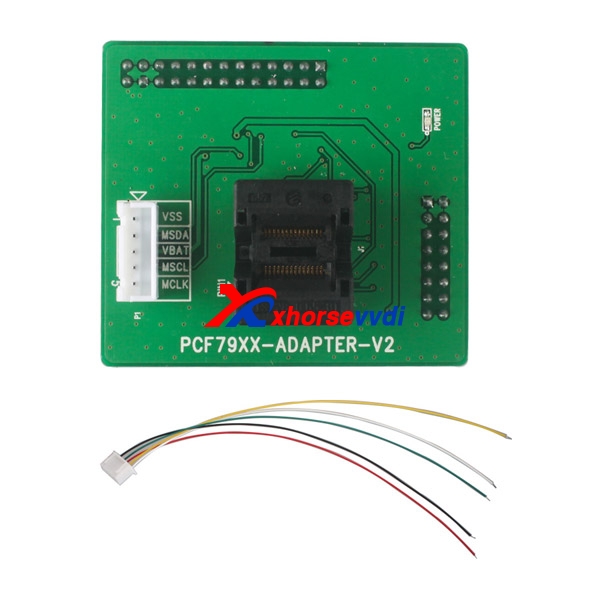
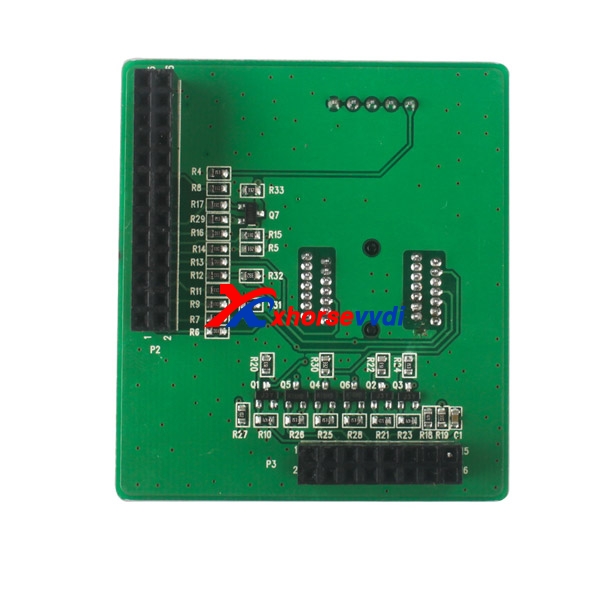
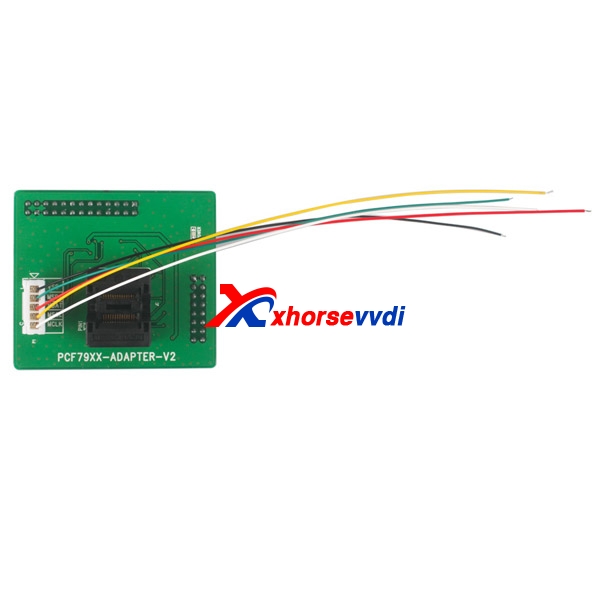
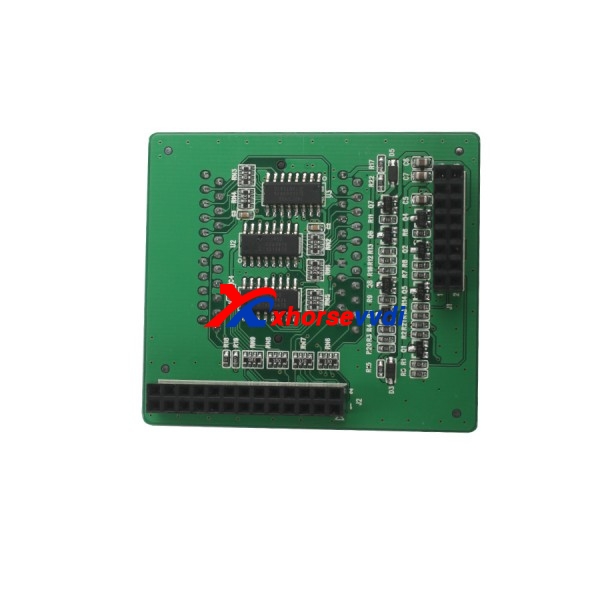
PCF79XX chip Function:
Currently PCF79XX chip support lock, unlock and read/write data.
Supported Chip models:
PCF7922 PCF7941 PCF7945 PCF7952 PCF7953 PCF7961
Way to read write PCF79XX chip:
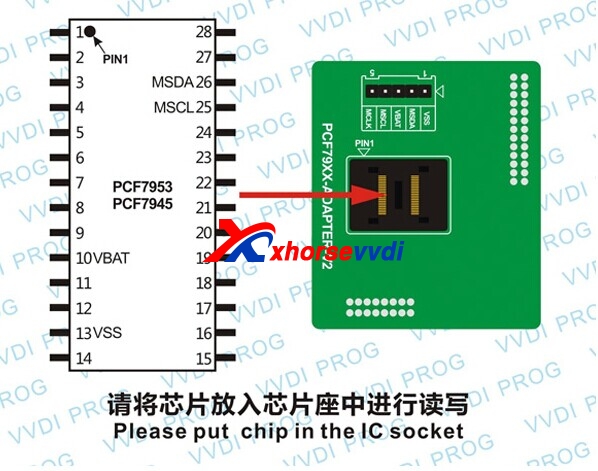
Option 1: Remove the chip and put it in the IC socket, select option “PCF79XX chip” shown as follows.
Option 2: Connect wire to the circuit board, select option “PCF79XX adapter” shown as follows.
Note: If PCF79XX adapter option can't recognize chip due to the affection of circuit board, just remove chip and put it in IC socket, then use option “PCF79XX chip” to operate.

TF28 Can Rread the Chip Model:
PA28F200B5T(PSOP44)
PA28F200B5B(PSOP44)
PA28F200BVT(PSOP44)
PA28F200BVB(PSOP44)
PA28F200BXT(PSOP44)
PA28F200BXB(PSOP44)
PA28F400B5T(PSOP44)
PA28F400B5B(PSOP44)
PA28F400BVT(PSOP44)
PA28F400BVB(PSOP44)
PA28F400BXT(PSOP44)
PA28F400BXB(PSOP44)
PA28F800B5T(PSOP44)
PA28F800B5B(PSOP44)
PA28F800BVT(PSOP44)
PA28F800BVB(PSOP44)
PA28F800BXT(PSOP44)
PA28F800BXB(PSOP44)
TB28F200B5T(PSOP44)
TB28F200B5B(PSOP44)
TB28F200BVT(PSOP44)
TB28F200BVB(PSOP44)
TB28F200BXT(PSOP44)
TB28F200BXB(PSOP44)
TB28F400B5T(PSOP44)
TB28F400B5B(PSOP44)
TB28F400BVT(PSOP44)
TB28F400BVB(PSOP44)
TB28F400BXT(PSOP44)
TB28F400BXB(PSOP44)
TB28F800B5T(PSOP44)
TB28F800B5B(PSOP44)
TB28F800BVT(PSOP44)
TB28F800BVB(PSOP44)
TB28F800BXT(PSOP44)
TB28F800BXB(PSOP44)
This from Xhorse vvdi Official site:Xhorse VVDI PRO adapters (optional) all info: workable chips, connection, functions