显示标签为“Xhorse VVDI2”的博文。显示所有博文

2019年1月3日星期四

Why choose VVDI2 full authorization instead of VVDI2 basic?

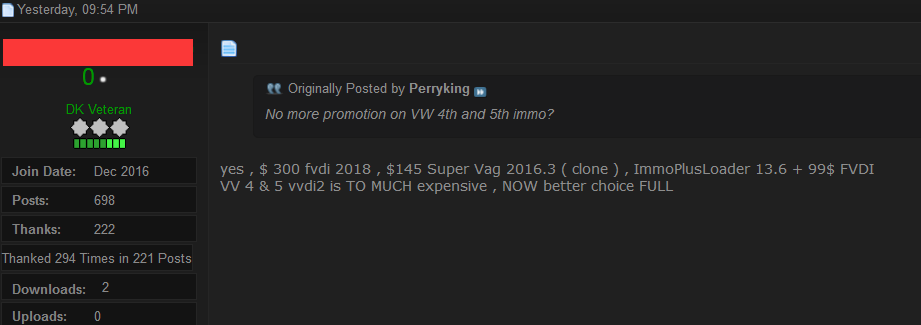
This post begins with a user's complaint with the Xhorse VVDI2 Promotion Activity 4th and 5th for Christmas and New Year was stopped and had no chance to buy one. In the next paragraph, he is advised to have one VVDI2 full authorization Version which cost much less than before.
A user's complaint story......
See that Xhorse team still have it there but nobody sells this anymore. They say it`s valid until 25 February but don`t know what to say. I have ordered from xxx.com but they said it was in stock vvdi2 at 1219 usd, made payment, sent proof of payment, after that they say it`s no problem, they have it in stock, after two days I receive a message from them saying that it`s not in stock anymore. Did not get my money back yet. After that I think, ok, I'm going to order vvdi2 basic from my country and activate it a few days later when vvdi2 comes with the courier and my money back from xxx.
He can have a better choice:
today better is to buy 1,834.56€ full Authorization VVDI
http://www.xhorsevvdi.com/wholesale/xhorse-vvdi2-full-authorization.html
VVDI2 full version contains all of the following authorizations:
VV-01 VAG 4th immobilizer
VV-02 VAG 5th immobilizer
VV-03 VAG Copy 48 transponder by OBDII
VV-04 ID48 96Bit Copy
VV-05 VAG MQB Immobilizer
VB-01 BMW OBD
VB-02 BMW CAS4
VB-03 FEM/BDC Function
VP-01 Porsche immo data tool
VPSA-01 PSA
VK-01 Transponder Programmer
VJ-01 Passthru J2534
V7-01 Prepare Toyota H Chip
extra pay 800€ but full function activated
$300 fvdi 2018 , $145 Super Vag 2016.3 ( clone ) , ImmoPlusLoader 13.6 + $99 FVDI
VW 4th & 5th vvdi2 is TO MUCH expensive , NOW better choice FULL Authorization now.

Hope it helps.
Edit by xhorsevvdi.com:Why choose VVDI2 full authorization instead of VVDI2 basic?

2018年12月24日星期一

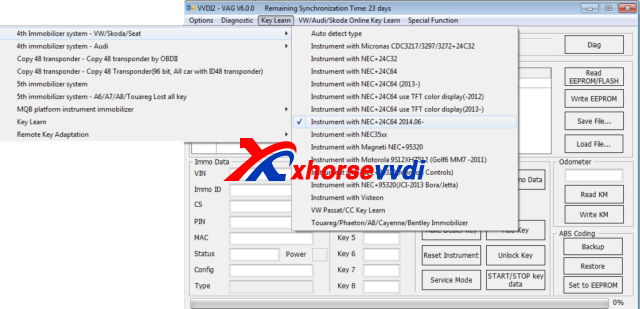
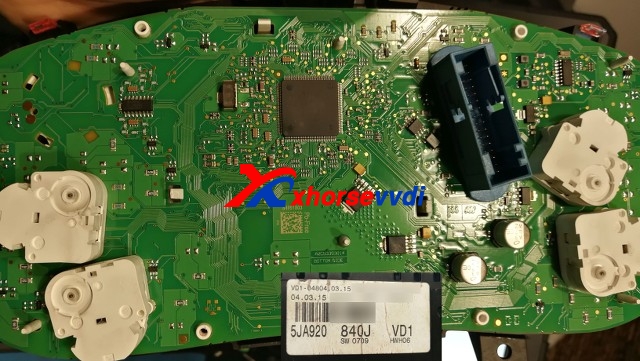
(Quoted) 5JA920840J SW0709 NEC+24C64 Login with RESET PIN

By following the below parts, your VVDI2 can login cluster.
Skoda Fabia, after 2015 PQ25 5JA920840J SW0709 , VW Amarok 2H0920871A SW0805

Please know, we always recommend to read & save EPP before you start.
RESET PIN is a GND signal , no need any rezistors or special line
With RESET PIN no need prepare EPP to Service Mode to login cluster if "all key lost"
1) Switch OFF power (Kl15 & KL30) , with KL15 OFF it will not work
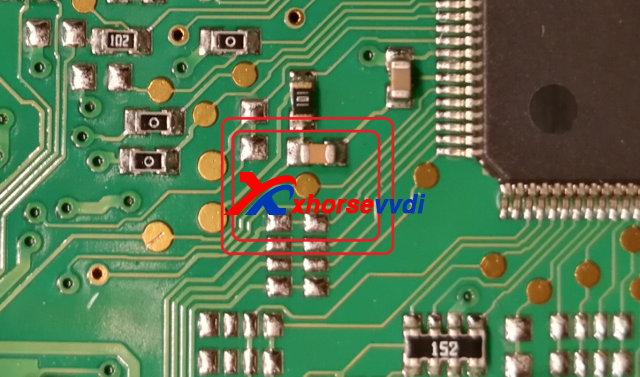
2) Find a RESET PIN near CPU

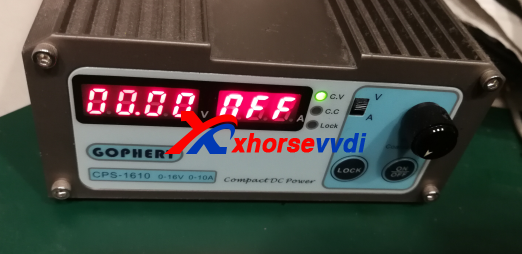
3) Switch OFF Power Supply (KL30 & Kl15)

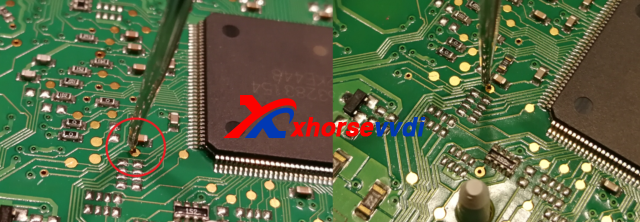
4) Connect GND to RESET PIN and hold

5) Select proper cluster type in VVDI

6) Switch ON power supply (KL15 & KL30)

7) Remove RESET PIN (you can remove RESET PIN after few second when you switch ON Power
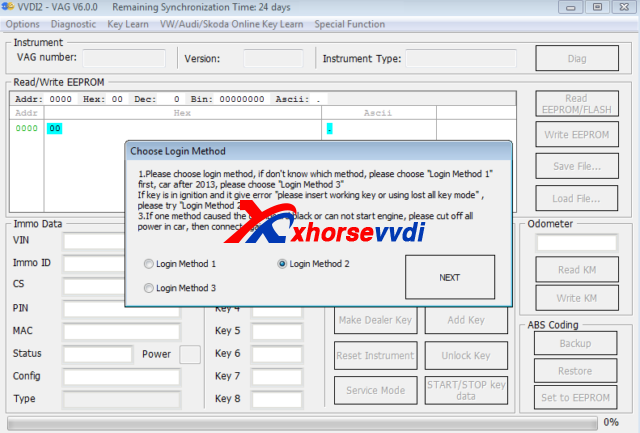
8) Select READ IMMO or EPP and Select LOGIN METODE 2 (you can also try with other metode if this one faile)

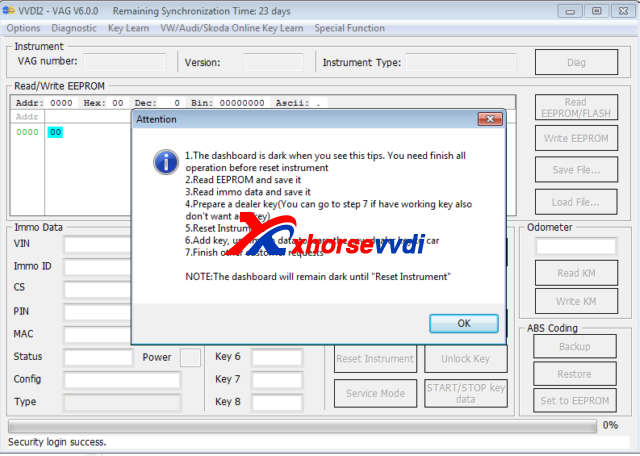
9) VVDI2 can login cluster now
this is from xhorsevvdi.com:(Quoted) 5JA920840J SW0709 NEC+24C64 Login with RESET PIN

2018年11月28日星期三

How to use VVDI2 Program BMW E60 2005 CAS2 Remote Key

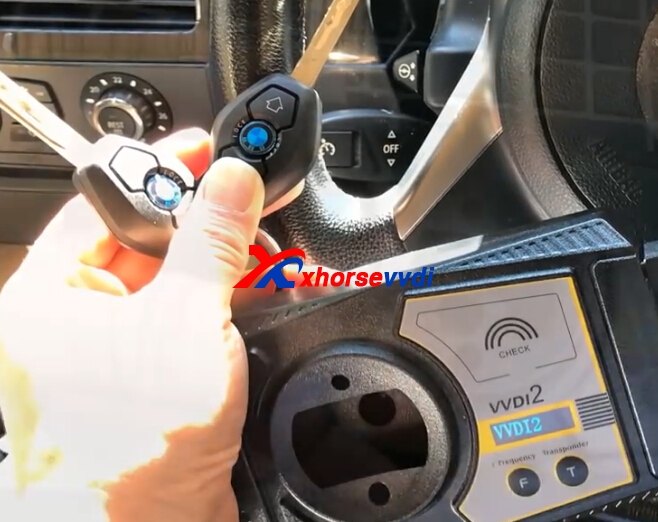
VVDI2 can support BMW CAS1-3 via OBD way,and here we will display BMW E60 2005 CAS2,BMW E60 key is with 315 mhz.VVDI2 full is on promotion,contact us to get sale price!Or if you only VVDI2 BMW,you can choose VVDI2 BMW one.
vvdi2 bmw
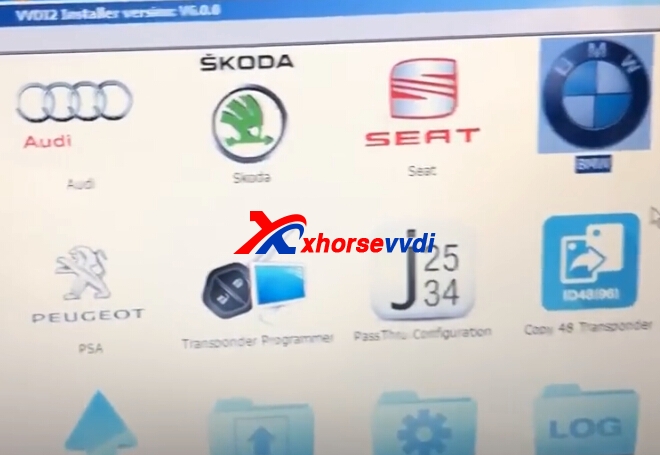
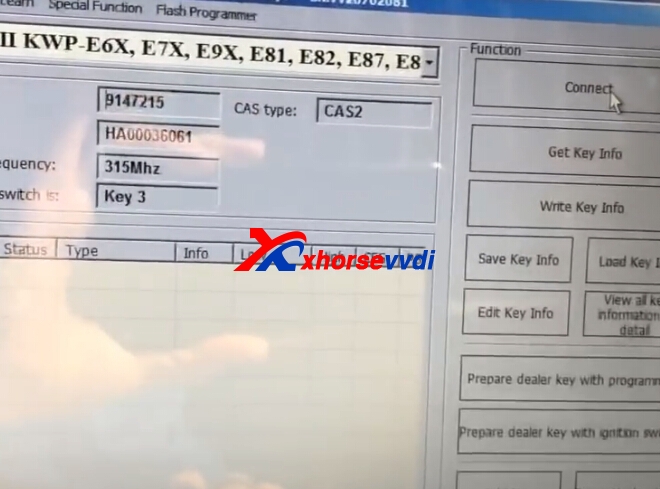
1.Start VVDI2 BMW software,click connect,insert original key to car,and switch one.
vvdi2 bmw vvdi2 bmw
2.Press get key info.

Choose method.

3.Press next to continue.
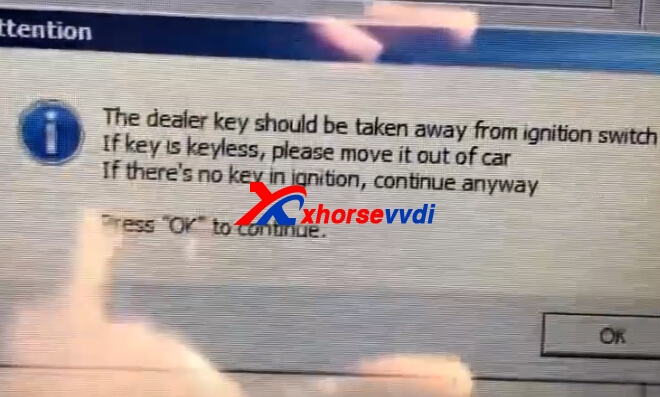
Take away the original key from ignition ,press OK.

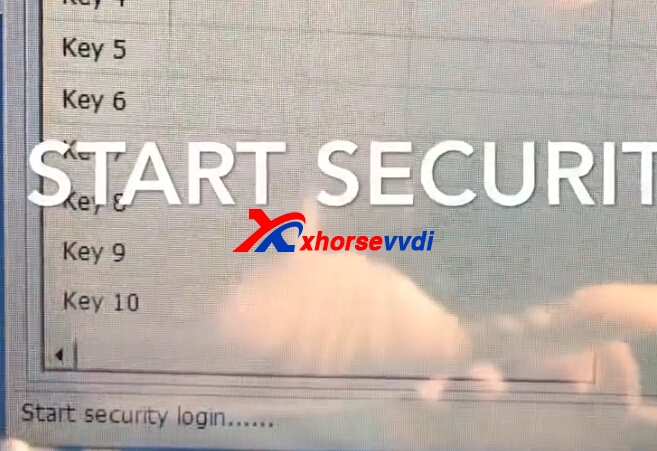
4.Start security login.Read data success.
vvdi2 bmw cas2
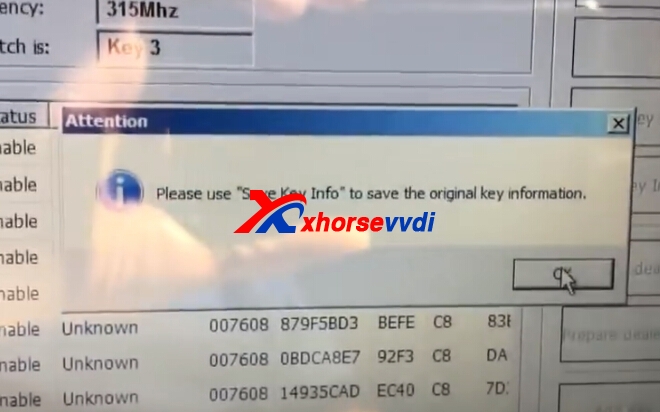
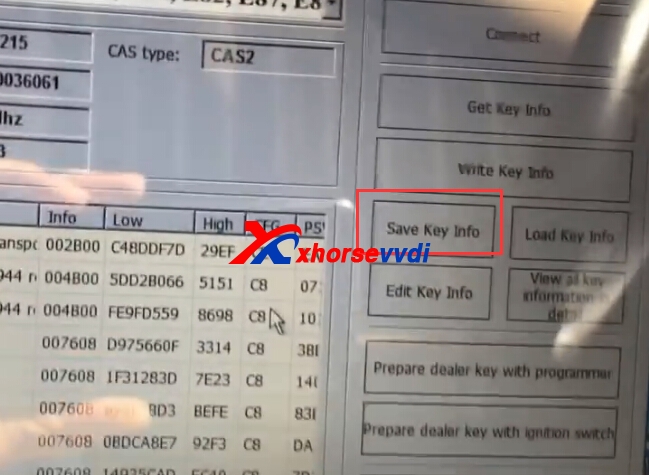
5.Save key file.
vvdi2 bmw cas2
vvdi2 bmw cas2
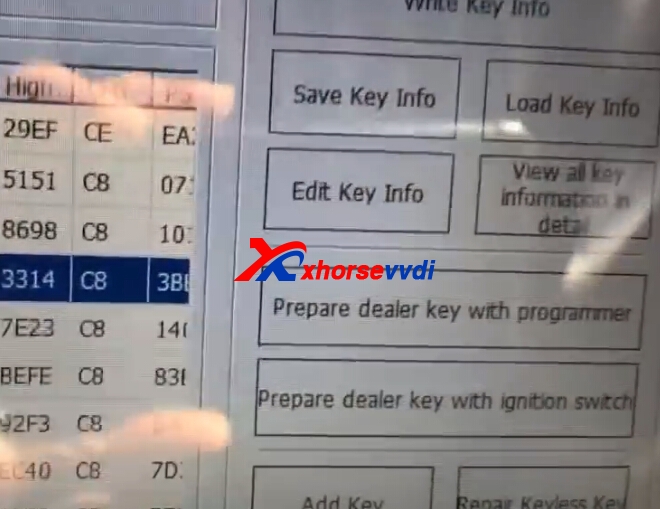
6.Choose key number,and click prepare dealer key with programmer.
vvdi2 bmw cas2
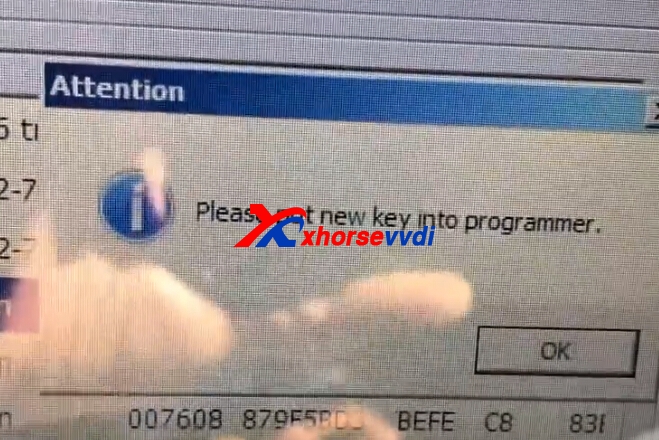
7.Put new key into VVDI2 programmer.Press OK.
vvdi2 bmw cas2
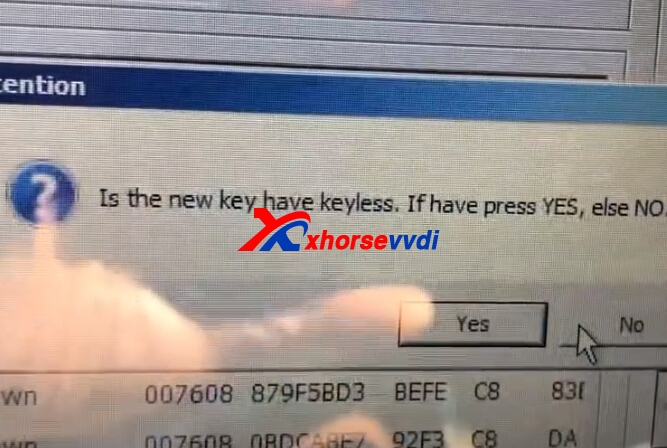
8.Choose keylessgo or not.New key is without,press NO.
vvdi2 bmw cas2
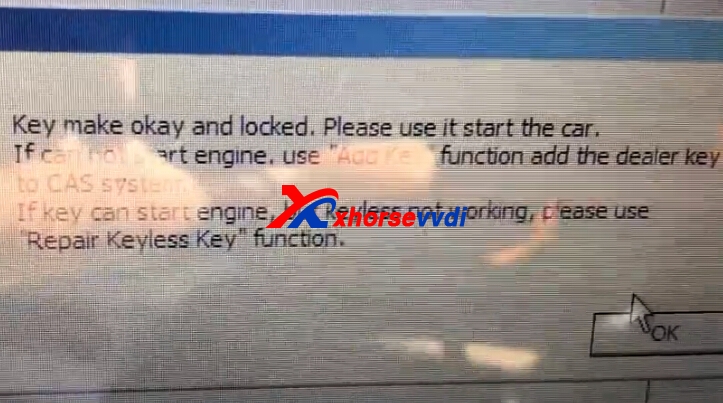
9.Key make OK and locked,try to start engine.
vvdi2 bmw cas2
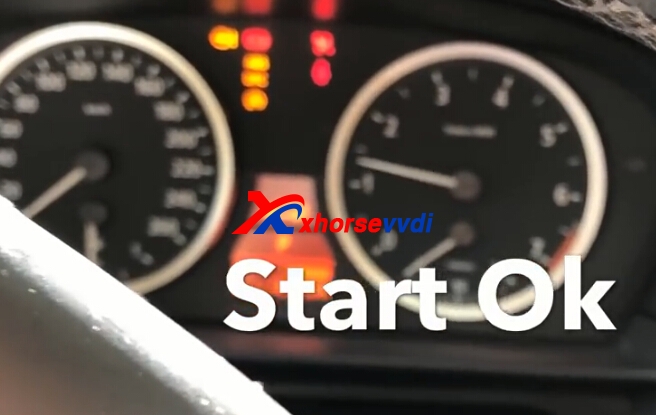
10.Test key.
vvdi2 bmw cas2 Original:How to use VVDI2 Program BMW E60 2005 CAS2 Remote Key

2018年11月12日星期一

How to add a spare key for 2015 3 series with VVDI2?
I have VVDI2 and have a 2015 3 series that needed a spare key today.
Done quite a few before with no problems.
The downgrade went well, no problems.
Key learning done on bench.
VVDI did not want to program in the new key, it gave me a frequency warning.
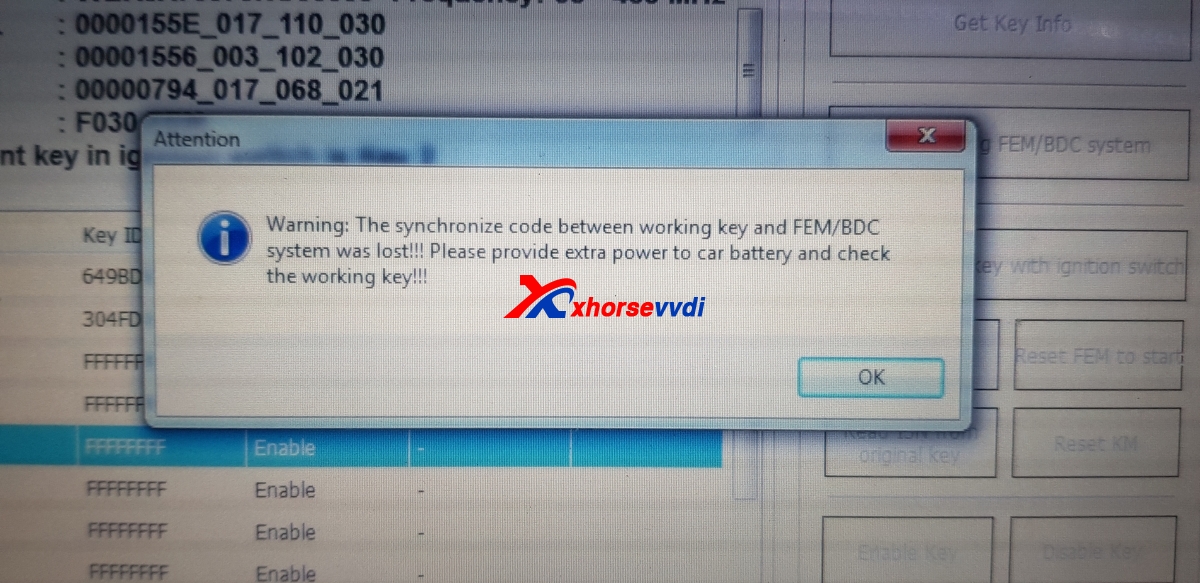
When I tried to do it again with another key, I got an error saying the "Synchronize code between key and FEM was lost" and it would not let me try and program keys again.
Proximity function will not work, car cranks but does not start if original key held up to column.
Still only the 2 original keys listed with the FEM.

I have had similar problems using other tools but they would write the failed key into the FEM and not break the Syncho code.
Is there any way this can be fixed without buying a new FEM?
Advice:
  1. Try rewrite ori eeprom to fem
  2. Did you try to do coding? Should be able to start car after that.
  3. Write back eeprom and flash with Prog and make key with Key Making option in VVDI
  4. Its fem. About what flash youre talking about
    All by obd . Not possible with sny bdm programmer.
    Or as suggest do update program with istap
Question:
The car had the latest update done by BMW yesterday, so it can't be updated again (the car is actually at a BMW dealer).
I did not try and write the original eeprom back again, might be worth a shot though.
Nobody has had the same thing happen to them?
Answer:
First time hear about such error. Maybe something wrong with your bench set or solder eeprom or write data to it.
With these need be very carefull as no backup of files can be done. If brick it ,than pocket cries..
Question:
Nope, done plenty of them.
The downgrade went well, the problem occurred when it failed to lock the new key.
Answer:
I had few when key not accepted or waited 10 mins and nothing happened. But newer had this error.
It can even program not fem key diferent frequency. Your problem not standart. Have you send log to support
Finally Solved!
Ok, VVDI saves the ISN's when it reads the key for the first time in a file.
I should be able to use that to program in another key instead of using the working key I believe.
EDIT - Yes this works on test FEM. Use ECU ISN to bypass the need for a working key.
Nobody from Xhorse is going to comment on this?
EDIT : This solution worked, I was correct.
www.xhorsevvdi.com

2018年10月31日星期三

MQB keys made by VVDI

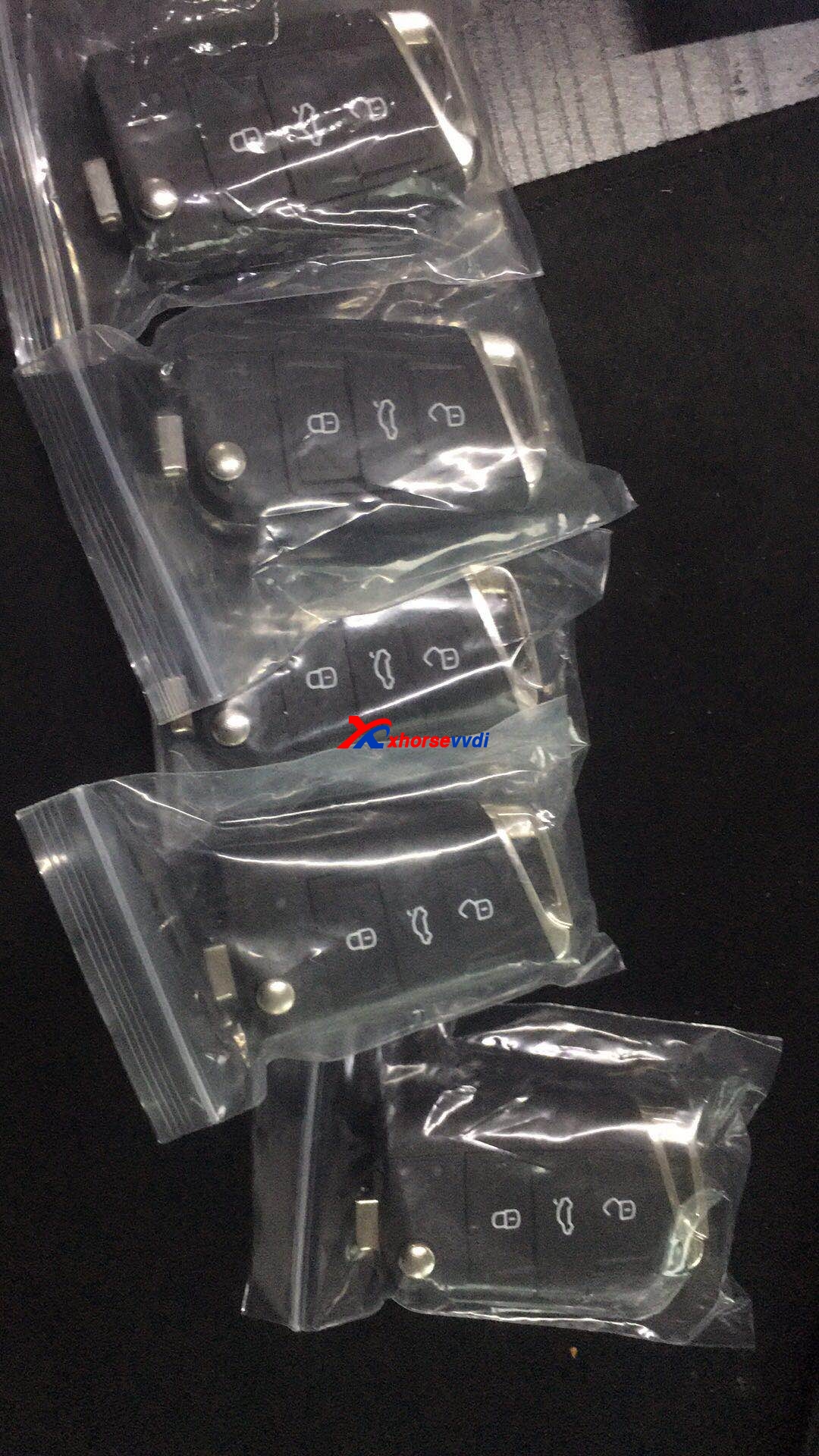
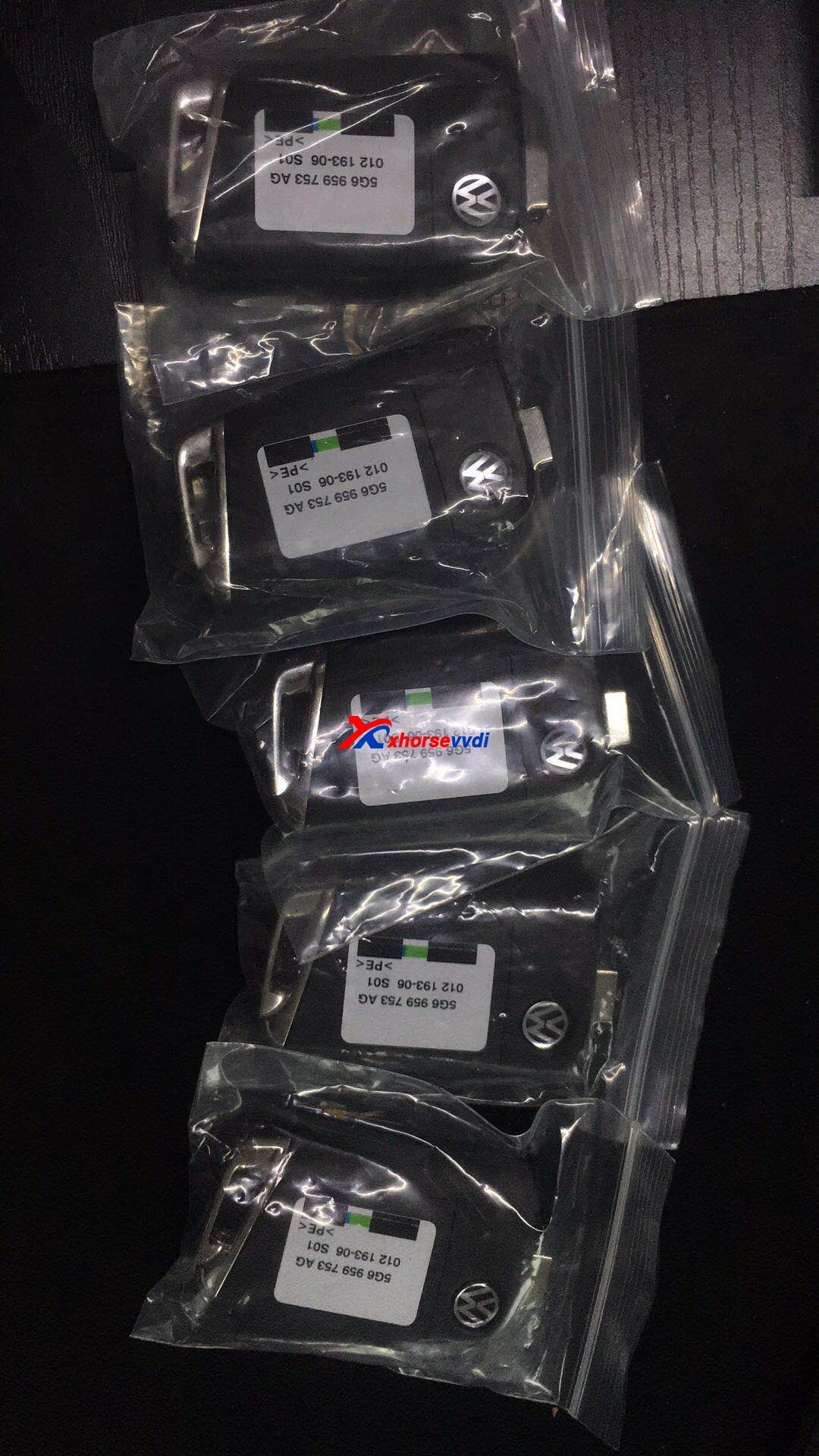
I am sure you are pleased to be the first one to see the MQB keys made by VVDI

VVDI2 VAG V5.2.0 update MQB IMMO/ KM functions.
  1. Improvement MQB NEC35xx immobilizer/KM function, support following cars:
    Audi A3/S3 2014+
    Audi Q2
    VW Golf7
    VW Polo(MQB)
    VW Tiguan II
    VW Touran II
    VW crafter 2017+
    VW Passat B8 without virtual cockpit
    Skoda Octavia III 2014.07+
    Skoda Rapid 2015.06+
    Skoda Kodiaq
    Skoda Superb III
    Seat Ibiza/Ateca/Toledo 2015.06+Tips:
Tip 1: This type only support cars with cluster Continental/VDO. JCI type and virtual cockpit was not include
Tip2: Improvement for prepare dealer key: support original blank key and MQB key made by VVDI
Tip 3:
MQB Immobilizer function require extra license. Customer who have copy 48 (96 bit) license will get MQB license for free
Tip 4: Improvement for key learn function
Tip5: Bugfix for access some MQB instrument
  1. Improvement for autodetct in IMMO4 system
    3. Add Spanish language
    4. Bugfix
MQB keys Price and where to have?
MQB keys made by VVDI is not available for sale globally. Any newer update, please add www.xhorsevvdi.com to your favorite.


Original:MQB keys made by VVDI

2018年10月9日星期二

How to use VVDI2 to program smart remote Audi S5 2010?

VVDI2 programs smart remote Audi S5 2010 in step by step procedure.
Tools to use:
New smart remote Audi S5 key
VVDI2

Procedure:
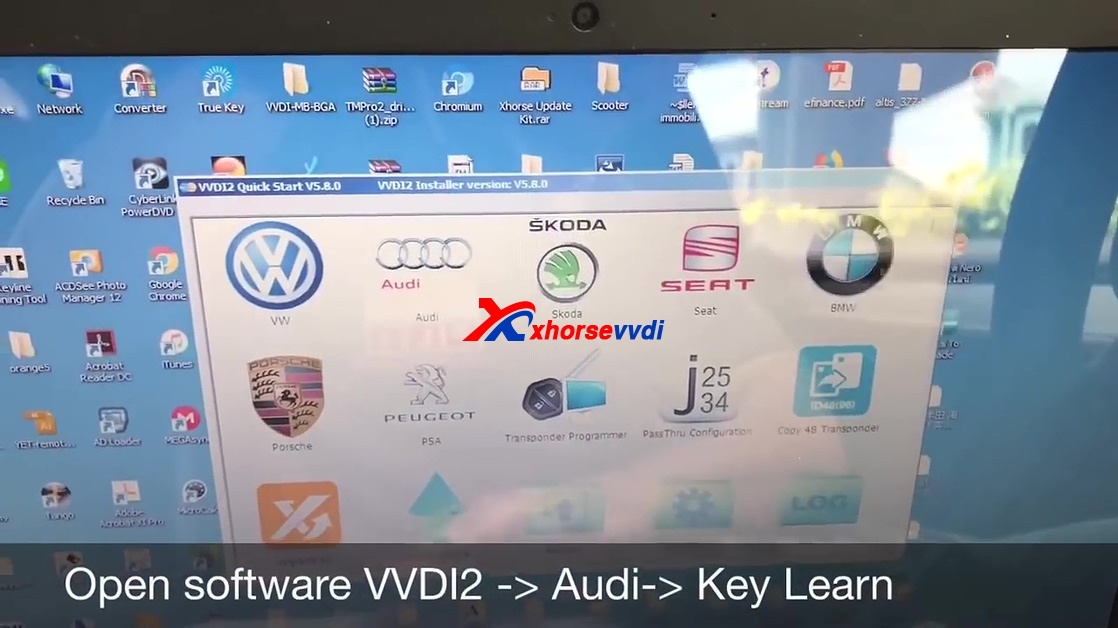
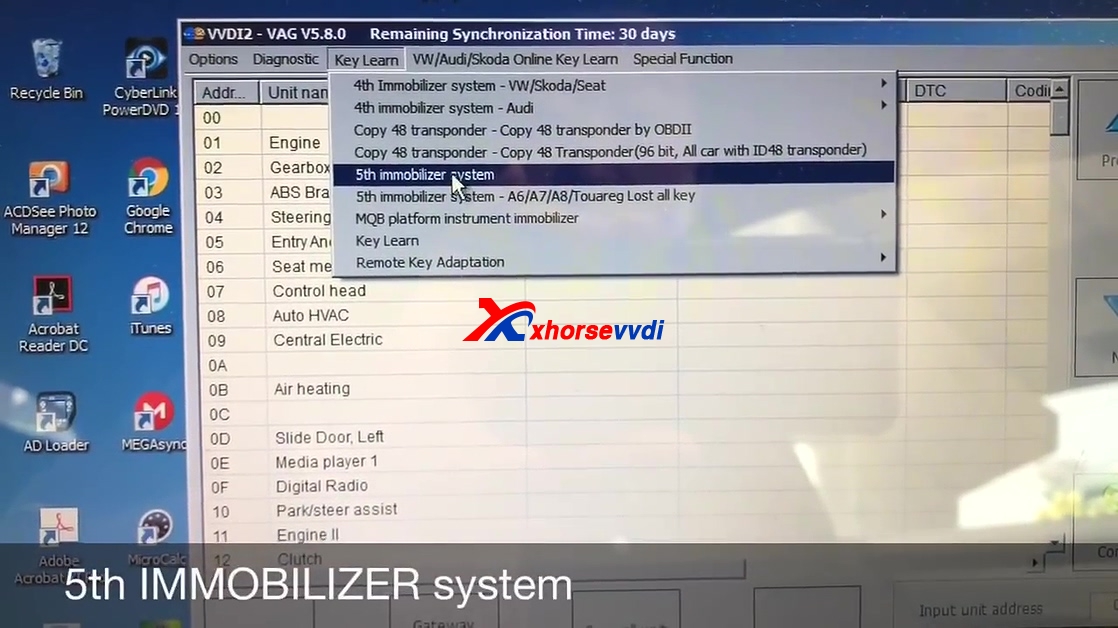
Open software VVDI2 -> Audi -> Key Learn

5th Immobilizer system

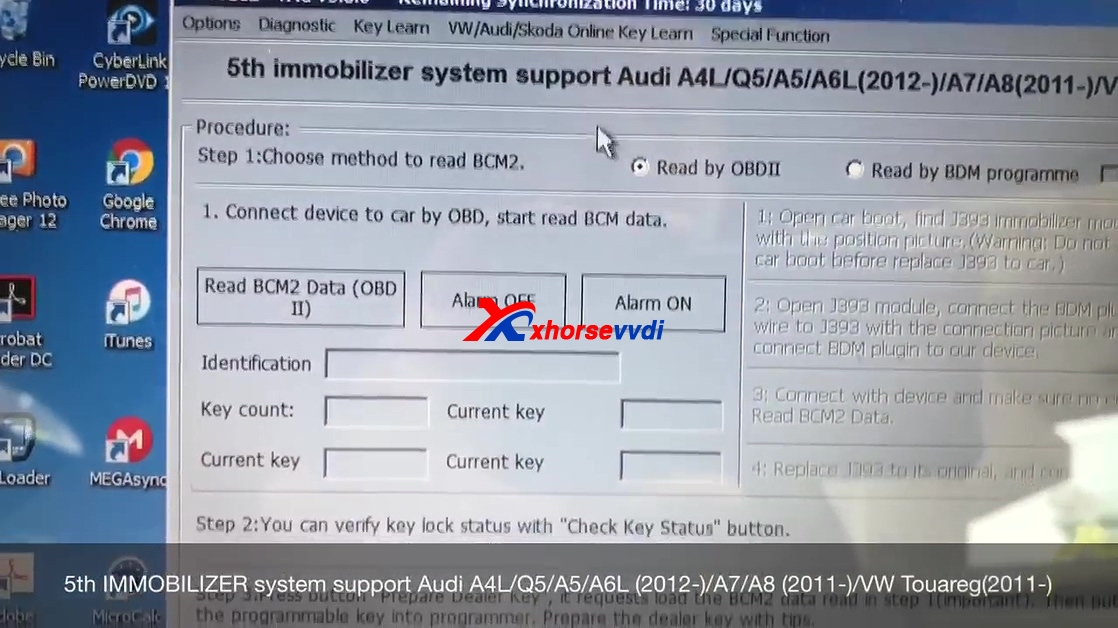
5th Immobilizer system support Audi A4L / Q5 / A5 /A6L (2012 -) A7 /A8 (2011-) VW Touareg (2011 -)

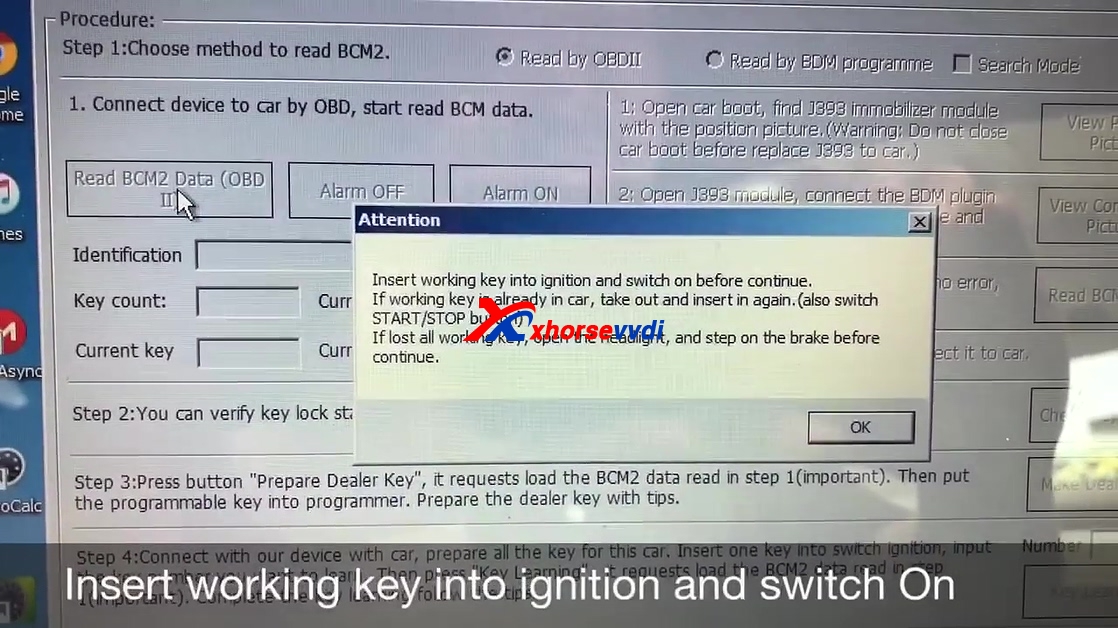
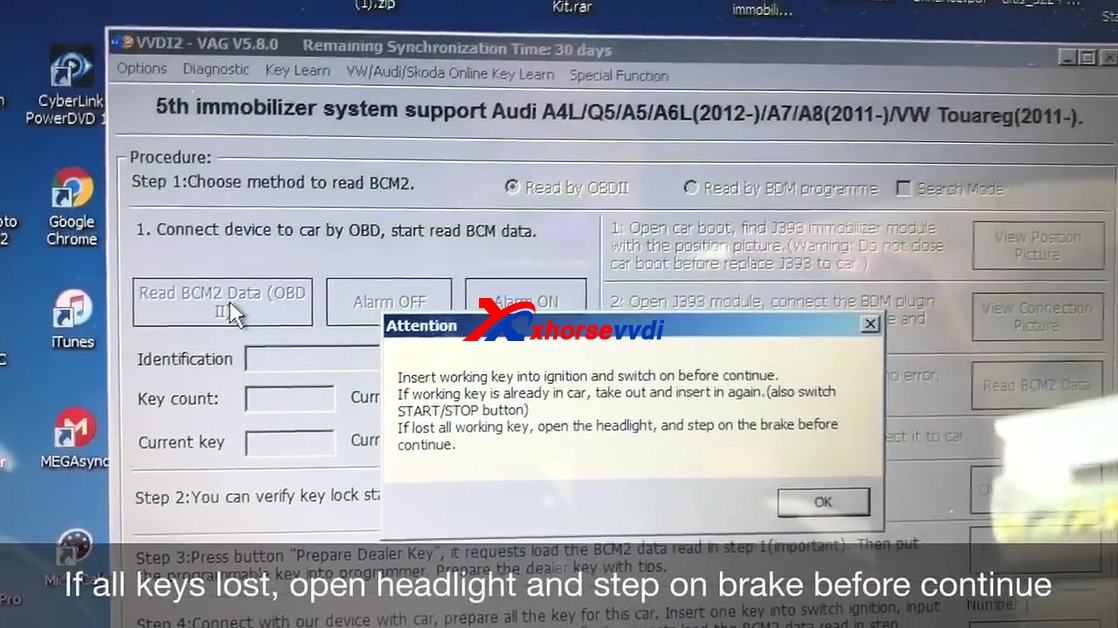
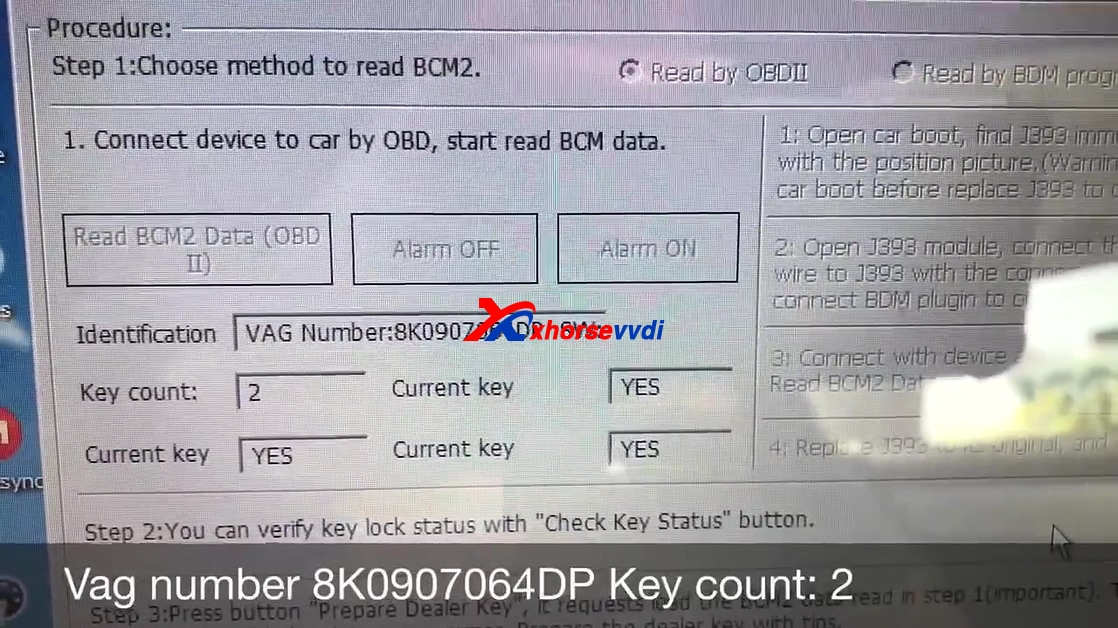
Procedure to read BCM : choose "Read by OBDII".

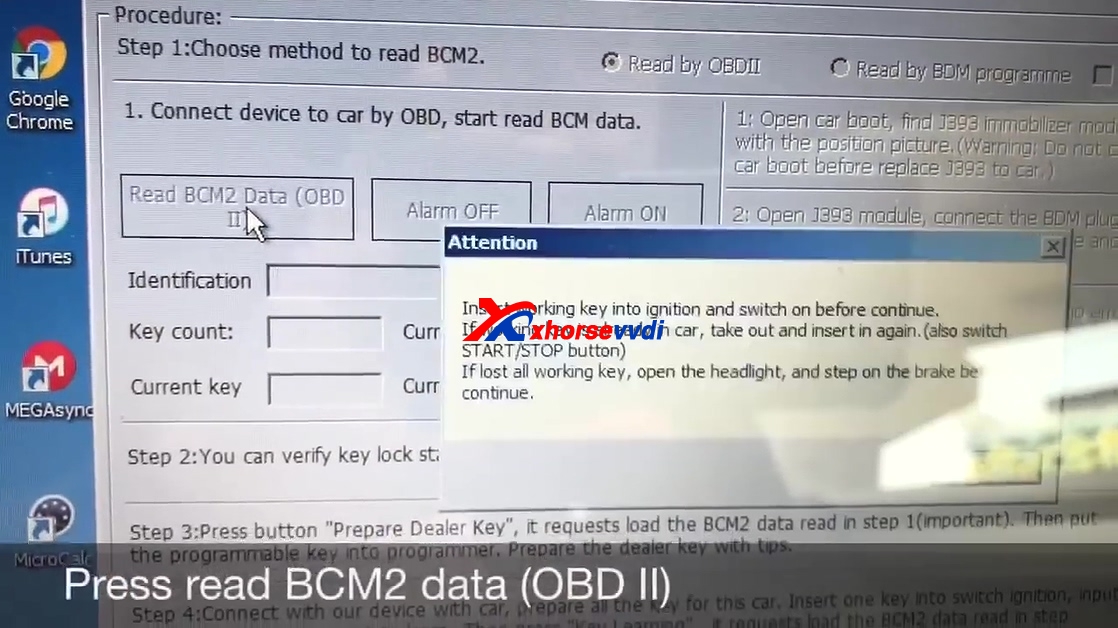
Click on " Read BCM2 data (OBDII)".

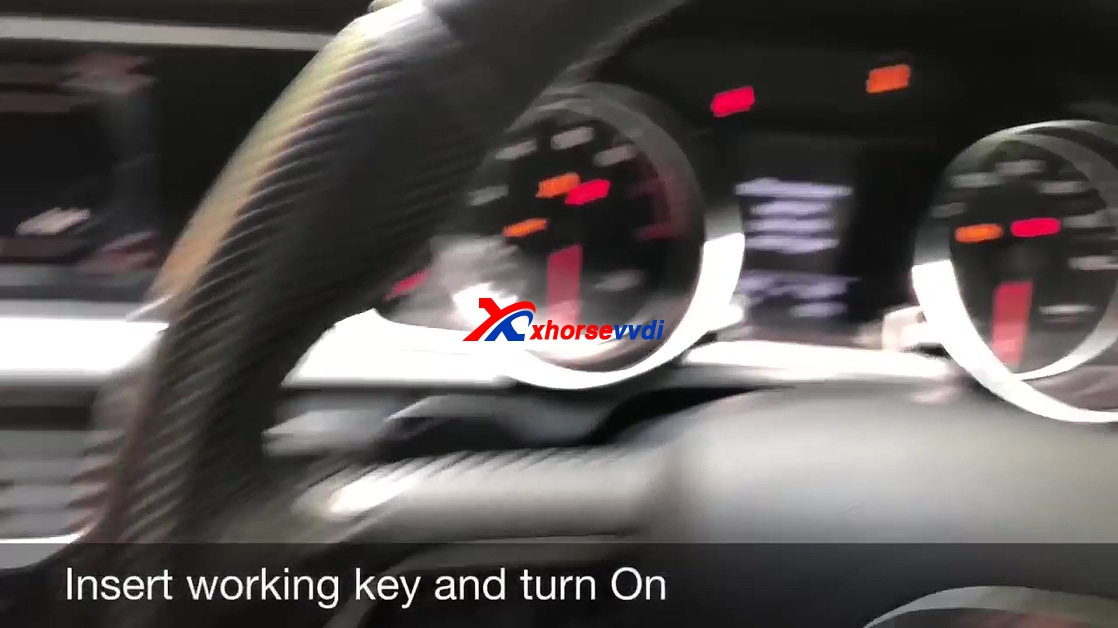
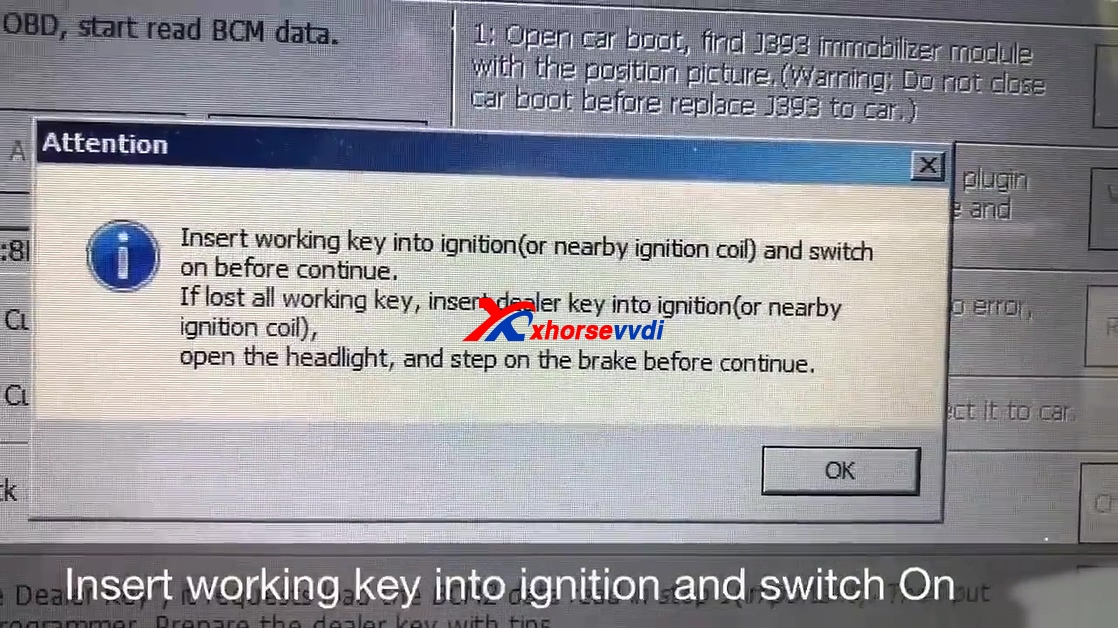
Insert working key into ignition and switch on.

If all keys lost, open headlight and step on brake before continue.

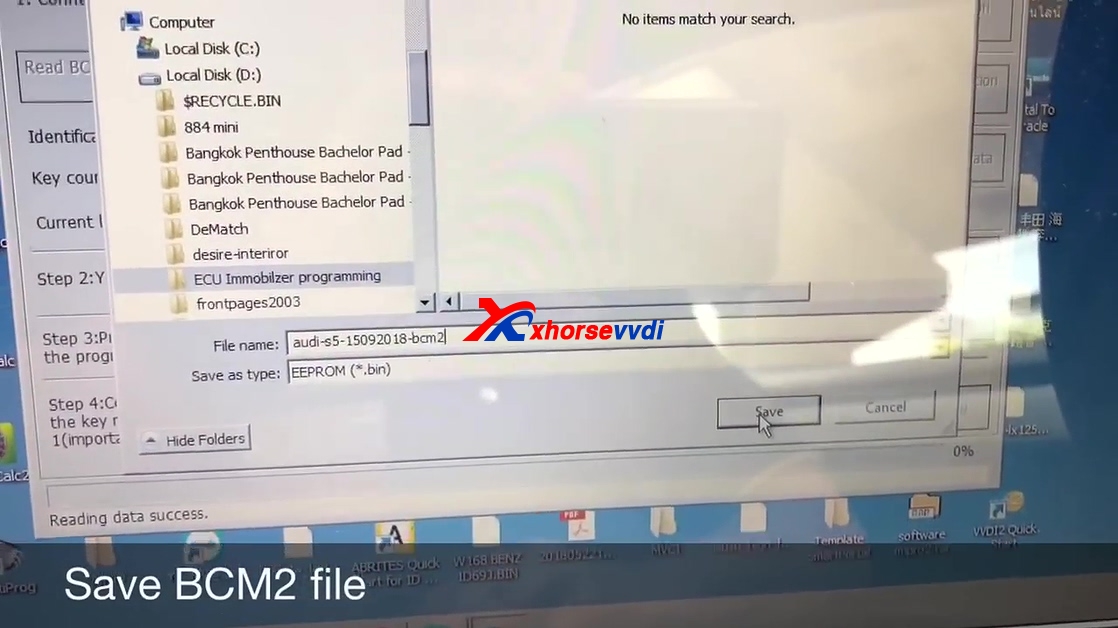
Disable security access level 1... success.

VAG number 8K0907064DP key count: 2

Save BCM2 file.

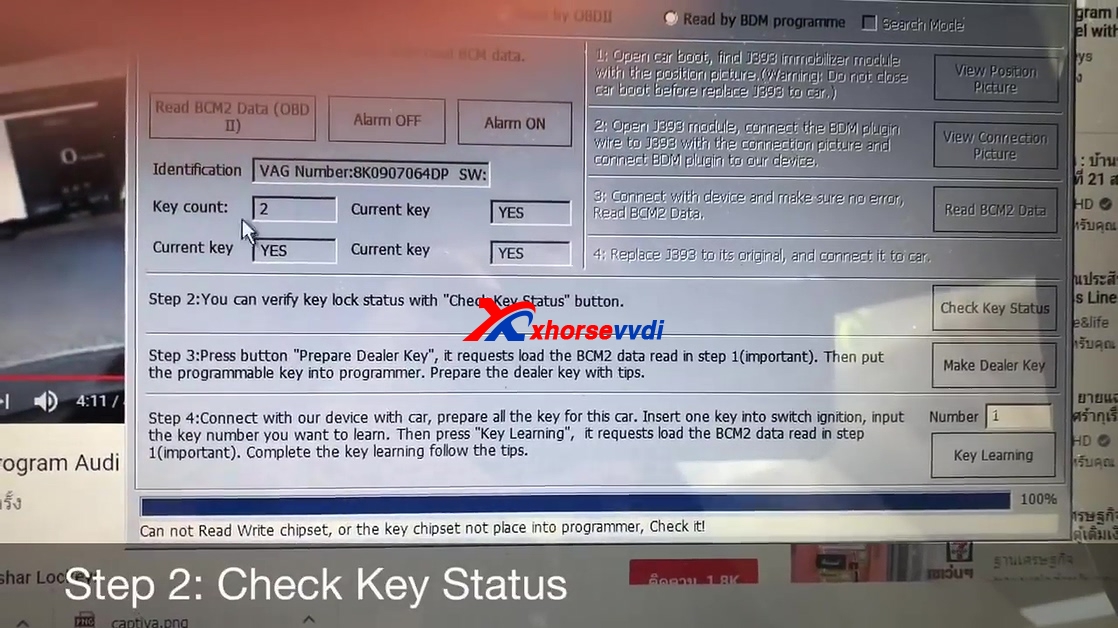
Step 2: Check key status.

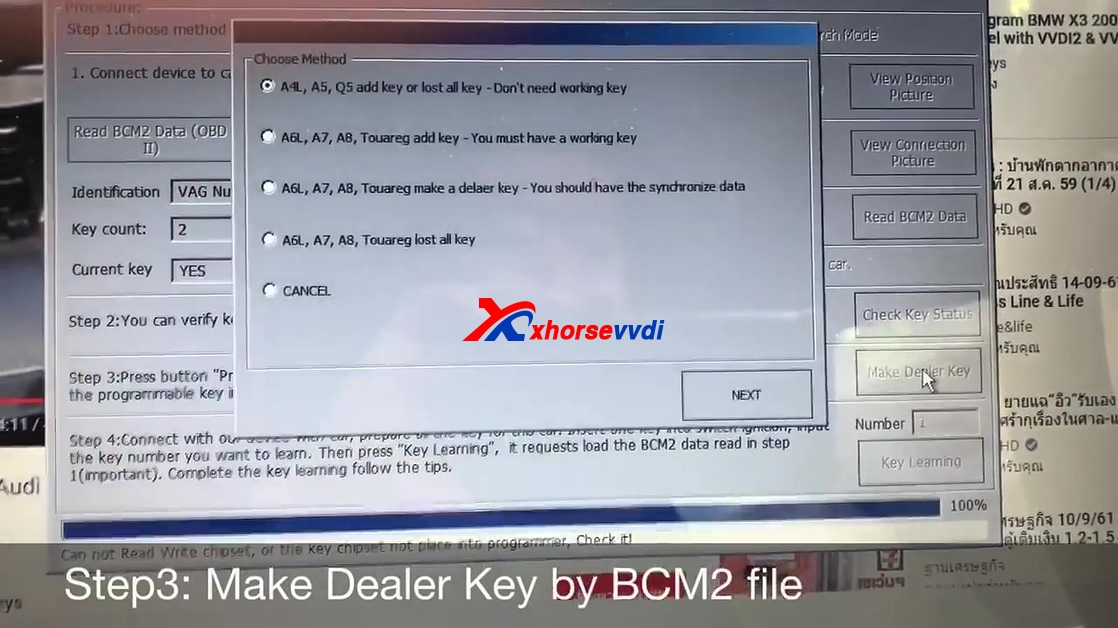
Step 3: Make dealer key by BCM2 file.
Choose A4L, A5, Q5 add key or lost all key -Don't need working key, click on "Next".
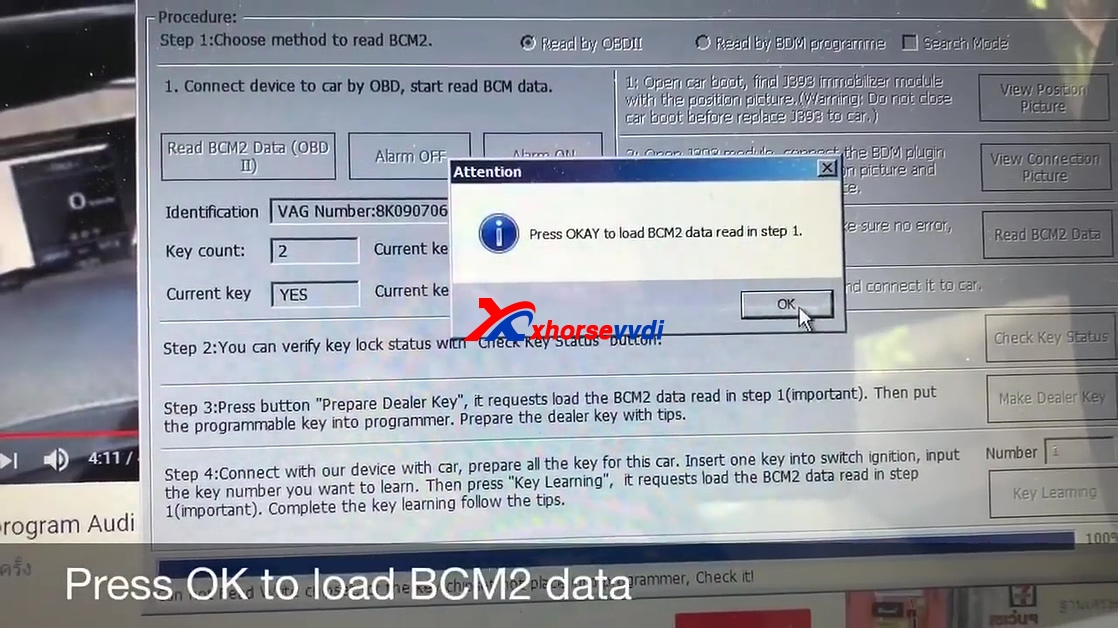
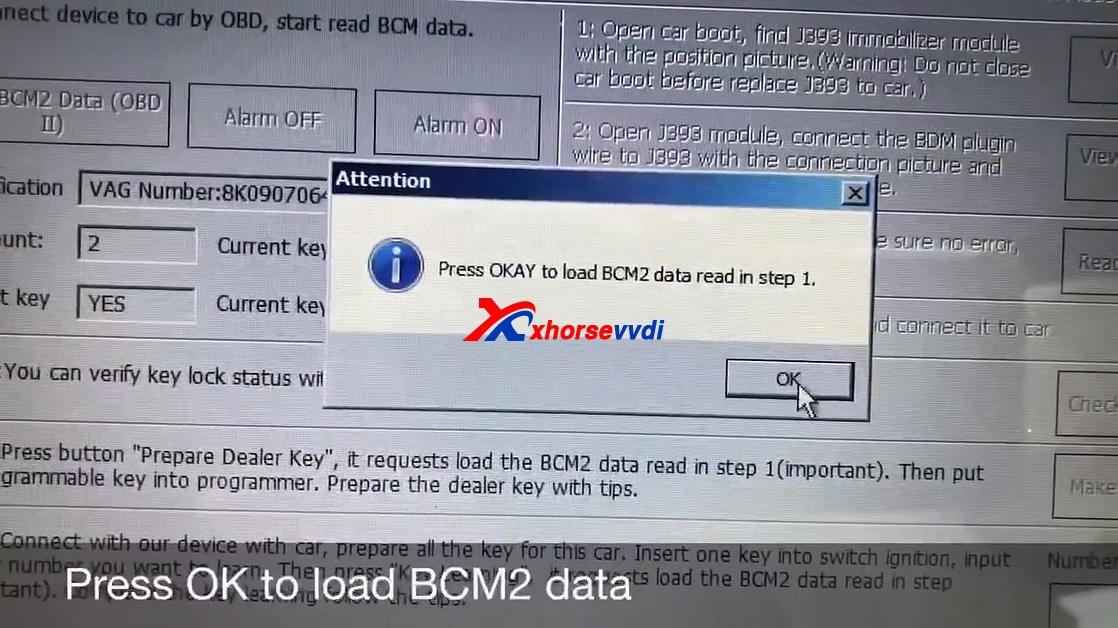
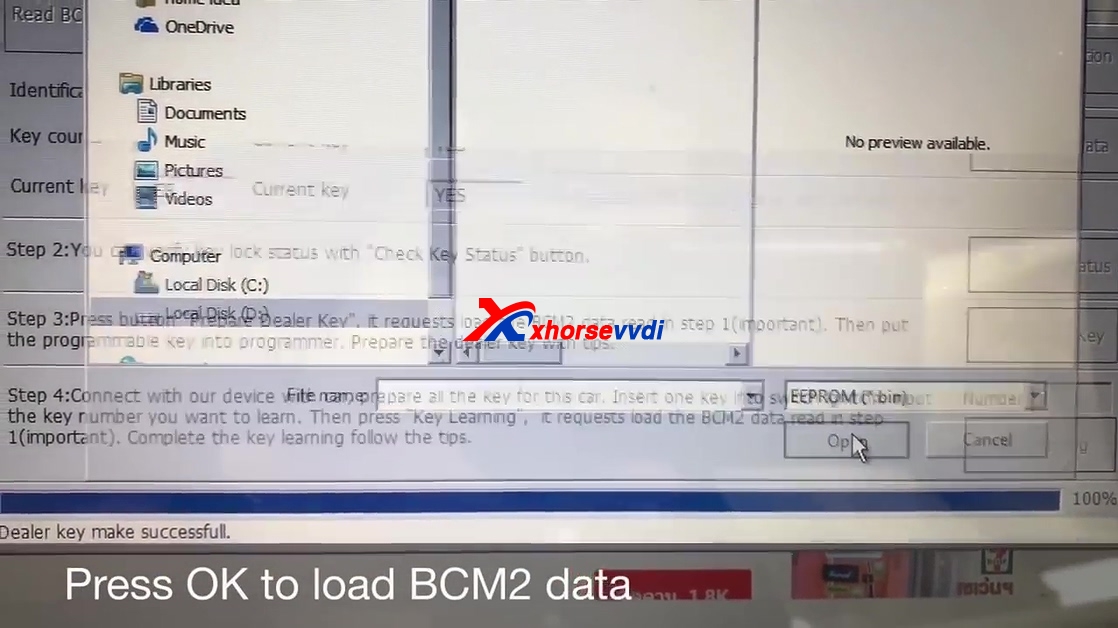
Press OK to load BCM2 data.

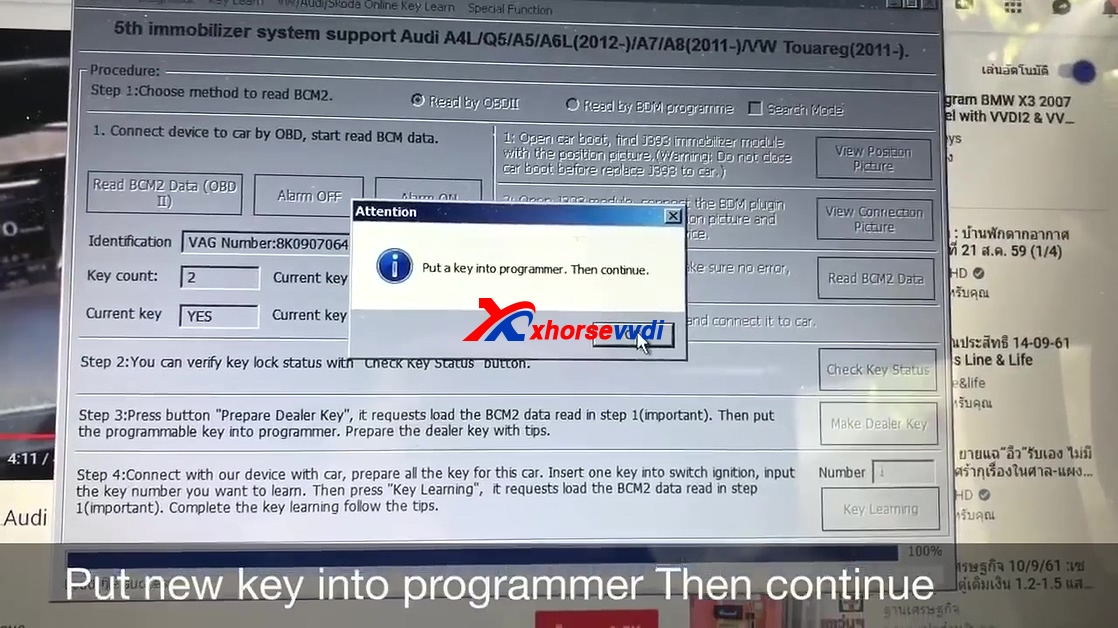
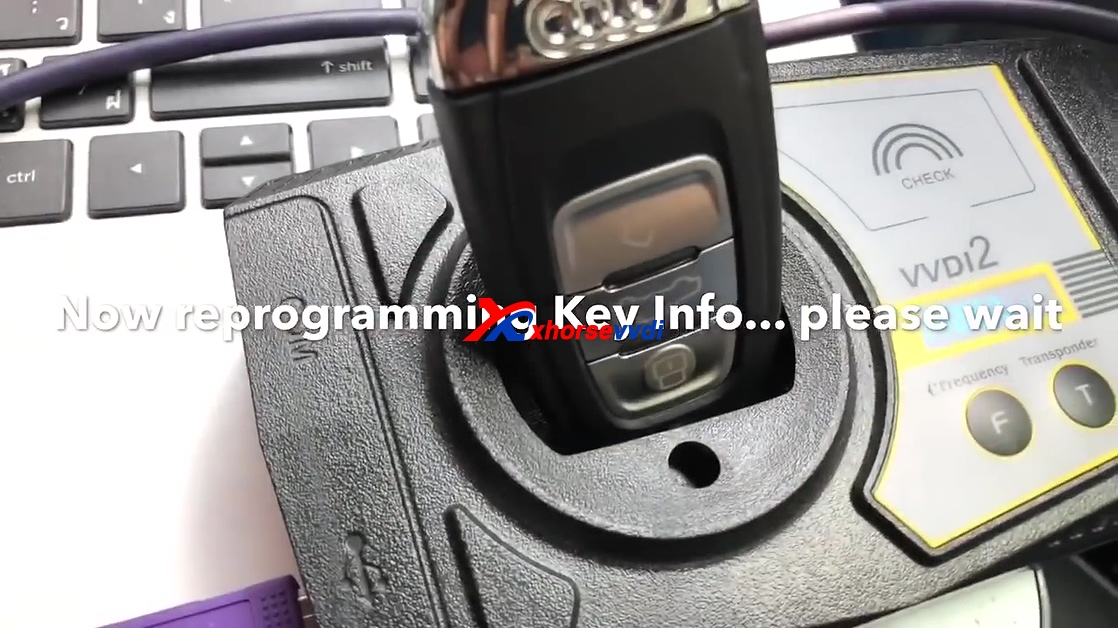
Put new key into programmer then continue.

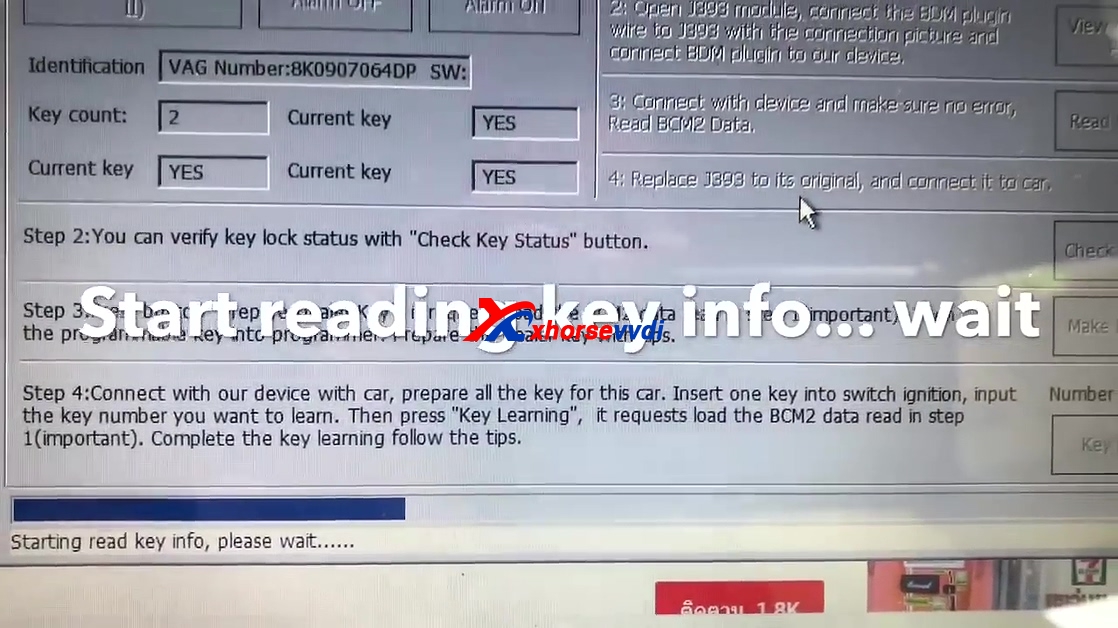
Start reading key info, please wait...

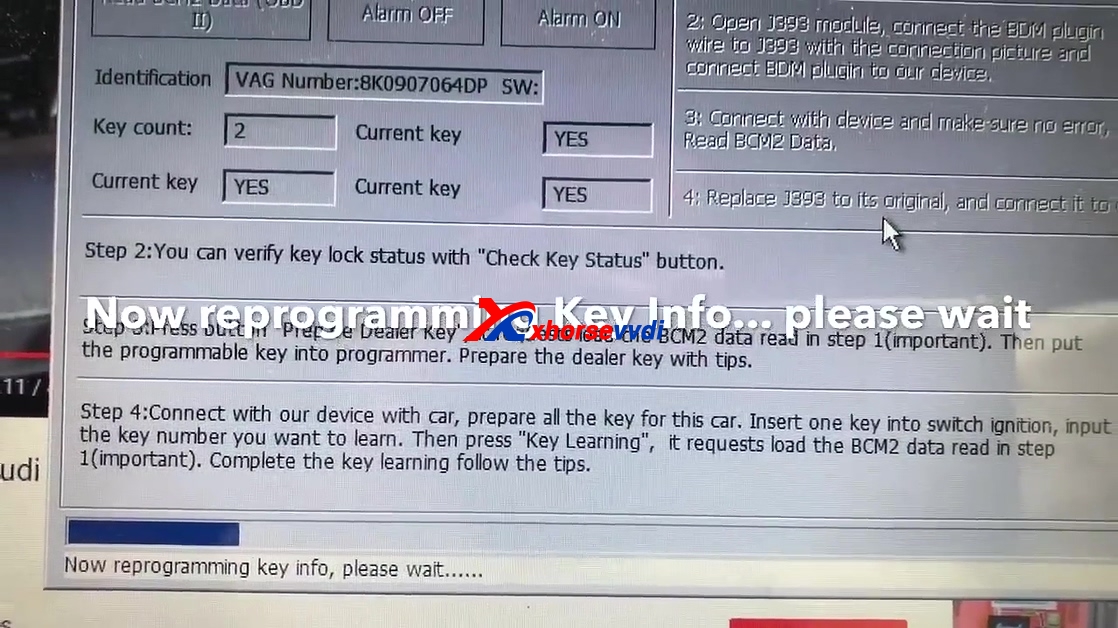
Now programming key info, please wait...

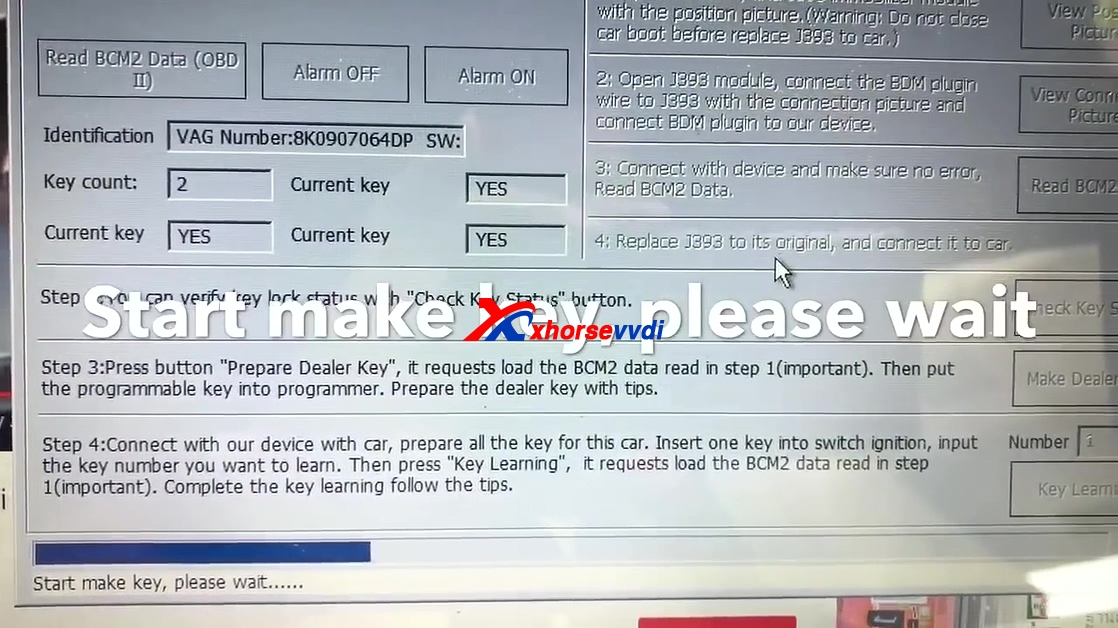
Start make key, please wait...

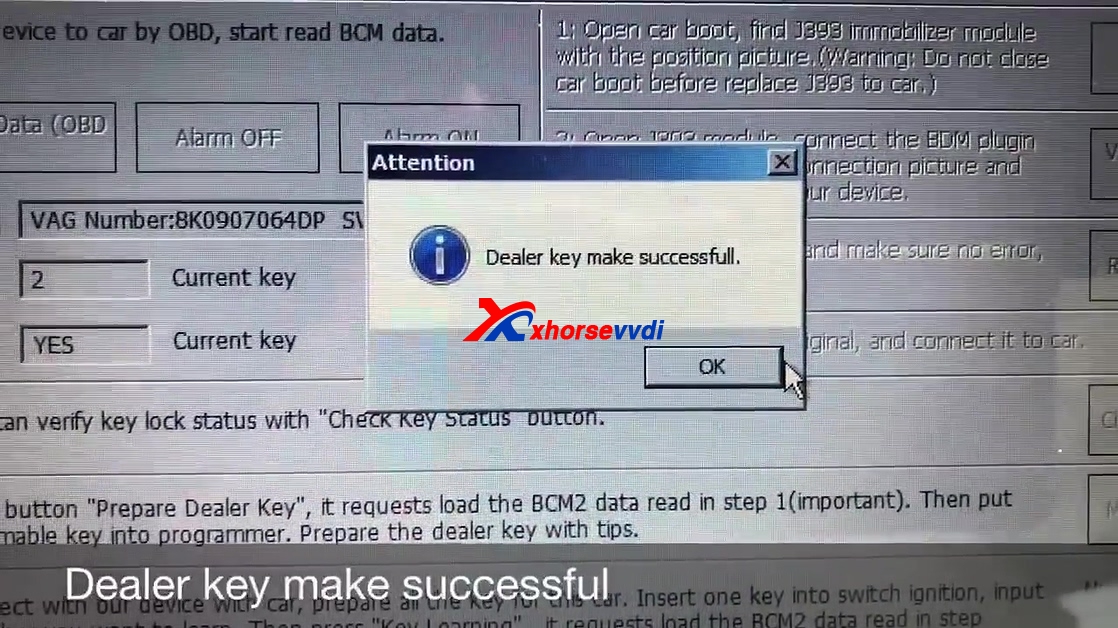
Dealer key make successfully.

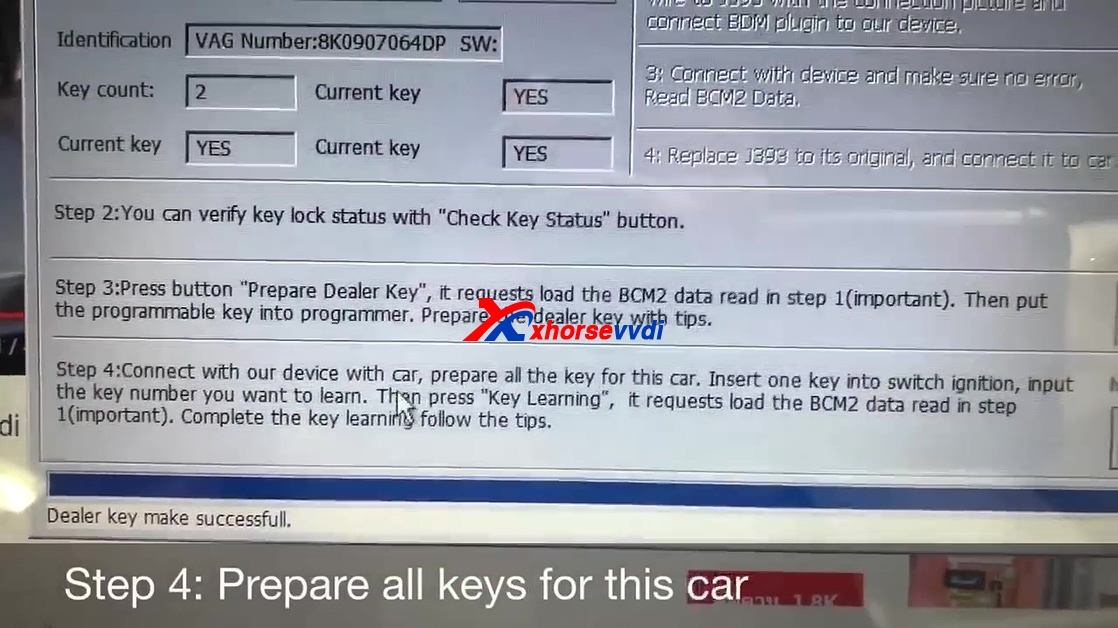
Step 4: Prepare all keys for this car.

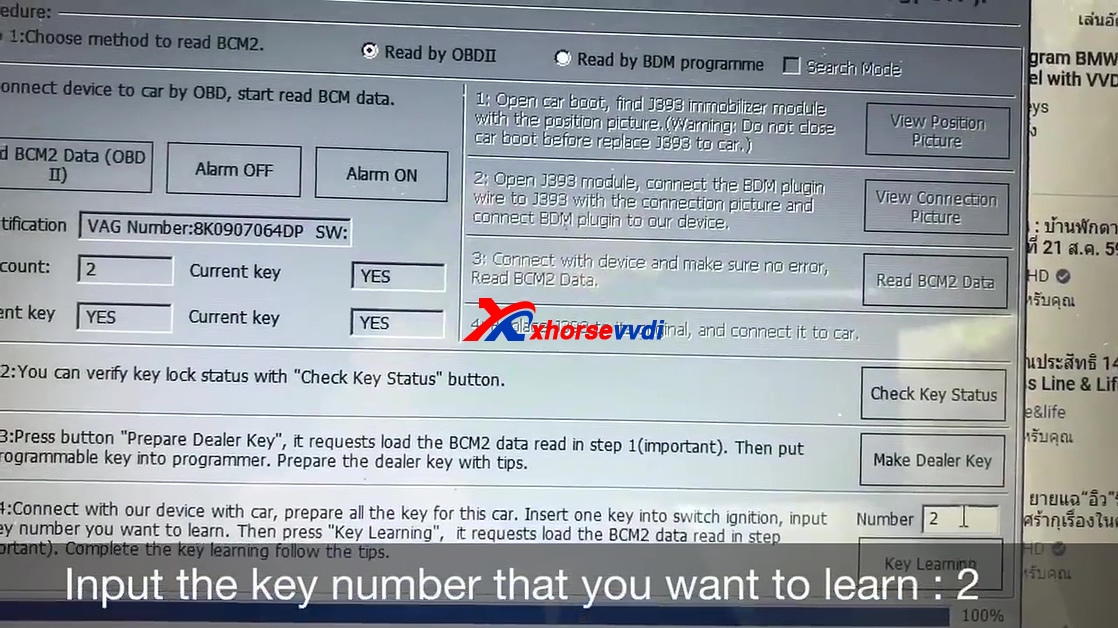
Input the key number that you want to learn:2.

Click on "Key Learning".
Click OK to load BCM2 data.

Insert working key into ignition and switch on.

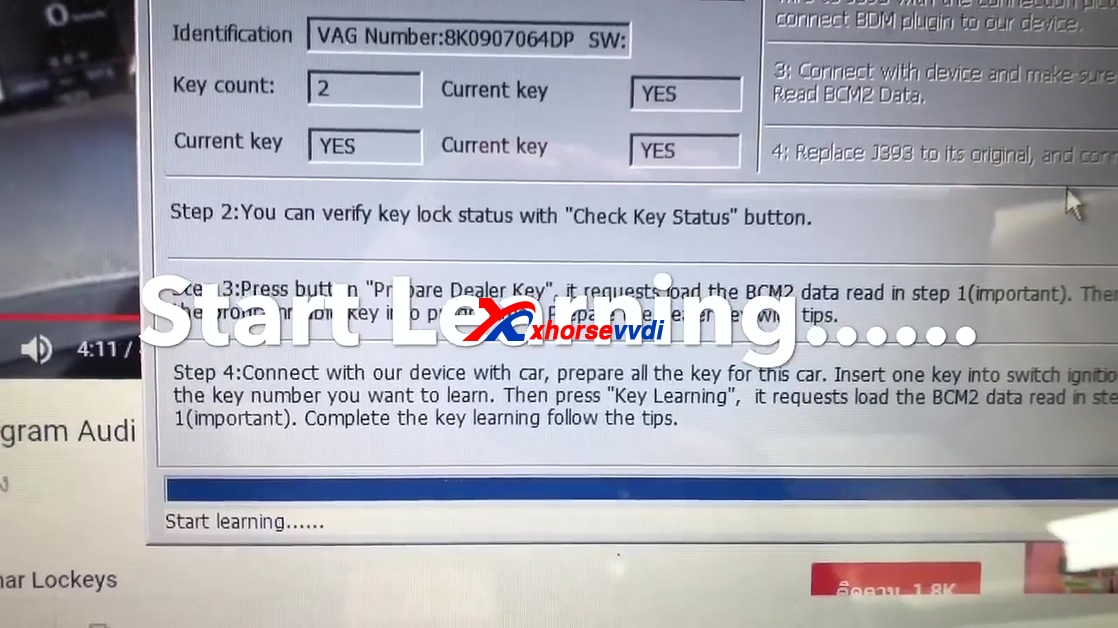
Start learning...

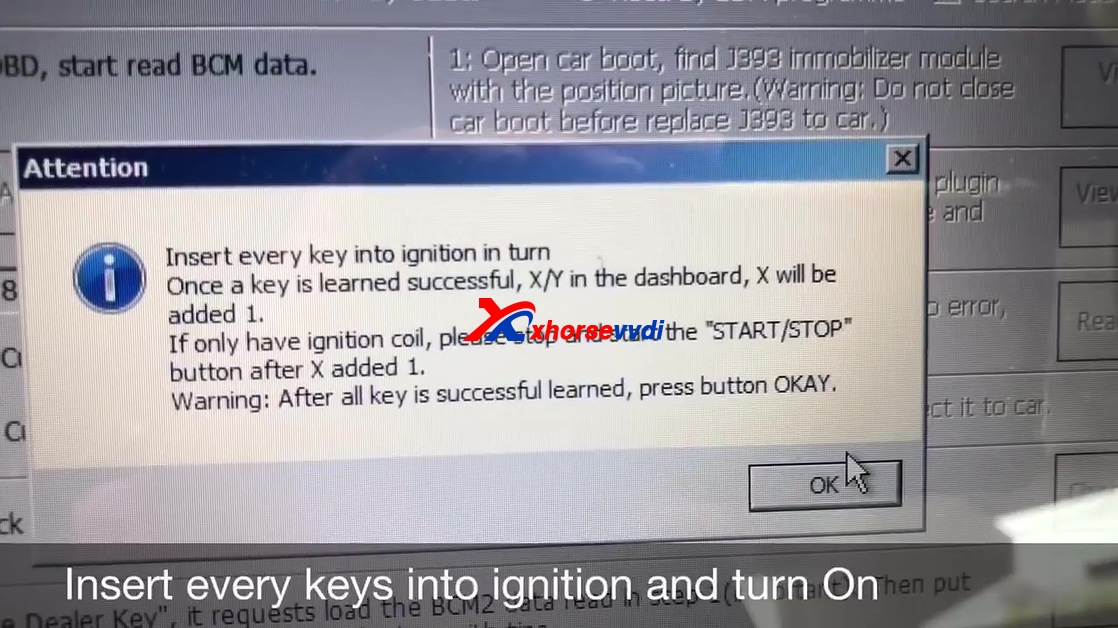
Insert every key into ignition and turn on.

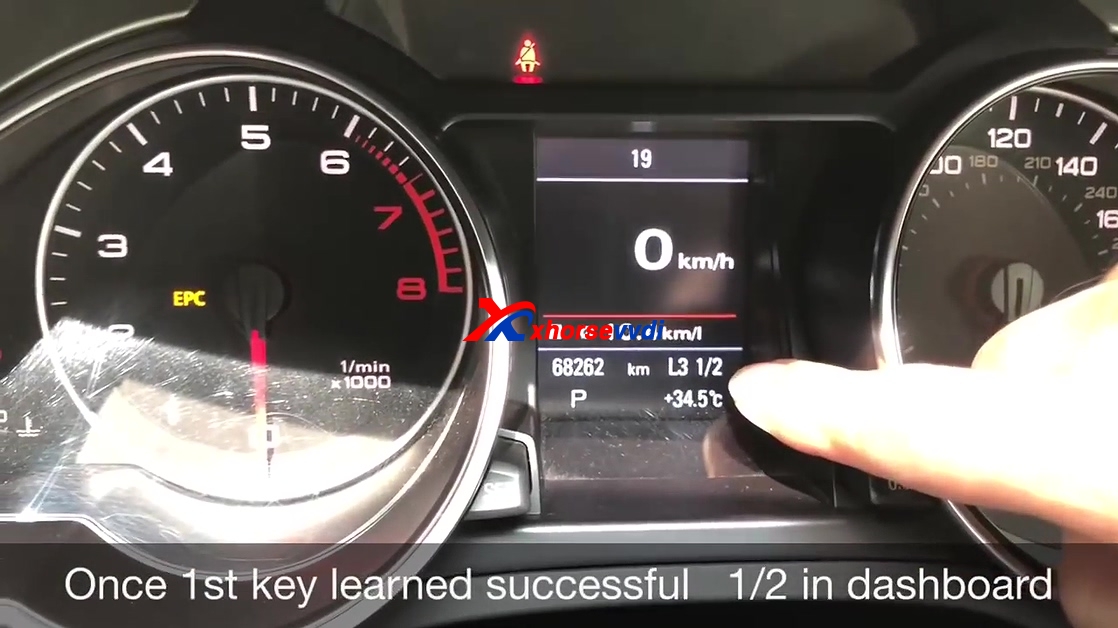
Once 1st key is learned successfully, 1/2 in dashboard.

Insert 2nd key to ignition watch and turn on.

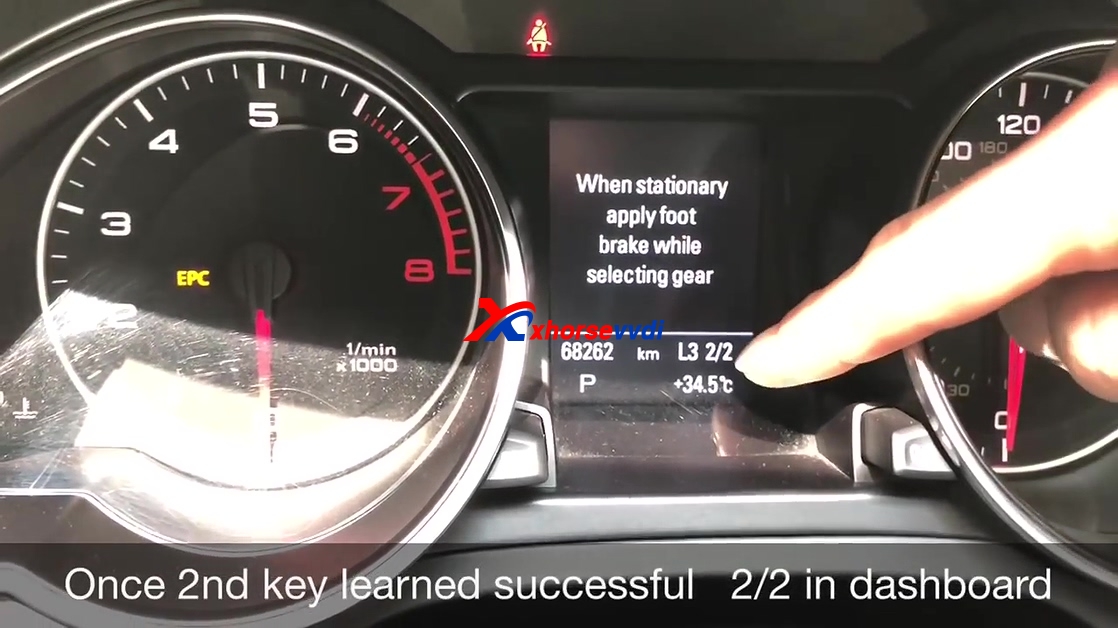
Once 2nd key is learned successfully, 2/2 in dashboard.

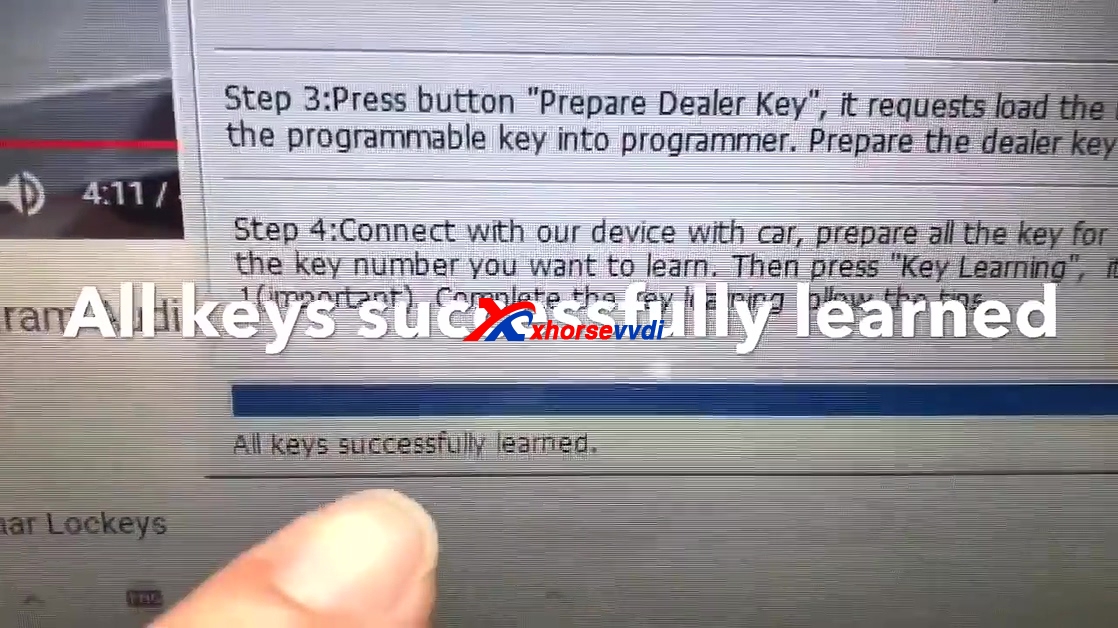
All keys are learned successfully.

Test Start OK.

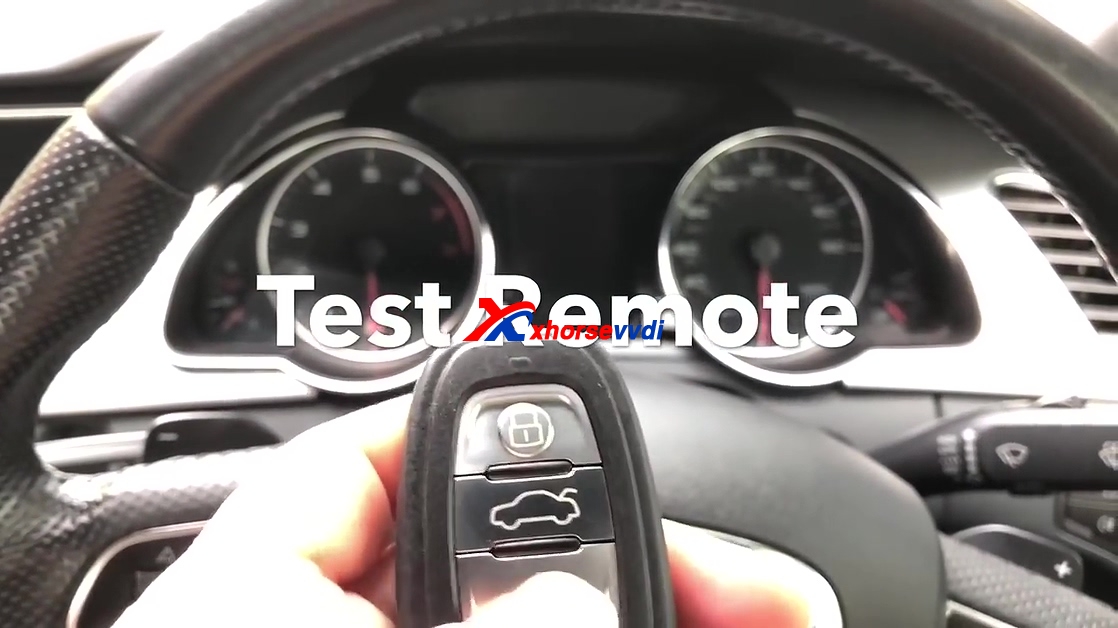
Test Remote.

Done.
Edit by http://www.xhorsevvdi.com/:How to use VVDI2 to program smart remote Audi S5 2010?