显示标签为“VVDI2 Audi”的博文。显示所有博文

2018年9月4日星期二

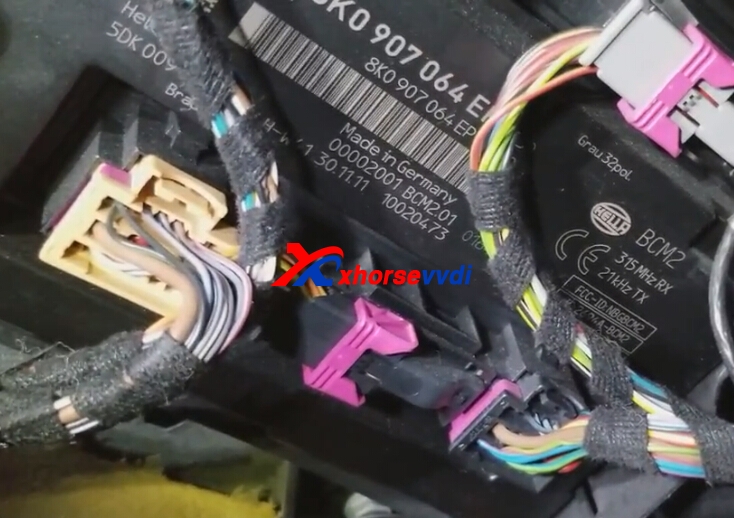
How to use VVDI2 Program Audi Q5 2012 All Key Lost via OBDII?

VVDI2 inlcudes vag 4th/5th authorization,and support to program Audi A3 ,A4, A5 ,Q3,Q5.etc Here we will display how to program 2012 Audi Q5 All Keys Lost via OBDII way.

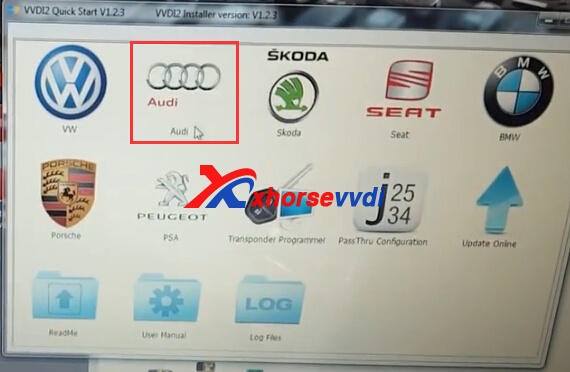
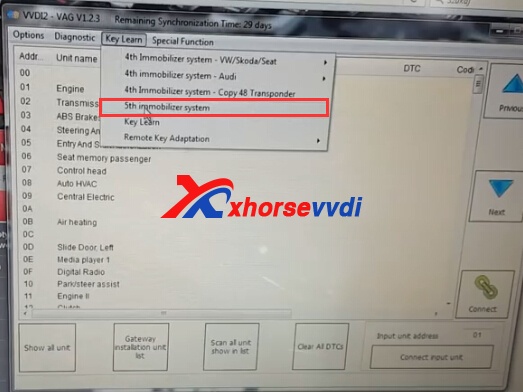
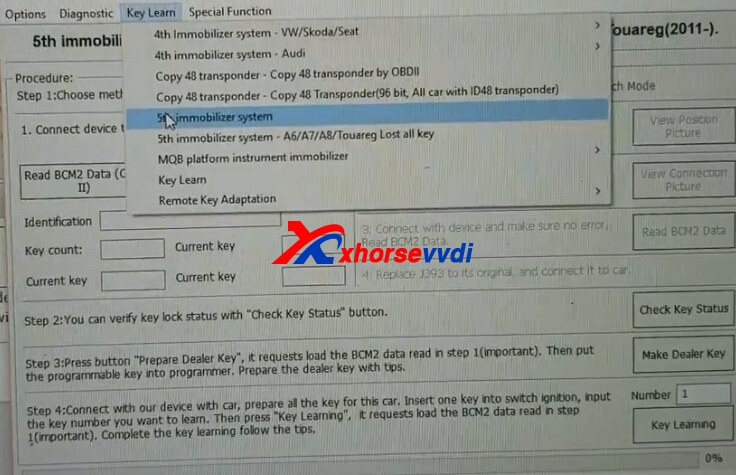
1.Start VVDI2 software and enter into VW,Choose key learn>>5th immo.
vvdi2 audi
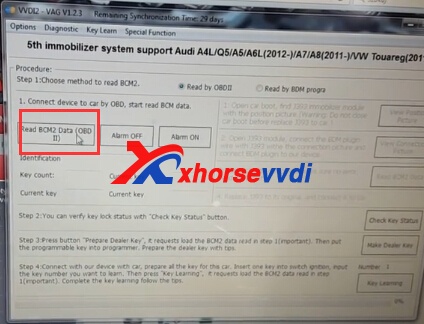
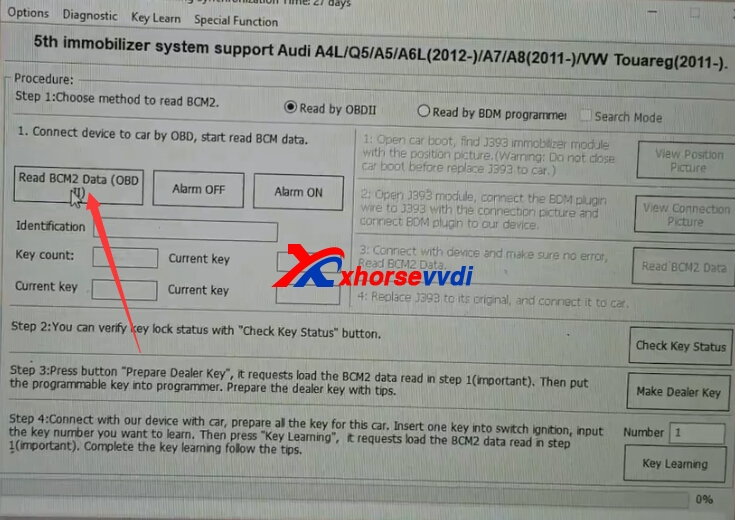
2.Choose read by OBDII,then click "Read BCM2 Data(OBDII)"
Connect device to car by OBD,start read BCM data.
vvdi2 audi

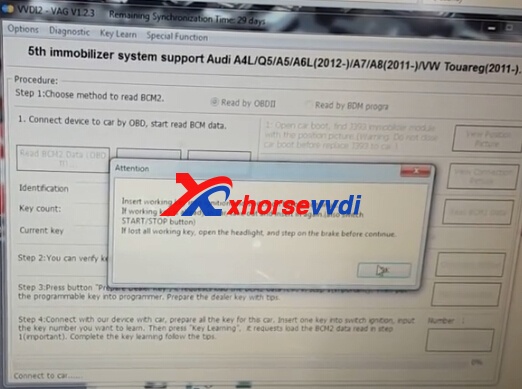
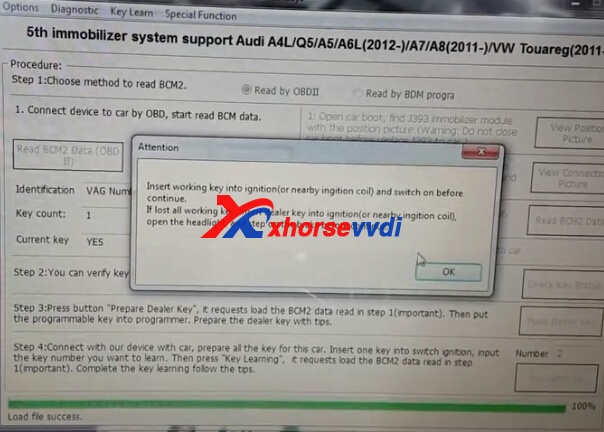
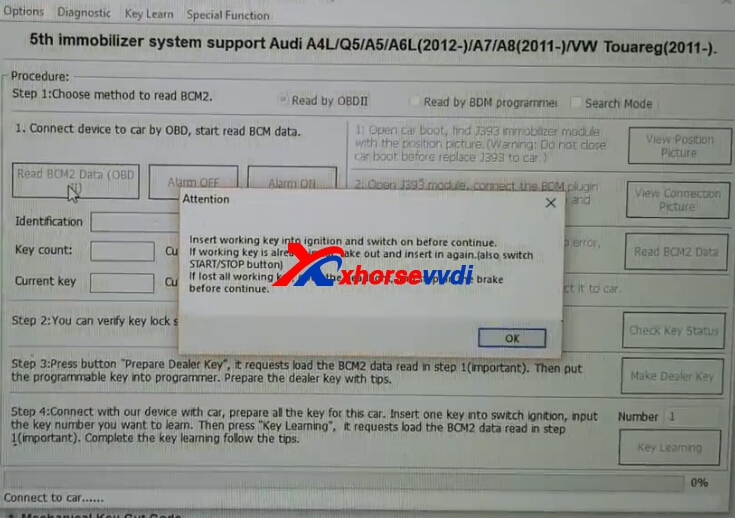
Insert working key to ignition and switch on before continue.
vvdi2 audi
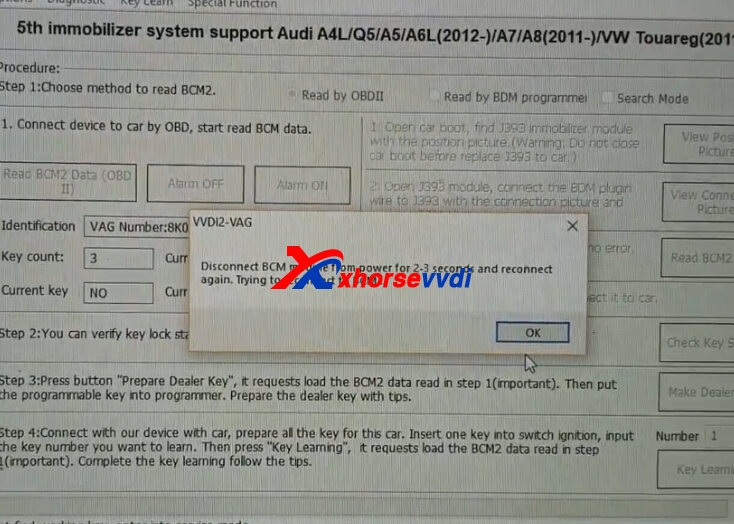
Disconnect BCM mudule from power for 2-3 seconds and reconnect again,try to reconnecto to BCM.
4.You can verify key lock status with check key status button.
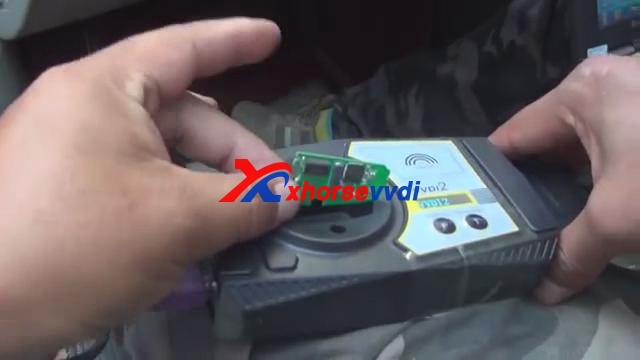
5.Press button prepare dealer key,it requests load the BCM2 data read in step1.Then put the programmable key into programmer.Prepare the dealer key with tips.
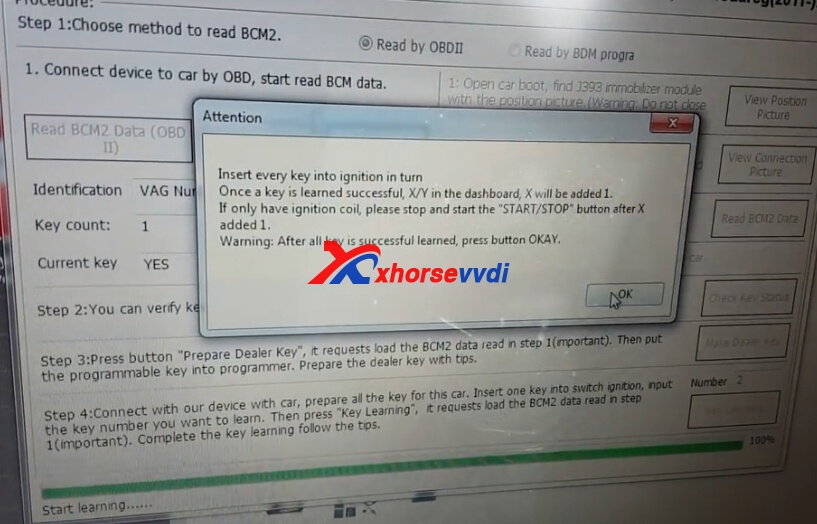
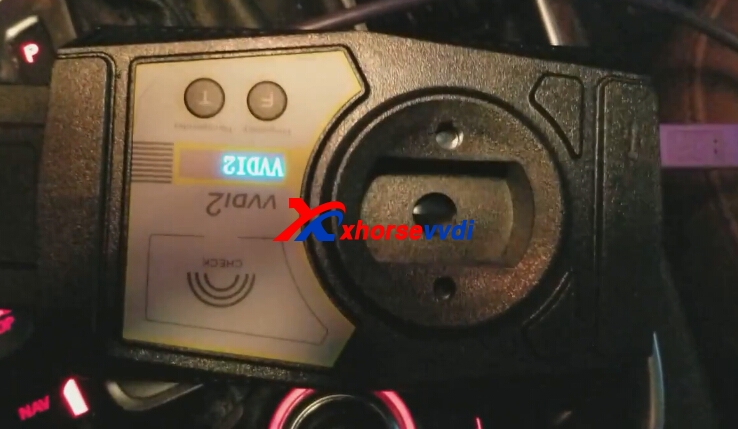
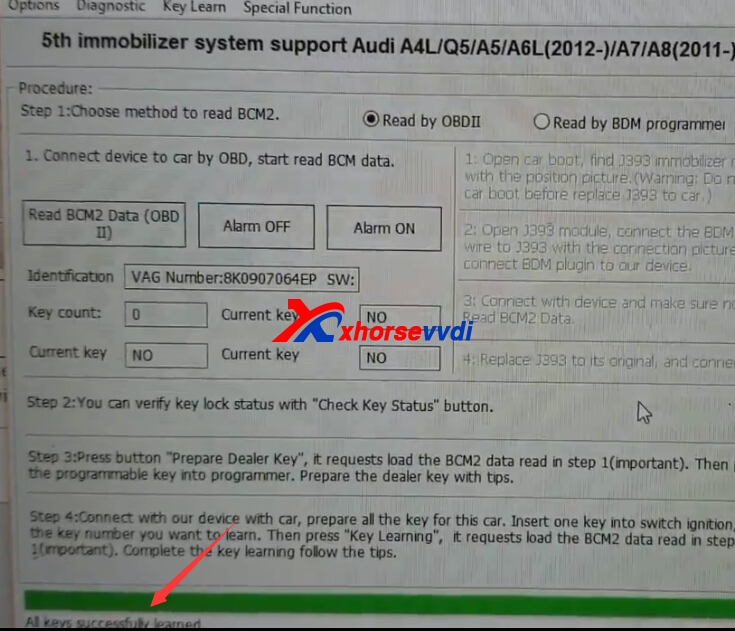
6.Connect our VVDI2 with car,prepare all the key for this car.insert one key into switch igniton,input the key number you want to learn.Then press key leraning,it requires load the BCM2 data read in step1.Complete the key learaning follow the tips.
2017年7月26日星期三

How to use VVDI2 Key Programmer Program Audi Q7 2007 key?

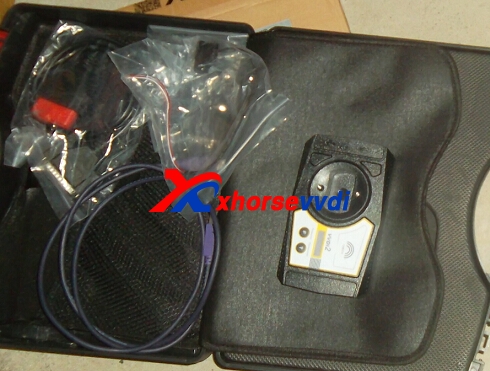
VVDI2 Vag support change KM,EEPROM Dump Tool,Engine control Unit,K-Line Instrument/Immobox,adapt Unit,Component Protection.We will show steps about VVDI2 Program Audi Q7 2007 key.
vvdi2 key programmer
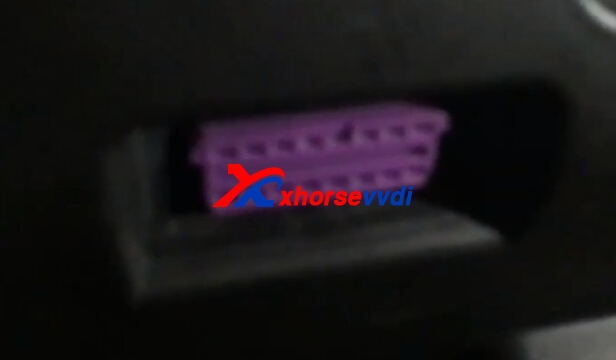
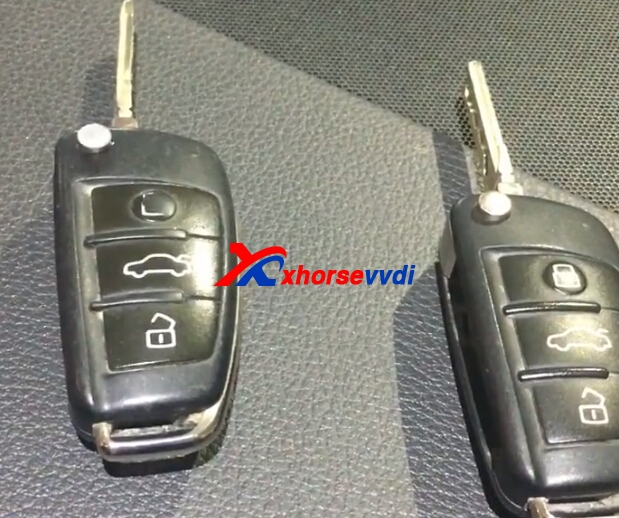
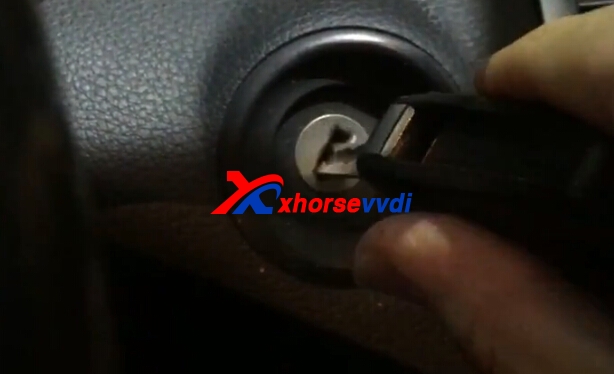
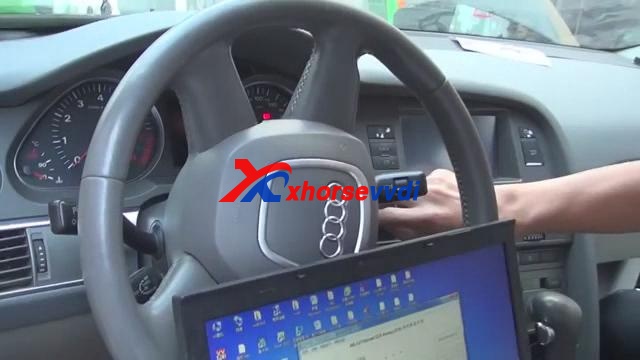
1.Audi Q7 2007 key OBD Port,and key.

vvid2 audi
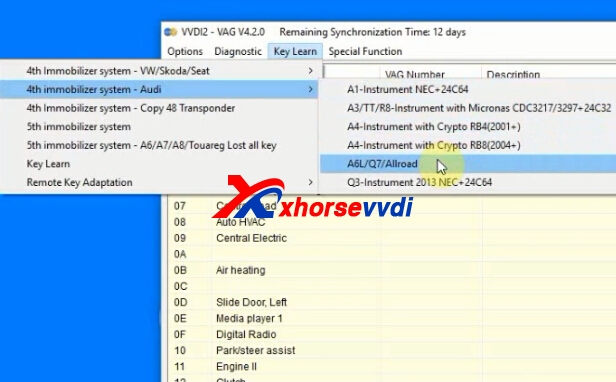
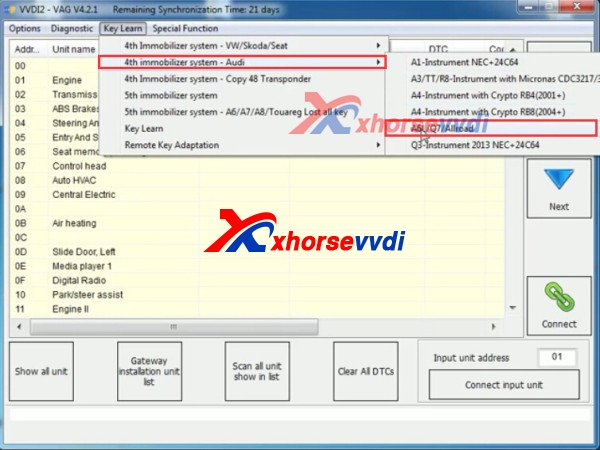
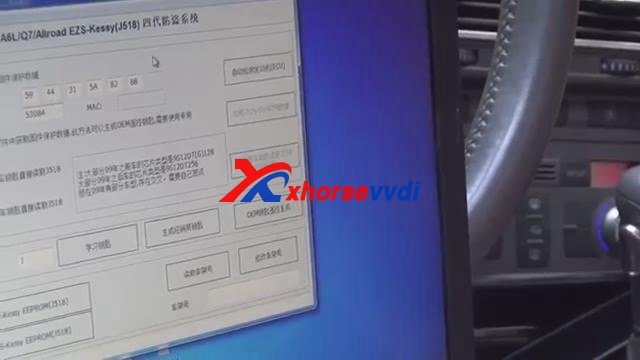
2.Start VVDI2 VW software,choose "key learn>>4th immobilizer system-Audi>>A6L/Q7/Allroad".
vvdi2 audi
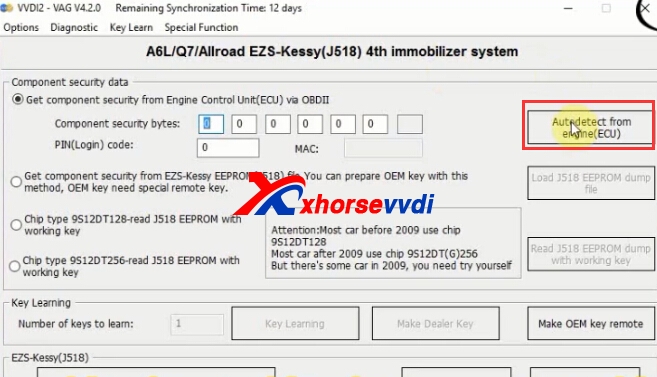
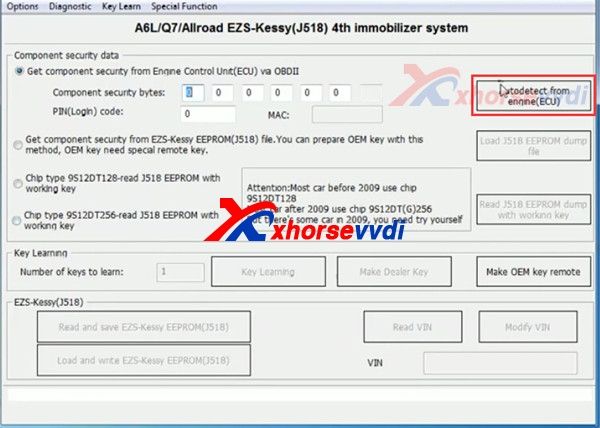
3.Inert the key into car,ignition one.Click "Autodetect from engine(ECU)."
vvdi2
vvdi2 add new key
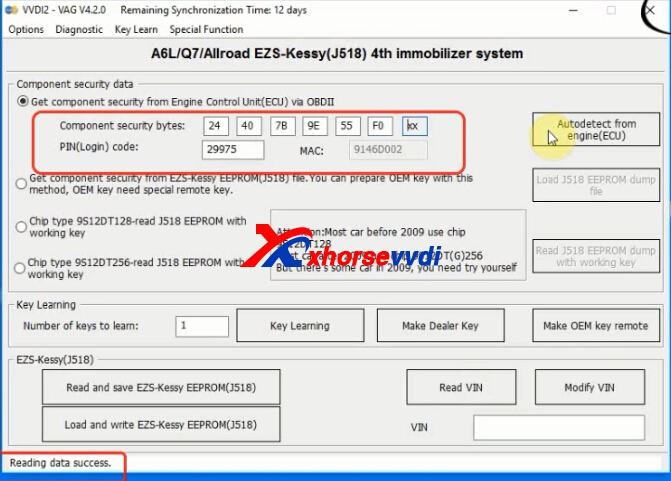
4.Reading data successfully.Then it displays pin and mac.
vvdi2 audi q7
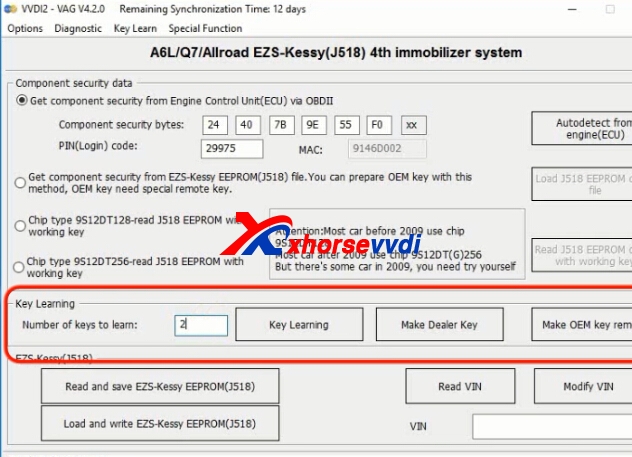
5.Input key numbers to learn,then click "Key Learning".
vvdi2
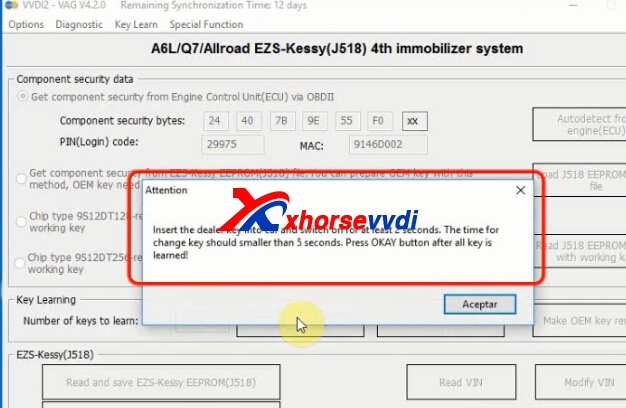
6.It will pomp up like the following pic shows.
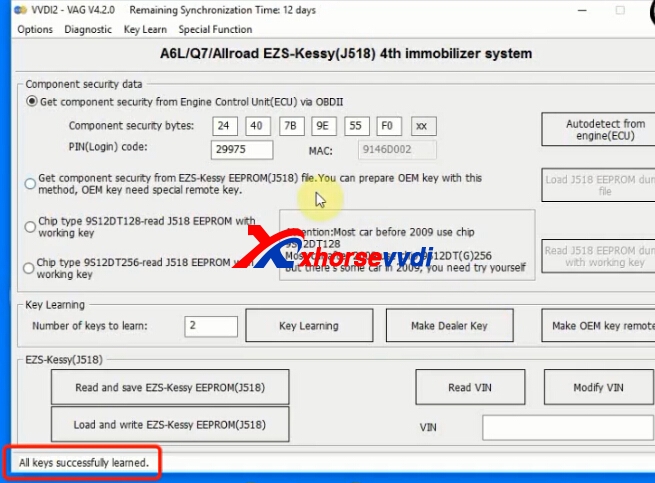
Inert the dealer key into car and switch on for at lease 2 seconds.The time for changed key should smaller than 5 seconds.Press OK button after all key is learned.
vvdi2 audi key programmer
vvdi2
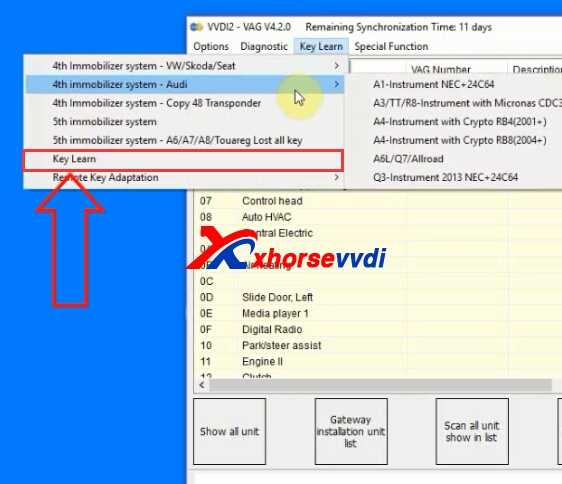
7.Back to VAG software,click "Key Learn>>Key Learn"
vvdi2 audi key programmer
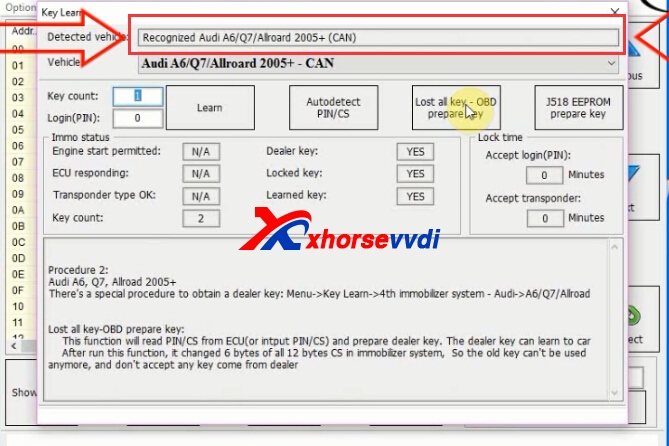
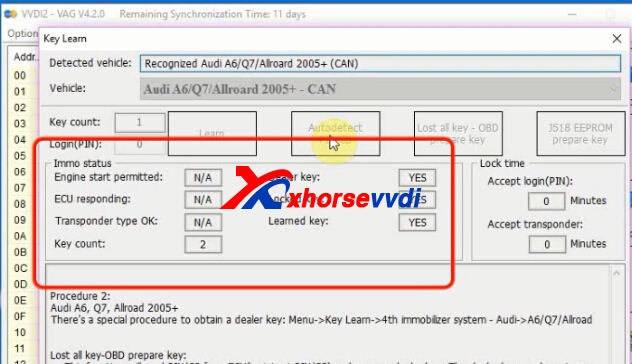
8.Detected vehicle.
vvdi2 audi q7
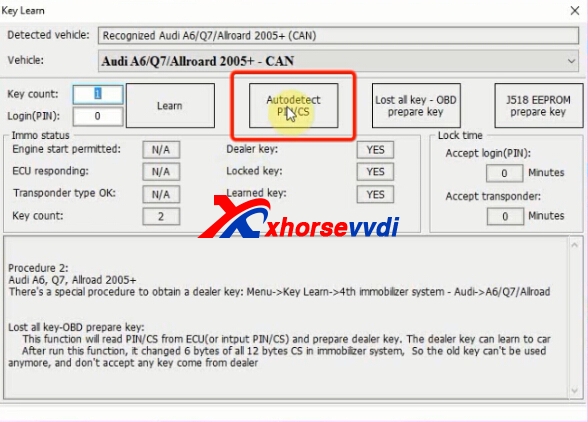
9.Click "Autodetect POM/CS"
vvdi2 key programmer
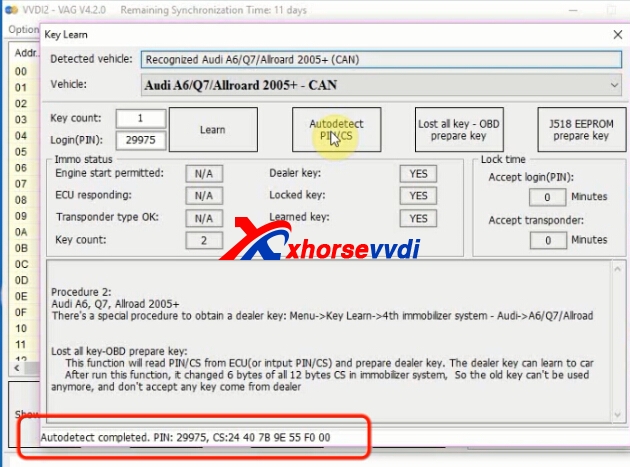
10.Autodetect completely,it will display the PIN/CS.
vvdi2 vvdi2
11.Input Key count,and click "Learn"
vvdi2 cs/pin
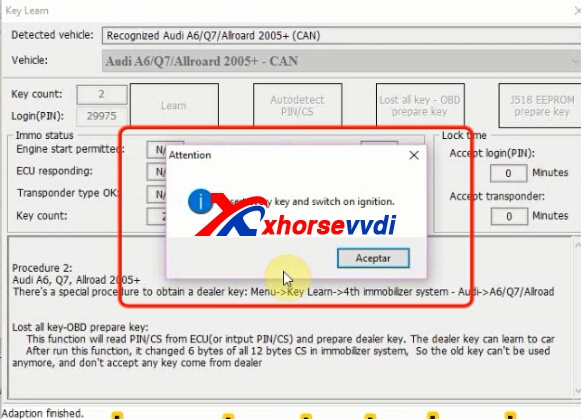
12.Insert every key and switch on.
vvdi2 audi
Adaption finished.

2017年6月1日星期四

How to use VVDI2 Read Audi EZS EEPROM(J518) via OBD?

VVDI2 commander Programmer is professional key programmer,especially for BMW,VAG car models.VVDI2 newest version V4.2.1 add Audi A6L, A7, A8L, Touareg lost all key function.
Here we will introduce some simple steps about Xhorse VVDI2 Key Programmer Read Audi EZS EEPROM(J518) and Read VIN via OBD.
vvdi2
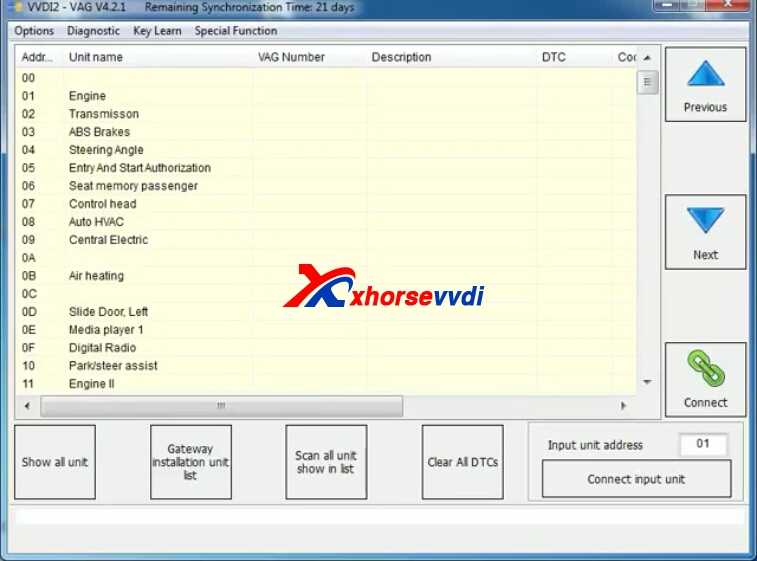
1.Run VVDI2 VAG software,or Run VVDI2 Quick Start,then Choose VW icon.
2.Choose "Key Learn">>"4th IMMO System">>"A6L/Q7/Allroad"
vvdi2 audi
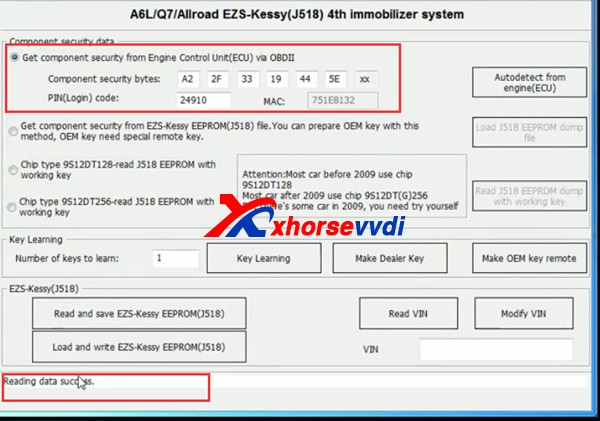
3.Click "Autodetect From ECU(Engine)".Then reading data.
vvdi2 read audi ezs
Read data success.
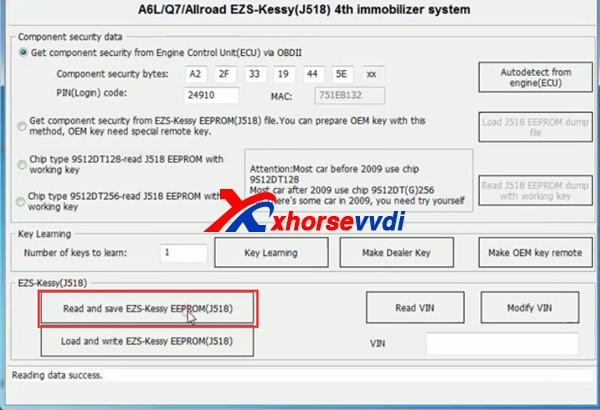
4.Click "Read and save EZS-Kessy EEPROM(J518)".
VVDI2
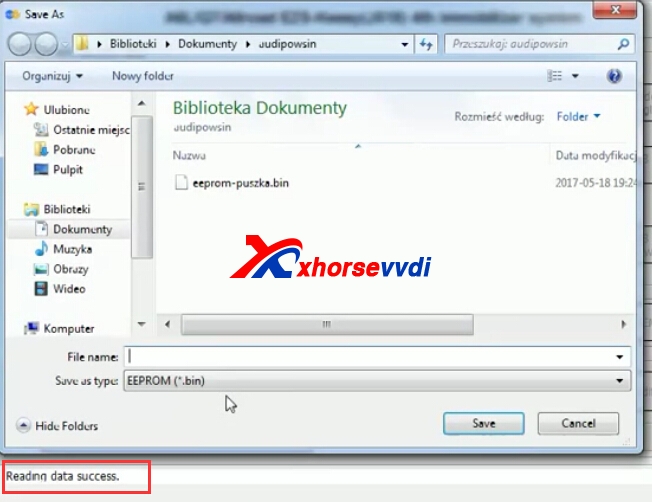
5.Read successfully and save data.
vvdi2 audi
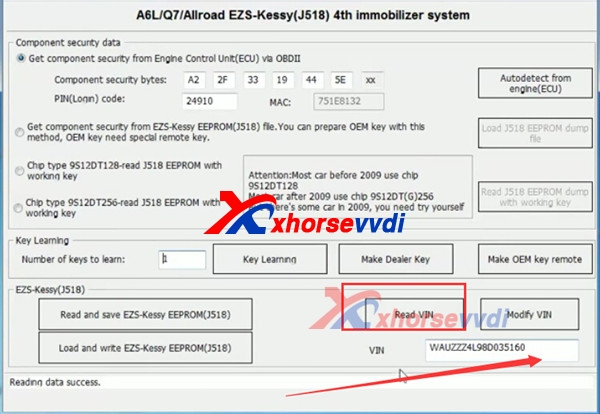
6.You can also read VIN.

www.xhorsevvdi.com all rights reserved, Original Article url:How to use VVDI2 Read Audi EZS EEPROM(J518) via OBD?

2017年5月23日星期二

How to use Xhorse VVDI2 and VVDI Prog to make Audi A6l 2.4 Key

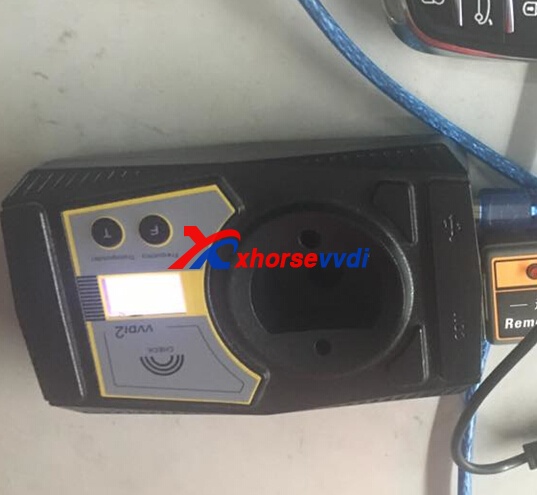
VVDI2 and VVDI PROG both of them are xhorse original tools,VVDI PROG can read BMW ISN and eeprom.etc,vvdi2 key programmer is univeral tool.Here XhorseVVDI.com will take Audi A6l 2.4 all key lost as a example to the detailed steps how to use Xhorse VVDI2 and VVDI Prog to make key.
vvdi prog programmervvdi2
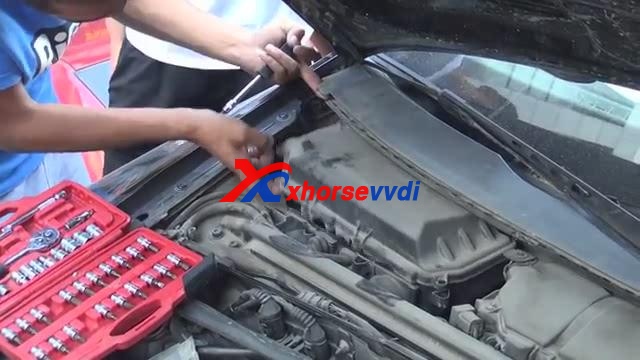
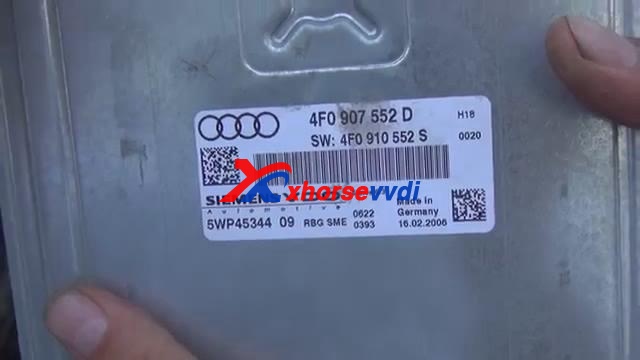
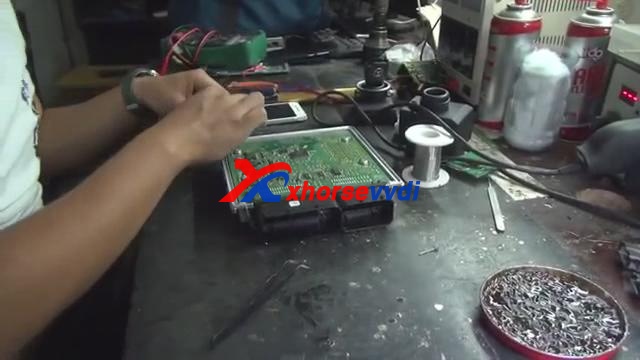
1.Open Engine cover, find out the Engine position, remove the engine ECU.
xhorse vvdi2xhorse-vvdi2-vvdi-prog-2
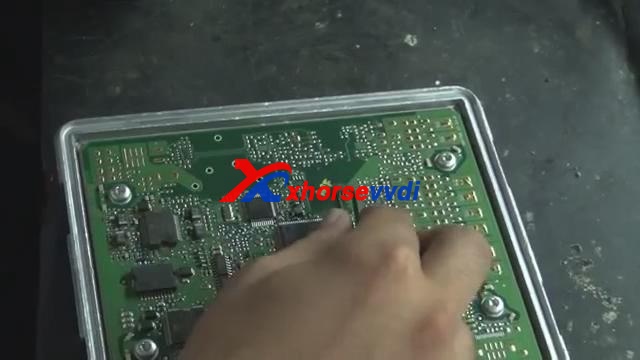
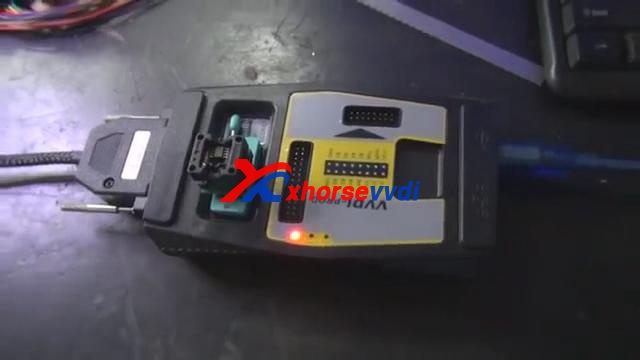
2.Read 95320 chip.Use VVDI prog to read 95320 chip,please remove the chip and put it on the VVDI Programmer.
vvdi progxhorse-vvdi2-vvdi-prog-4
Start VVDI Prog software,choose the chip type,read out the data,and save it.
3.Remove the 95320 chip,solder chip back on engine.
vvdi programmer
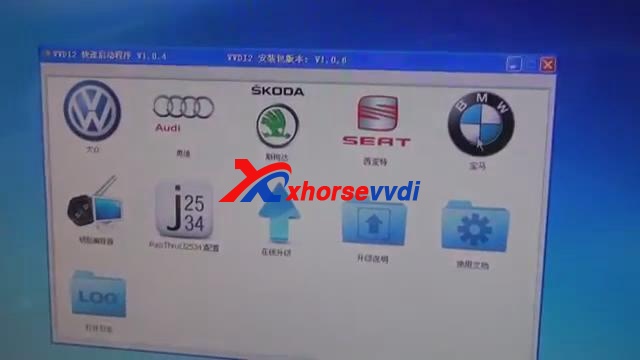
4.Start VVDI2 software and choose Audi car brand.
vvdi2 key programmer
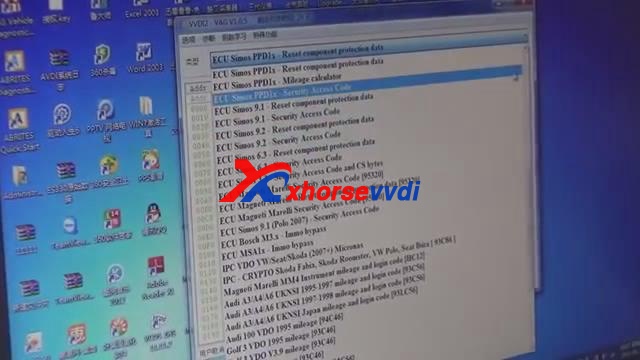
5.Click speical function,then select” EEPROM data processing tool”
vvdi2
6.Calculate the CS Code.
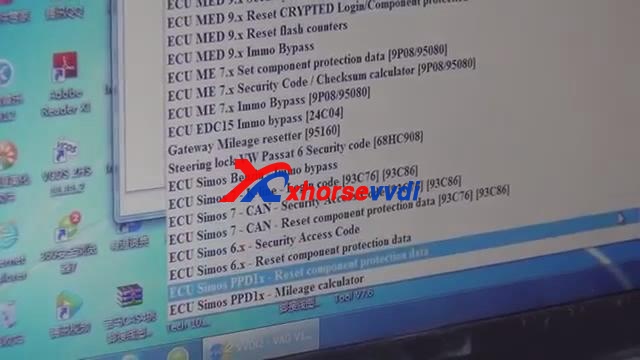
Choose ECU Simons PPDIX – Reset component protection data.Open VVDI2 and click Audi option,and Load the data that read out by VVDI Prog.Then click open.
vvdi prog
Record the CS code.
vvdi2 key programmer
7.Calculate PIN Code
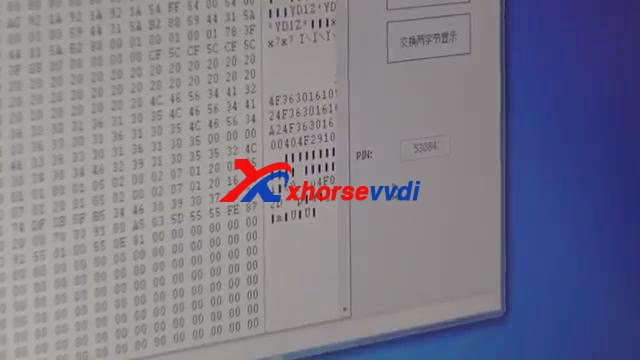
Select ECU Simons PPDIX – Security Access Code,load again the file,and record the PIN CODE.
vvdi2xhorse-vvdi2-vvdi-prog-10
8.Start VVDI2 software, click Learning Key- Audi A6/Q7.
Input the CS and PIN code ,then the button Learning Key and Generate dealer key will be OK to click.Put OEM chip and 8E chip into VVDI2 key programmer.Then click generate dealer key.
9.Learning key.
Disconnect the short insurance line and connect back.
Take out the key from VVDI2 and put it into ignition data coil.Click Learning Key .Open and close car door, turn on ignition, press down brake.
vvdi2
10.Read out EZS-KESSY(J518)EEPROM.
Click ok, select Chip type 9S1201128, read EZS-KESSY(J518)EEPROM is to generate OEM remote control.Save EZS-KESSY(J518)EEPROM.Generate OEM remote control.
Please confirm that remote controller is on the coil of VVDI2.
vvdi2
11.Test

2017年4月9日星期日

How to use VVDI2 to Program Audi A4 B8 Key?

VVDI2 Full version and VVDI2 VAG can Audi 4th immo, Audi 5th immo.If VVDI2 Basic or BMW,you need to open the VW VAG authorization.And XhroseVVDI.com will display how to use VVDI2 to program Audi A4 B8 Key:
1.Connect VVDI2 with computer and your car.
2.Put the new key into VVDI2.
vvdi2 auid
3.Start VVDI2 software,and choose Audi.
vvdi2 audi
4.Click “Key Learn>>5th immobilizer system”.
vvdi2 vag
5.Click Read BCM Data (OBDII).
vvdi2
6.Insert a working key to turn on ignition before continue.
If the key is already in car, you also need to remove it then insert it again.
If you lost all keys, you need to open car headlight and step on the brake before continue.
vvdi2 audi a4
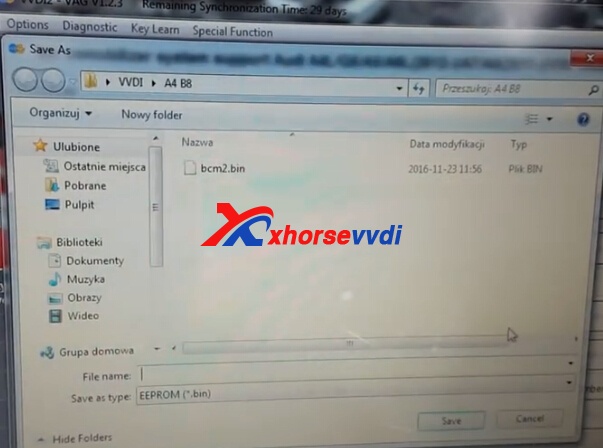
7.Read data success, save the eeprom bin file.
vvdi ii
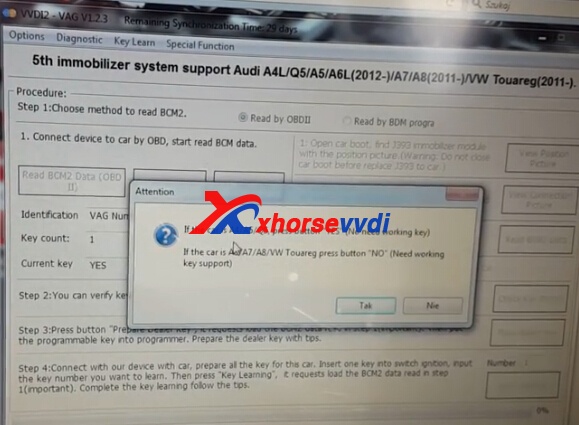
8.Click Make Dealer Key.
If car is A4/A5/Q5, press YES button to continue, no need working key.
If car is A6/A7/A8/VW Touareg, press NO button because it needs working key. Click YES.
vvdi2
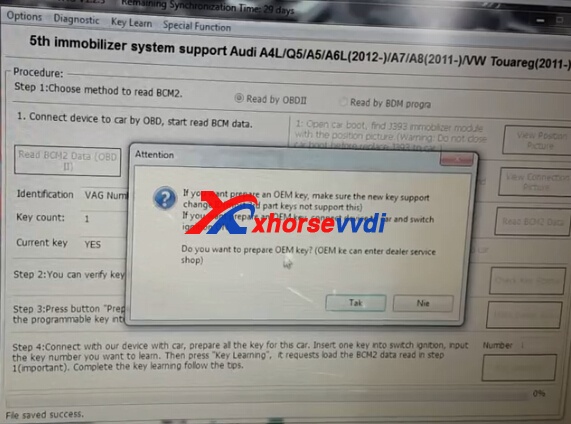
9.If you want to program an OEM key, make sure the new key support change ID. Click YES.
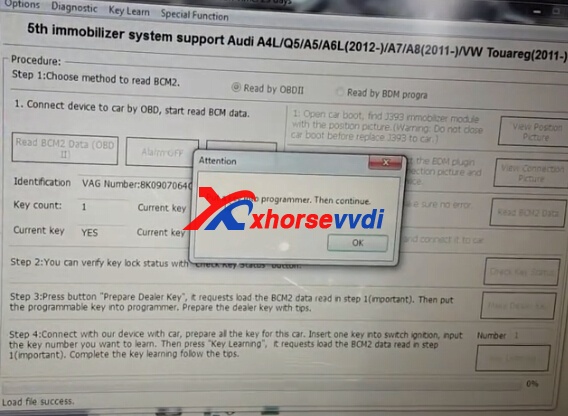
Choose Program normal dealer key option, click Next and OK to load the BCM file.
vvdi2-audi-a4-b8-8
10.Click OK and VVDI 2 start to program new key.
Wait a minute and VVDI2 make new dealer key successfully!
vvdi2
11.Change key number from 1 to 2.
Click Key Learning then press OK to load the BCM bin file.
VVDI2 start learn key.
Use the working key to turn on ignition then insert the new key to learn.
vvdi2
vvdi2 audi
Make Audi A4 B8 key successfully!
www.xhorsevvdi.com all rights reservedOriginal Article url:How to use VVDI2 to Program Audi A4 B8 Key?