显示标签为“vvdi benz elv emulator”的博文。显示所有博文

2019年1月20日星期日

How to Repair Mercedes-Benz ELV with VVDI MB Tool and NEC ELV Adapter?

The Mercedes-Benz 204, 207, and 212 lock (ELV/ESL) sometimes may be damaged, and the malfunction can be like following faults:the remote control works but the key cannot be turned on dashboard, the ELV is not unlocked, and the car cannot be started.etc Here we will introduce ways to repair the ELV error with Xhorse VVDI MB Tool.
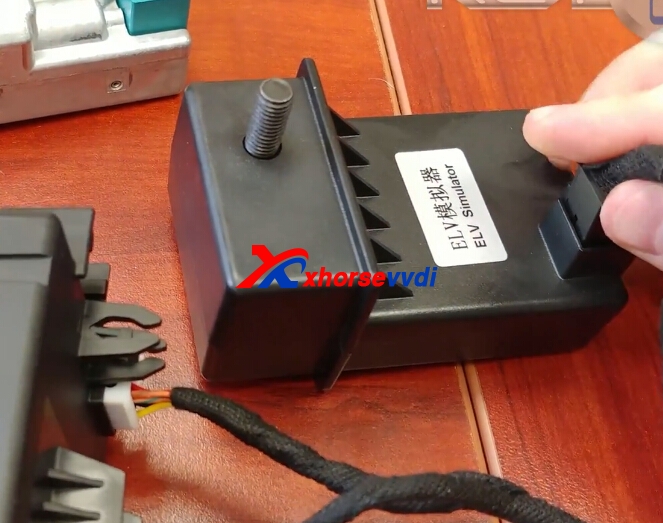
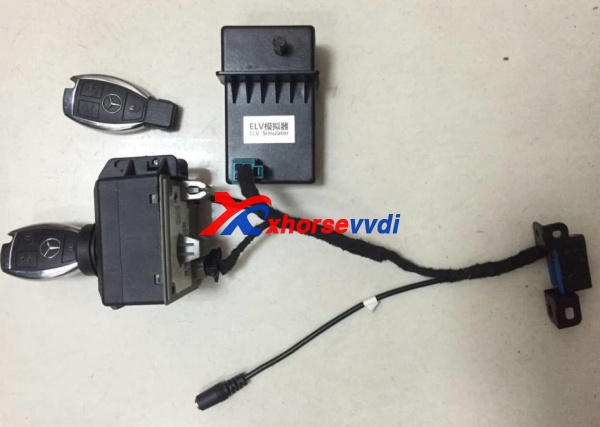
Xhorse ELV Emulator
Firstly,we need to know whether the internal motor is damaged or the NEC chip is locked. Use the VVDI MB TOOl to connect the vehicle via OBD way, click "Check ESL damage" and you will get any of following display:
ESL is working: means the motor is damaged and you need a new full set of ESL motor.
ESL is damaged: need to replace new ESL,or repair NEC chip.
1.VVDI MB Tool and ELV Emulator and ESL/ELV Motor Steering Lock Wheel Motor
Remove assembly. Since the direction lock is in the locked state in most cases, the direction lock ELV cannot be removed when the screws are removed!
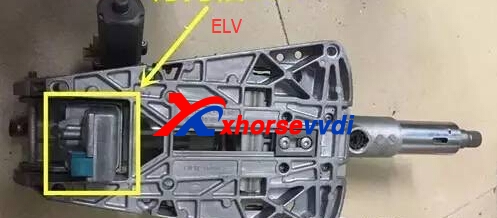
There are four screws on the direction lock. We can remove them then open them carefully.
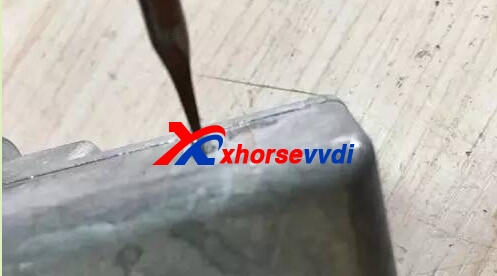
After opening, reomove the circuit board, you can see the motor, replace it with the new motor.Then put all back to the right position.

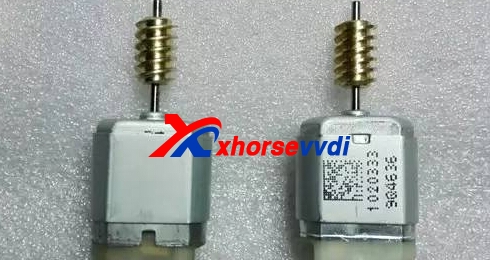
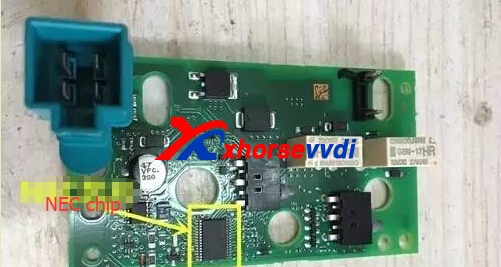
2.NEC Chip is locked.
Disassemble the direction lock ELV and remove the NEC chip from the board.
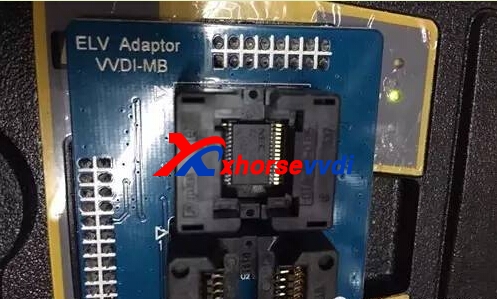
Use VVDI MB Tool and VVDI MB NEC ELV Adaptor for Benz W202/W204/W212 (Support Ship From US/UK)
Repair the chip,and put the chip back after fix well.
3.Xhorse ELV Emulator for Benz 204 207 212
Perfectly substitute original ELV/ESL.
Can emulate primary sound.
Great compatibility,support all benz vehicle with w204 w207 w212 directional lock.
Can substitute at the original place,will not impact the appearance more table and safety.
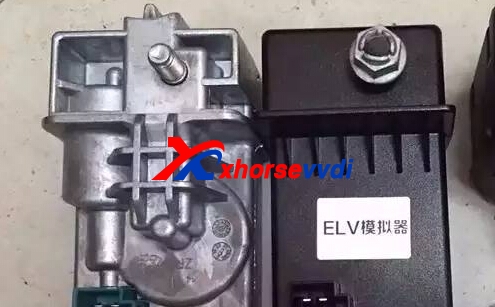
And you can check the detailed operate video of ELV Emulator Replace
[embed]https://youtu.be/i0fucH3okgg[/embed]

original:How to Repair Mercedes-Benz ELV with VVDI MB Tool and NEC ELV Adapter?

2018年11月4日星期日

VVDI MB Tool Replace Mercedes Benz E Class W207 ESL Emulator

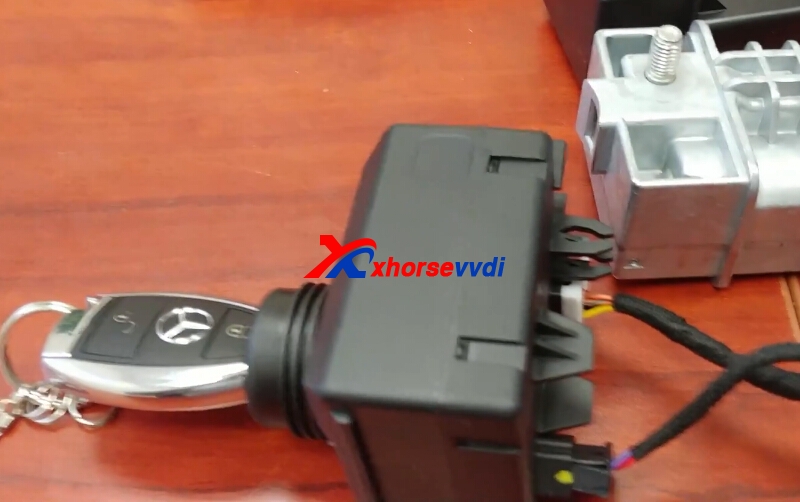
Xhorse ELV Emulator for Benz W204 W207 W212,and we have 5pcs 259USD, 10 pcs 489USD free shipping by DHL on promition. We can use VVDI MB BGA Tool to replace W207 ESL Emulator,here is some steps.

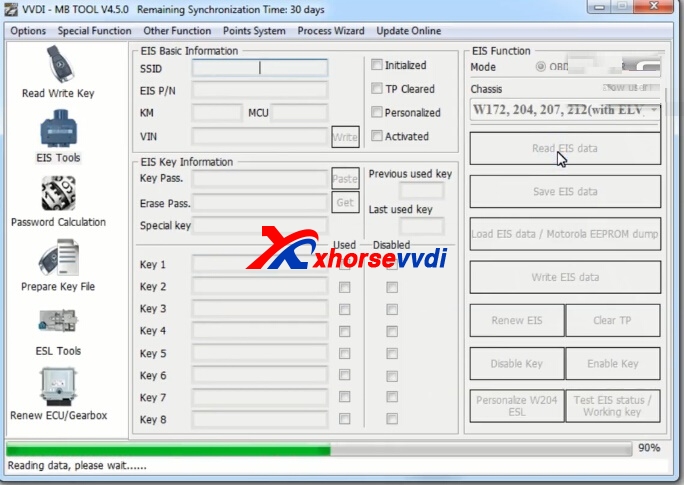
1.Read EIS data and Save it.

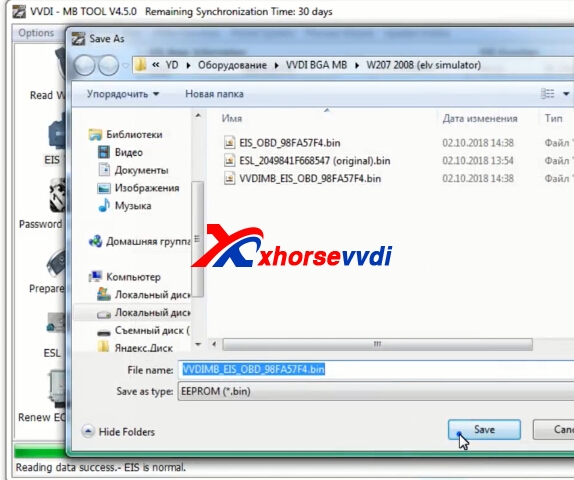
After read successfully,save data.

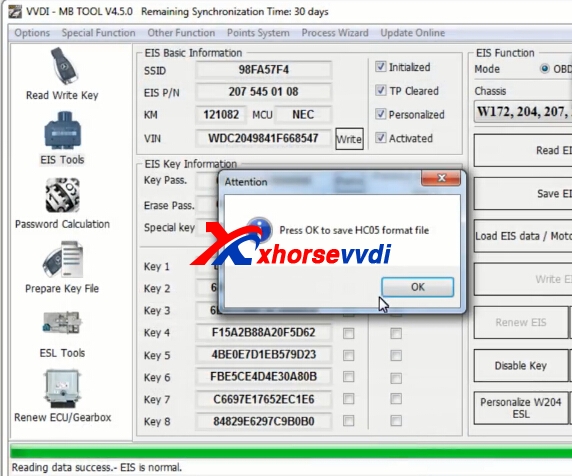
Choose OK to continue.

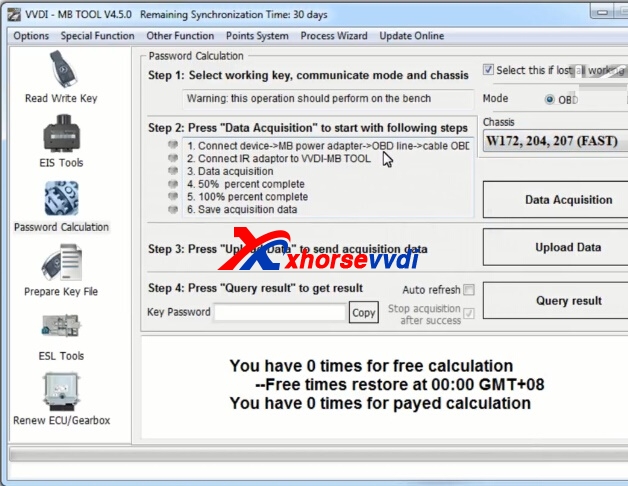
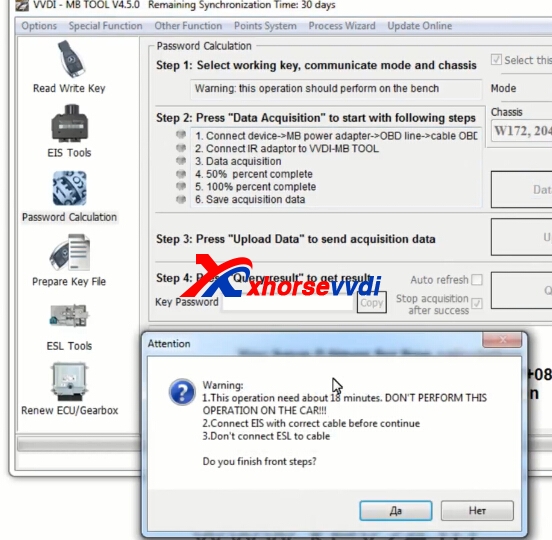
2.Get key password.
Password online calculation.

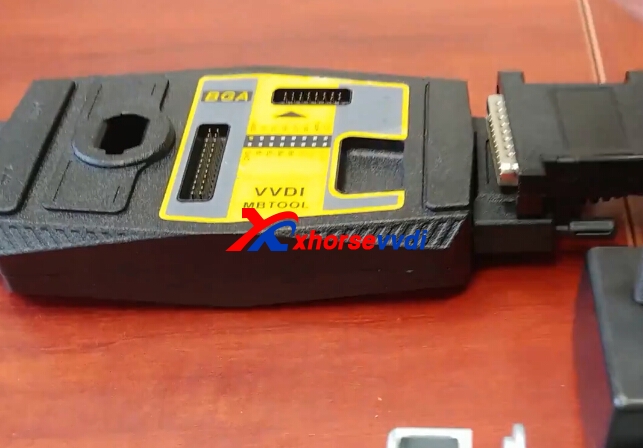
Choose fast mode,connect with vvdi mb tool power adapter.


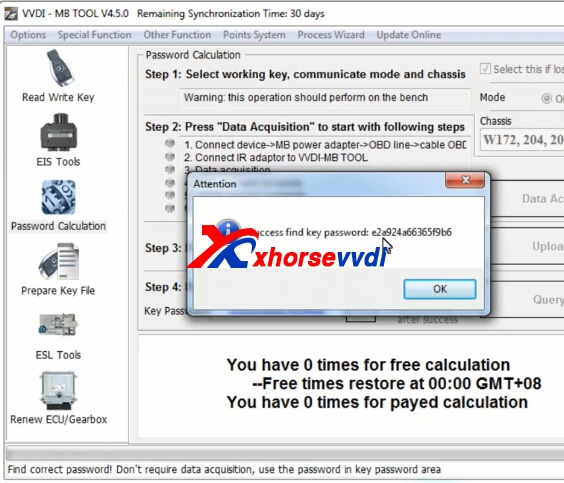
Get key password successfully.

Copy the key password.
3.Write.
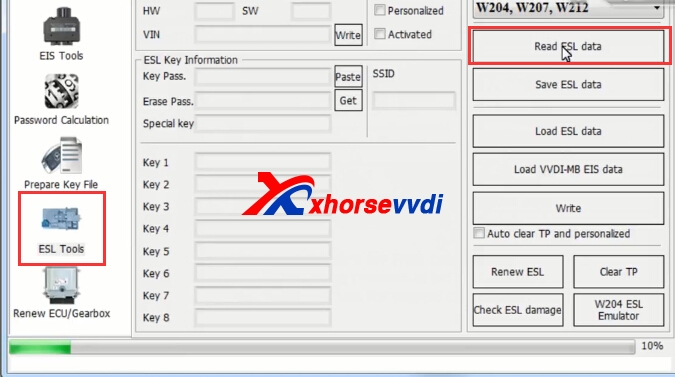
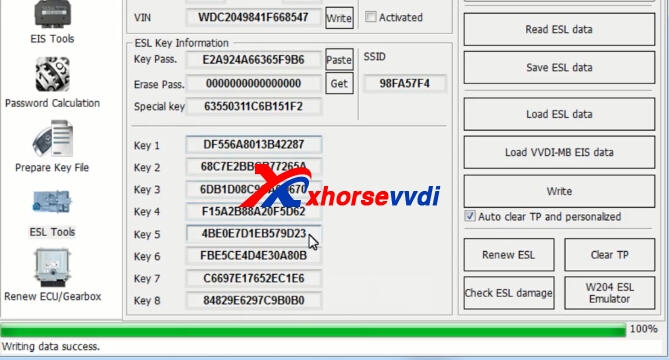
Choose ESL tools,click read ESL data.

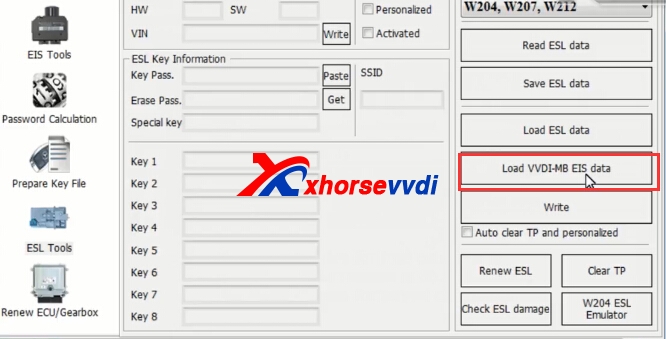
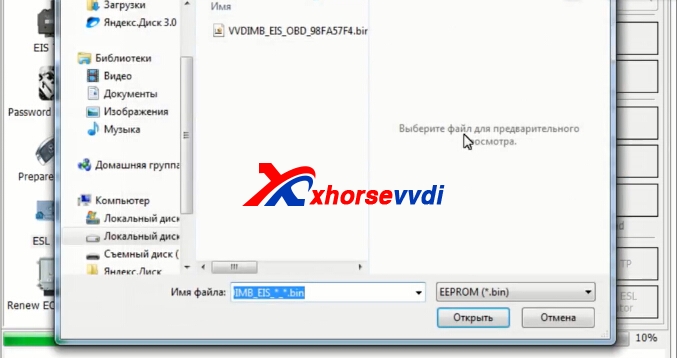
Load EIS data.


Paster key password,tick on "auto clear TP and personalized",then click write.

Write sucessfully.
Original:VVDI MB Tool Replace Mercedes Benz E Class W207 ESL Emulator

2017年3月24日星期五

How to solve VVDI MB BGA "Erase EIS Failed" Error?

Xhorse ELV Emulator for Benz 204 207 212 Work with VVDI MB BGA Tool.Erase EIS, then re-write EIS and personalize ESL, finally ESL is synchronized.

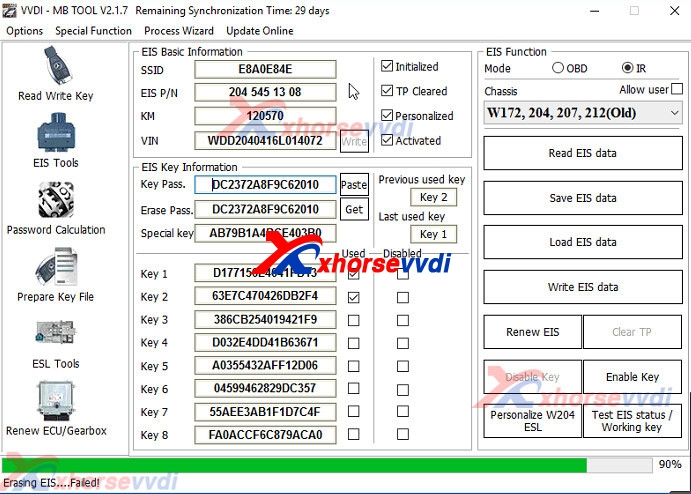
And when install W204 ELV Emulator with VVDI MB BGA Tool,after click "Renew EIS",got the error "Erase EIS ......Failed",like the following pic:
vvdi mb renew eis
And check the detailed video from customer,find the after click "Get" for the erase password,then copy the erase password in the key password.The Key password and erase password are not same.Please get your key password,then it will be OK.

If you key is V51,V57 version,you can use VVDI MB with NEC Key Adaptor to read key password directly.If not,you can use password calculation to get,but it will need the vvdi mb token.

1.How to add W204 ELV Emulator with VVDI MB BGA Tool:
1.Connect EIS,Xhorse ELV Emulator.
 
2.Start VVDI MB Tool Software.
 
3.Clikc ESL Tool,choose chasis,and OBD way,then press Read ESL Data.
4.After read esl data,tick off Personalized and Activated option.
5.Click “EIS Tools” on the left,choose OBD way,and Chasis type to read EIS Data.
6.Click Get to erase EIS key password.
7.Paste key password,then save EIS data.
8.Press OK to save HC05 format file.
9.”EIS Tools” page,choose IR mode,and click “Renew EIS”,then insert IR key to EIS.
10.Insert IR adapter to car. Take out and insert again if it is already inserted. Wait about 28 seconds until erasing EIS success
11.Select OBD mode,click “Read EIS data”.Reading data success, EIS is normal.
12.Click Load EIS data,and please open EIS data saved previously.
13.Click Write VIN.Please confirm VIN and click Yes to continue.
14.After write VIN success.Choose IR model,select Write EIS data,then click YES
15.Please wait until Writing data success.Select OBD mode,and click Personalize W204 ESL.
16.ELV is personalized.

2.VVDI MB with NEC Key Adaptor to read key password Steps:http://blog.xhorsevvdi.com/how-to-use-vvdi-mb-bga-to-read-benz-v57-key-password/