显示标签为“vvdi benz eis”的博文。显示所有博文

2018年12月6日星期四

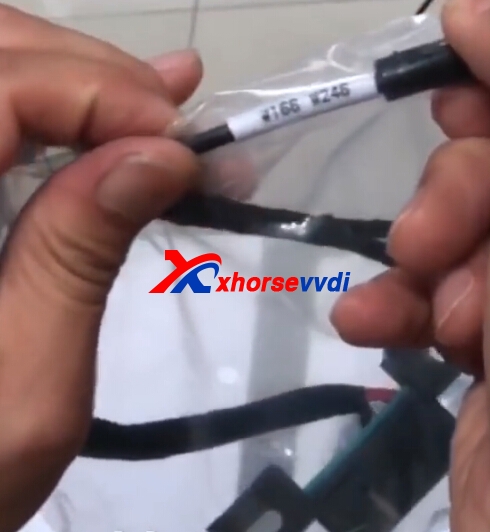
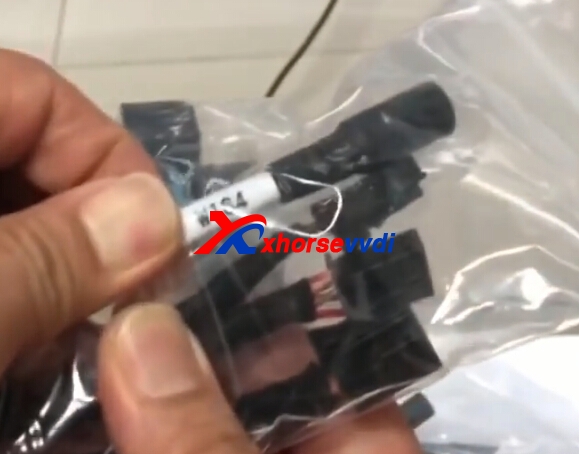
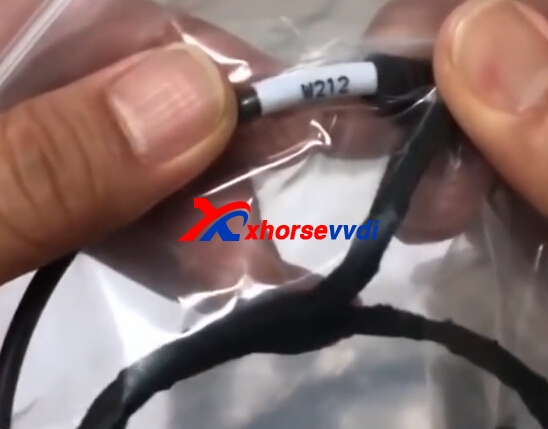
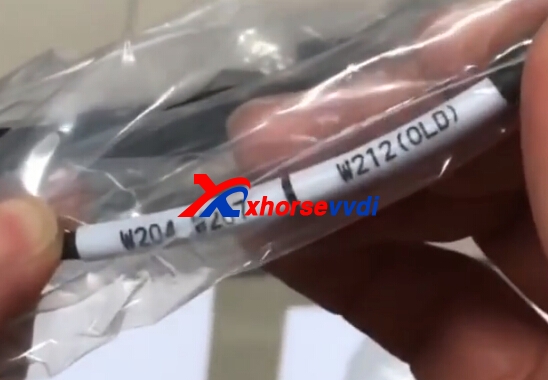
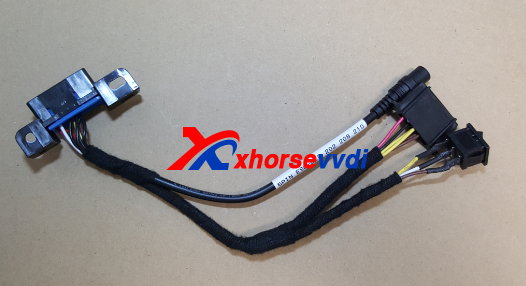
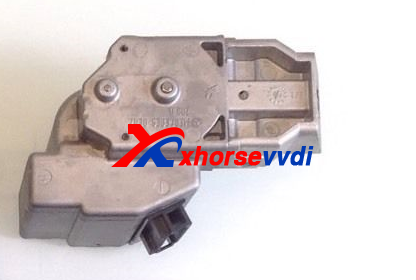
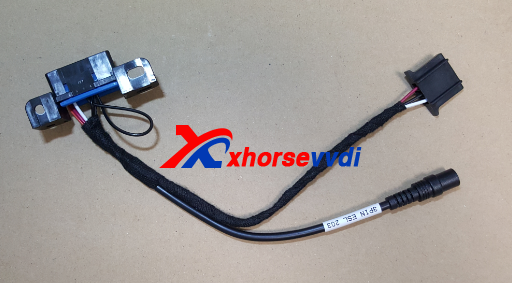
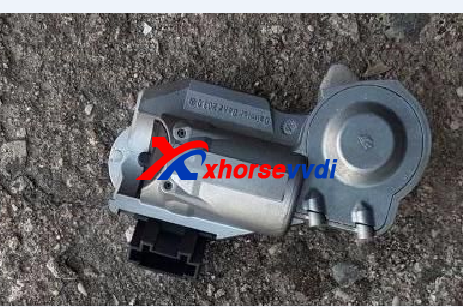
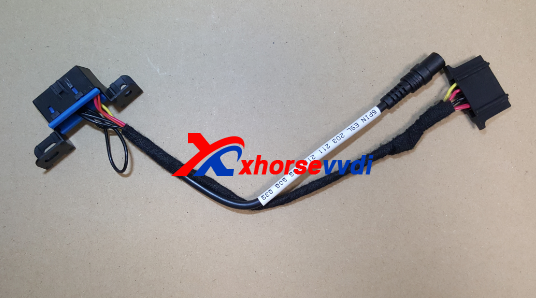
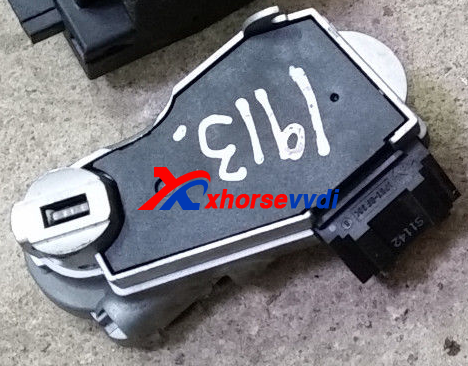
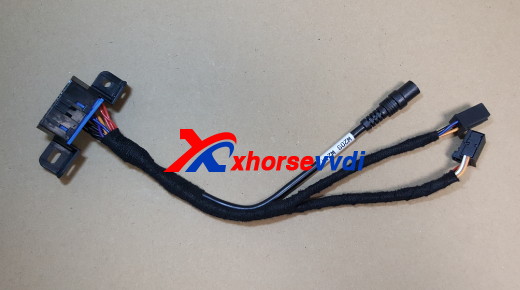
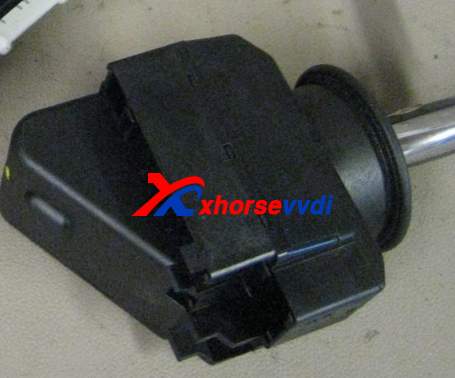
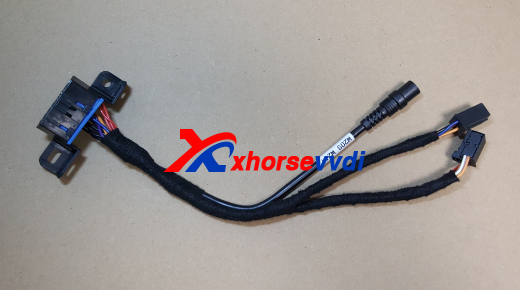
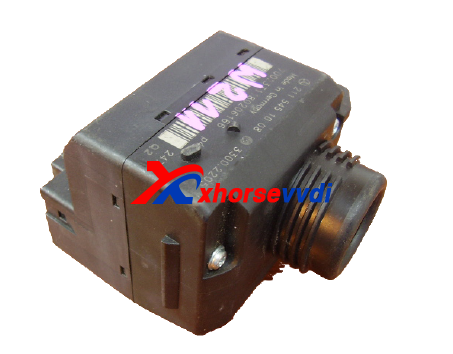
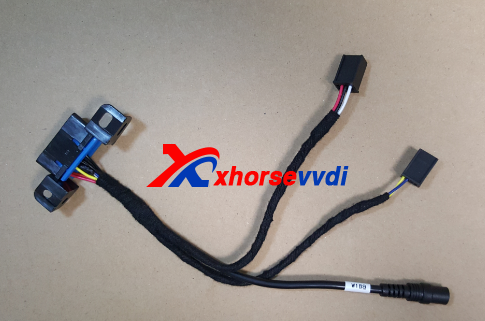
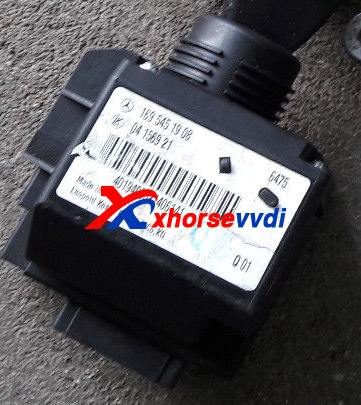
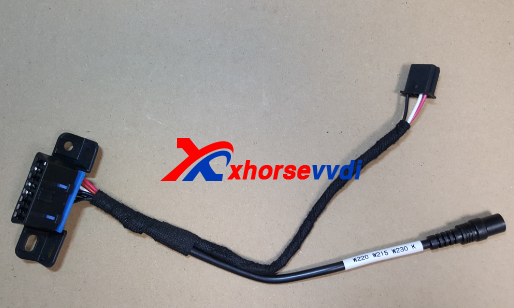
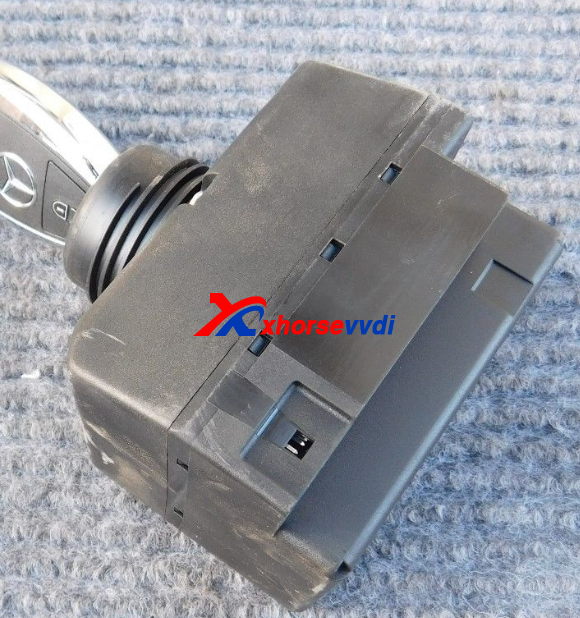
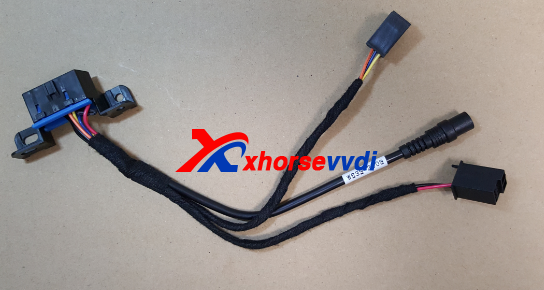
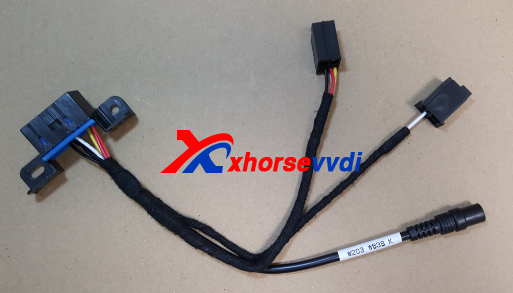
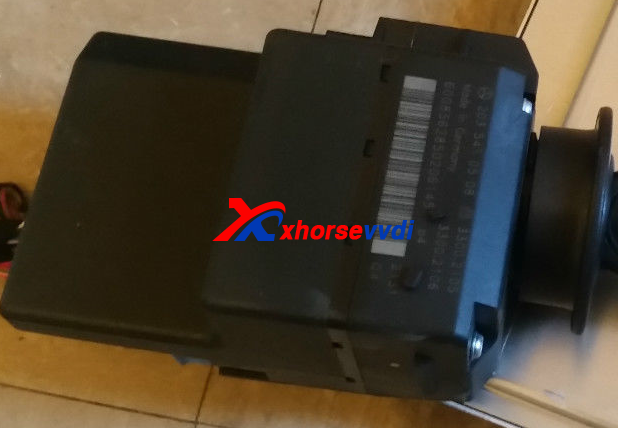
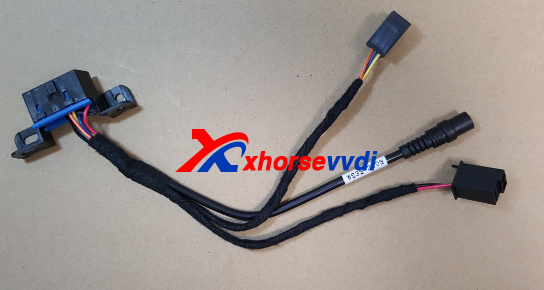
Xhorse EIS/ELV Test Line W204 W212 W221 W164 W166 Cables Guide

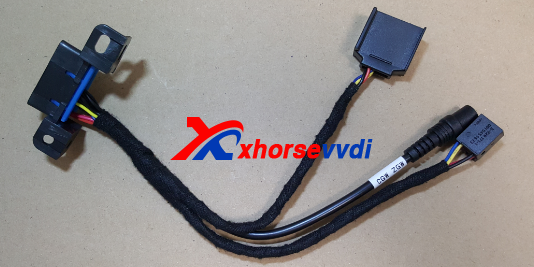
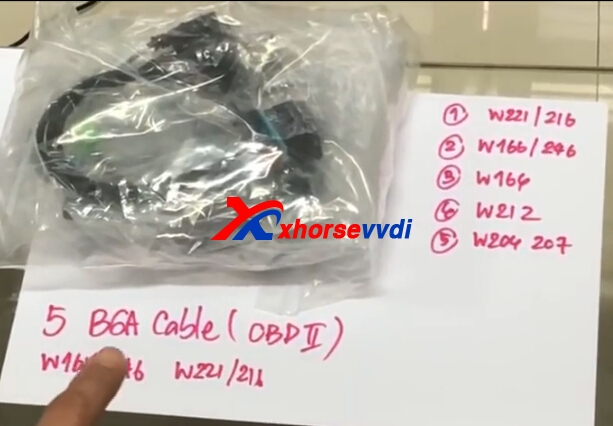
Xhorse EIS/ELV Test Line for Mercedes W204 W212 W221 W164 W166 (without having to get on the car) Can Work Together with VVDI BGA MB TOOL.
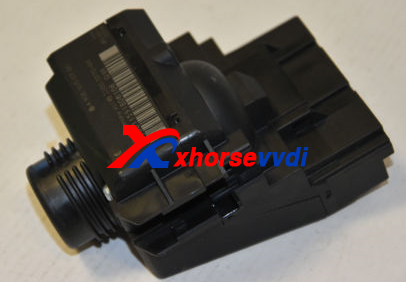
benz eis cable
1.W221 2216
2.W166 W246
benz eis cable
3.W164
benz eis cable
4.W212
benz eis cable
5.W204 W207 W212(OLD)
benz eis cable
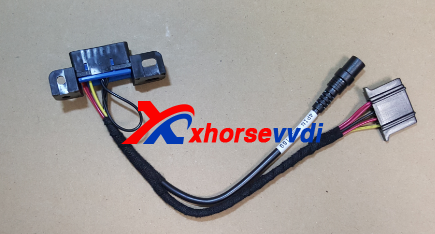
Xhorse EIS/ELV Test Line Connection
vvdi benz w211
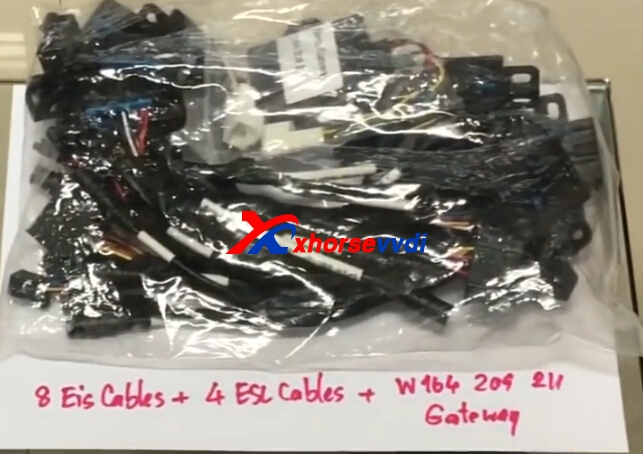
EIS/ELV Test Line Cables 12 Cables (8 EIS Cables+4 ESL Cables+W164 W209 W211 Gateway)
eis test line cable
VVDI MB Tool and W210 Connection
Original:Xhorse EIS/ELV Test Line W204 W212 W221 W164 W166 Cables Guide

2018年10月10日星期三

How to use VVDI MB Tool Change EIS When All Key Lost

VVDI MB Tool can support all key lost for some NEC BGA EIS,but for some car models all key lost not support,then you useed to change EIS,here we will introduct about VVDI MB Tool change EIS tips.
There are two point need to attention:
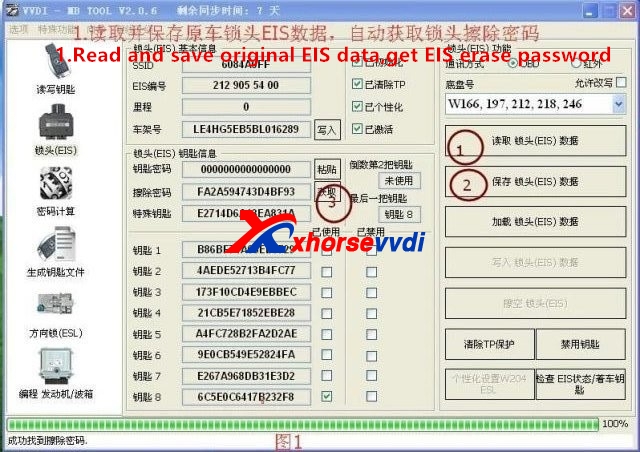
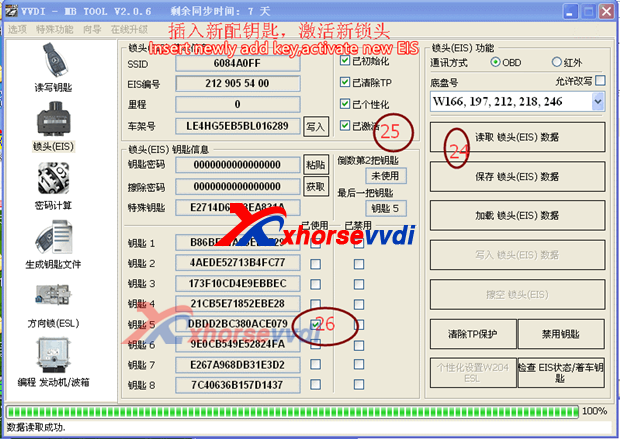
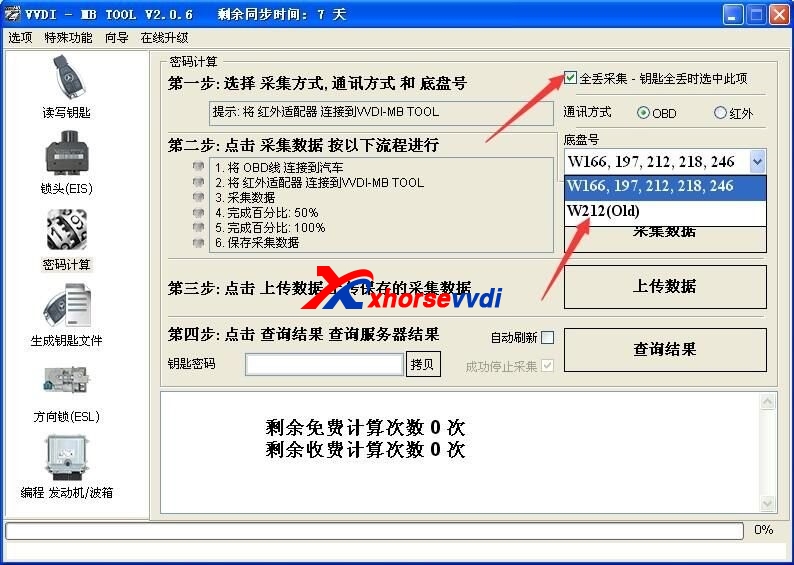
1.For the car's EIS which is with the ELV lock, you must obtain the erase password firstly and wipe the ELV lock to the new inactive status. Otherwise, due to the ELV password and new EIS password are not matched, the ELV lock can be unlock, but the dashboard light cannot be on, the car cannot start.
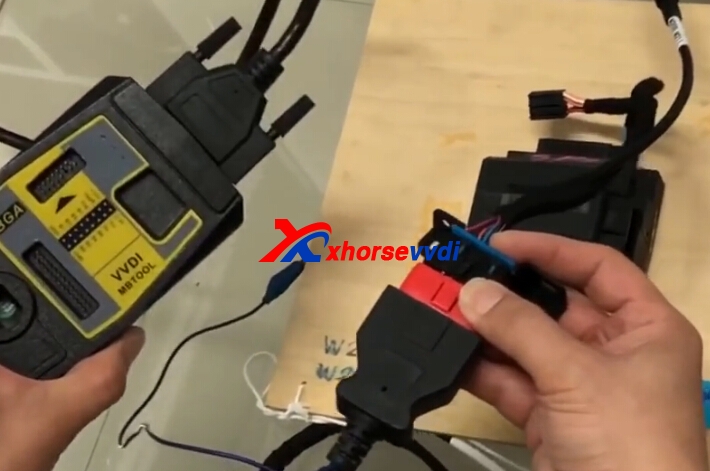
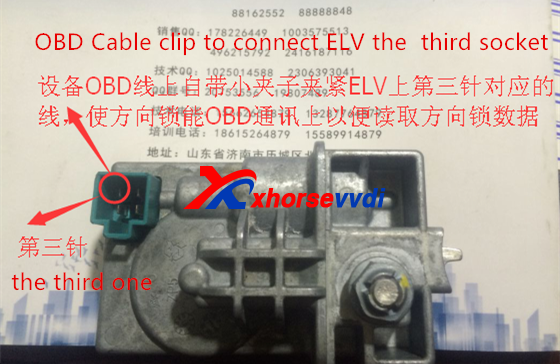
2.Connect EIS and ELV with EIS/ELV test line cables can read the data of the two directly, but if use OBD way, ELV data acquisition will fail. We need to use the small clip attached to OBD cable to connect ELV lock the third leg to supply power, then this allows ELV data to be read and synchronize successfully. Like following pic shows:
vvdi mb tool change eis
vvdi mb tool change EIS
vvdi mb tool change eis
At present, the following NEC and BGA EIS types support all key lost without change EIS. When you do all key lost, please note that it needs to change EIS or not and check its cost.


vvdi mb tool change eis

Edit by http://www.xhorsevvdi.com/:How to use VVDI MB Tool Change EIS When All Key Lost

2017年12月15日星期五

VVDI MB Tool EIS/ELV Test Line for Mercedes 12 Cables with A164 Gateway

VVDI MB BGA EIS/ELV Test Line for Mercedes W204 W212 W221 W164 W166 W205 W222,Xhorse VVDI previous EIS/ELV test line is total 8 cables,but now we have added more total 12 cables with W164 gateway cable and gateway wiring harness adapter [the adapter with the ordinary line can replace the VVDI 146.209 .211. And the dedicated wiring harness can be used to read the lock directly (need VVDI gateway simulator or fast collector mode cable have access to read the lock)].
benz eis/elv test line

EIS/ELV Test Line 12 cables with W164 gateway cable and gateway wiring harness adapter
W639-2009
W906
W203  W639  K
W202 W208 W210 K
W209 W211
CGW ZGW
4PIN ESL 169
W169
3PIN ESL 203
W220 W215 W230 K
5PIN ESL OLD 202 208 210
5PIN ESL 203 211 219 209 906 639
1.CLASSE A B W169  K Line Read/Write Test
benz w169 test line
benz w169
2.W202 W208 W210  K Line Read/Write Test Cable
vvdi benz w202 test line
eis/elv test line
And this switch is used to CPU1 and CPU2 switching.I for CPU1,II to CPU2.
3.W203  K Line Read/Write Test Cable
vvdi benz w203 test line
4.W203 W211 W219 W209 W906 W639 Test Line
vvdi mb tool test line
5.W202 W208 W210  K Line Test Cable Read/Write

6.W209 W211  CAN Line Read/Write Test Cable

This is gateway simulator
The above harness requires a gateway or gateway adapter to connect the harness to complete the reading process.
7.Gateway harness adapter

8.W169  CAN

9.W220 W210 W230  K

10.W639-2009 CAN  CPU 0L01Y

11.W203 W639  K  1L02M  2J74Y 4J74Y.etc

12.W906 CAN

13.CAN

Support the gateway like following shows

Package includes:
1pc x W639-2009
1pc x W906
1pc x W203  W639  K
1pc x W202 W208 W210 K
1pc x W209 W211
1pc x CGW ZGW
1pc x 4PIN ESL 169
1pc x W169
1pc x 3PIN ESL 203
1pc x W220 W215 W230 K
1pc x 5PIN ESL OLD 202 208 210
1pc x 5PIN ESL 203 211 219 209 906 639
1pc x Mercedes A164 Gateway Adapter
1pc x Gateway Adapter

 Original:VVDI MB Tool EIS/ELV Test Line for Mercedes 12 Cables with A164 Gateway

2017年3月24日星期五

How to solve VVDI MB BGA "Erase EIS Failed" Error?

Xhorse ELV Emulator for Benz 204 207 212 Work with VVDI MB BGA Tool.Erase EIS, then re-write EIS and personalize ESL, finally ESL is synchronized.

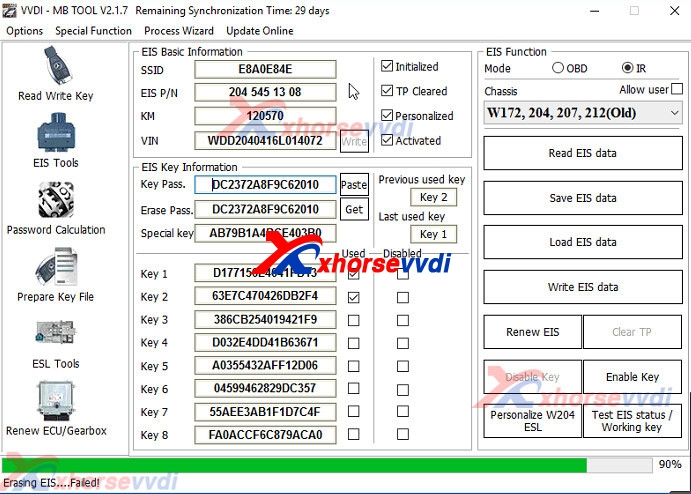
And when install W204 ELV Emulator with VVDI MB BGA Tool,after click "Renew EIS",got the error "Erase EIS ......Failed",like the following pic:
vvdi mb renew eis
And check the detailed video from customer,find the after click "Get" for the erase password,then copy the erase password in the key password.The Key password and erase password are not same.Please get your key password,then it will be OK.

If you key is V51,V57 version,you can use VVDI MB with NEC Key Adaptor to read key password directly.If not,you can use password calculation to get,but it will need the vvdi mb token.

1.How to add W204 ELV Emulator with VVDI MB BGA Tool:
1.Connect EIS,Xhorse ELV Emulator.
 
2.Start VVDI MB Tool Software.
 
3.Clikc ESL Tool,choose chasis,and OBD way,then press Read ESL Data.
4.After read esl data,tick off Personalized and Activated option.
5.Click “EIS Tools” on the left,choose OBD way,and Chasis type to read EIS Data.
6.Click Get to erase EIS key password.
7.Paste key password,then save EIS data.
8.Press OK to save HC05 format file.
9.”EIS Tools” page,choose IR mode,and click “Renew EIS”,then insert IR key to EIS.
10.Insert IR adapter to car. Take out and insert again if it is already inserted. Wait about 28 seconds until erasing EIS success
11.Select OBD mode,click “Read EIS data”.Reading data success, EIS is normal.
12.Click Load EIS data,and please open EIS data saved previously.
13.Click Write VIN.Please confirm VIN and click Yes to continue.
14.After write VIN success.Choose IR model,select Write EIS data,then click YES
15.Please wait until Writing data success.Select OBD mode,and click Personalize W204 ESL.
16.ELV is personalized.
2.VVDI MB with NEC Key Adaptor to read key password Steps:http://blog.xhorsevvdi.com/how-to-use-vvdi-mb-bga-to-read-benz-v57-key-password/