显示标签为“vvdi benz esl”的博文。显示所有博文

2018年11月4日星期日

VVDI MB Tool Replace Mercedes Benz E Class W207 ESL Emulator

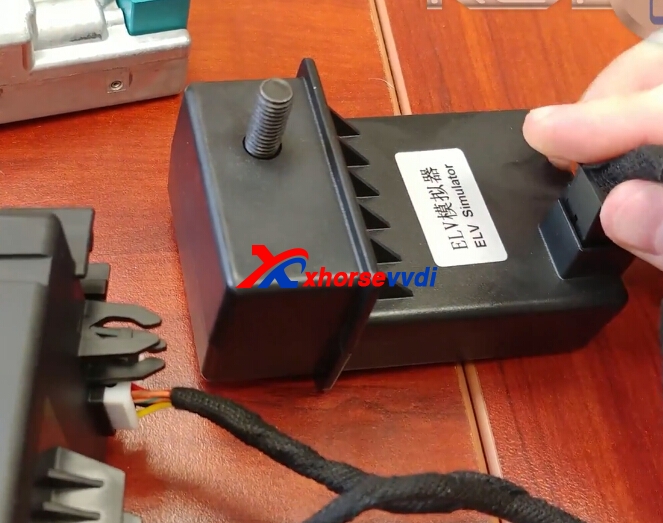
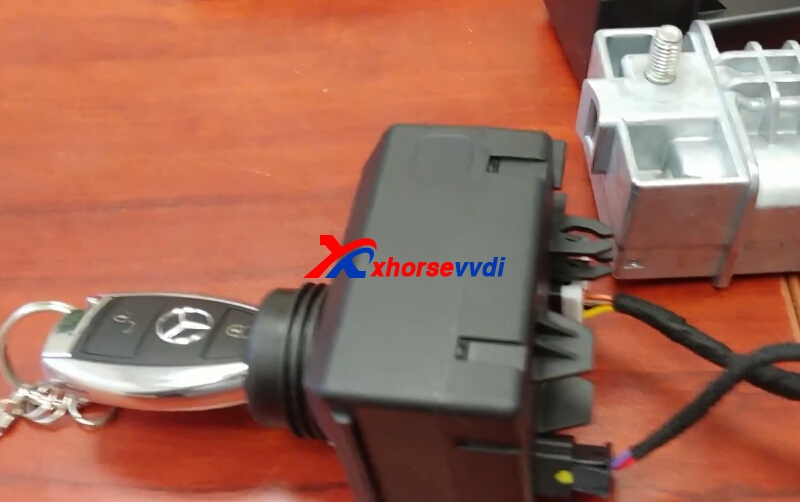
Xhorse ELV Emulator for Benz W204 W207 W212,and we have 5pcs 259USD, 10 pcs 489USD free shipping by DHL on promition. We can use VVDI MB BGA Tool to replace W207 ESL Emulator,here is some steps.

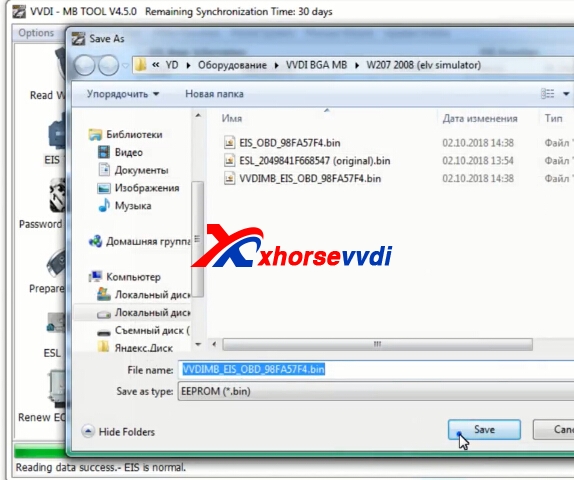
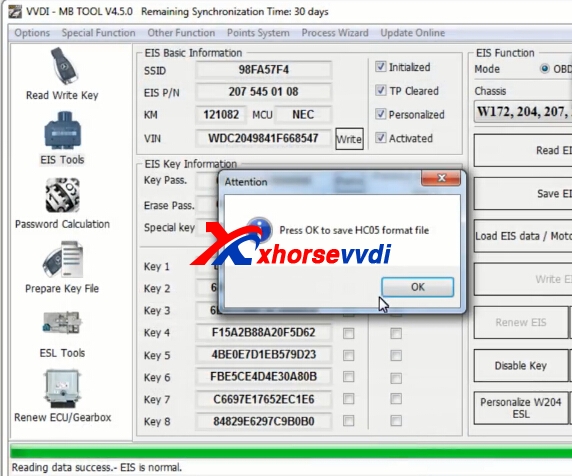
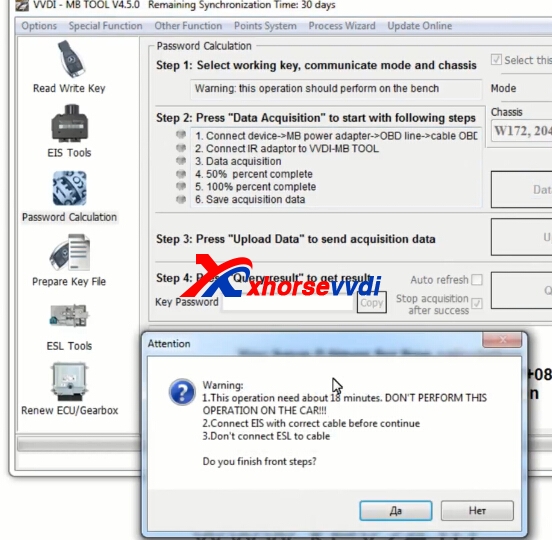
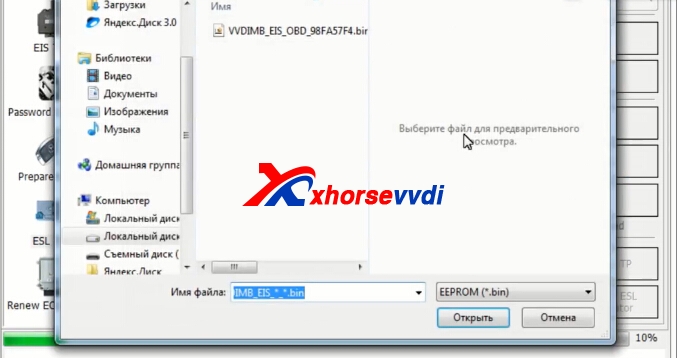
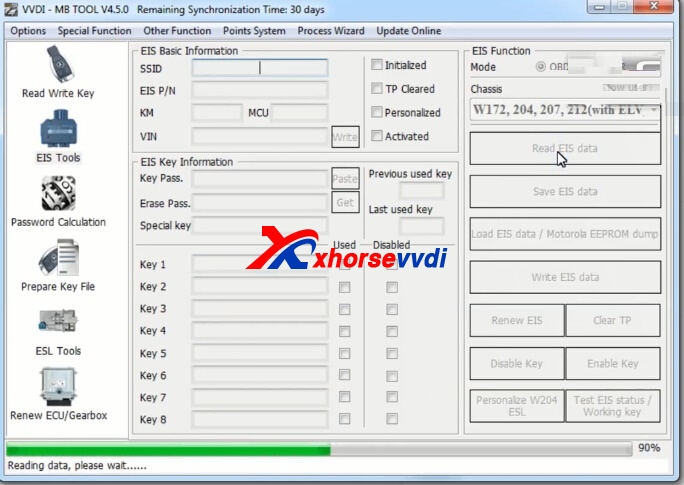
1.Read EIS data and Save it.

After read successfully,save data.

Choose OK to continue.

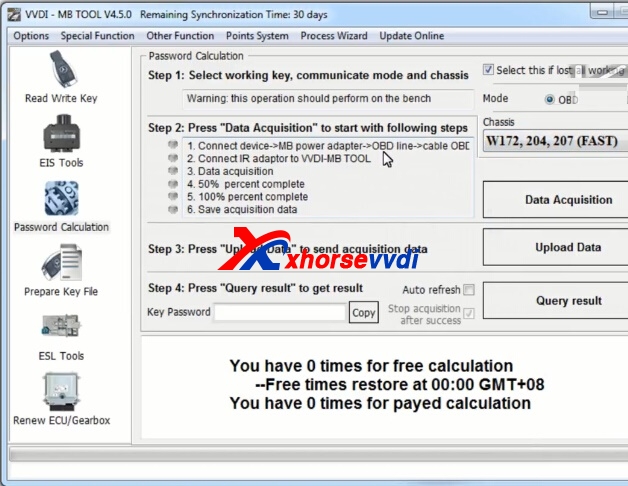
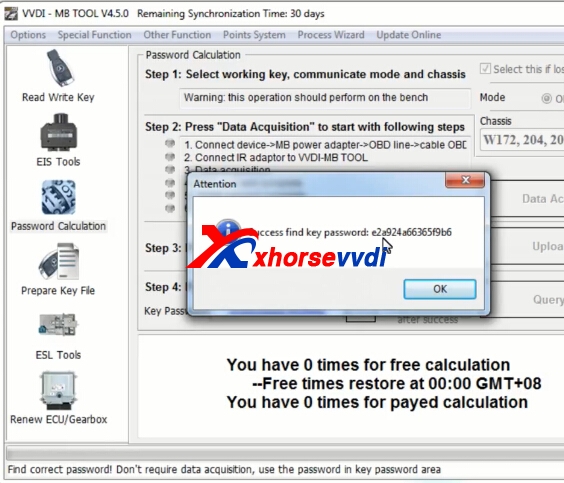
2.Get key password.
Password online calculation.

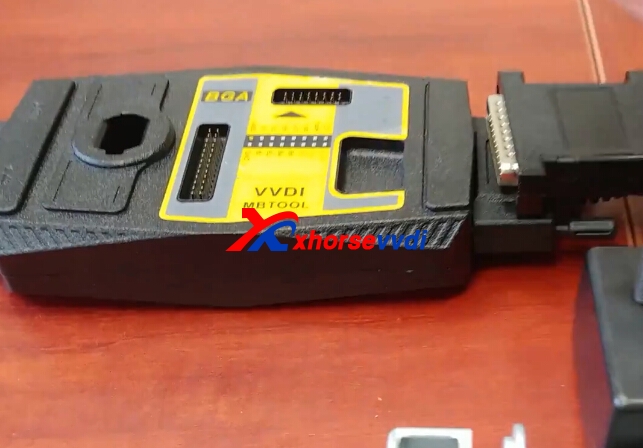
Choose fast mode,connect with vvdi mb tool power adapter.


Get key password successfully.

Copy the key password.
3.Write.
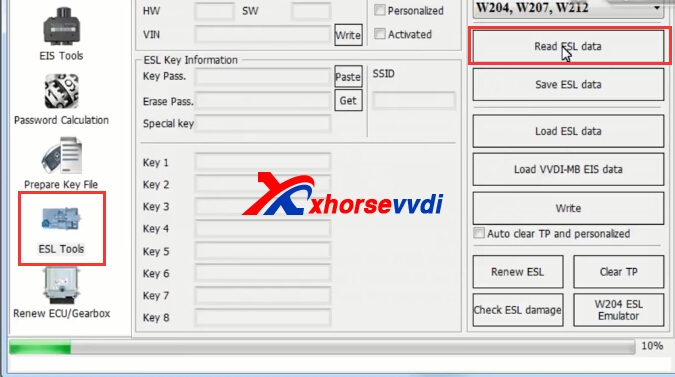
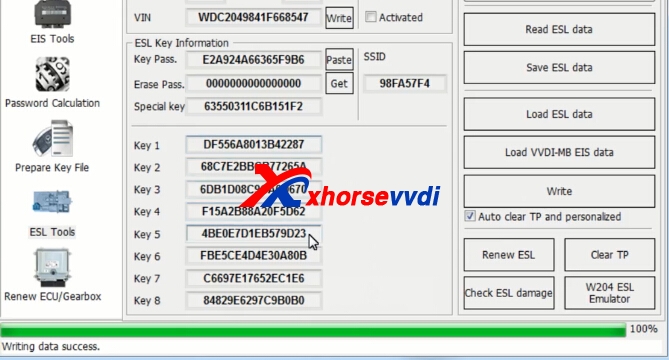
Choose ESL tools,click read ESL data.

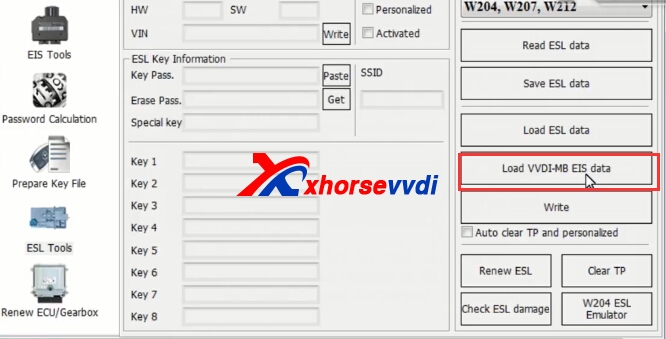
Load EIS data.


Paster key password,tick on "auto clear TP and personalized",then click write.

Write sucessfully.
Original:VVDI MB Tool Replace Mercedes Benz E Class W207 ESL Emulator

2018年1月19日星期五

How to renew W204 Blocked ESL by VVDI MB BGA Tool

ESL easily get broken and a new ESL cost a lot, here we will display the detailed steps about How to renew W204 Blocked ESL by VVDI MB BGA Tool.
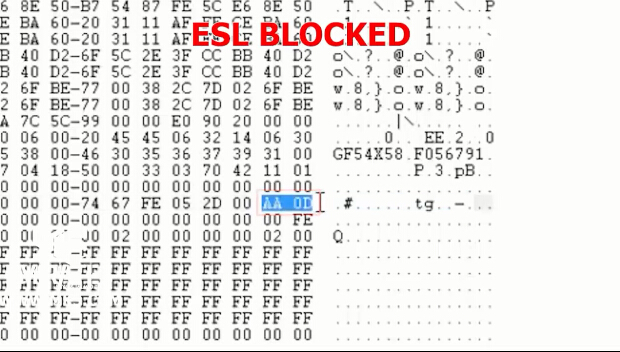
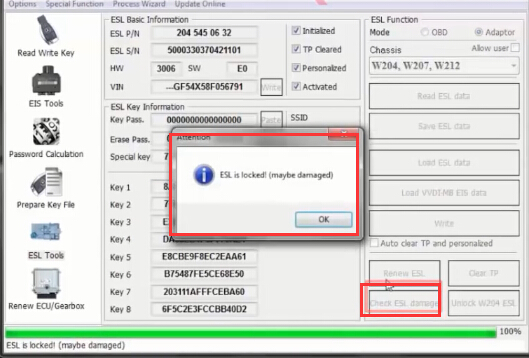
1.Check the ESL data is locked.
esl-locked
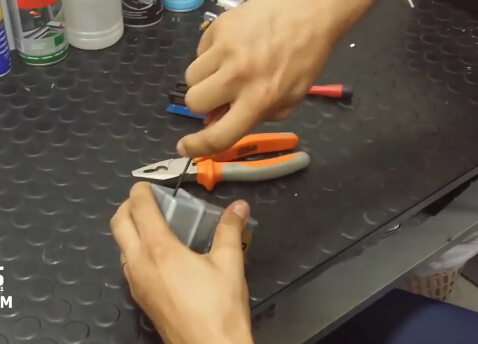
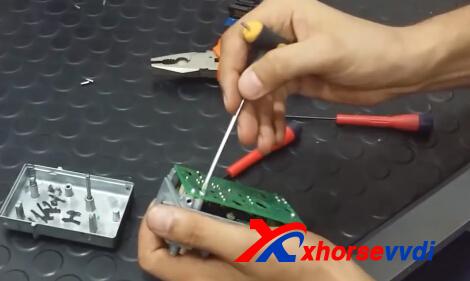
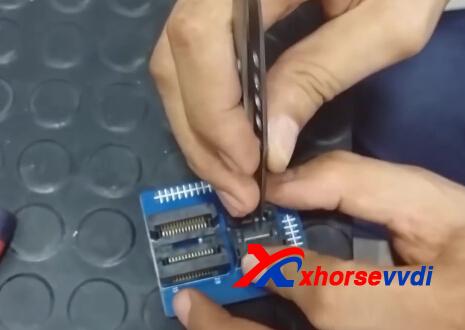
2.Use the tool to open ESL emulator and take out the PCB. Desolder the IC chip form PCB and solder it to VVDI MB ELV adaptor.
vvdi-mb-renew-w204-esl-1
vvdi mb
vvdi-mb-renew-w204-esl-3
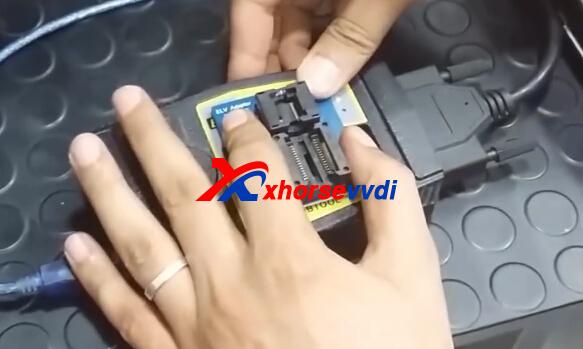
3.Put ELV adaptor with VVDI MB Tool.
vvdi benz
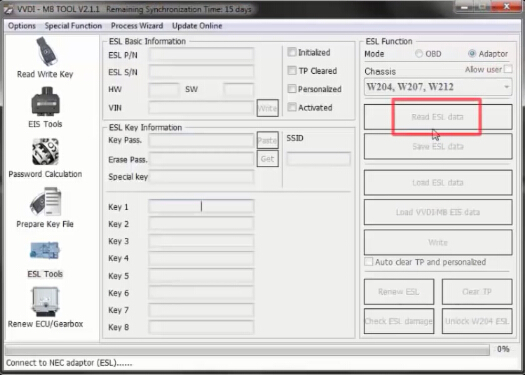
4.Start VVDI MB Tool software,  choose Adaptor Mode and Chassis: W204, W207, W212 and then click Read ESL data.
vvdi benz
Then click Check ESL damage,it will display it is locked.
vvdi-mb-renew-w204-esl-6
5.Click Unlock W204 ESL. VVDI MB Tool with NEC ELV adaptor is trying to unlock ESL. (This process may cost about 2~3 hours)
vvdi benz
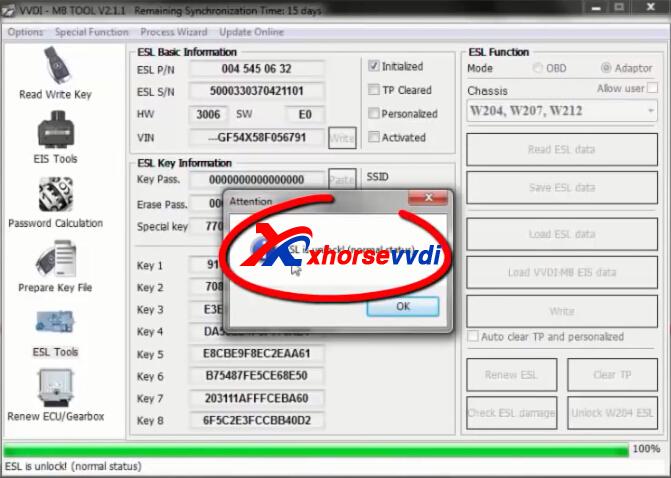
6.After step 5,click Read ESL data then click Check ESL damage again.It will show ESL is unlocked (normal status), click OK and Save ESL data. Save this new bin file and rename it.
vvdi mb
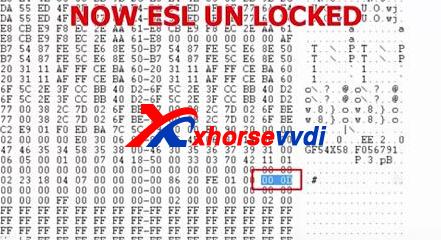
7.Check ESL status, you can see ESL is renewed to normal status successfully!
vvdi-mb-renew-w204-esl-9
This from Xhorse vvdi Official site:How to renew W204 Blocked ESL by VVDI MB BGA Tool
2017年4月13日星期四

How to renew W204 Blocked ESL by VVDI MB BGA Tool
ESL easily get broken and a new ESL cost a lot, here we will display the detailed steps about How to renew W204 Blocked ESL by VVDI MB Tool.
1.Check the ESL data is locked.
esl-locked
2.Use the tool to open ESL emulator and take out the PCB. Desolder the IC chip form PCB and solder it to xhorse vvdi mb bga tool ELV adaptor.
vvdi-mb-renew-w204-esl-1
vvdi mb
vvdi-mb-renew-w204-esl-3
3.Put ELV adaptor with VVDI MB Tool.
vvdi benz
4.Start VVDI MB Tool software,  choose Adaptor Mode and Chassis: W204, W207, W212 and then click Read ESL data.
vvdi benz
Then click Check ESL damage,it will display it is locked.
vvdi-mb-renew-w204-esl-6
5.Click Unlock W204 ESL. VVDI MB Tool with NEC ELV adaptor is trying to unlock ESL. (This process may cost about 2~3 hours)
vvdi benz
6.After step 5,click Read ESL data then click Check ESL damage again.It will show ESL is unlocked (normal status), click OK and Save ESL data. Save this new bin file and rename it.
vvdi mb
7.Check ESL status, you can see ESL is renewed to normal status successfully!
vvdi-mb-renew-w204-esl-9
www.xhorsevvdi.com all rights reserved, Original Article url:How to renew W204 Blocked ESL by VVDI MB BGA Tool