It's first in the world that you can
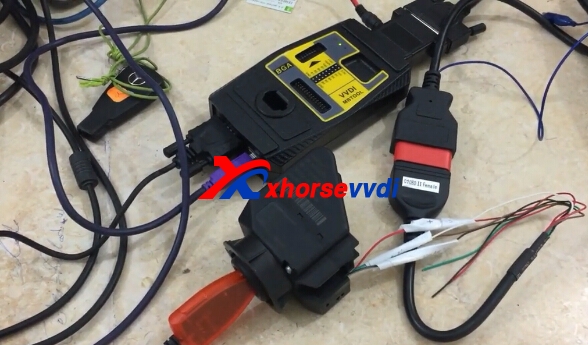
program Mercedes W202,208,210 when all key lost via OBD (Without dissoldering IC) with VVDI MB Tool as well as some adapters i.e power adapter, IR adapter, BE key etc.
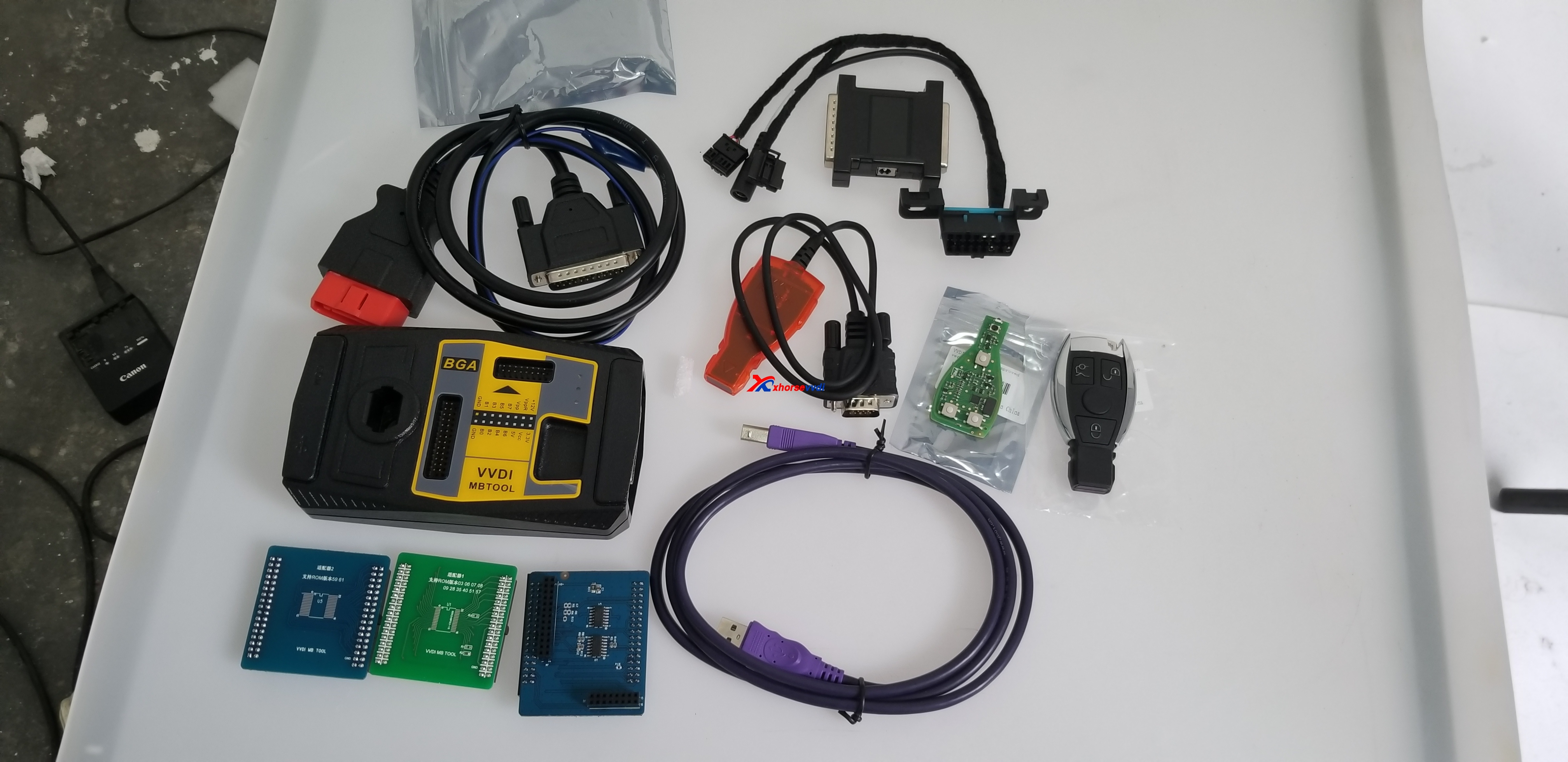
Tools and adapters to prepare:
VVDI MB Tool
Power adapter
IR adapter
BE key
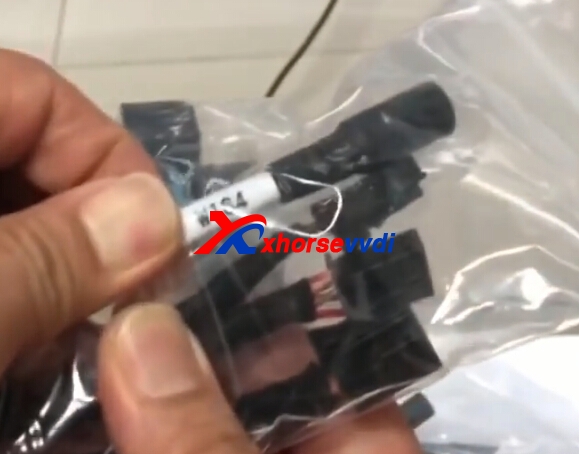
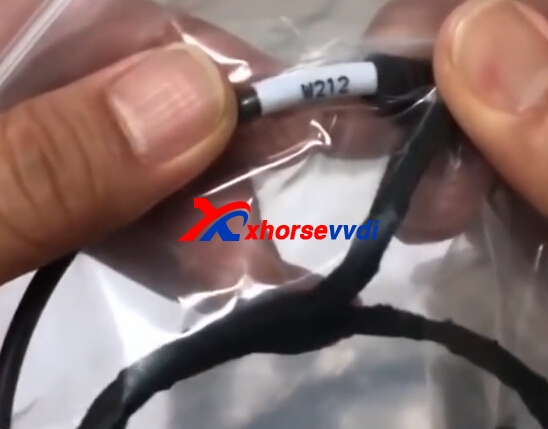
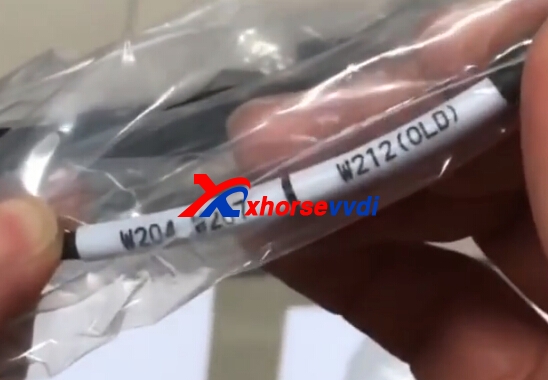
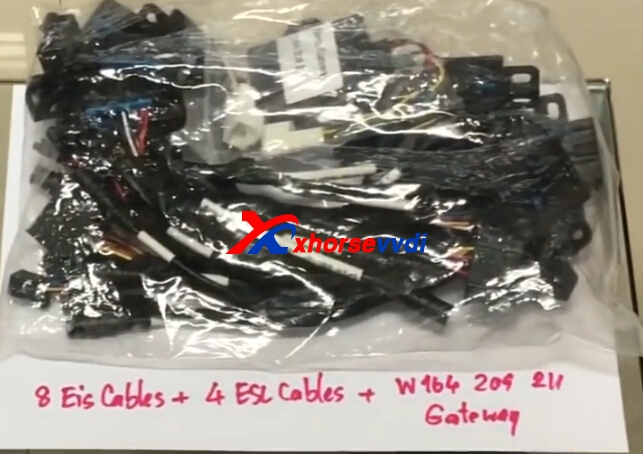
EIS adapter

 Procedure:
Read the password of W210 by OBD.

Read password W210 (no need to desolder IC), read by
IR adapter.

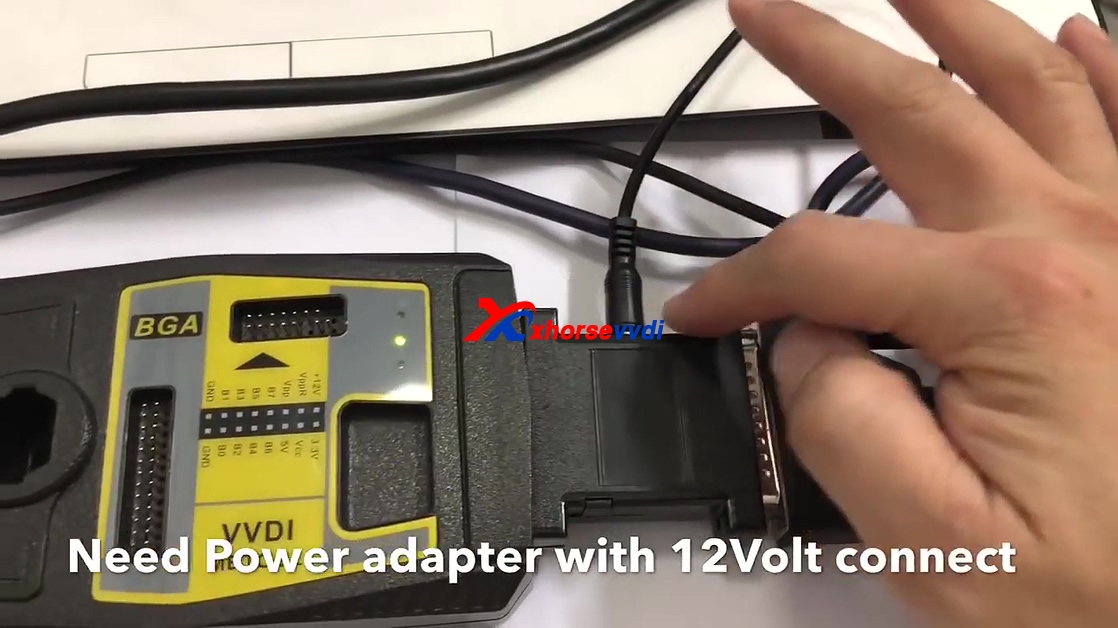
Need power adapter with 12V connection.

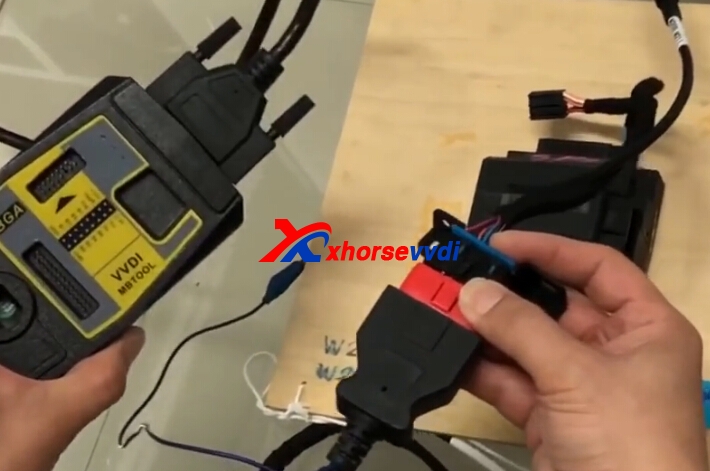
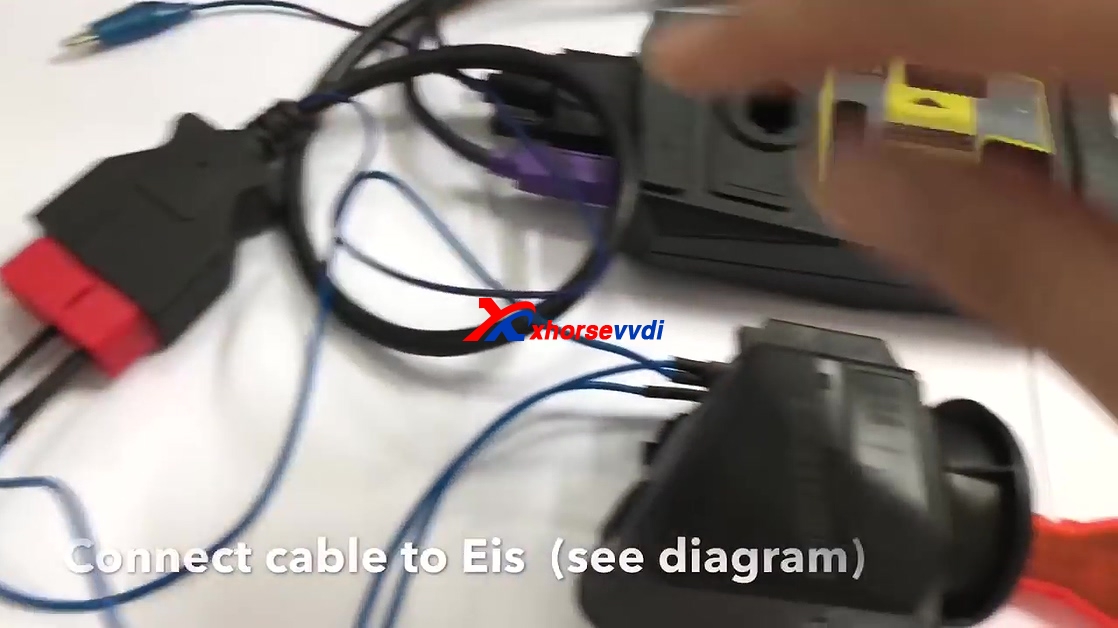
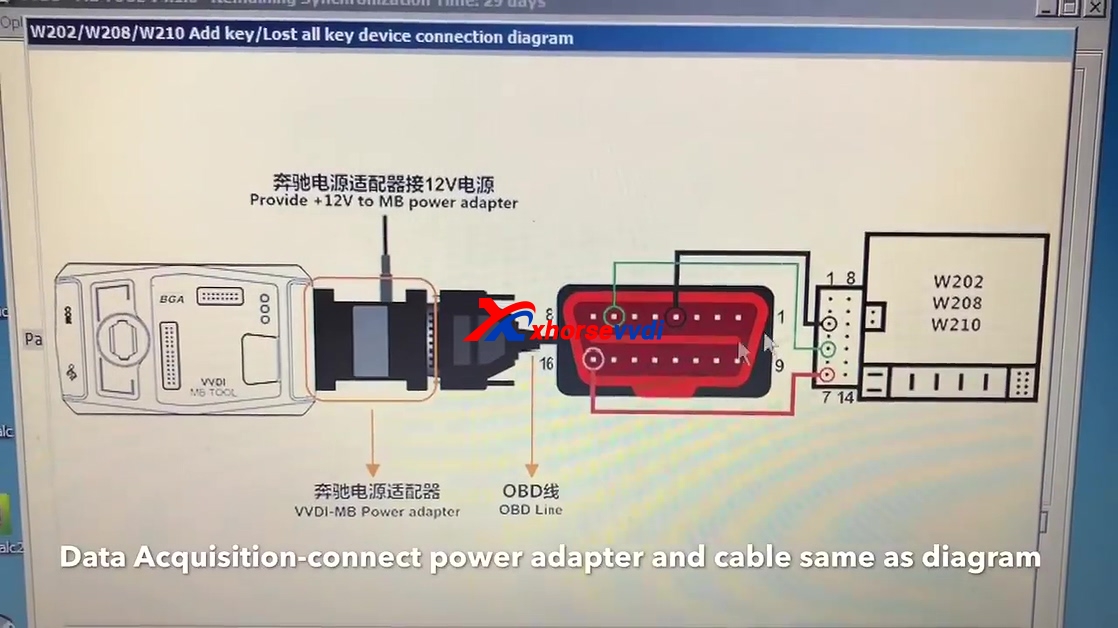
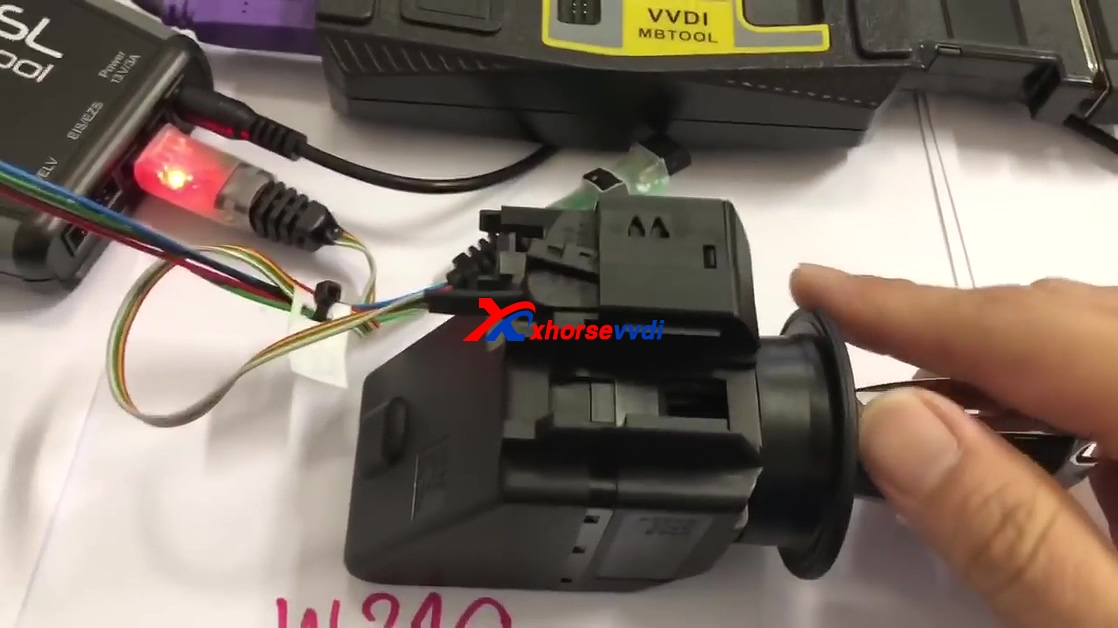
Connect cable to EIS (see diagram)

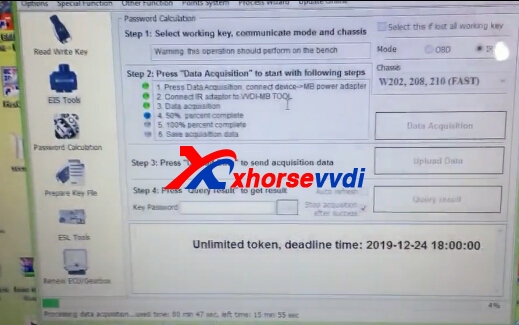
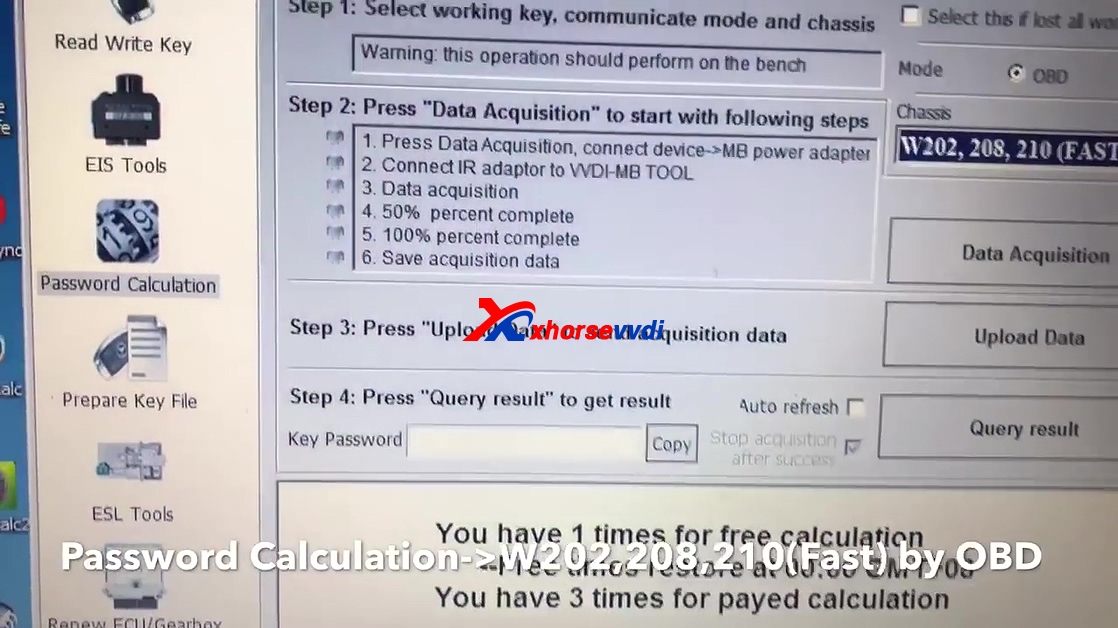
Click on "Password Calculation ->W202, 208, 210 (Fast) by OBD.

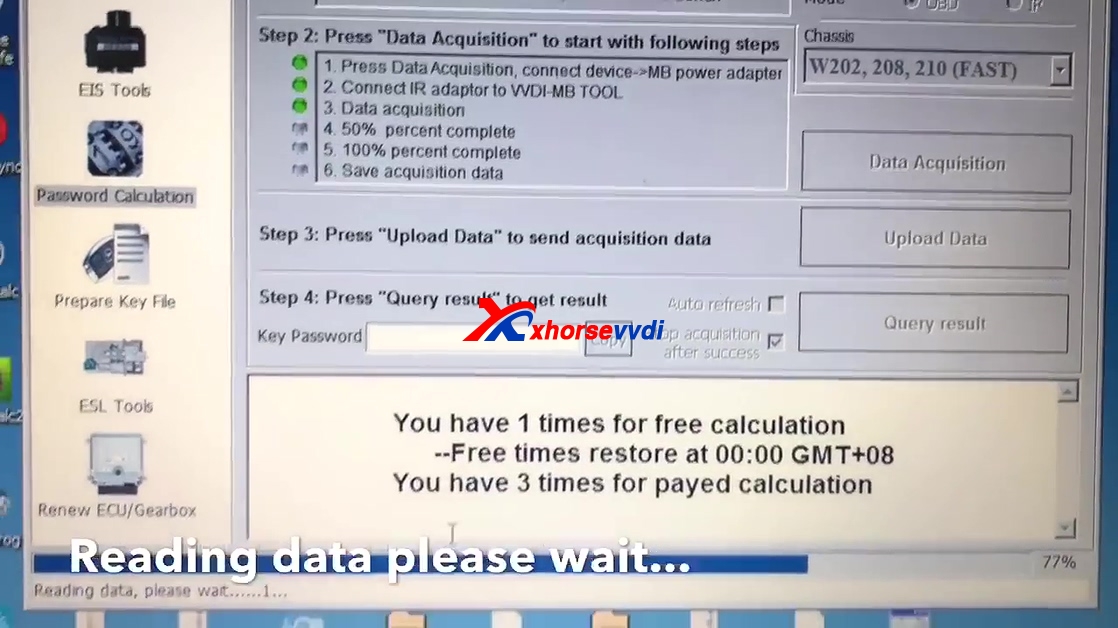
Click on "Data Acquisition", connect
power adapter and cable by following the diagram.


Click "Next" and read attention shown as below.

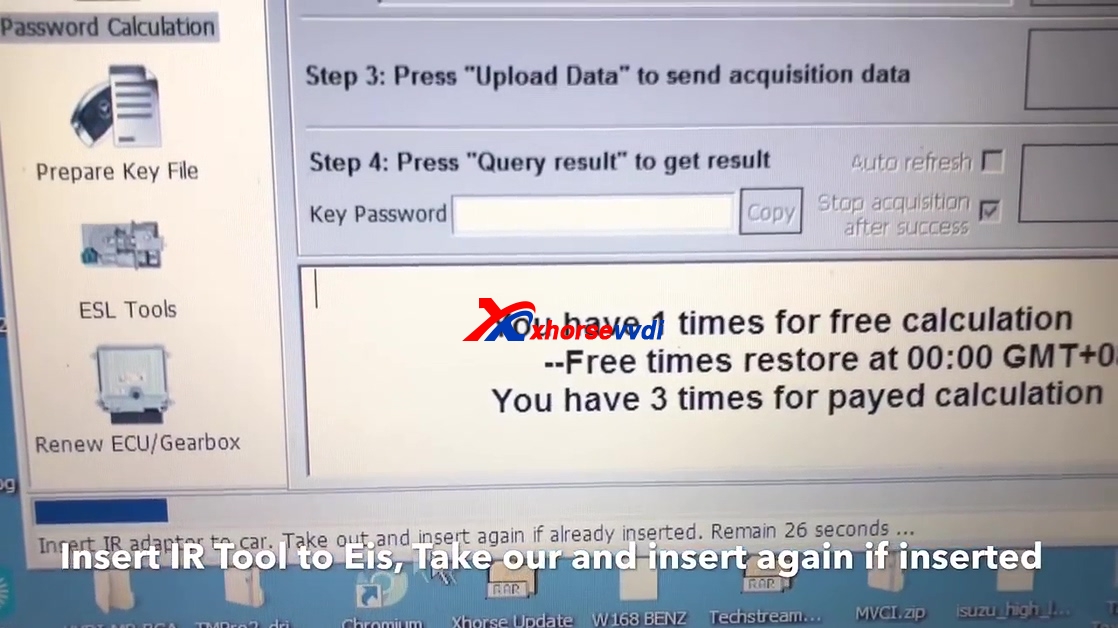
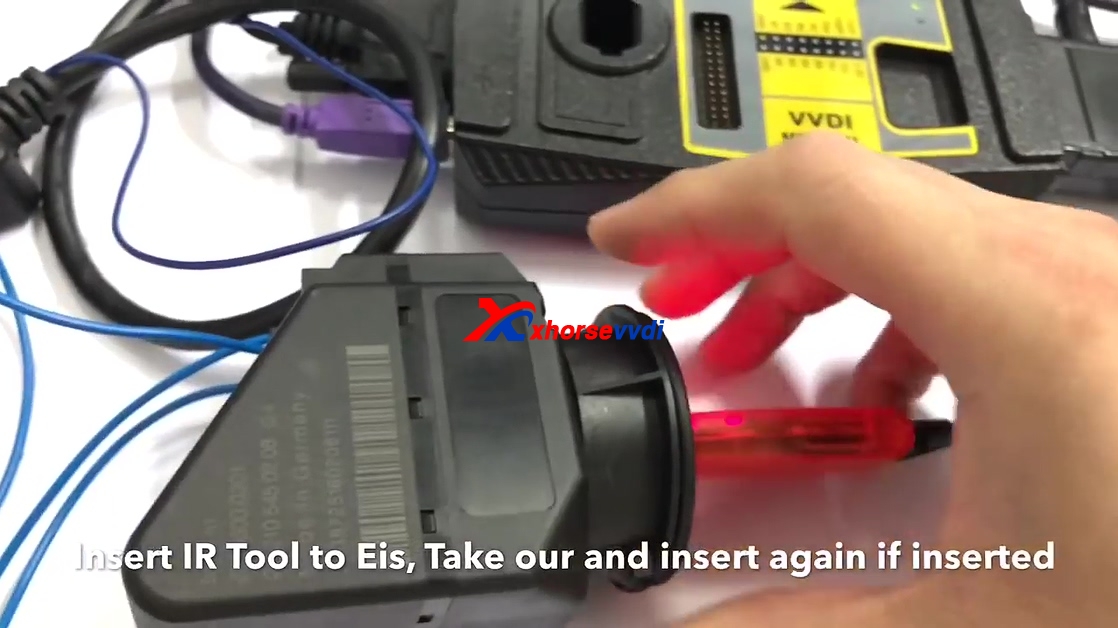
Insert IR tool to EIS, take out and insert again if already inserted.


Reading data, please wait about 25 minutes.

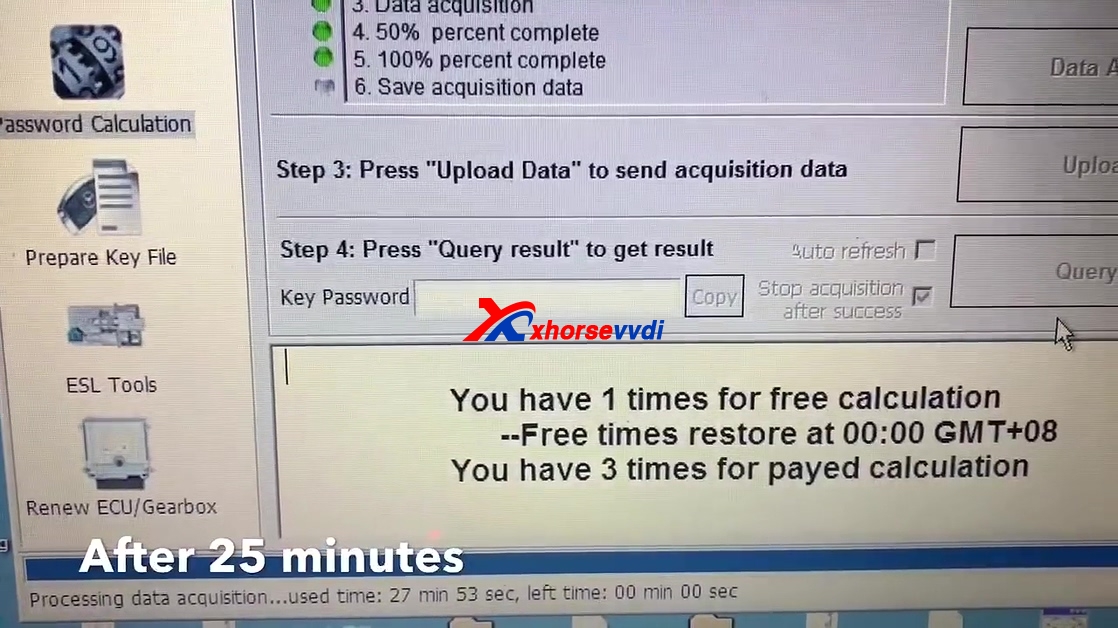
After 25 minutes.

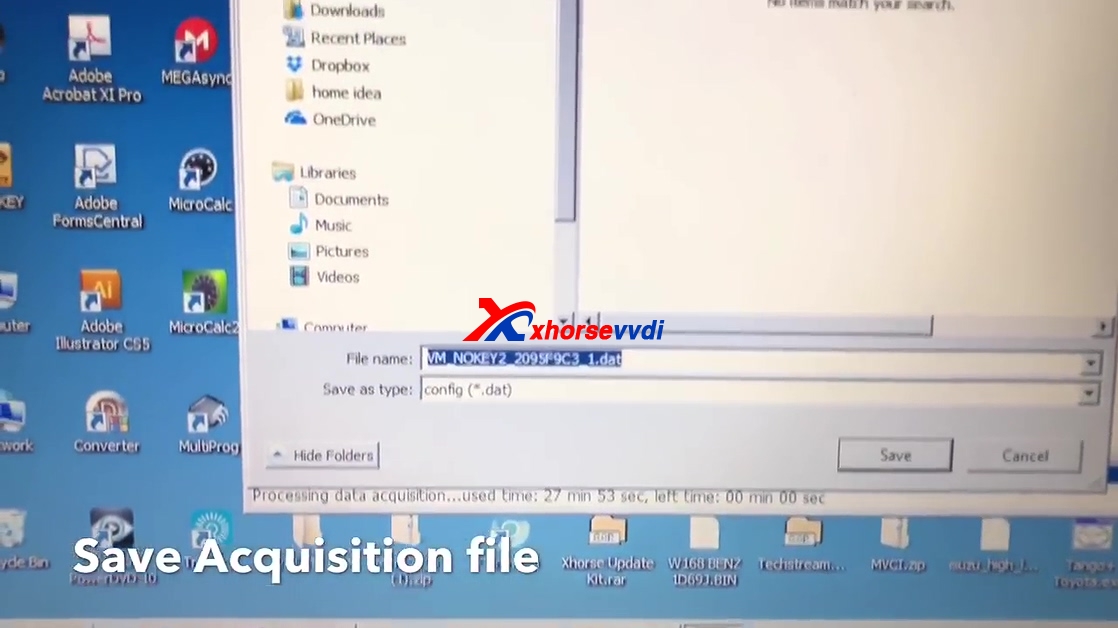
Safe acquisition file

Save file

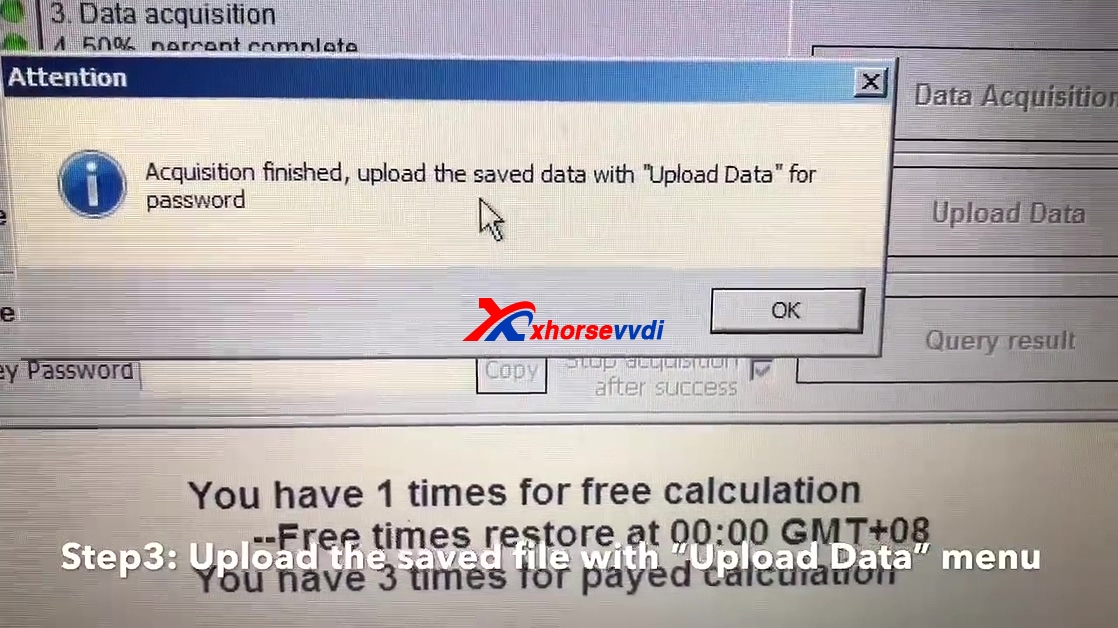
Upload the saved file with "Upload Data" menu.

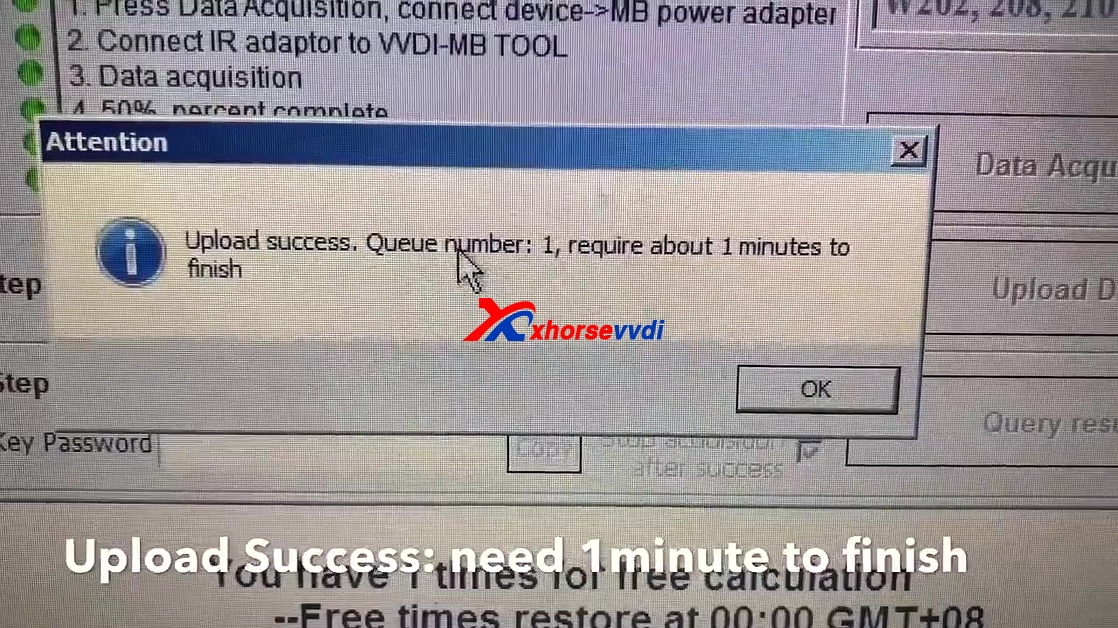
Upload success, queue number:1, require about 1 minute to finish.

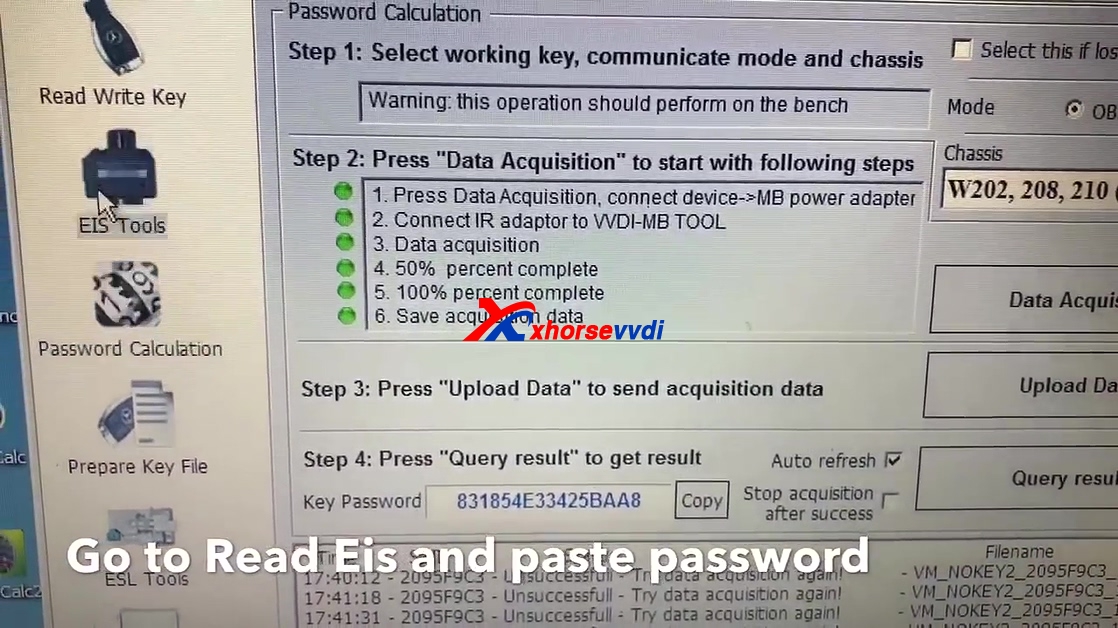
Tick on "Auto refresh" and off "Stop acquisition after success", click on "Query result".

Now get password, press copy.

Go to read EIS and paste password.

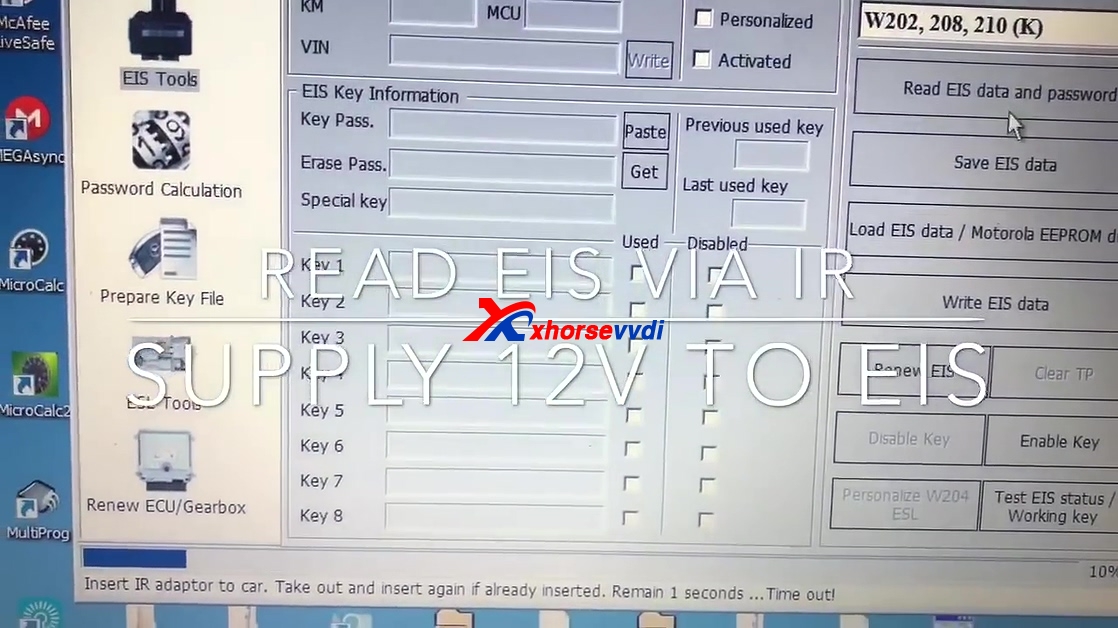
Choose "W202, W208, 210 (K)."

Read EIS via IR.
Supply 12V to EIS.
Click on "Read EIS data and password".
Insert IR adapter to EIS to read EIS data.


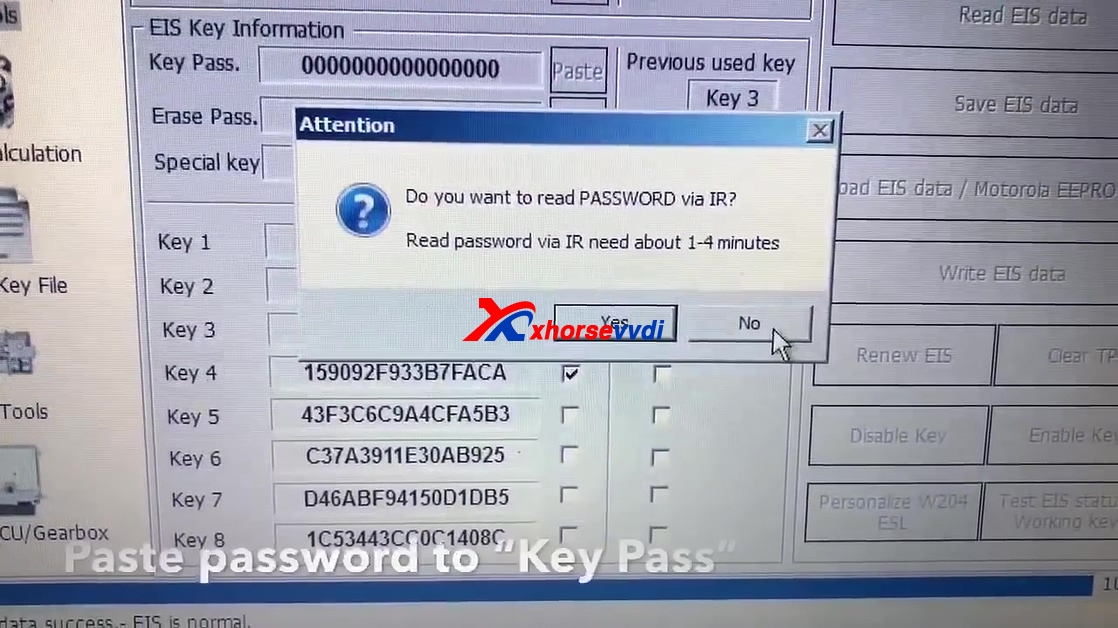
Click "NO", you don't want to read password via IR.

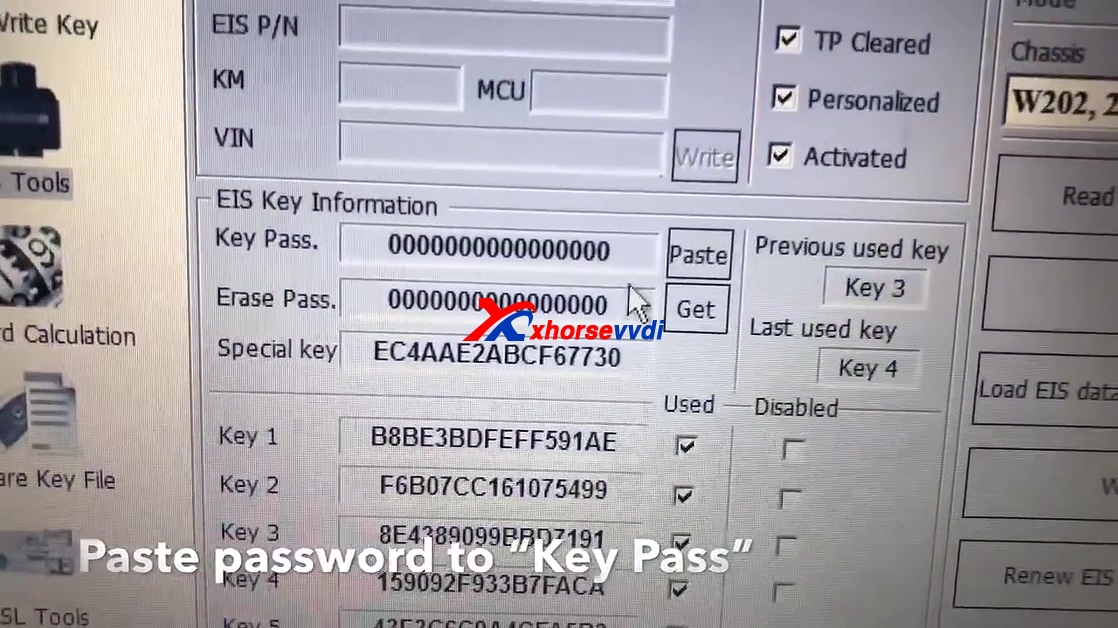
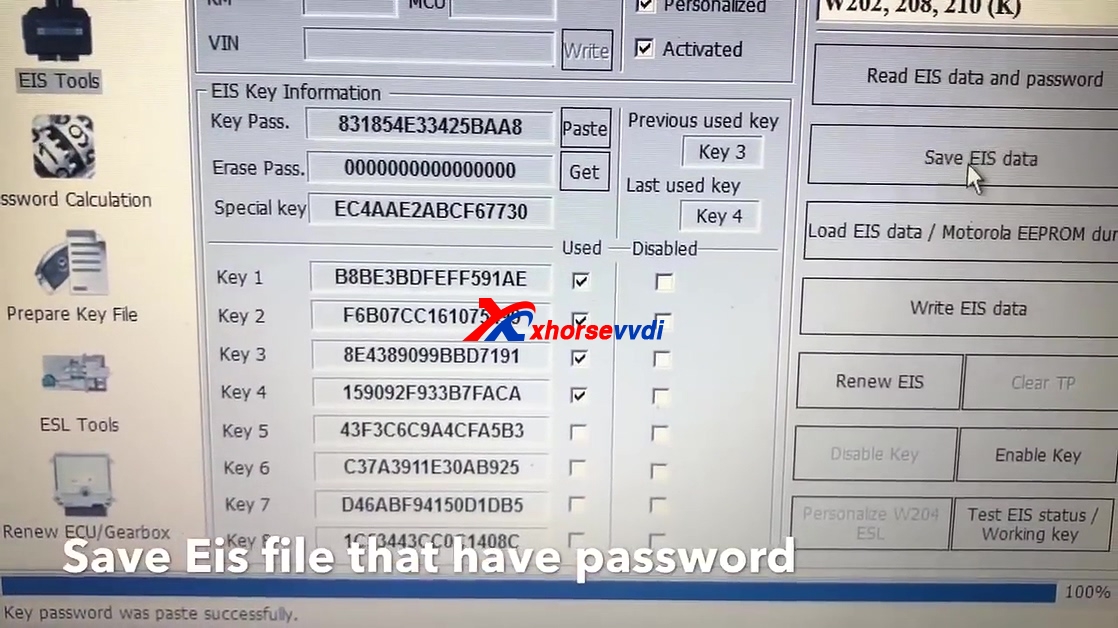
Paste the password to "Key Pass".

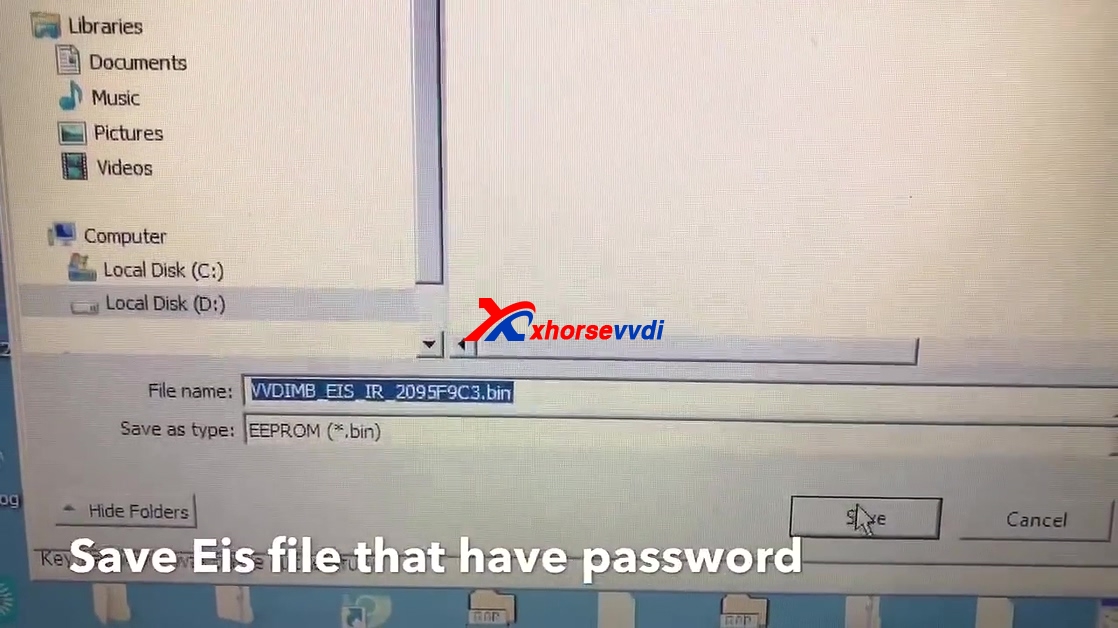
Save EIS file that have password.


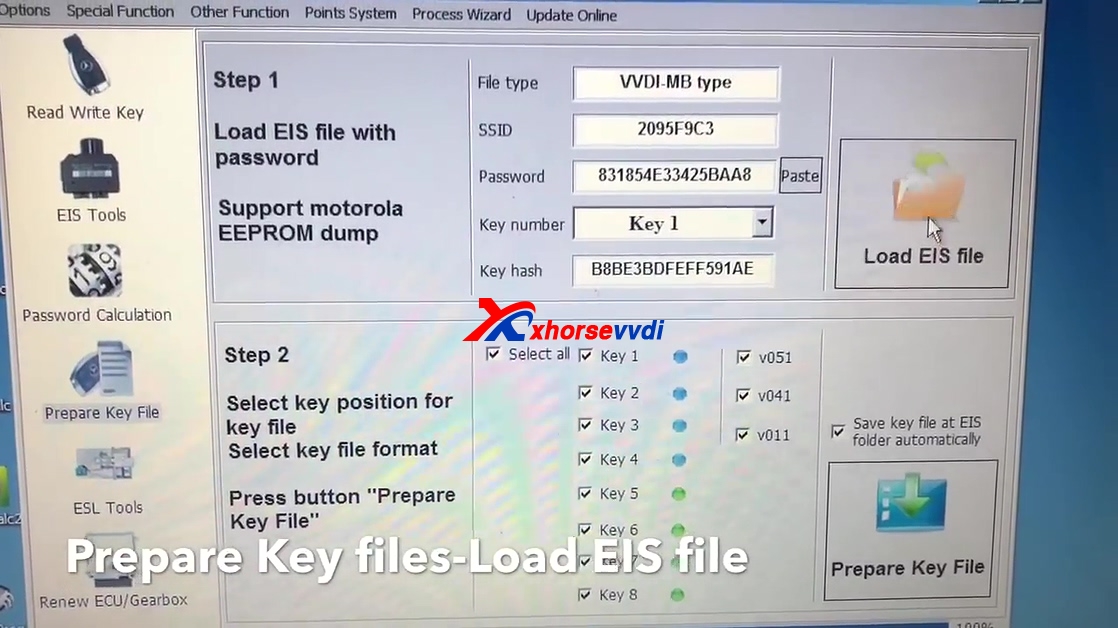
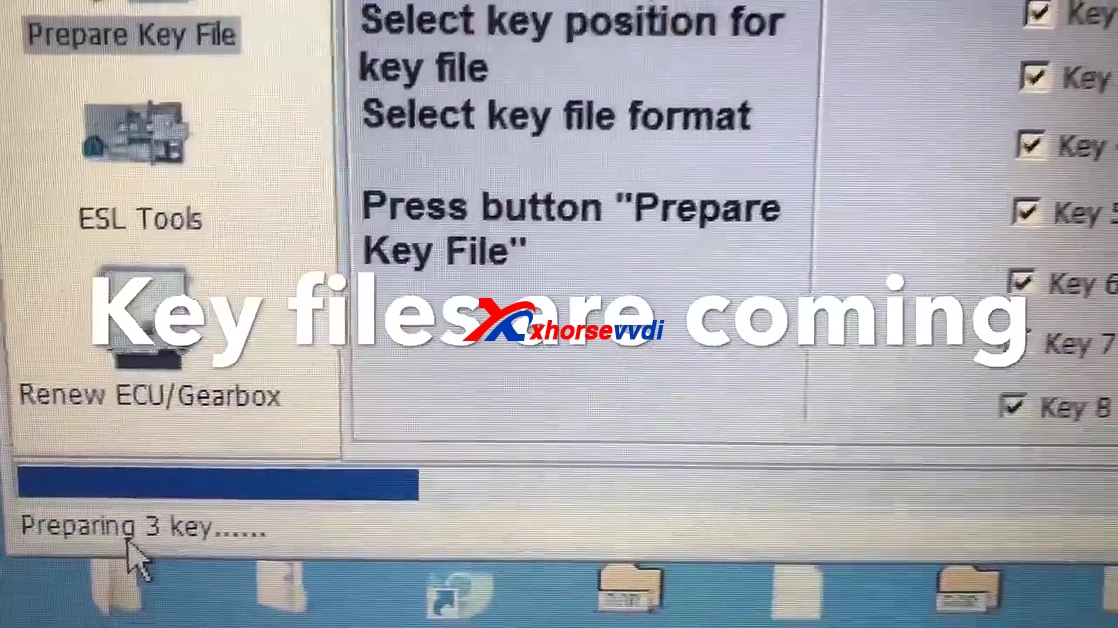
Click on " Prepare key File", then "Load EIS file".

Choose only V51 and press "Prepare key file".

Key files are comming.

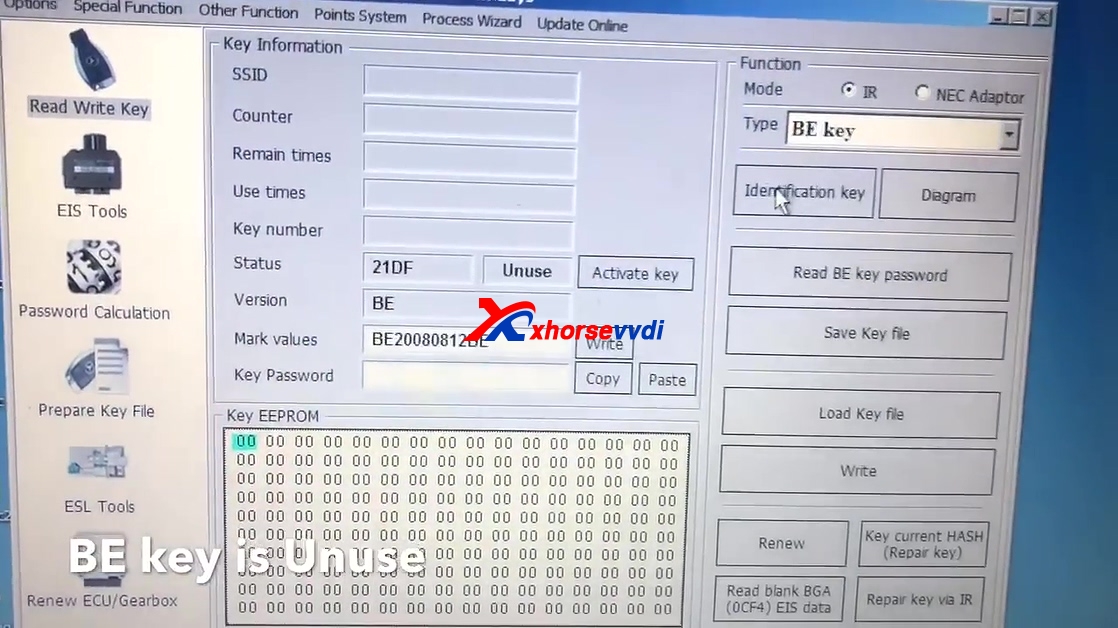
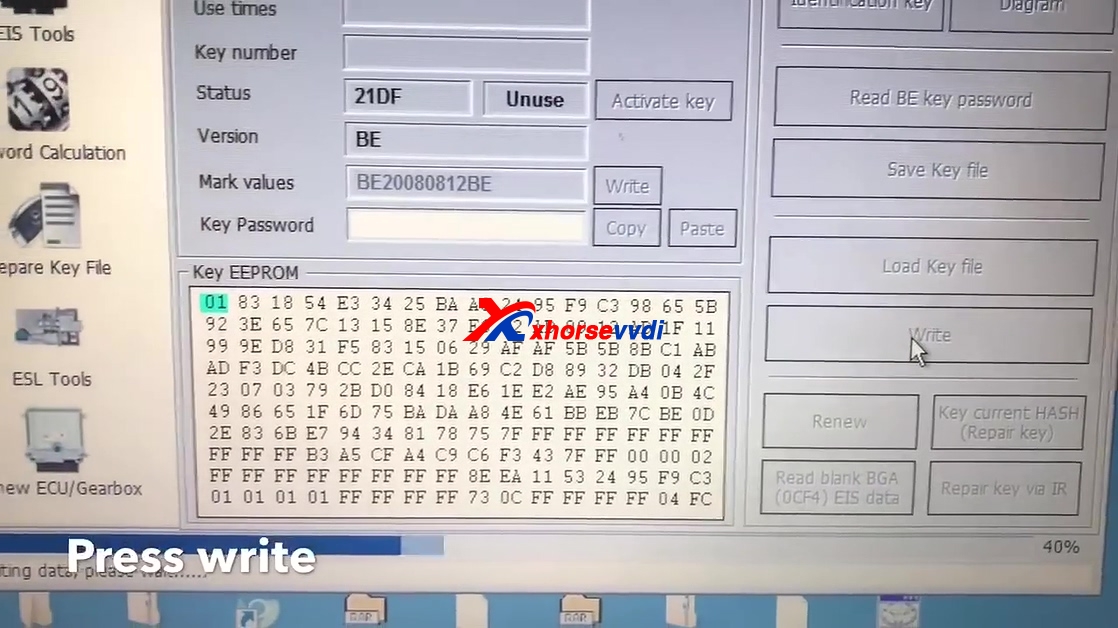
Click on " Read write key".
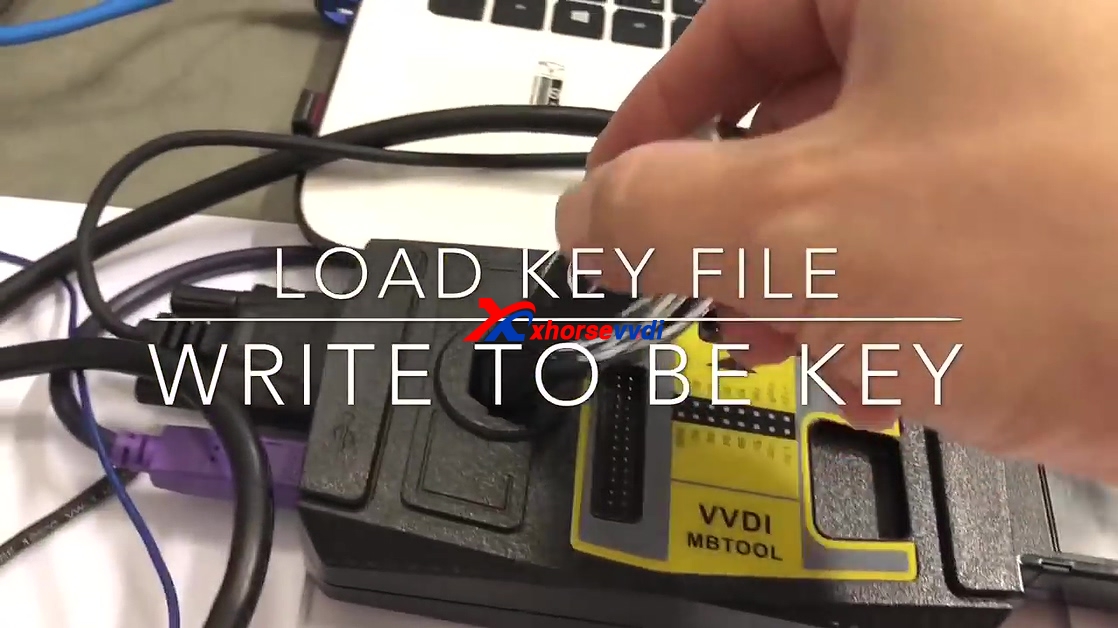
Load key file
Write to BE key.

Click on "Identification key", you see BE Key is unused.

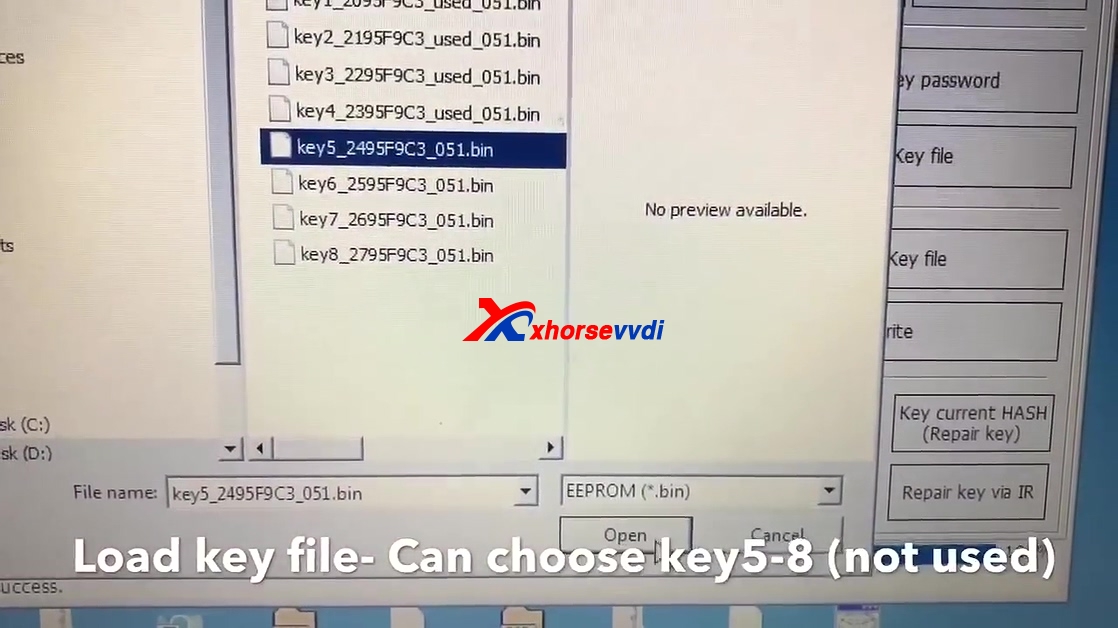
Load key file, you can choose key 5-8 (not used).

Press "Write".

Insert key to synchronize then start.


Done.
www.xhorsevvdi.com