显示标签为“vvdi benz all key lost”的博文。显示所有博文

2019年1月23日星期三

VVDI MB Tool Benz W210 All Key Lost Review

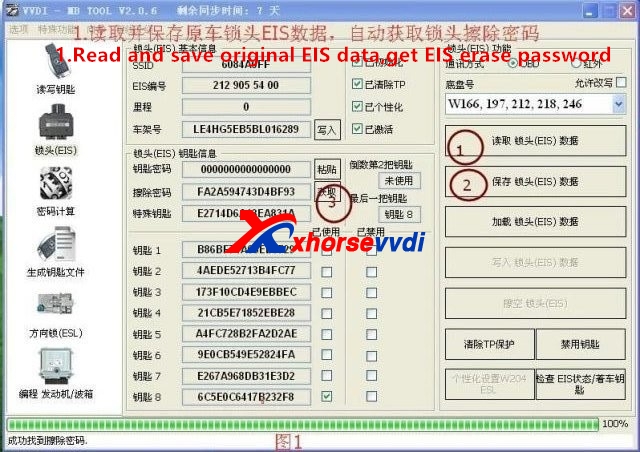
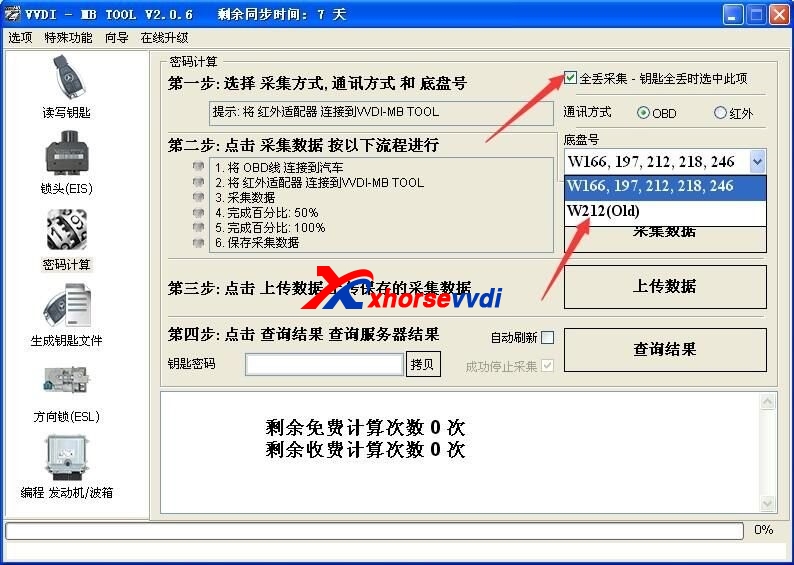
V4.7.0 VVDI MB Tool software s upport W164/W251(-2009) /W221 get key password with slow method (All KEY LOST, 25minutes-1.5hour).
vvdi mb tool
Until now VVDI MB support all key lost EIS type(FBS3):
W166, W197, W212, W218, W246
W172, W204, W207
W216
W164, W251 (-2009)
W164, W251 (2009-)
W169, W209, W211
W202, W208, W210
W203, W463, W639
W639(2009-)
W906
W221
VVDI MB Tool Benz W210 All Key Lost

vvdi benz w210
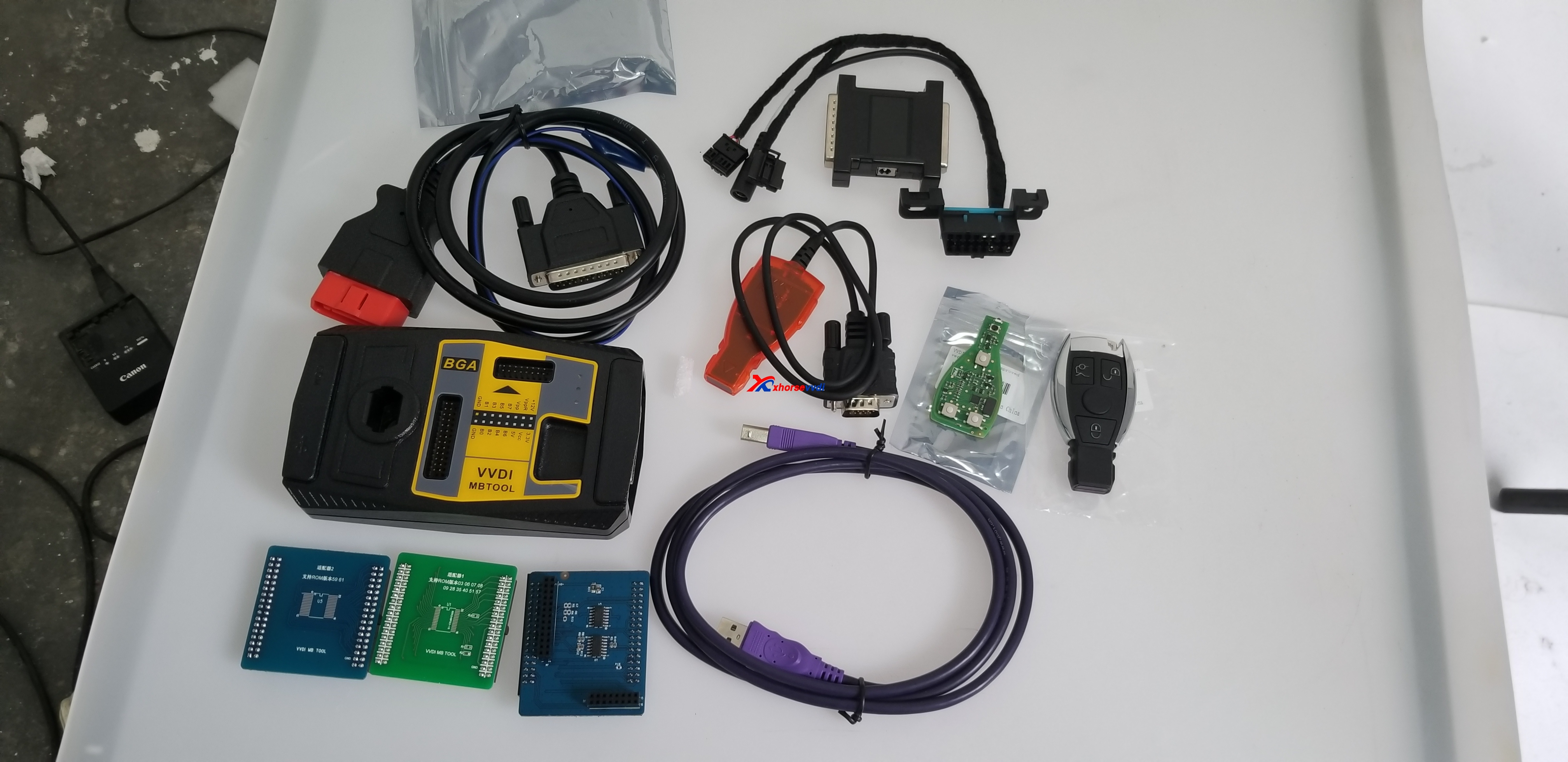
And VVDI MB Tool get key password with VVDI MB Power Adapter fast mode one,if your VVDI MB Tool power adapter is not original,it will display:Xhorse server not accepting the fake one.
You may be confused how to distinguish the original Xhorse VVDI MB Tool power adapter.
All the VVDI MB Tool power adapter from our website www.xhorsevvdi.com is 100% original,please do not worry.
And if not original,when you use VVDI MB Tool software to calculate online with power adapter,it will display fake.

edit by susie: VVDI MB Tool Benz W210 All Key Lost Review

2018年11月11日星期日

How to use VVDI MB Tool and VVDI Prog Program Mercedes-Benz w215 all key lost

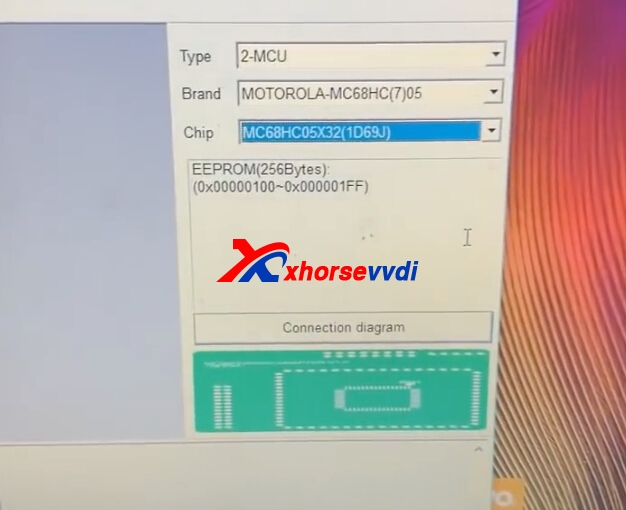
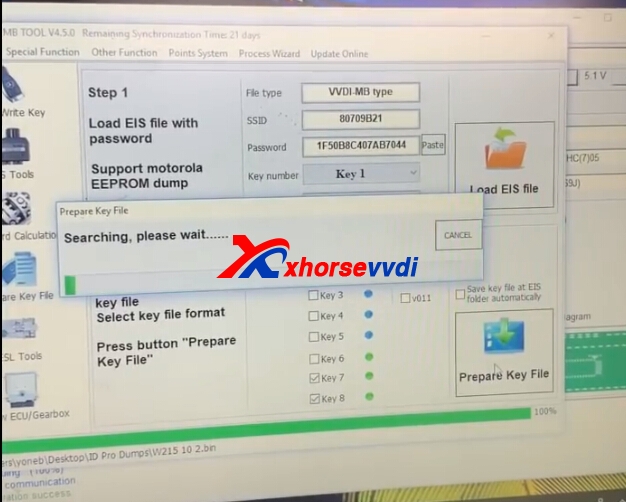
VVDI Prog read  Mercedes-Benz w215 with Motorola-MC68HC05X32 chip eis eeprom data,use VVDI MB Tool prepare key file,and add new key,this is the process of VVDI Prog and VVDI MB program W215 all key lost,and the following we will display more.
1.VVDI Prog Read W215 EEPROM Dump file,use the chip.
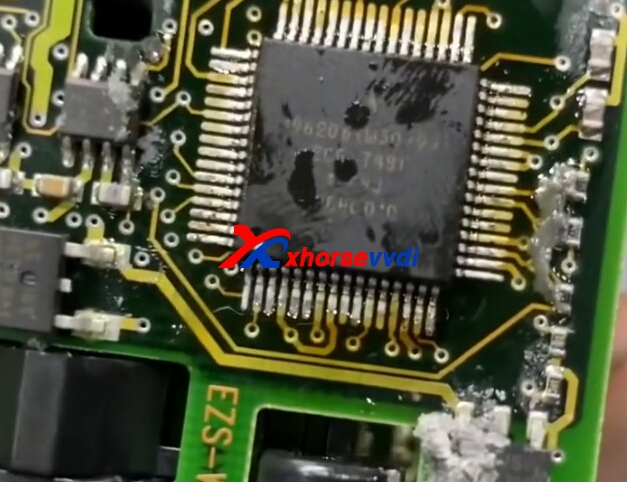
Remove EIS,and remove the chip from EIS.
vvdi prog benz vvdi prog benz
Choose the MCU chip type,and connect like diagram.
vvdi prog benz
vvdi prog benz
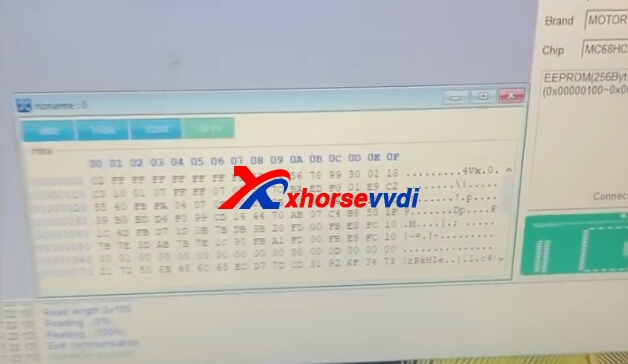
Read data and save it.
vvdi prog benz
2.VVDI MB Tool Add New Key
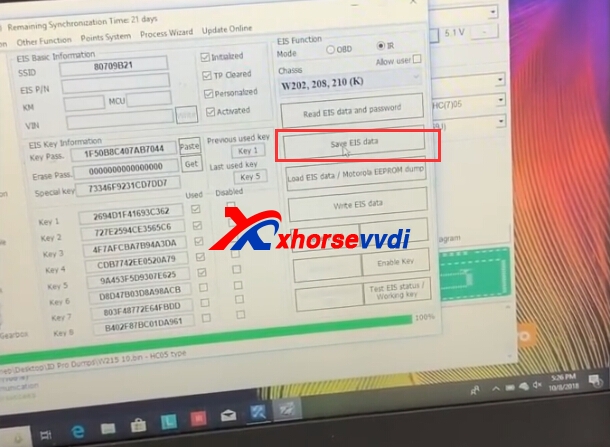
Click Eis Tools,load EIS data.

Save data.

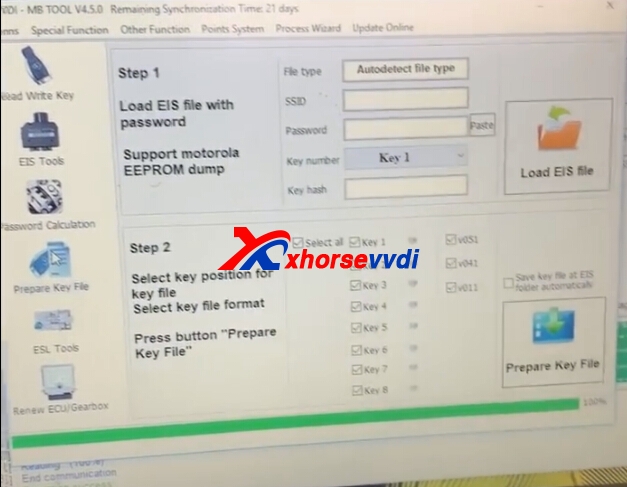
Click Prepare key file.

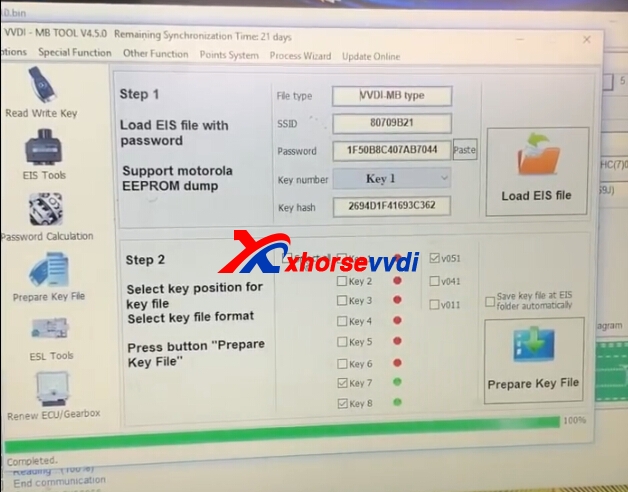
Load EIS,after load successfully,click prepare key file.

Prepare successfully.

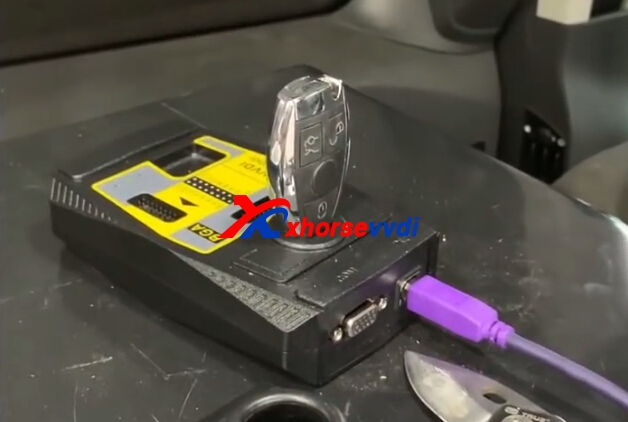
Insert new blank key into VVDI MB BGA Tool coil.

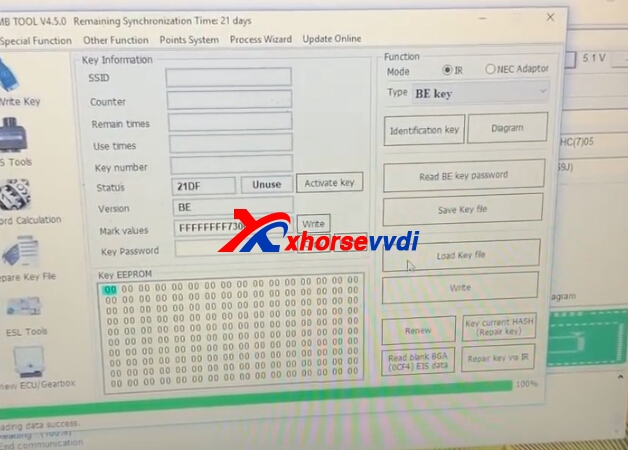
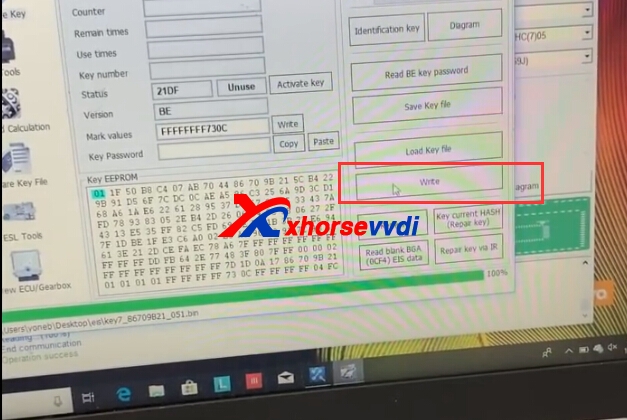
Read/Write key.Identification key firstly.Then Load key file.

Then click write.

Completed.

3.Put back the chip to EIS.

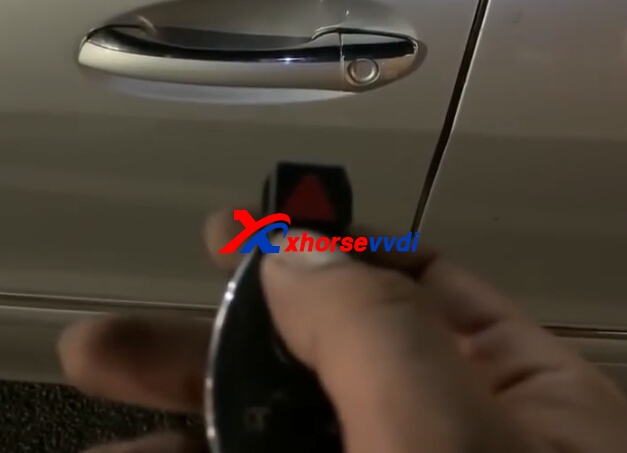
4.Test new key on car.
Original:How to use VVDI MB Tool and VVDI Prog Program Mercedes-Benz w215 all key lost

2018年10月10日星期三

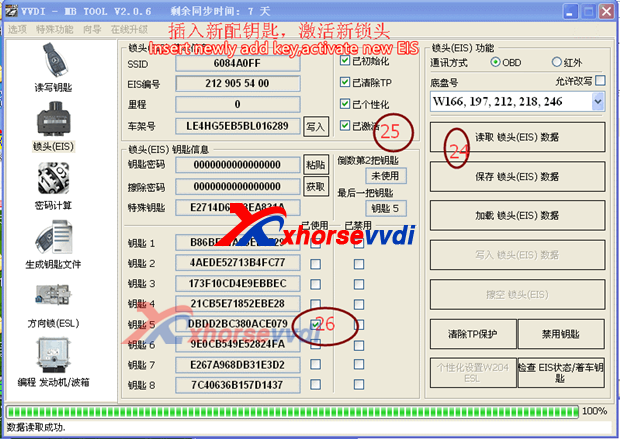
How to use VVDI MB Tool Change EIS When All Key Lost

VVDI MB Tool can support all key lost for some NEC BGA EIS,but for some car models all key lost not support,then you useed to change EIS,here we will introduct about VVDI MB Tool change EIS tips.
There are two point need to attention:
1.For the car's EIS which is with the ELV lock, you must obtain the erase password firstly and wipe the ELV lock to the new inactive status. Otherwise, due to the ELV password and new EIS password are not matched, the ELV lock can be unlock, but the dashboard light cannot be on, the car cannot start.
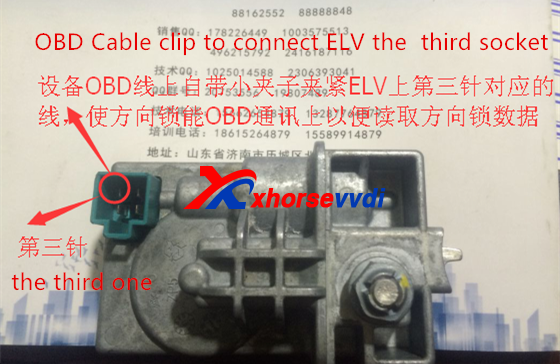
2.Connect EIS and ELV with EIS/ELV test line cables can read the data of the two directly, but if use OBD way, ELV data acquisition will fail. We need to use the small clip attached to OBD cable to connect ELV lock the third leg to supply power, then this allows ELV data to be read and synchronize successfully. Like following pic shows:
vvdi mb tool change eis
vvdi mb tool change EIS
vvdi mb tool change eis
At present, the following NEC and BGA EIS types support all key lost without change EIS. When you do all key lost, please note that it needs to change EIS or not and check its cost.


vvdi mb tool change eis

Edit by http://www.xhorsevvdi.com/:How to use VVDI MB Tool Change EIS When All Key Lost

2018年10月7日星期日

How VVDI MB Tool program Mercedes W202,208,210 when all key lost via OBD

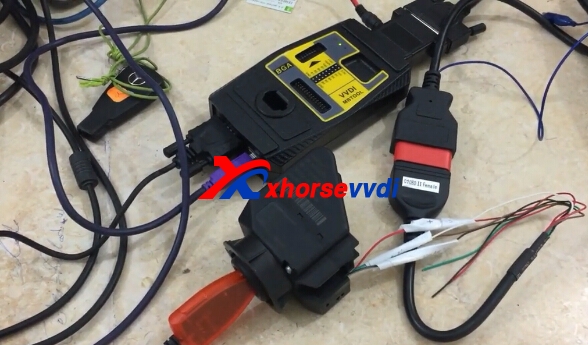
It's first in the world that you can program Mercedes W202,208,210 when all key lost via OBD (Without dissoldering IC) with VVDI MB Tool as well as some adapters i.e power adapter, IR adapter, BE key etc.
Tools and adapters to prepare:
VVDI MB Tool
Power adapter
IR adapter
BE key
EIS adapter


Procedure:
Read the password of W210 by OBD.

Read password W210 (no need to desolder IC), read by IR adapter.

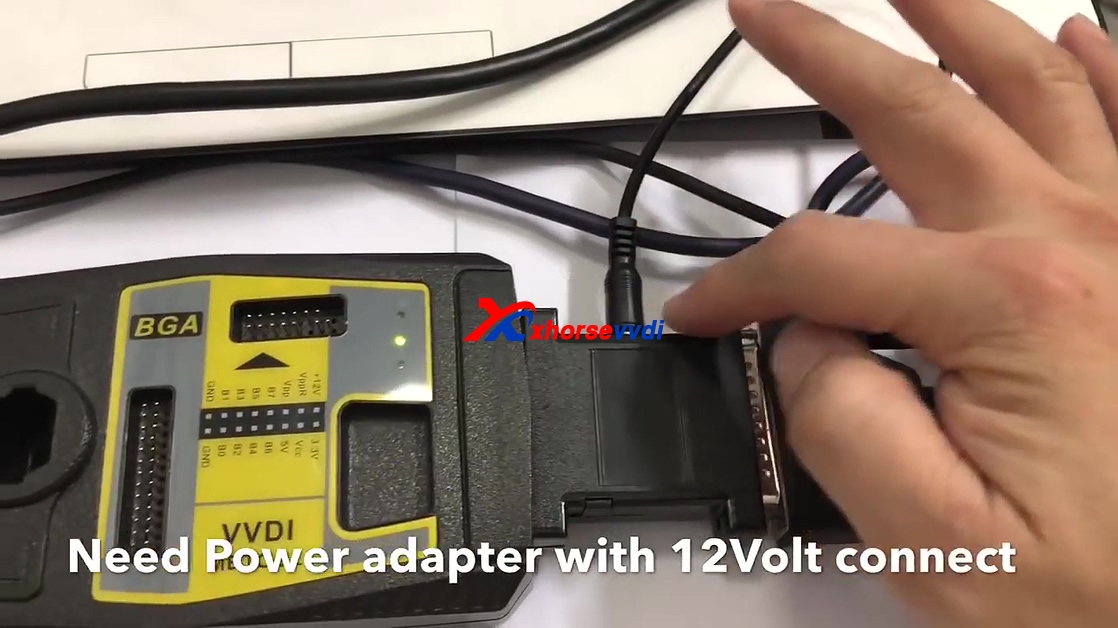
Need power adapter with 12V connection.

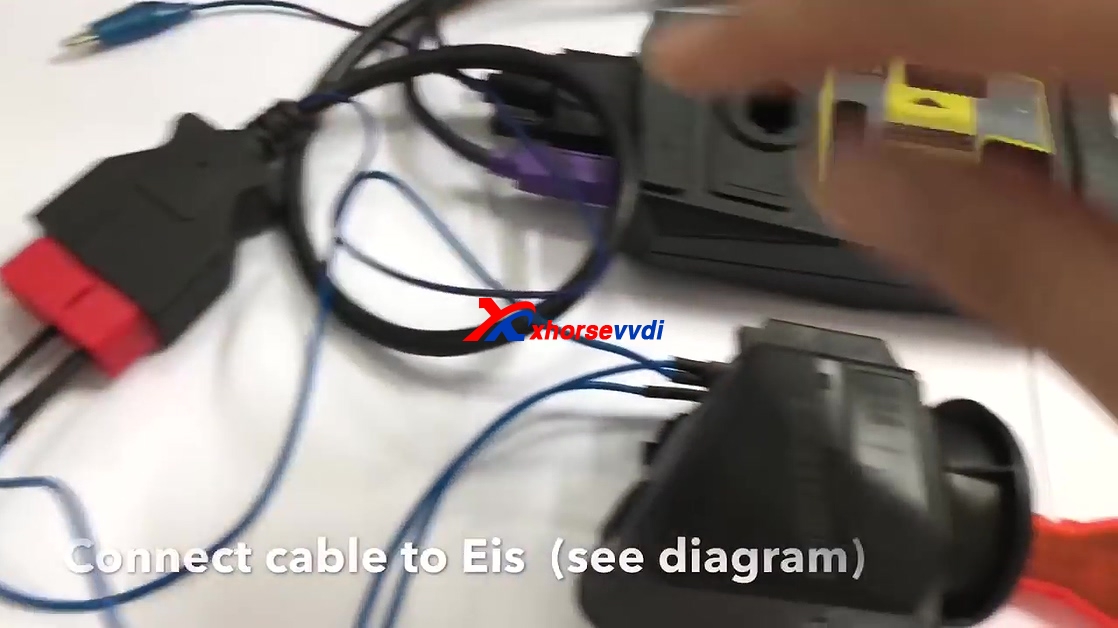
Connect cable to EIS (see diagram)

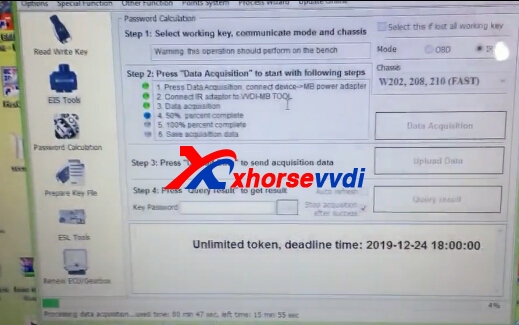
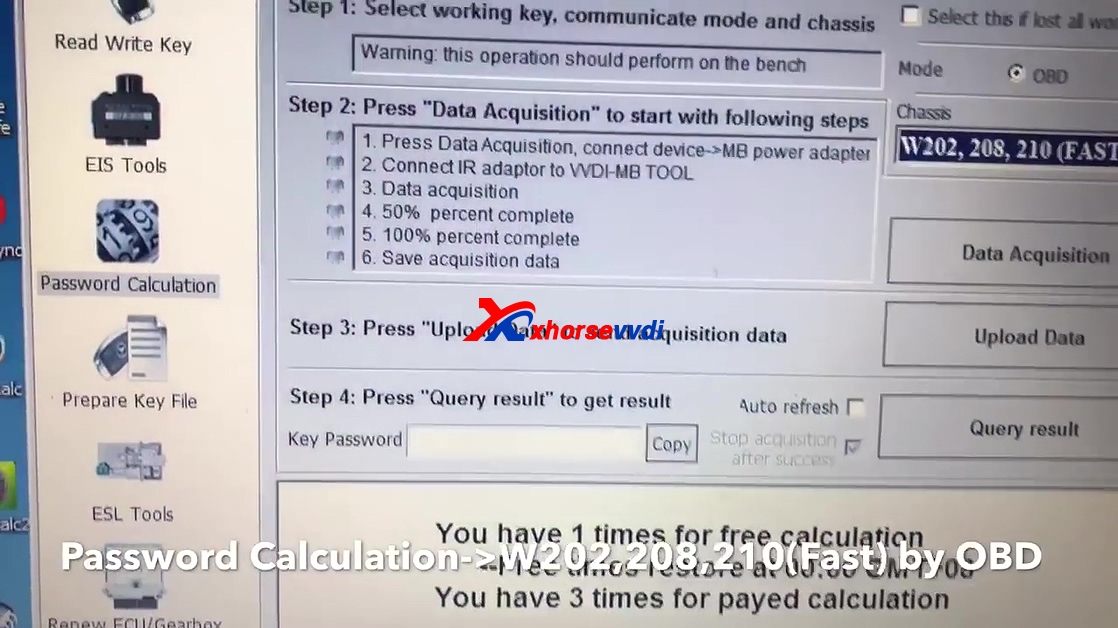
Click on "Password Calculation ->W202, 208, 210 (Fast) by OBD.

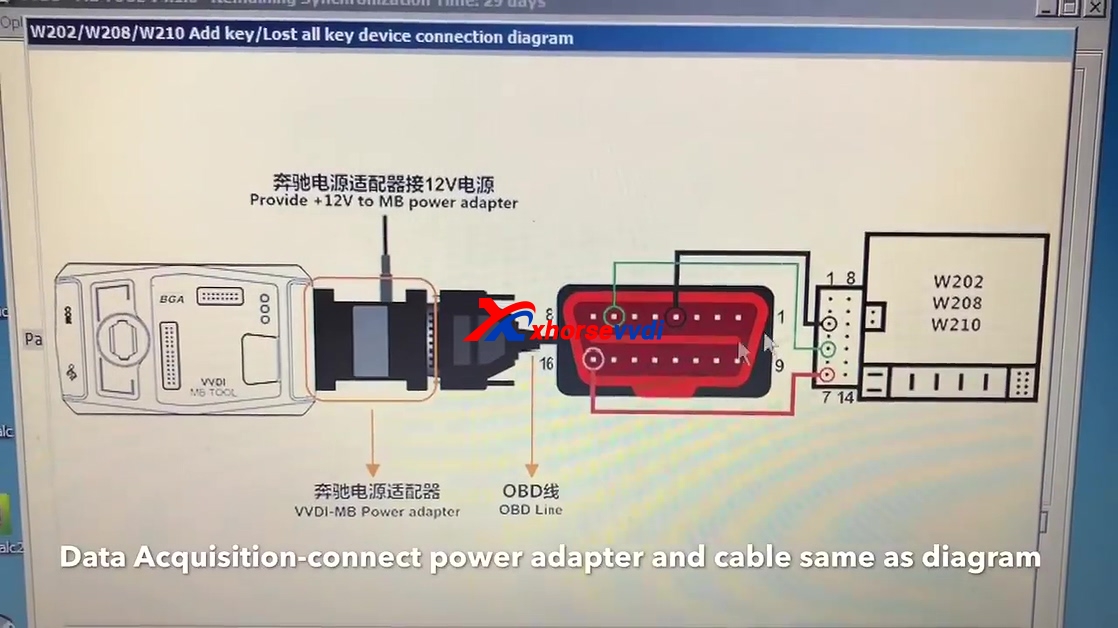
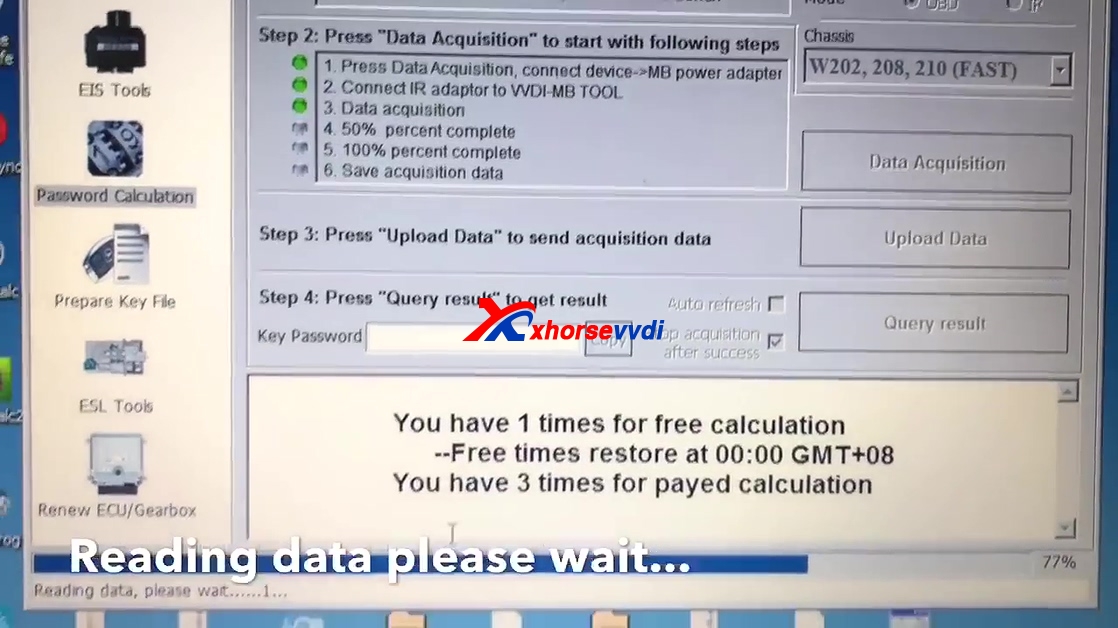
Click on "Data Acquisition", connect power adapter and cable by following the diagram.

Click "Next" and read attention shown as below.

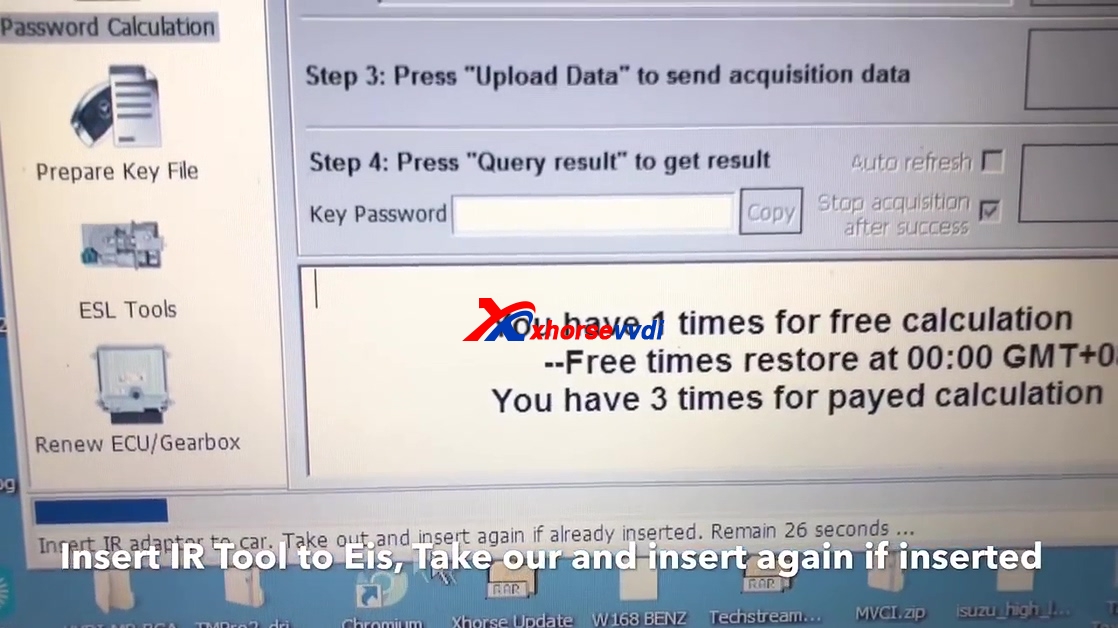
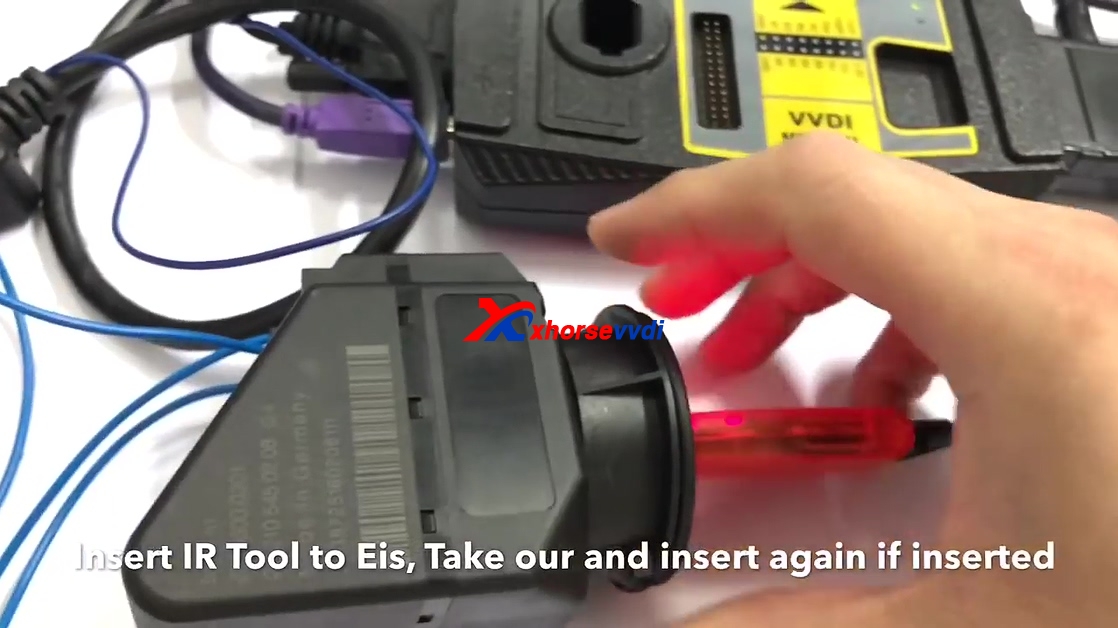
Insert IR tool to EIS, take out and insert again if already inserted.


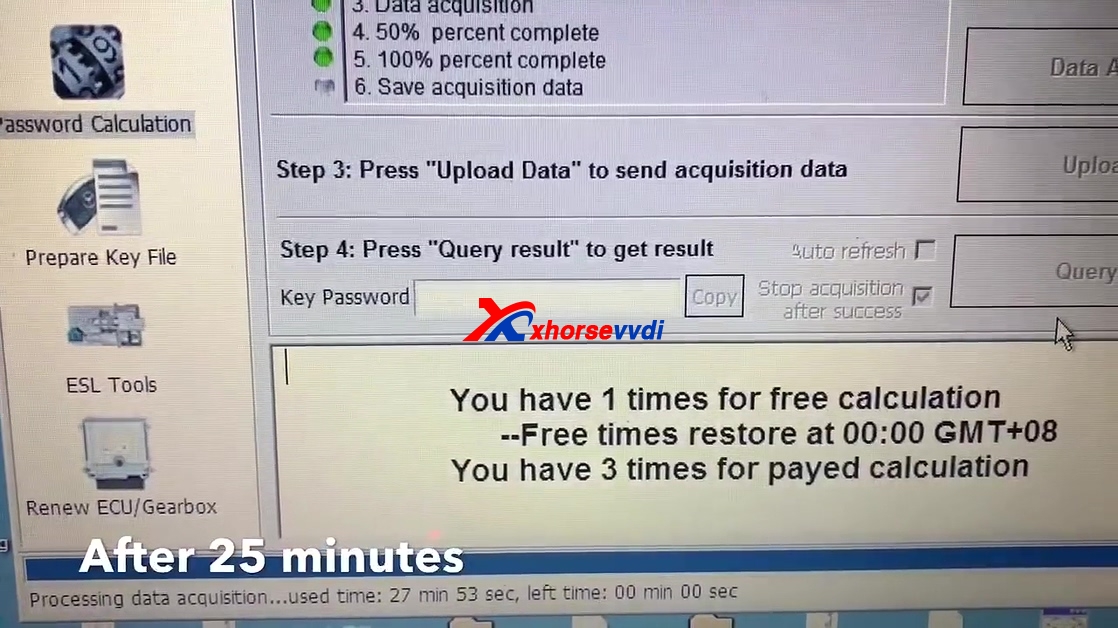
Reading data, please wait about 25 minutes.

After 25 minutes.

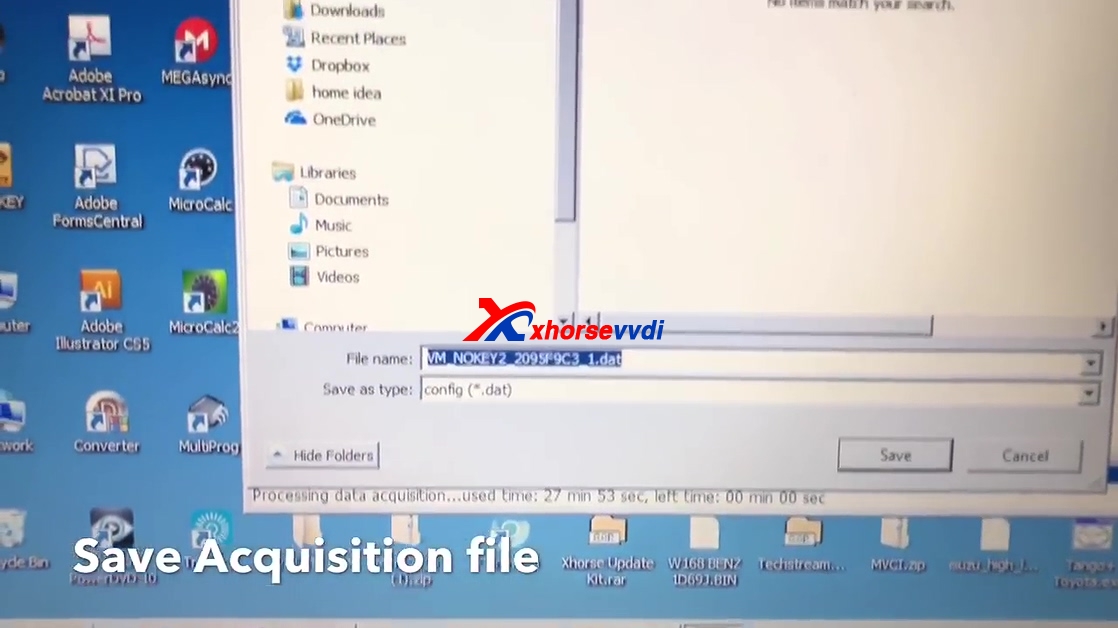
Safe acquisition file

Save file

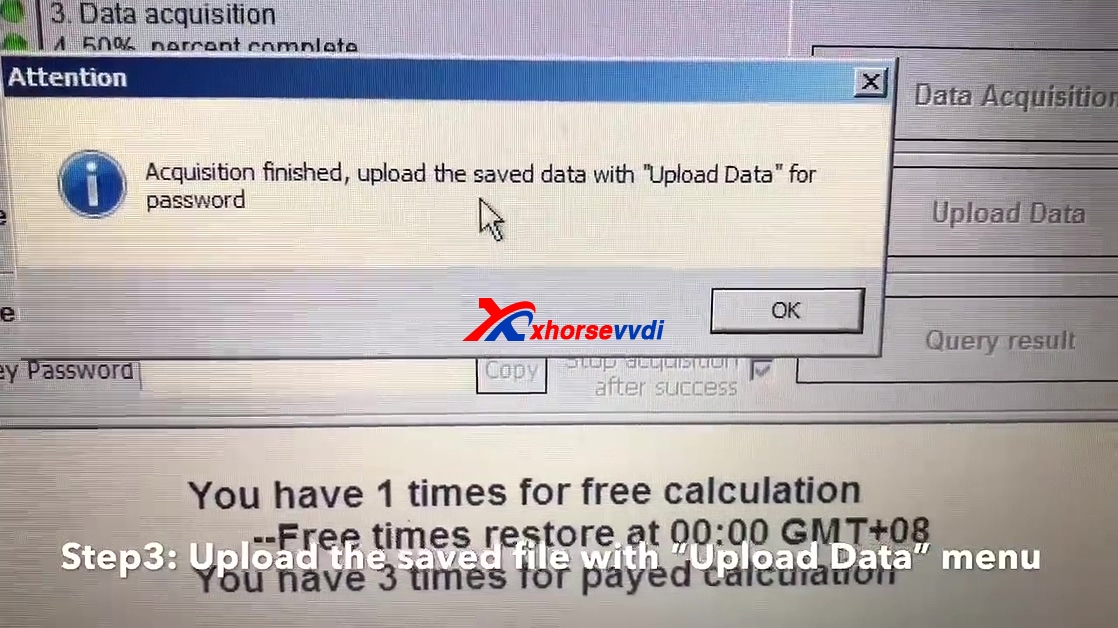
Upload the saved file with "Upload Data" menu.

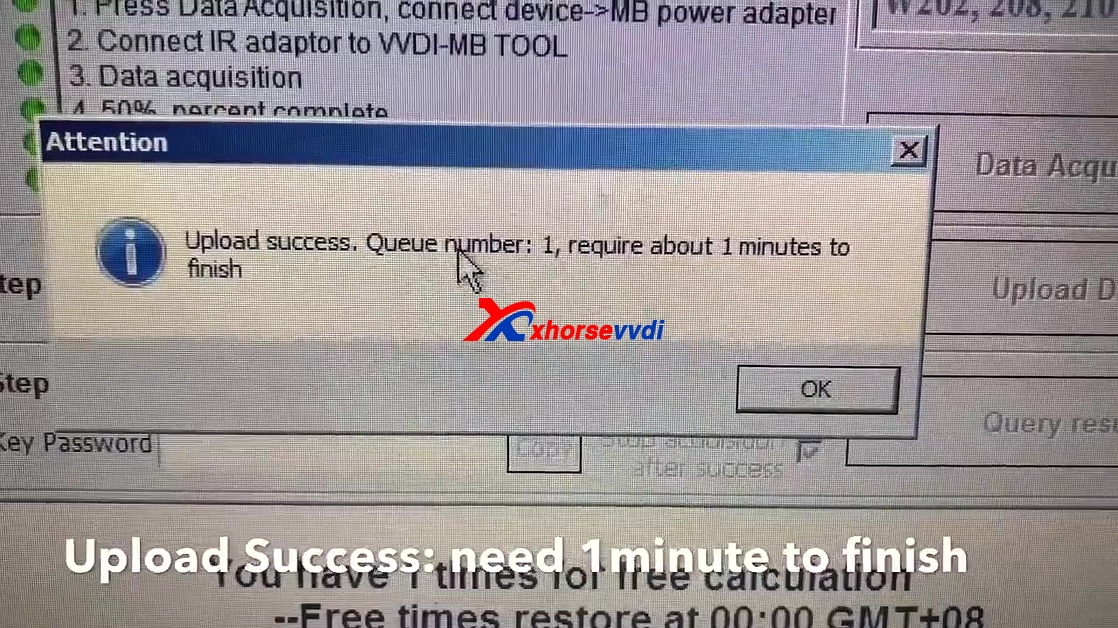
Upload success, queue number:1, require about 1 minute to finish.

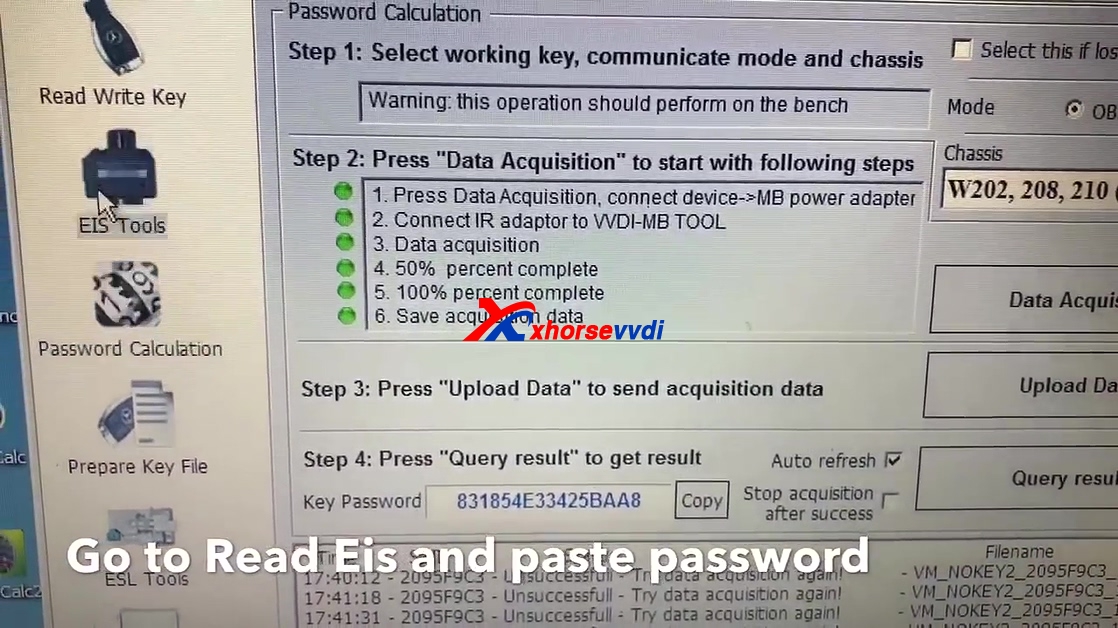
Tick on "Auto refresh" and off "Stop acquisition after success", click on "Query result".

Now get password, press copy.

Go to read EIS and paste password.

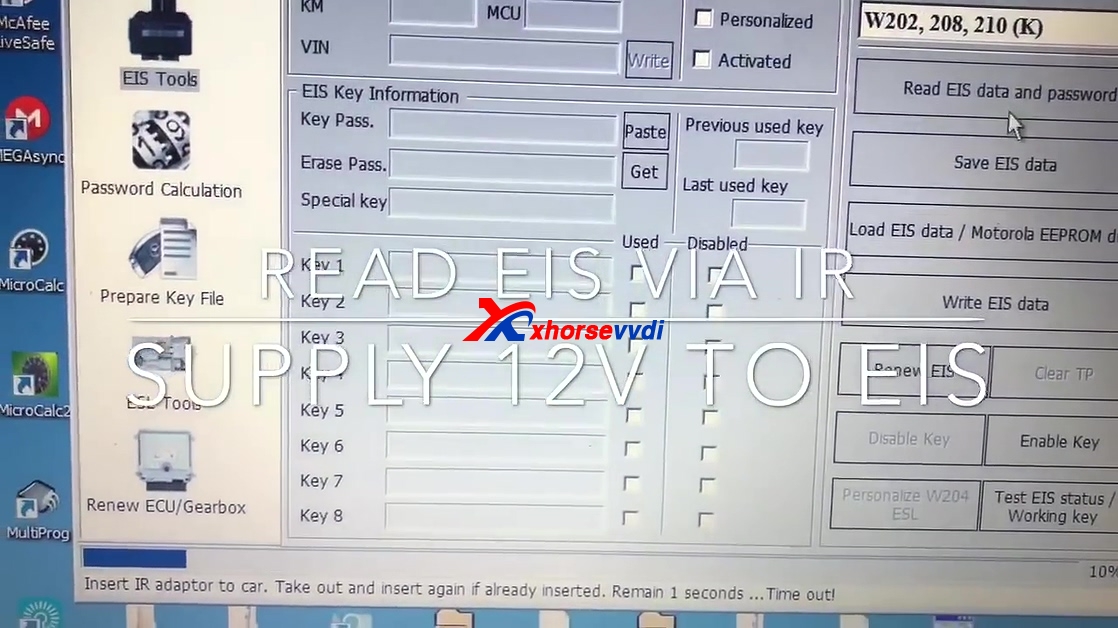
Choose "W202, W208, 210 (K)."

Read EIS via IR.
Supply 12V to EIS.
Click on "Read EIS data and password".
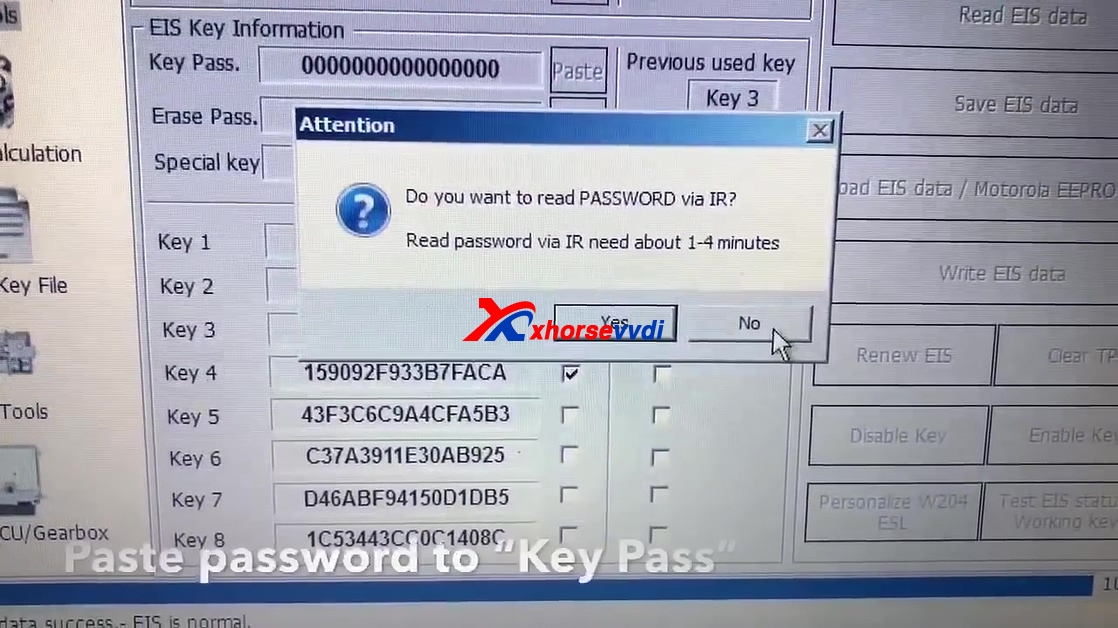
Insert IR adapter to EIS to read EIS data.

Click "NO", you don't want to read password via IR.

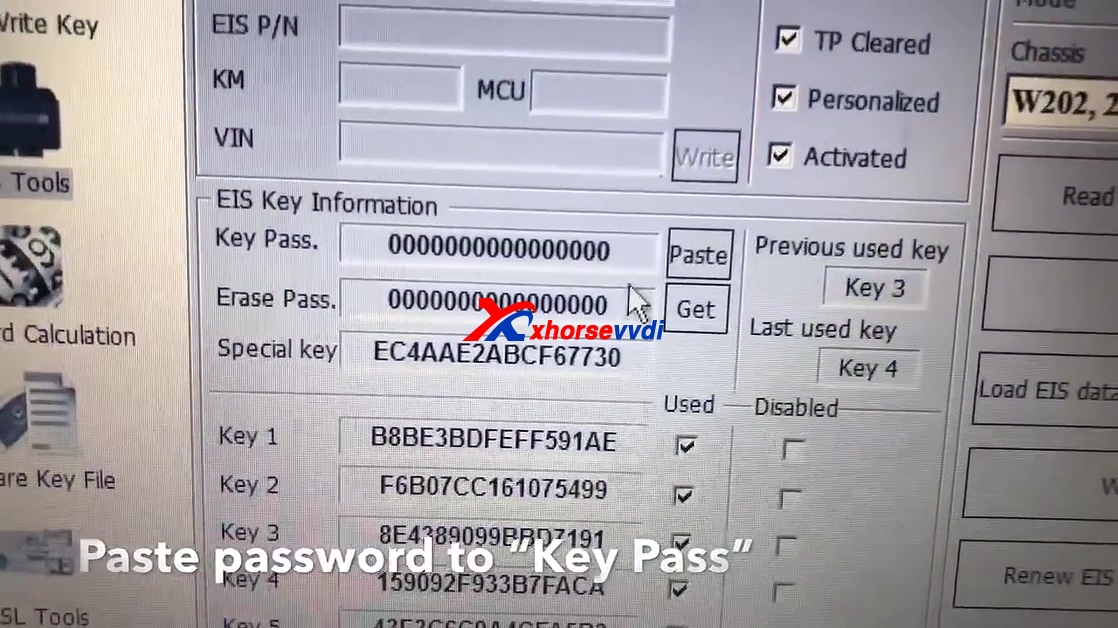
Paste the password to "Key Pass".

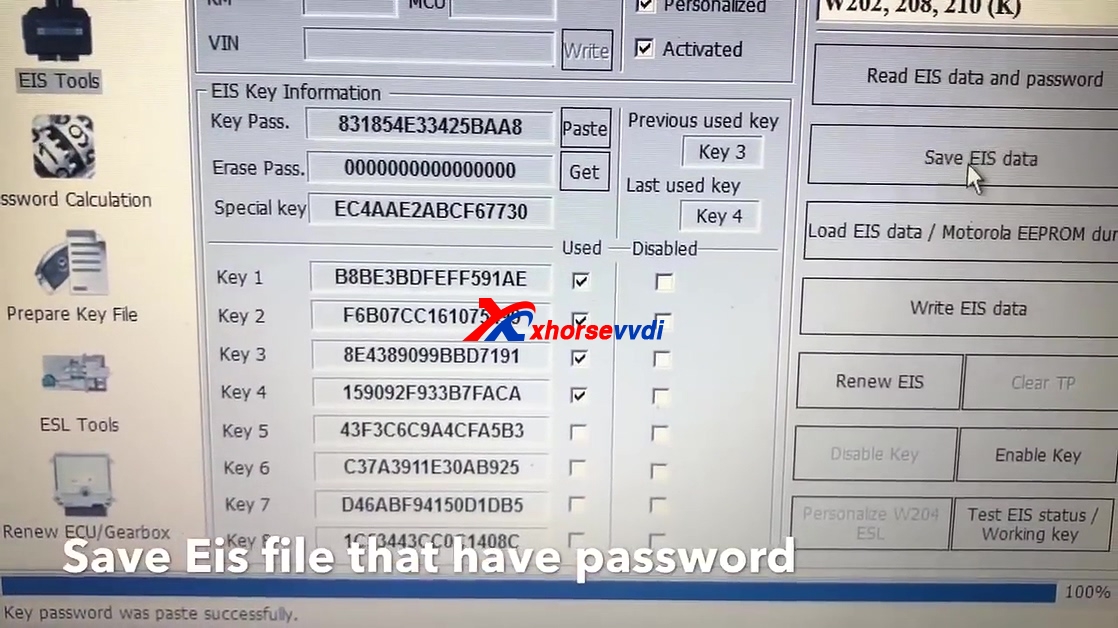
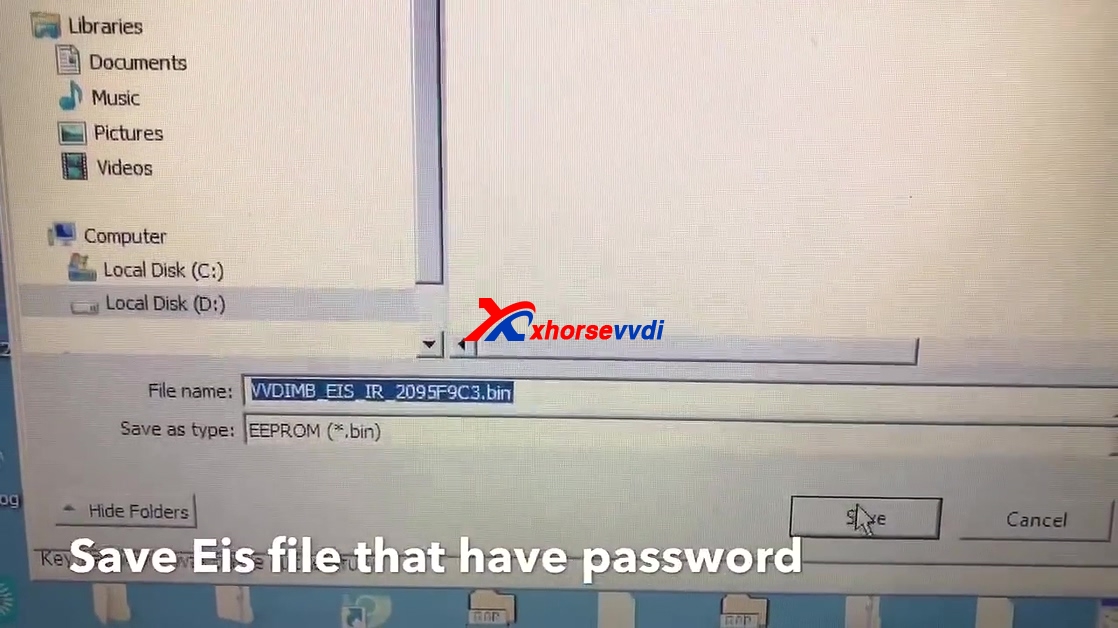
Save EIS file that have password.

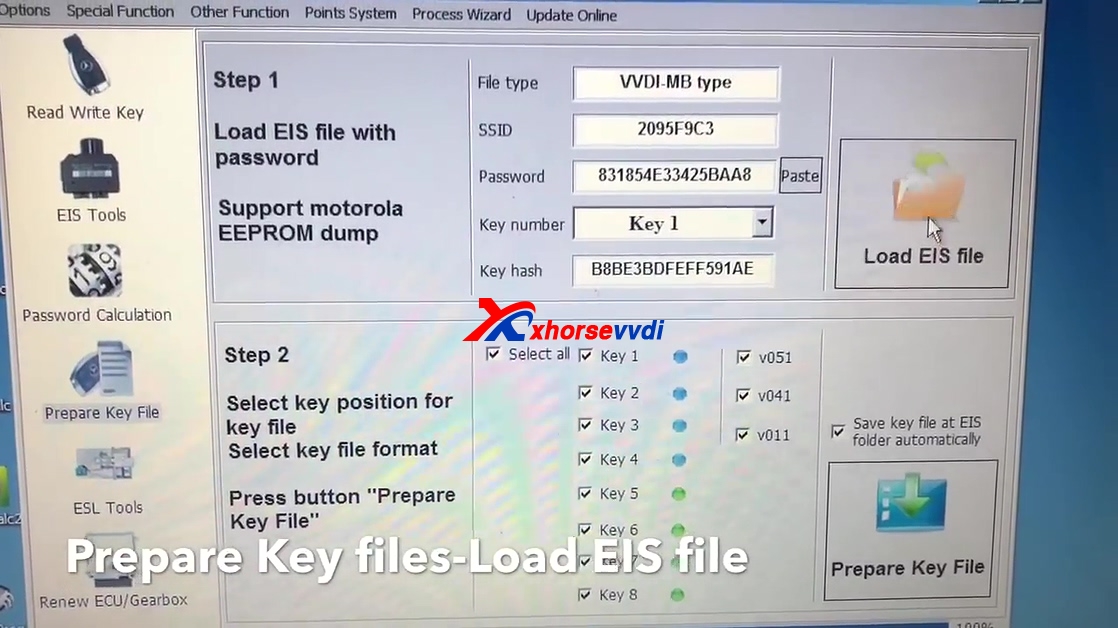
Click on " Prepare key File", then "Load EIS file".

Choose only V51 and press "Prepare key file".

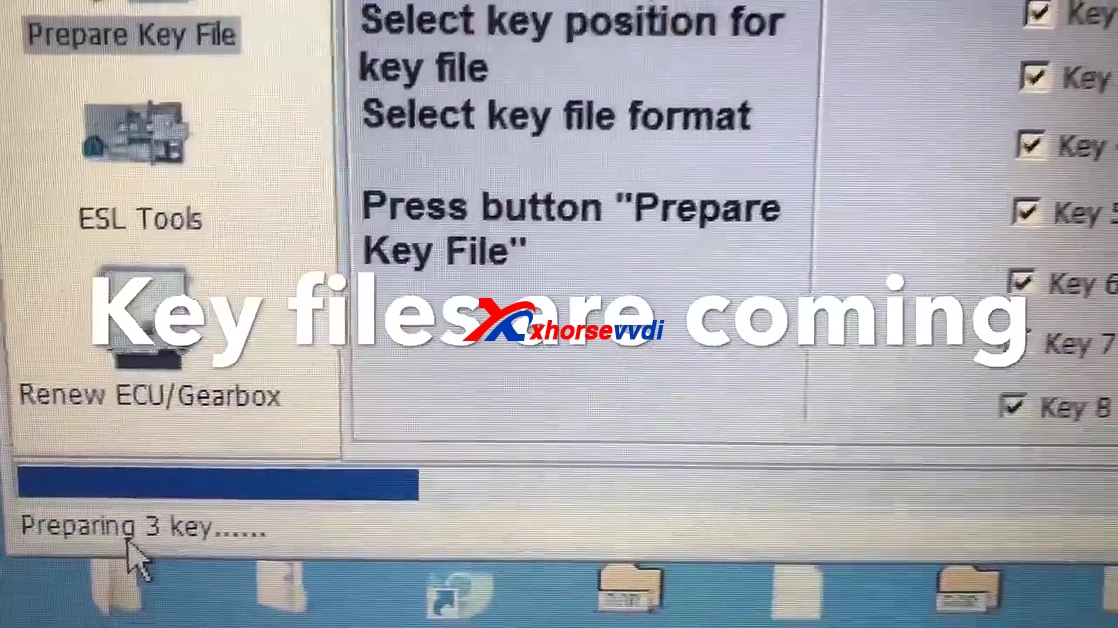
Key files are comming.

Click on " Read write key".
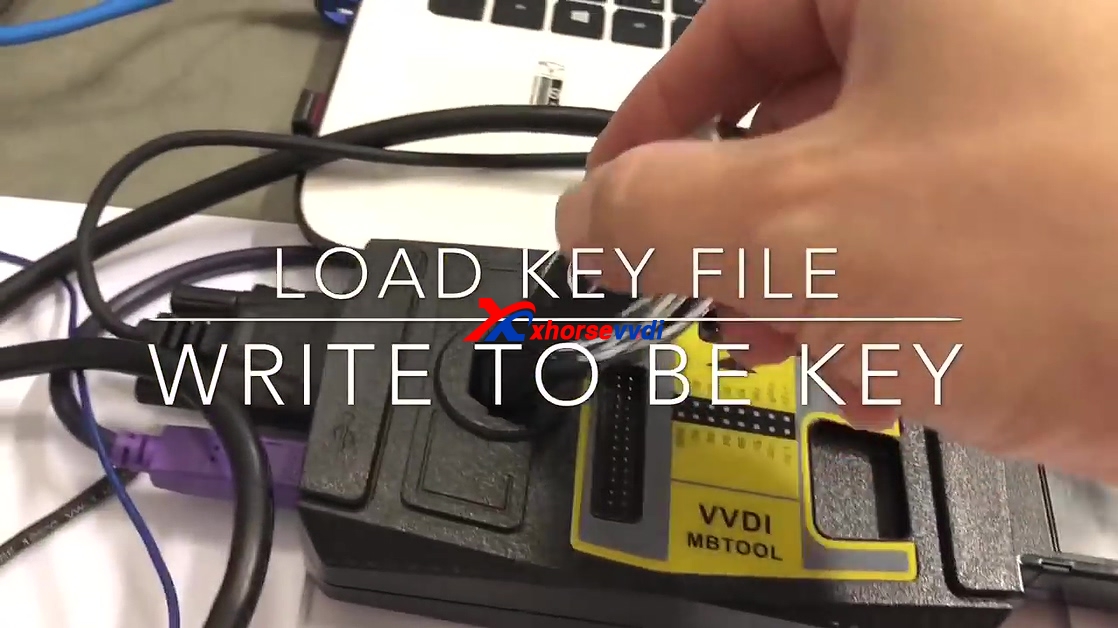
Load key file
Write to BE key.

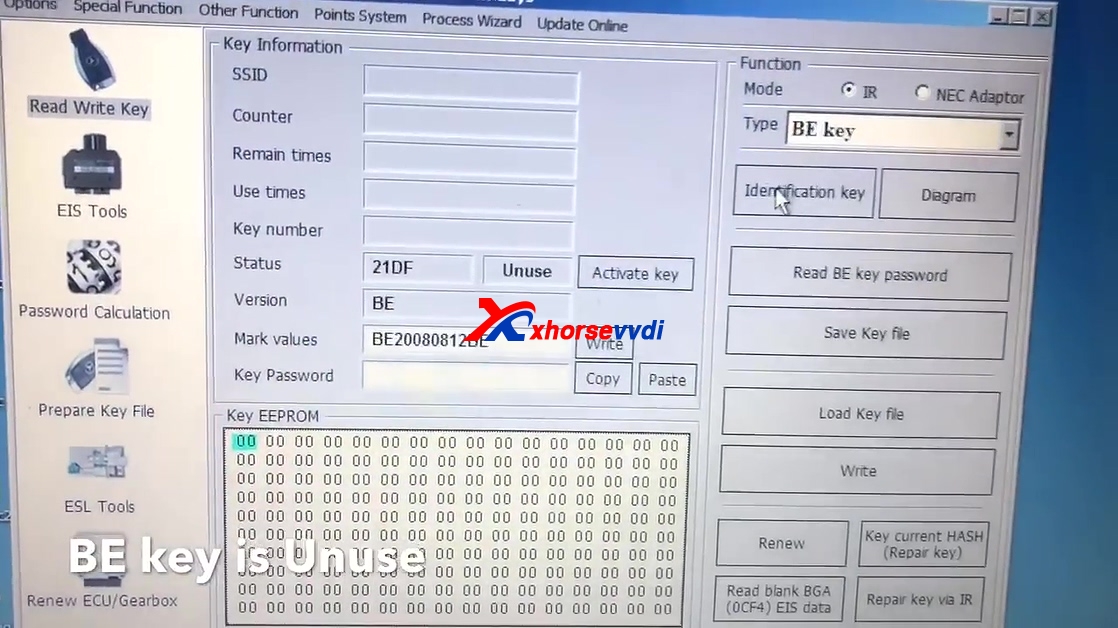
Click on "Identification key", you see BE Key is unused.

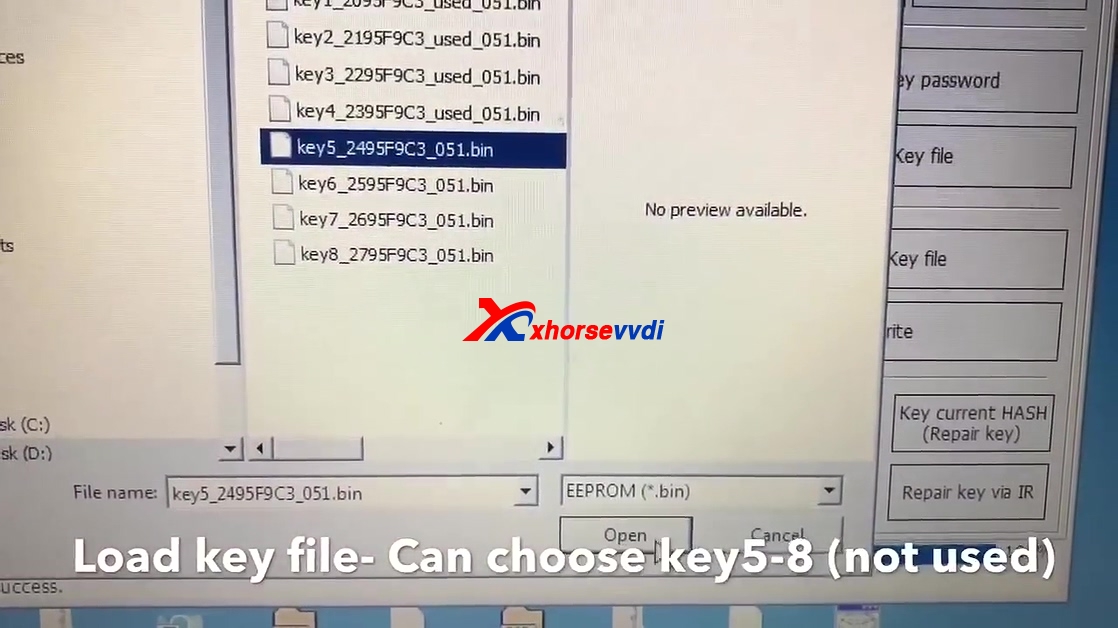
Load key file, you can choose key 5-8 (not used).

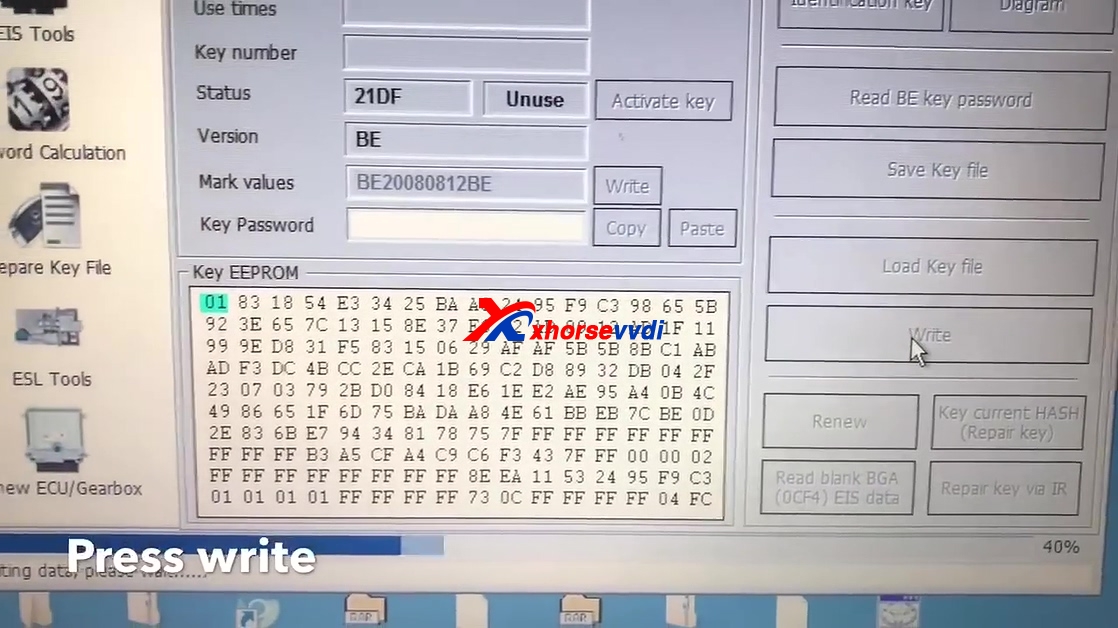
Press "Write".

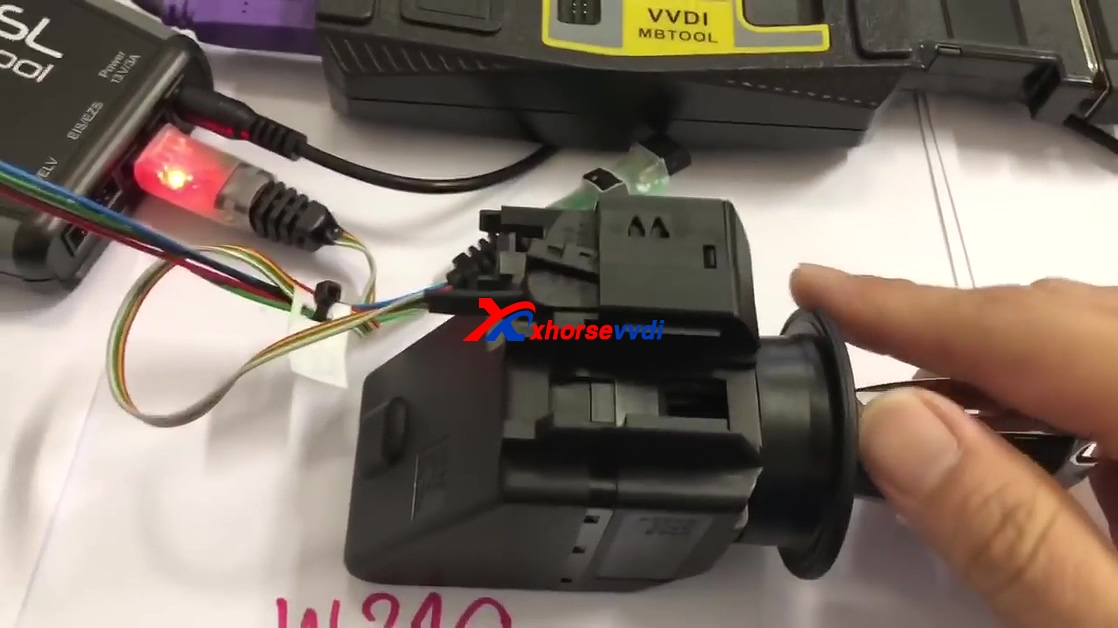
Insert key to synchronize then start.

Done.
www.xhorsevvdi.com