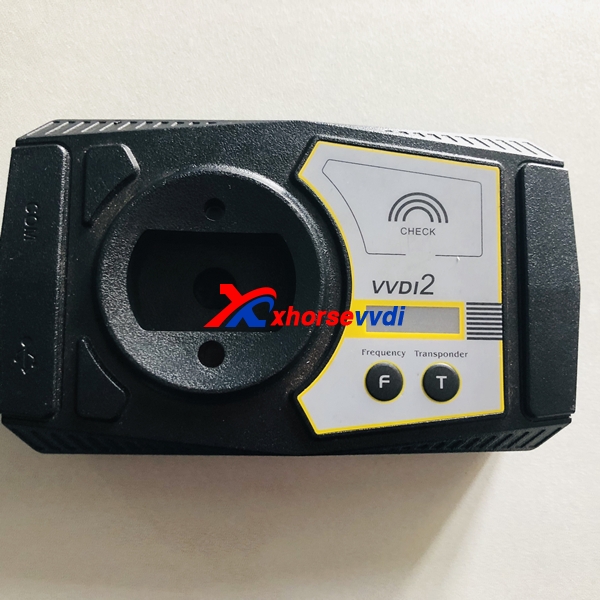
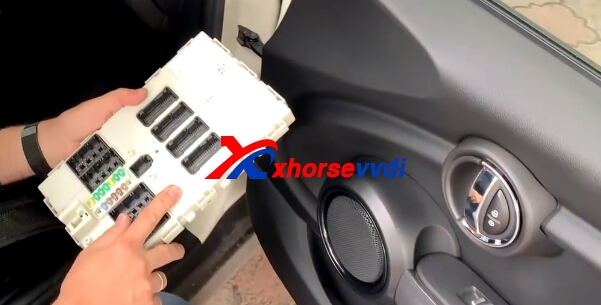
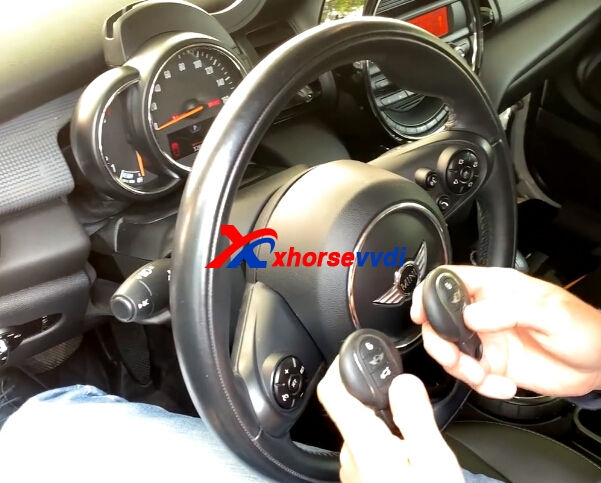
VVDI2 BMW FEM/BDC function works great on BMW FEM car models, it needs to remove the dashboard. We have
VVDI2 full version on promotion,you can get free BMW FEM or
ID48 96bit copy authorization.Here we will share VVDI2 program Mini Cooper 2016 Key successfully have one working key.
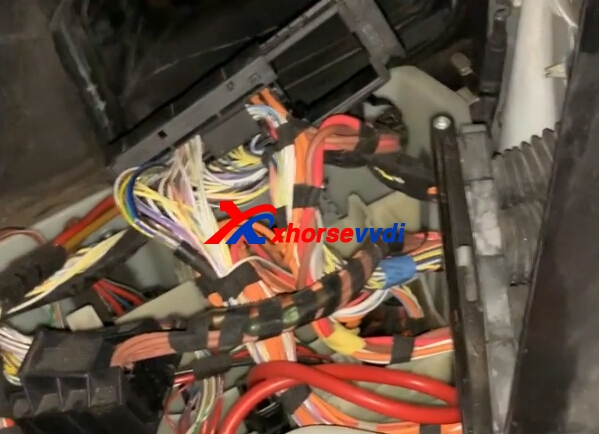
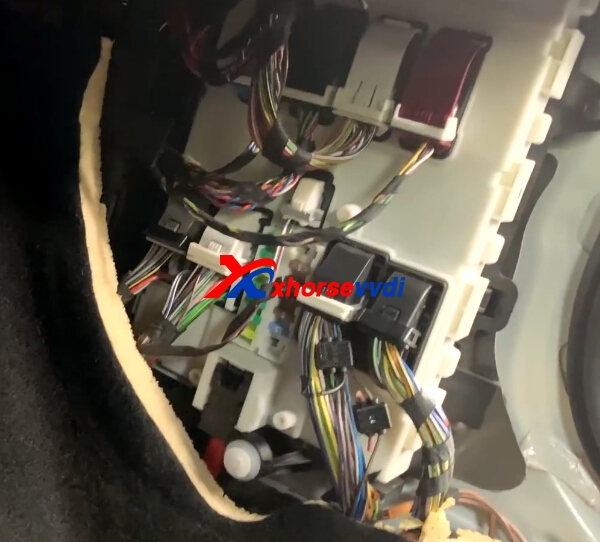
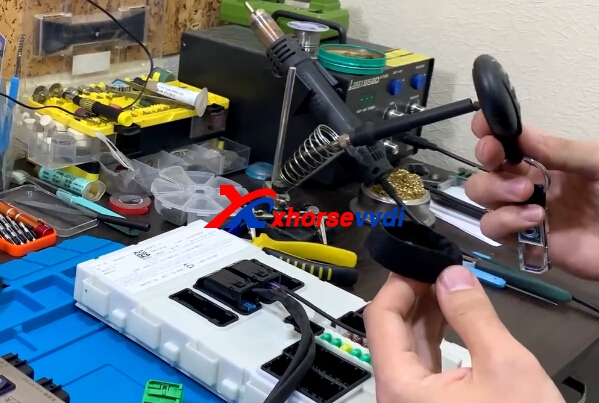
1.Open the case and remove the dashboard.


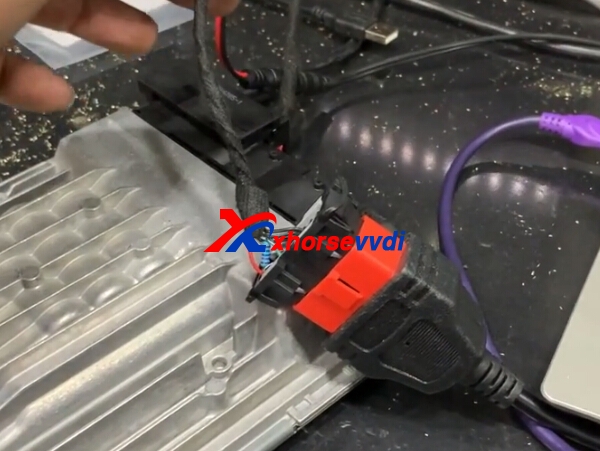
2.Connect
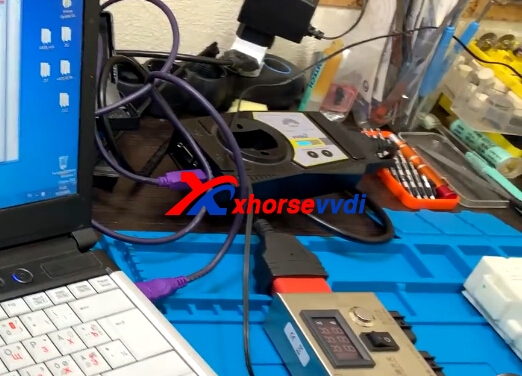
VVDI2,BMW FEM,BMW FEM adapter,and computer.

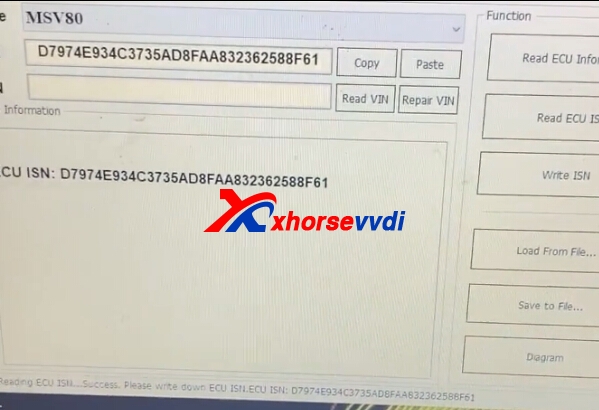
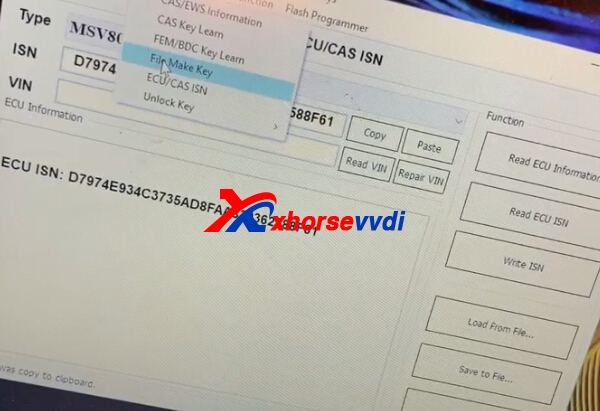
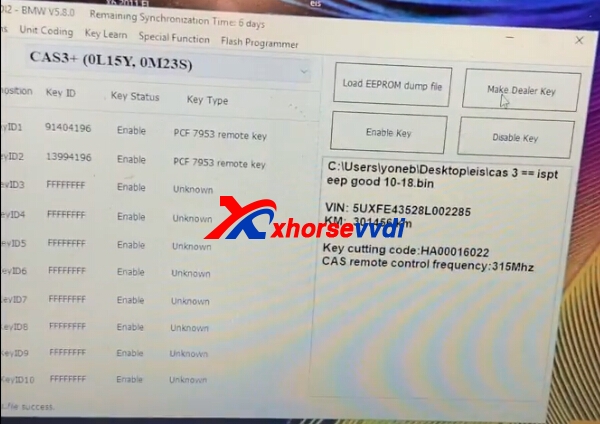
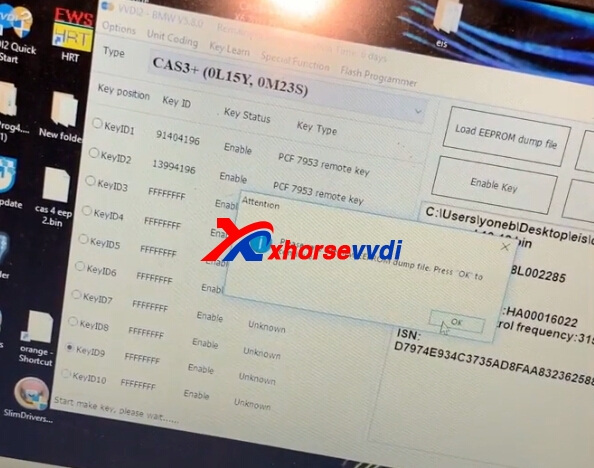
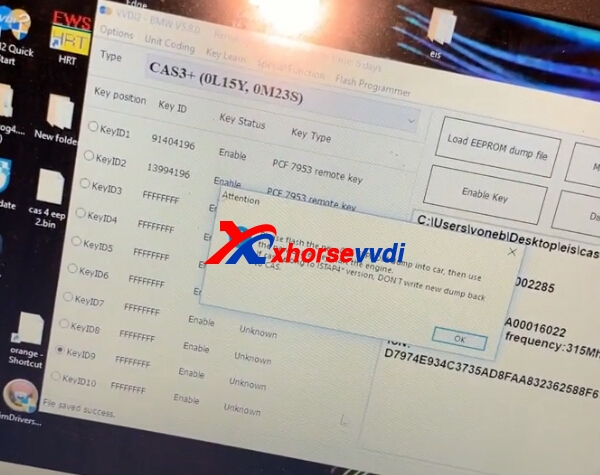
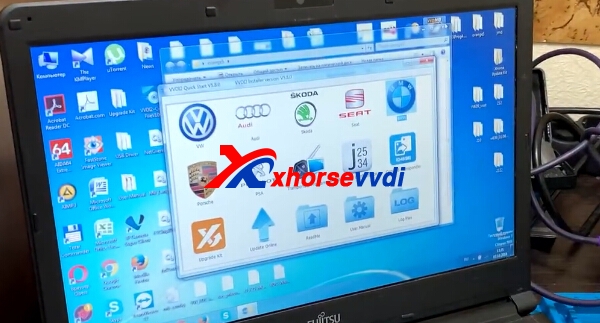
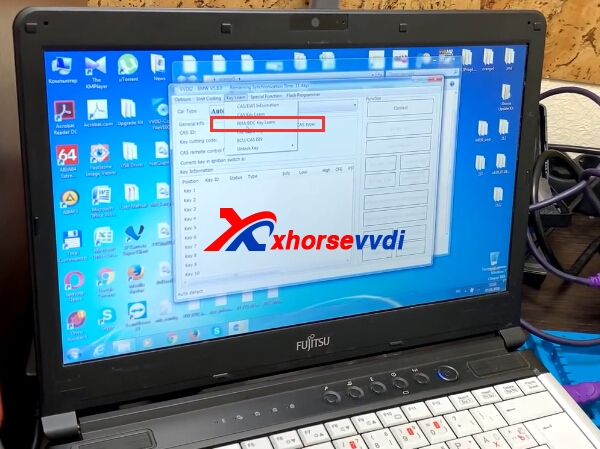
3.Start VVDI2 BMW Software,then Key Learn,select BMW FEM/BDC.


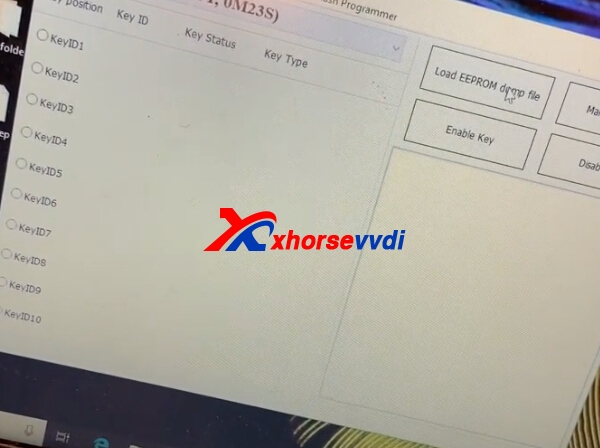
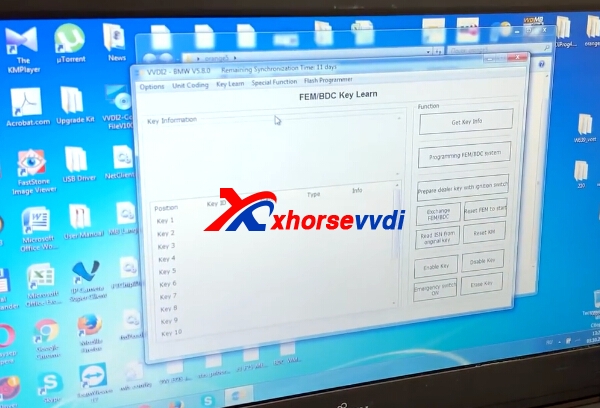
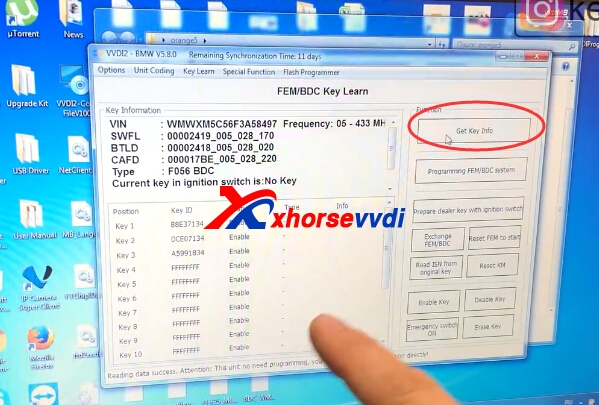
4.Enter into BMW FEM,then click get key info,put the original key close to ignition switch.


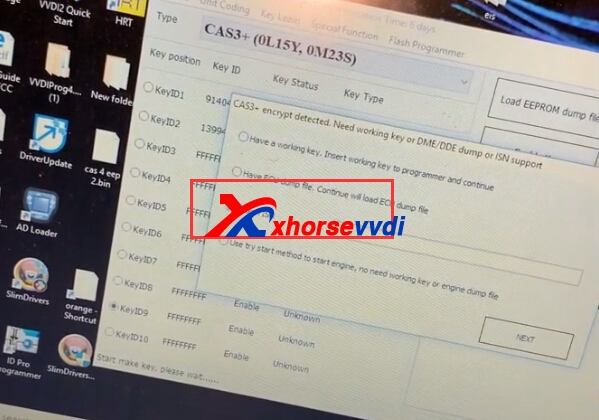
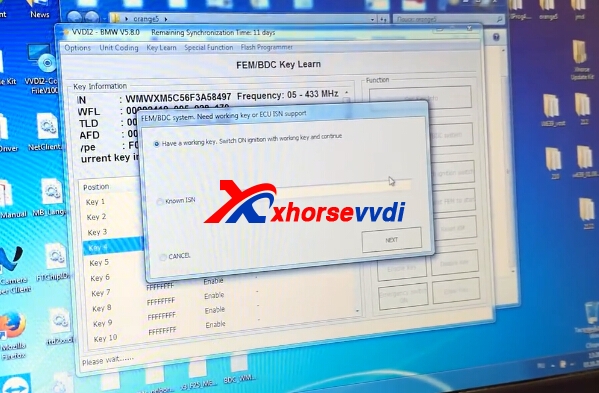
5.Choose key position.Click Prepare dealer key with ignition switch.
Have one working key,click next to continue.

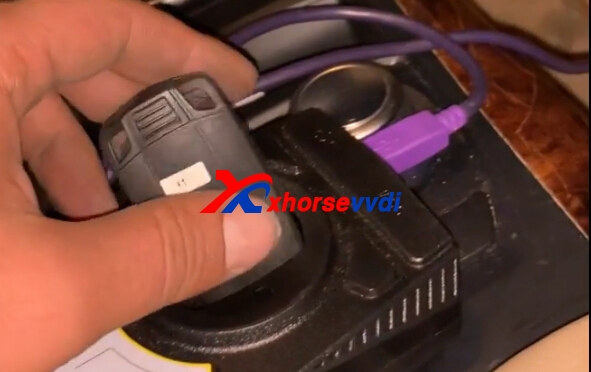
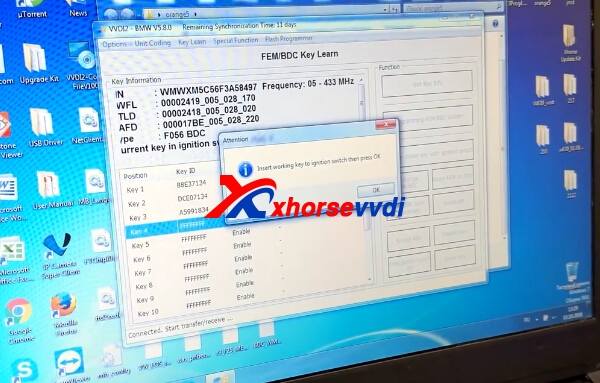
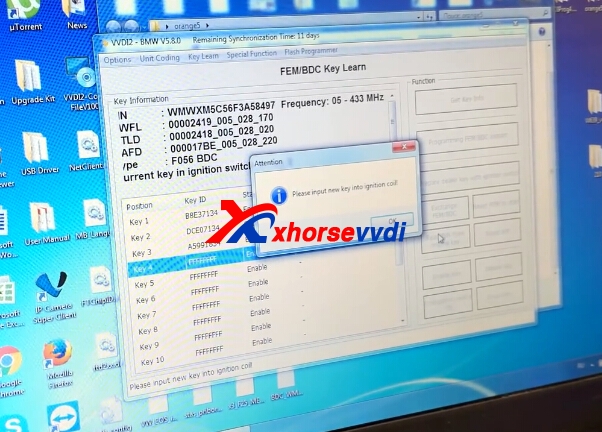
6.Insert working key to ignition switch,then press OK to continue.

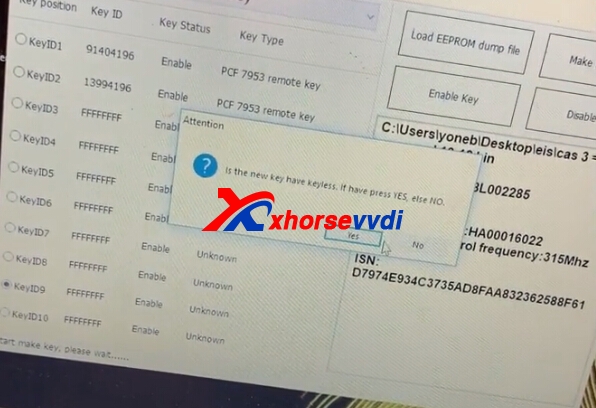
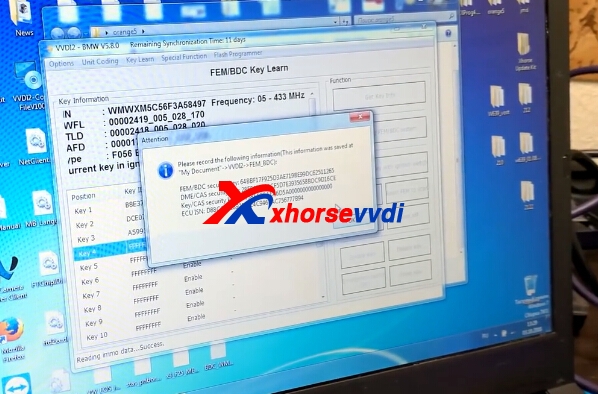
7.Record the info,security key.Click OK to continue.

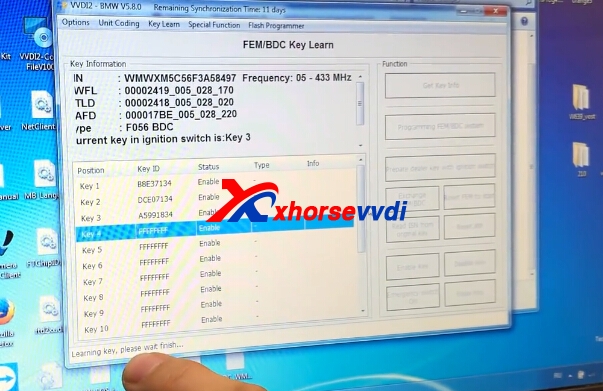
8.Please put new key.Learning key process.


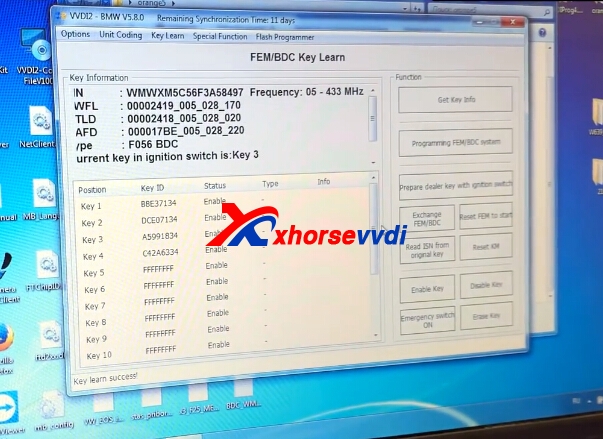
9.Key Learn successfully.

 Xhorsevvdi
http://blog.xhorsevvdi.com/vvdi2-program-bmw-fem-mini-cooper-2016-key-ok/
Xhorsevvdi
http://blog.xhorsevvdi.com/vvdi2-program-bmw-fem-mini-cooper-2016-key-ok/