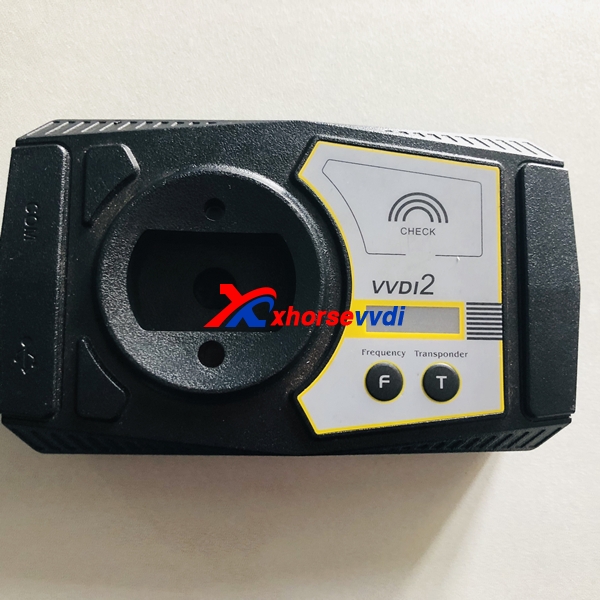
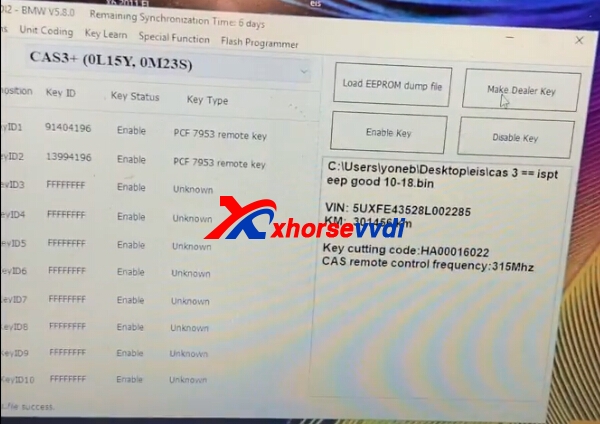
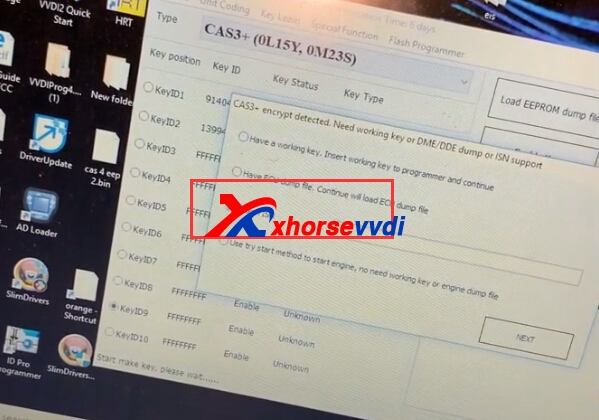
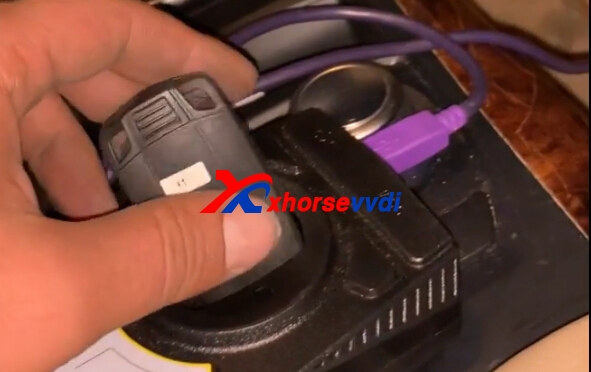
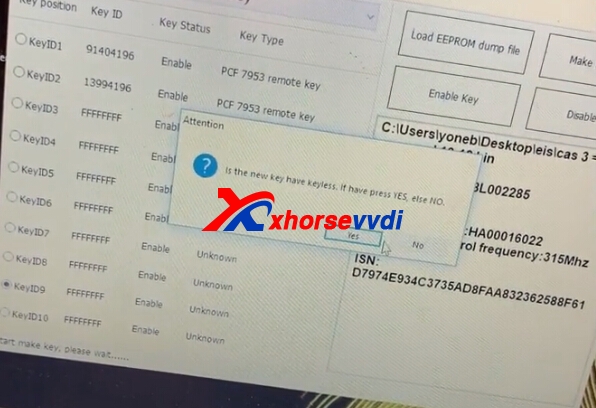
VVDI2 BMW supports CAS1/CAS2/CAS3 make dealer key by OBDII. Sometimes add new key for CAS1/CAS2/CAS3 will cause car not start, how can you solve the problem?
VVDI2 BMW CAS1/CAS2/CAS3 Add New Key Via OBD Car Not Start Solution
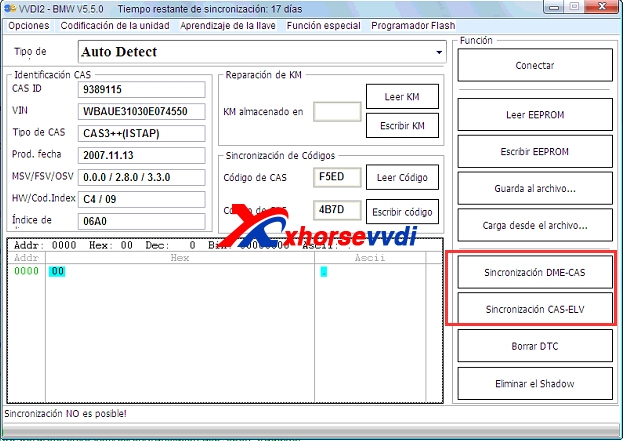
you need synchronize DME and CAS, synchronize CAS and ELV, insert original key to ignition switch, run this 2 operation one by one, take key off,
insert again and try to start. If not start, try this again until car start.
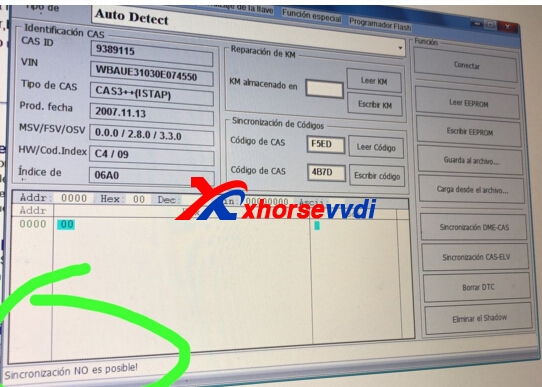
If you get error in synchronize progress, ignore and continue.

 Synch DME-CAS
: Synchronize DME and CAS. Don’t do this operation if you lost all working key. Sometimes add new key for CAS1/CAS2/CAS3 will lost synchronization code, then you can run this operation,see the solution steps
Synch CAS-ELV: Synchronize CAS and ELV, This function can be run once ELV has error; Sometimes add new key for CAS1/CAS2/CAS3 will cause ELV error,then you can run this operation, see the solution steps.
this is from blog.xhorsevvdi.com: VVDI2 BMW CAS1/CAS2/CAS3 Add New Key Via OBD Car Not Start Solution