Top 3 Reasons to get VVDI2 Full Version:
1. VVDI2 support vehicles For VW, AUDI,BMW and Porsche, much more powerful than VVDI
2.Include all functions for VVDI, VVDI 5th immo and BMW Multi Tool
3.Latest Version: V1.1.9,Update Online Free Lifetime
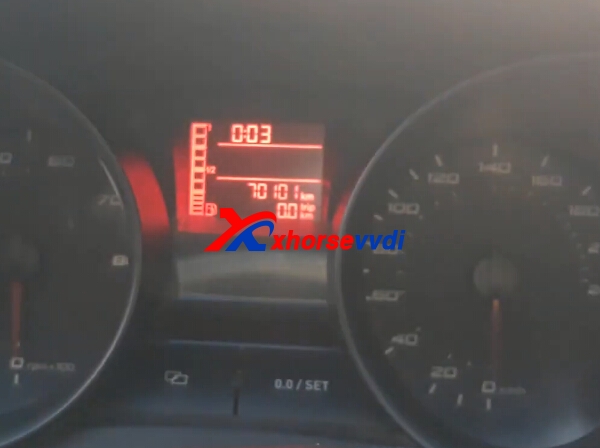
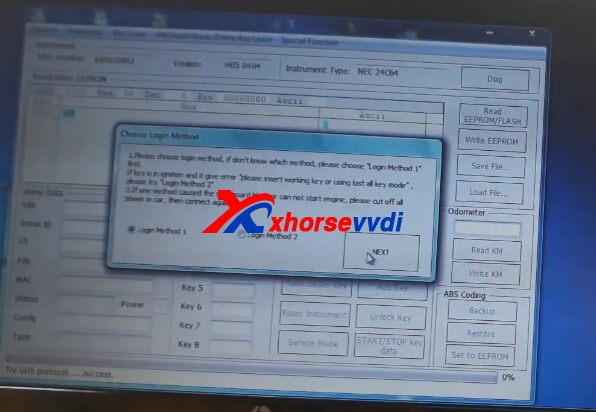
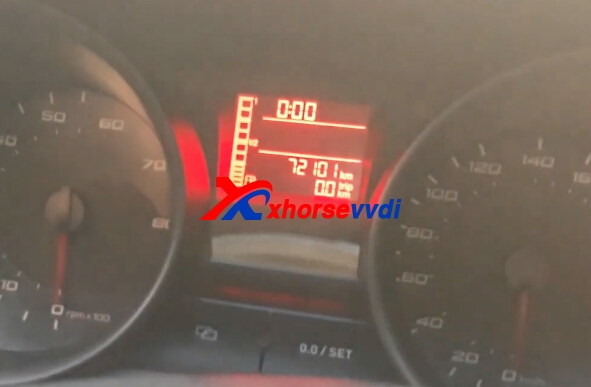
VVDI2 change turan 2015 read immo data km sucessfully. And seat NEC24C64 intrument km change OK too.
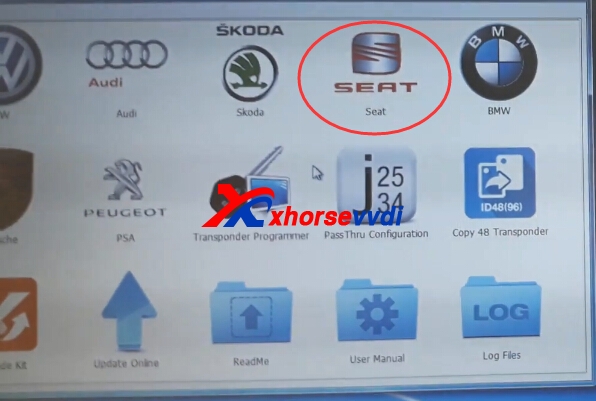
1.Start Xhorse VVDI2 seat software
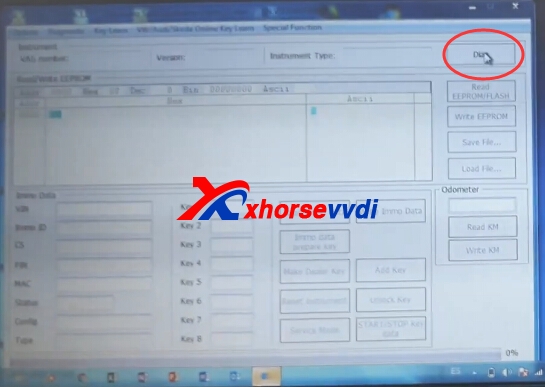
2.Connect VVDI2 with your car and computer.Then click diag.
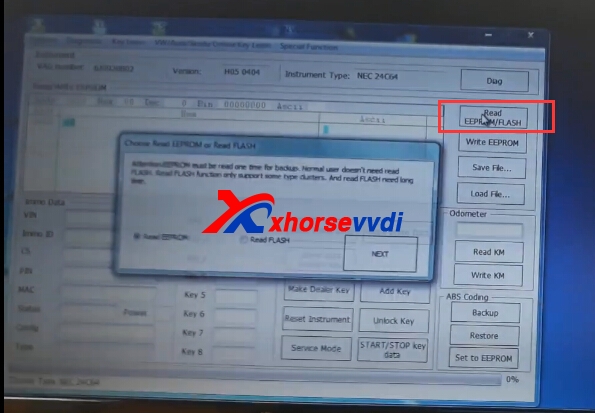
3.Diag OK,try read eeprom function.
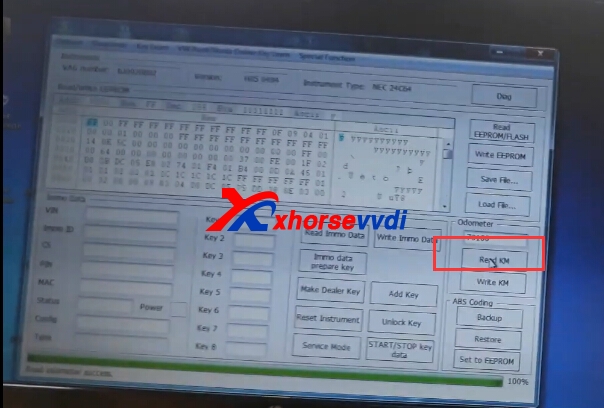
4.Click Read KM.
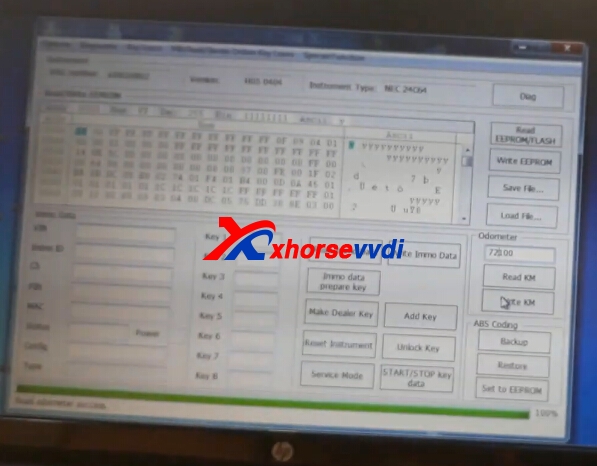
5.Input the new key,click write KM.
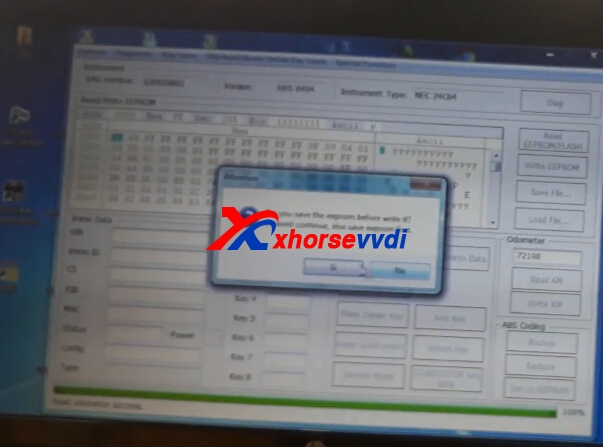
6.Click OK to continue.Then click reset instrument.
7.Finish.