显示标签为“vvdi mb tool software”的博文。显示所有博文

2019年1月27日星期日

Free Download V4.8.0 VVDI MB Tool Software

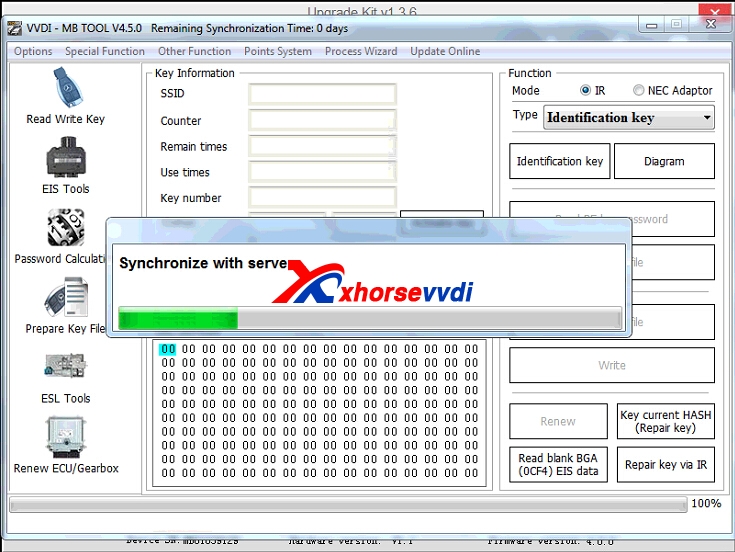
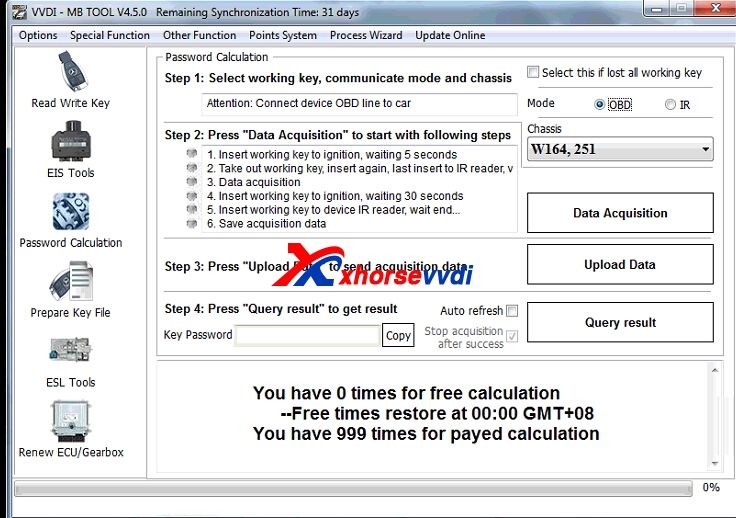
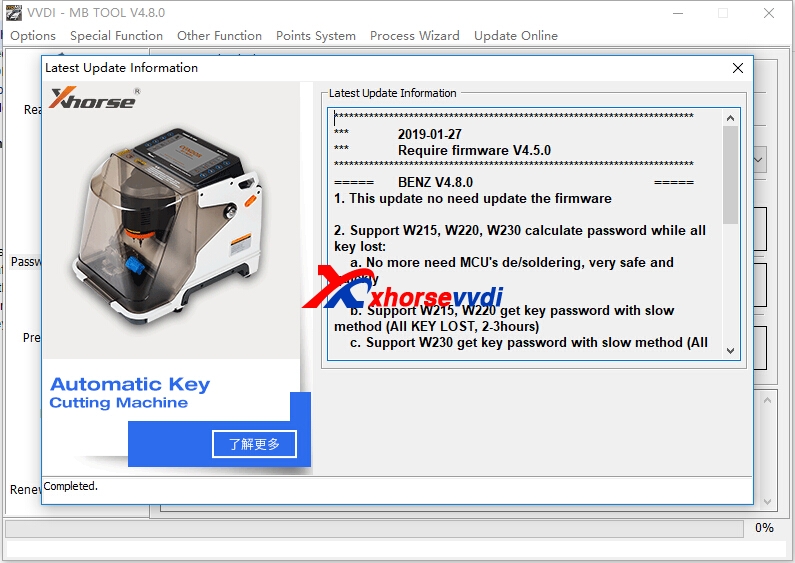
V4.8.0 VVDI MB Tool software is OK to use now,and it can support Bnez W215, W220, W230  calculate password while all key lost. Get V4.8.0 VVDI Benz software from xhorse vvdi
vvdi benz update
1.Free Download V4.8.0 VVDI MB Tool Software
https://mega.nz/#!6gB1AA7Z!q7uCyEjetGtuSsOZuMp-P9qIspl07fRPh-tMFhnqJHI
Password:123456
2.V4.8.0 VVDI MB Tool Update Information(2019-01-27)
Require firmware V4.5.0
BENZ V4.8.0

1. This update no need update the firmware
2. Support W215, W220, W230 calculate password while all key lost:
a. No more need MCU's de/soldering, very safe and quickly
b. Support W215, W220 get key password with slow method (All KEY LOST, 2-3hours)
c. Support W230 get key password with slow method (All KEY LOST, 2-3hours)
VVDIMB support all the FBS3 EIS while all key lost:
W166, W197, W212, W218, W246
W172, W204, W207
W216
W164, W251 (-2009)
W164, W251 (2009-)
W169, W209, W211
W202, W208, W210
W215, W220
W230
W203, W463, W639
W639(2009-)
W906
W221
3. Bugfix

 Original:Free Download V4.8.0 VVDI MB Tool Software

2019年1月18日星期五

Free Download V4.7.0 VVDI MB Tool Software

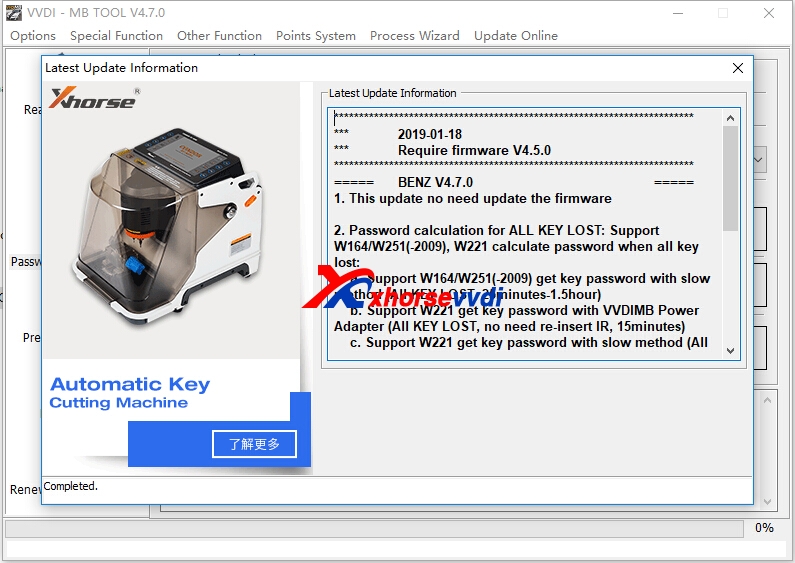
V4.7.0 Xhorse VVDI MB BGA Tool  newest software is relaeased on Jan 18th,get the newest software from xhorsevvdi.com, and firmware no need update this time.
vvdi mb tool update
1.Free Download V4.7.0 VVDI MB Tool Software
https://mega.nz/#!ztICEABZ!PMukbM3eqj-5epnUL-LeXsyf28jMLUVlZqaL1wOlfIo
Password:123456
2.V4.7.0 VVDI MB TOOL  update Info(2019-01-18)
Require firmware V4.5.0 

1. This update no need update the firmware
2. Password calculation for ALL KEY LOST: Support W164/W251(-2009), W221 calculate password when all key lost:
a. Support W164/W251(-2009) get key password with slow method (All KEY LOST, 25minutes-1.5hour)
b. Support W221 get key password with VVDIMB Power Adapter (All KEY LOST, no need re-insert IR, 15minutes)
c. Support W221 get key password with slow method (All KEY LOST, 25minutes-1.5hour)
Until now VVDIMB support all key lost EIS type(FBS3):
W166, W197, W212, W218, W246
W172, W204, W207
W216
W164, W251 (-2009)
W164, W251 (2009-)
W169, W209, W211
W202, W208, W210
W203, W463, W639
W639(2009-)
W906
W221
3. Bugfix

Promo 200usd Unlimited Tokens for VVDI MB Tool Password Calculation One Year

[Promo] VVDI MB Tool Free Tokens Till Feb 25th
original:Free Download V4.7.0 VVDI MB Tool Software

2019年1月8日星期二

How to solve VVDI MB Tool Can Not Find Device Error?

Problem: "vvdi mb can not find device after update software"
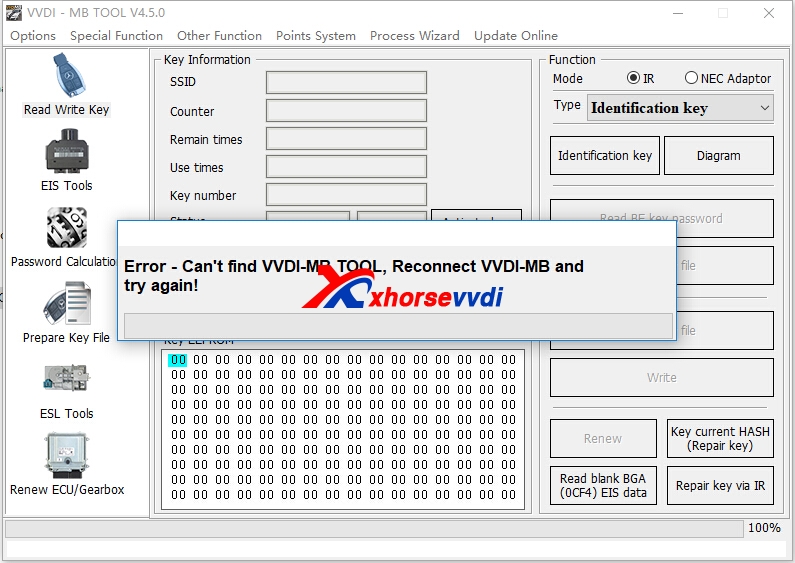
VVDI MB Tool newest version is V4.5.0,and after download newest software to run,vvdi mb tool connect with computer with usb cable,and green light is on,but got "error-can't find VVDI-MB Tool,reconnect VVDI-MB and try again",just like following pic shows:
vvdi mb tool can not find error
How to solve Can't Find VVDI-MB Tool error?
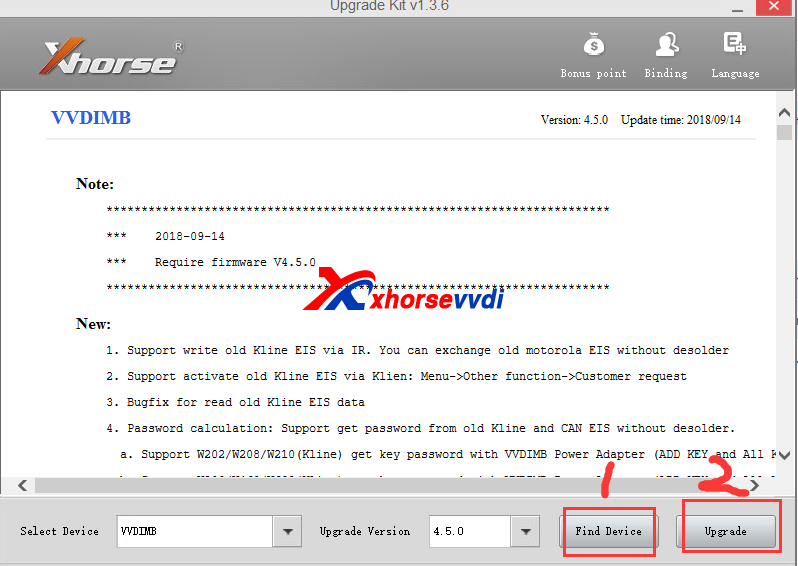
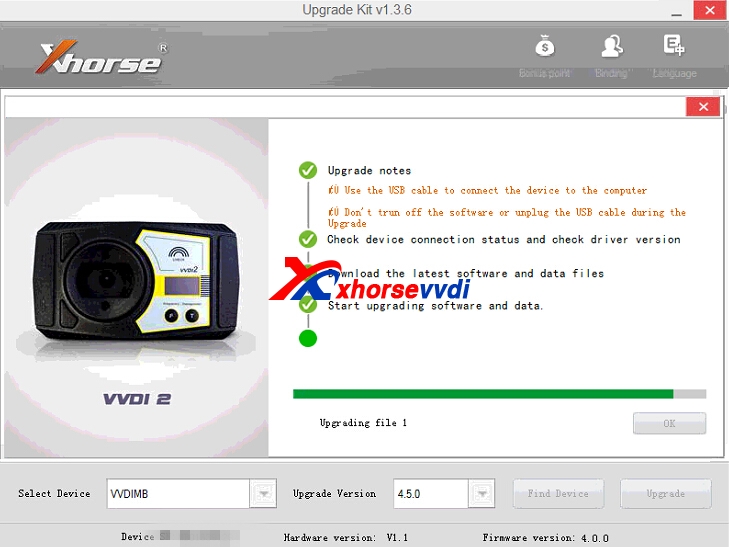
1.Please use xhorse update kit software to update firmware and check again.
Please click find device firstly,after computer recognize your device serial number and firmware version,then click upgrade.

If can find device,and update successfully,ususaly it is OK to run vvdi mb software.
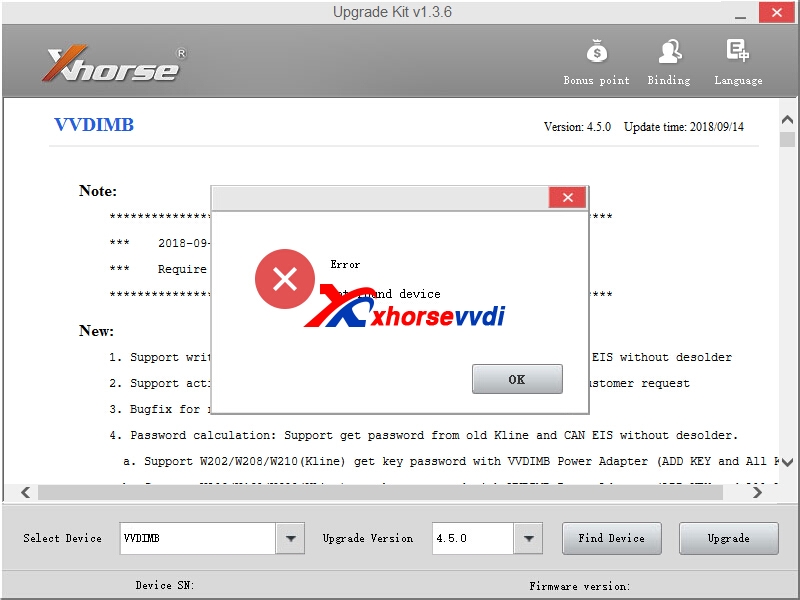
2.If after click "Find Device',still got not found error like following display.

Please download the two driver,run the first one,if not working,try the second driver.
Here is download link :
contact us to get password
Whatsapp:+86-13983756354
Driver 1:
https://mega.nz/#!wS4njRQA
Driver 2:
https://mega.nz/#!MKxlWBiC

If first driver working OK,then continue to do update process.
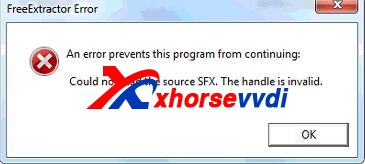
If first driver get error,like this
vvdi mb tool can not find error
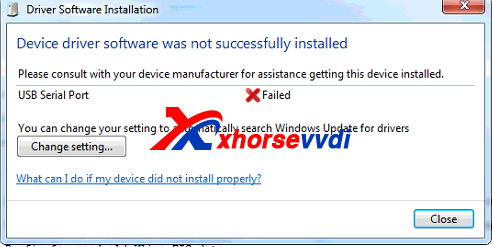
Run Second Driver
If second driver got the error,please click change setting,then choose "automatic..."one,and try run second driver.exe again.Then it will be OK.
vvdi mb tool can not find error
After install driver successfully,find device is OK,and click upgrade.
vvdi mb tool
Please confirm the update process succeed.If failed,please try again update.Then test vvdi mb tool software is working OK.
vvdi mb tool can not find error
VVDI MB Tool Password calculation one year unlimited tokens 380USD,we activate online in 1-2 hours when we are on work
vvdi mb tool software
Here we attach newest V4.5.0 VVDI MB Tool software and Xhorse update kit software download link:
VVDI Benz Latest Version:V4.5.0
Free Download V4.5.0 VVDI Benz Software [Password:123456]
Xhorse Upgrade Kit Software[Please close your anti-virus software,as it contact .exe application,may recognise as virus.It is clean to use.]

original:How to solve VVDI MB Tool Can Not Find Device Error?

2018年9月28日星期五

How to solve Can't Find VVDI-MB Tool error?

VVDI MB Tool newest version is V4.5.0,and after download newest software to run,vvdi mb tool connect with computer with usb cable,and green light is on,but got "error-can't find VVDI-MB Tool,reconnect VVDI-MB and try again",just like following pic shows:
vvdi mb tool can not find error
How to solve Can't Find VVDI-MB Tool error?
1.Please use xhorse update kit software to update firmware and check again.
Please click find device firstly,after computer recognize your device serial number and firmware version,then click upgrade.

If can find device,and update successfully,ususaly it is OK to run vvdi mb software.
2.If after click "Find Device',still got not found error like following display.

Please download the two driver,run the first one,if not working,try the second driver.
Here is download link or contact us online to get:
Driver 1:
https://mega.nz/#!wS4njRQA
Driver 2:
https://mega.nz/#!MKxlWBiC

If first driver working OK,then continue to do update process.
If first driver get error,like this
vvdi mb tool can not find error
Run Second Driver
If second driver got the error,please click change setting,then choose "automatic..."one,and try run second driver.exe again.Then it will be OK.
vvdi mb tool can not find error
After install driver successfully,find device is OK,and click upgrade.
vvdi mb tool
Please confirm the update process succeed.If failed,please try again update.Then test vvdi mb tool software is working OK.
vvdi mb tool can not find error
VVDI MB Tool Password calculation one year unlimited tokens 380USD,we activate online in 1-2 hours when we are on work
vvdi mb tool software
Here we attach newest V4.5.0 VVDI MB Tool software and Xhorse update kit software download link:
VVDI Benz Latest Version:V4.5.0
Free Download V4.5.0 VVDI Benz Software [Password:123456]
Xhorse Upgrade Kit Software[Please close your anti-virus software,as it contact .exe application,may recognise as virus.It is clean to use.]
2018年7月24日星期二

How to use VVDI MB do W210 all keys lost?

VVDI MB V4.1 Update: support W210 all keys lost by working together with the power adapter that used to support W204 W207 W216 W164 etc.

VVDI MB V4.1 free download:
https://mega.nz/#!jwZB2CwC!tYiYsbfvMU9_8NtyUtSEsfE30mNzFo7r9SIZdjKaWI0
2018-07-13
*** Require firmware V4.0.0
************************************************************************
===== BENZ V4.1.0 =====
  1. This update no need update the firmware
  2. Password calculation: Support calculate password for W202/W208/W210(KLine) EIS
  1. No more need MCU's de/soldering, very safe and quickly
  1. Support add key and lost all key for password calculation
  1. The procedure require about 25-30 minutes
  1. The procedure need MB Power Adapter support
  1. The procedure should work on the bench, not on car
  2. Bugfix for load motorola EEPROM dump file in EIS window
  3. Bugfix for activate BE key
  4. Bugfix for read EIS W209
  5. Bugfix
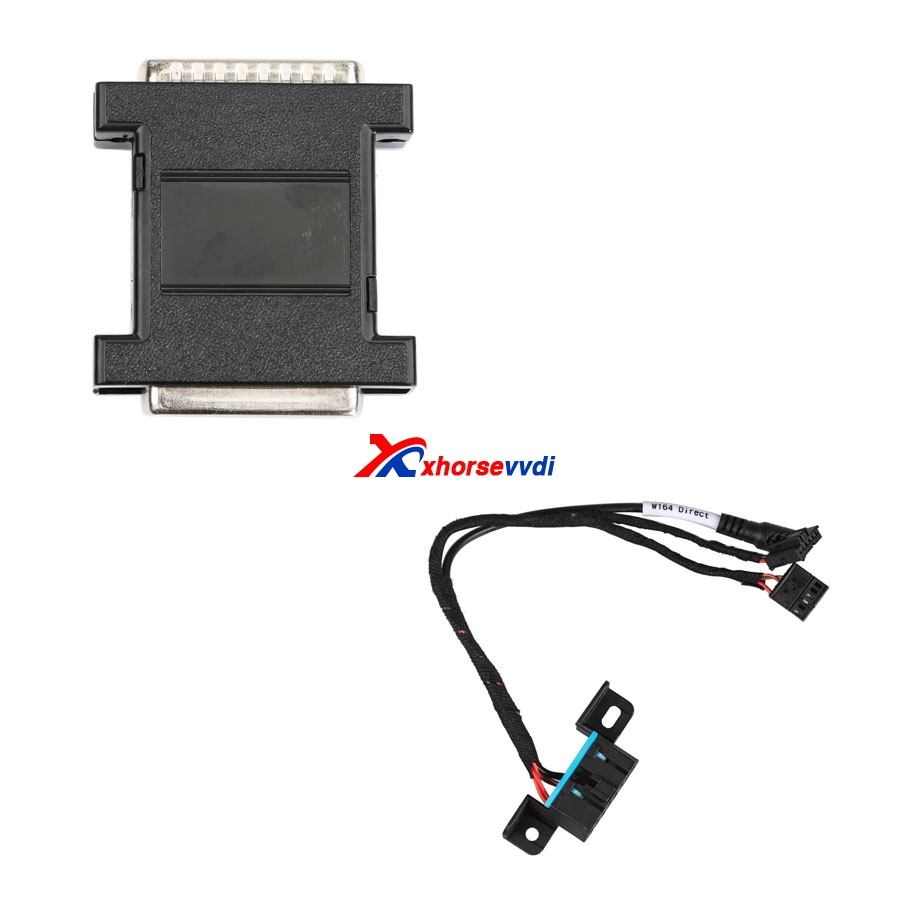
To use VVDI MB to do W210 all keys lost, you need a vvdi mb power adapter like:
 
Image source:
http://www.xhorsevvdi.com/wholesale/vvdi-benz-power-connector.html
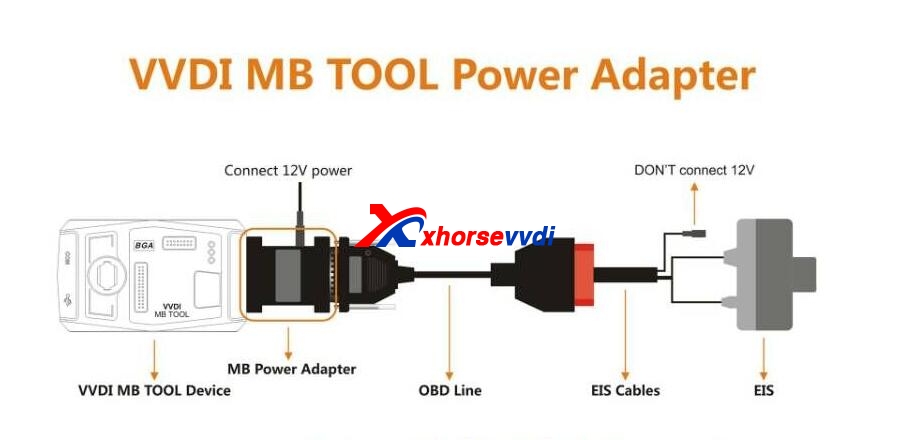
VVDI MB Tool and MB power adapter connection image:
 
VVDI Benz Power Connector Function:
  1. Mercedes-Benz power adapter can be used in the FB3 system all lost and gateway simulation, support:class C, E, CL, CLK, MK, GL, GLK and other models.2. Use the Mercedes-Benz power adapter to collect W210 W204, W207 all lost,only need 18 minutes. If not use the Mercedes-Benz power adapter will take about 150 minutes. VVDI MB power connector will help you save nearly 2 hours.
    3. Use VVDI MB Tool power adapter to collect W210 W216, W164, 2009 + all lost, do not need to plug the infrared adapter. If without the Mercedes-Benz power adapter needs to plug 500 times, this adapter help you operate easily.
    4. Support gateway simulator function, without the gateway, you can get access to W210,W164, W164 2009 +, W209, W211 (need to use dedicated linear beam cable) directly by OBD way.
www.xhorsevvdi.com

original: How to use VVDI MB do W210 all keys lost?