显示标签为“vvdi mb”的博文。显示所有博文

2018年7月19日星期四

How to use VVDI MB Tool Program Benz W209 Key?

VVDI Benz can support all key lost W164,W216,W166,W209,W211,W212,W246,W212(old),W204, W207 etc, online calculation key password.Here is the simple steps about VVDI MB BGA Tool program benz w209 with working key.
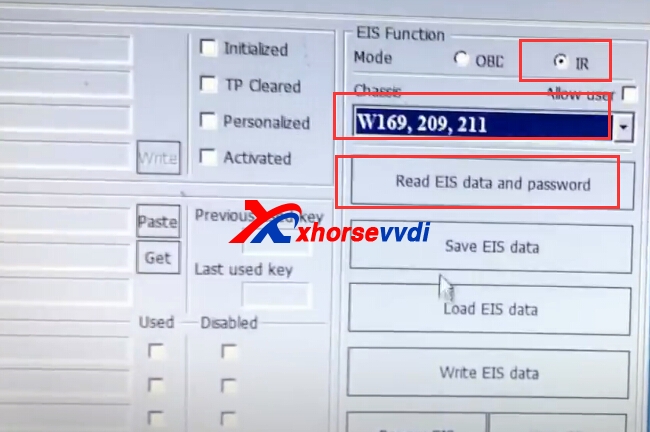
1.Read EIS data via IR way.
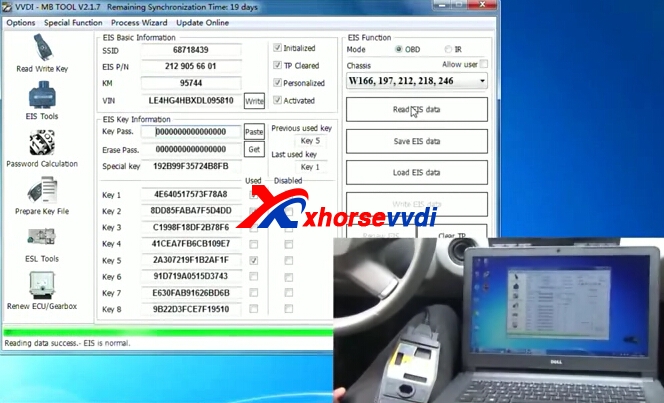
Choose EIS Tool,and mode,IR way,chassis.Then click read eis data and password.
vvdi benz w209
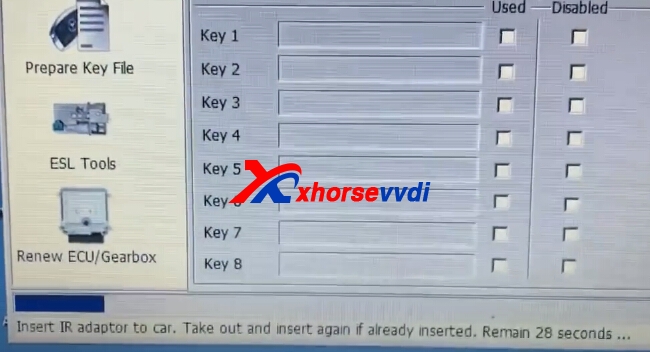
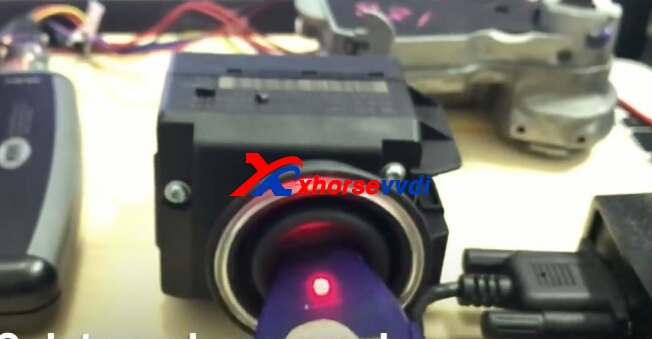
Insert IR adapter to car,take out and insert again if already inserted.
vvdi benz w209 vvdi benz w209
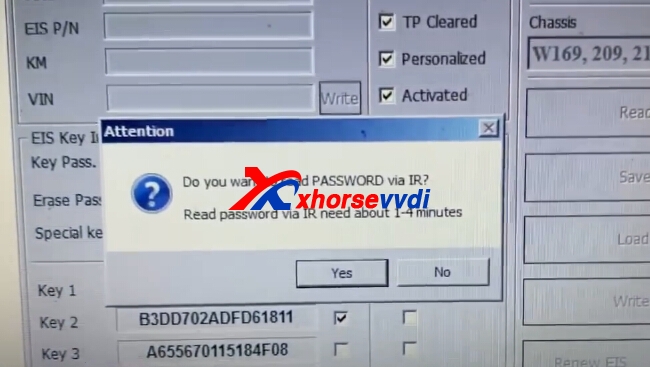
You can try to read key password via IR,if failed,please use password calculation to get key password online.
vvdi benz w209
2.Get Key Password.
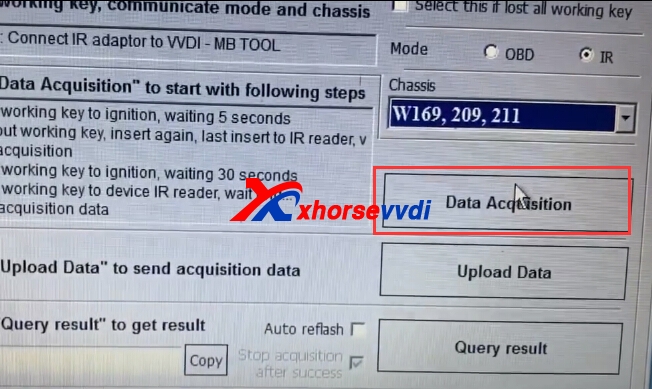
Get directly via IR failed,then use password calculation.
vvdi benz w209
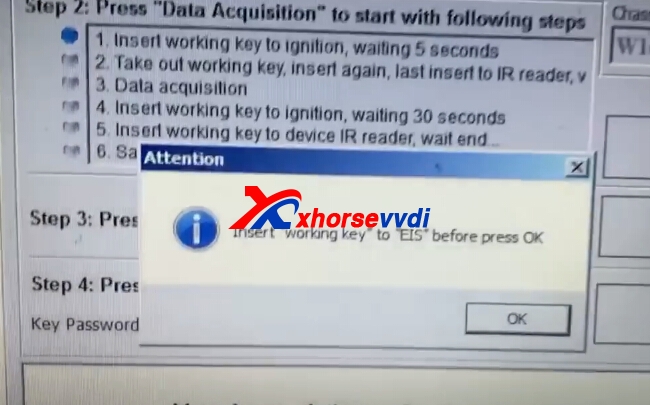
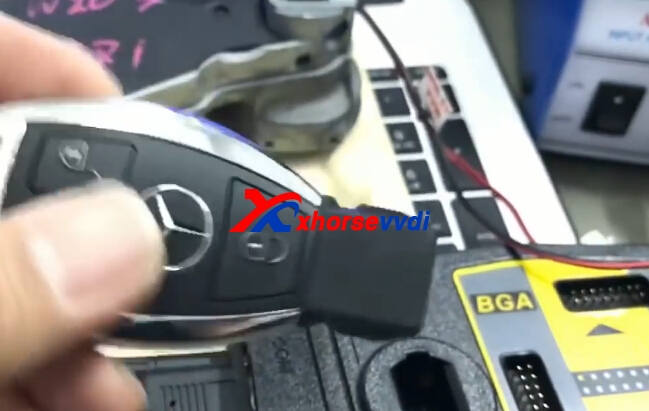
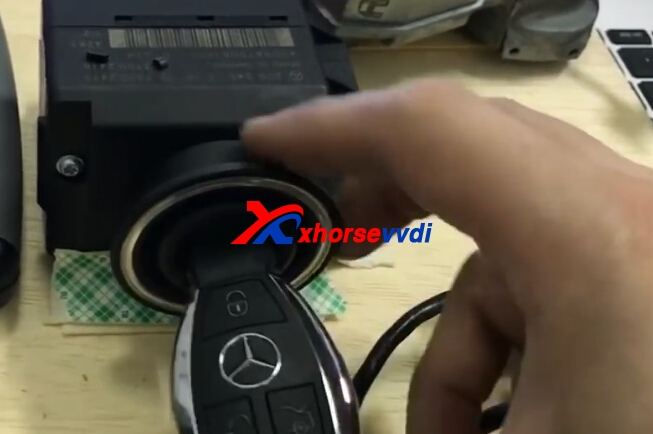
Data acquisition.Insert working key to EIS.
vvdi benz w209 vvdi benz w209
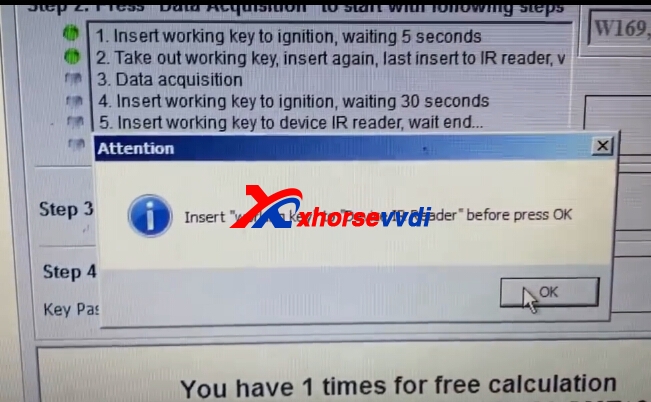
Insert working key to device IR reader before press OK.

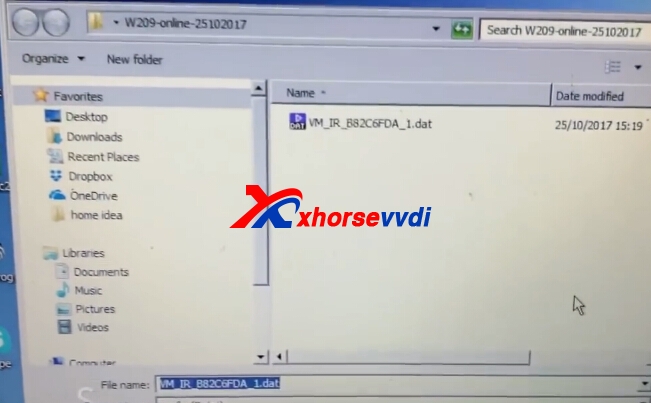
Save Data.

Upload data and get key password.


3.Copy password and paste in EIS data and save it.
Click EIS Tools and then click read EIS data and password.

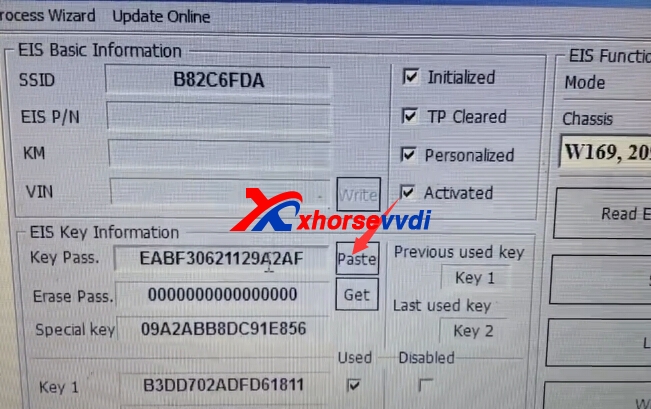
Paste key password.

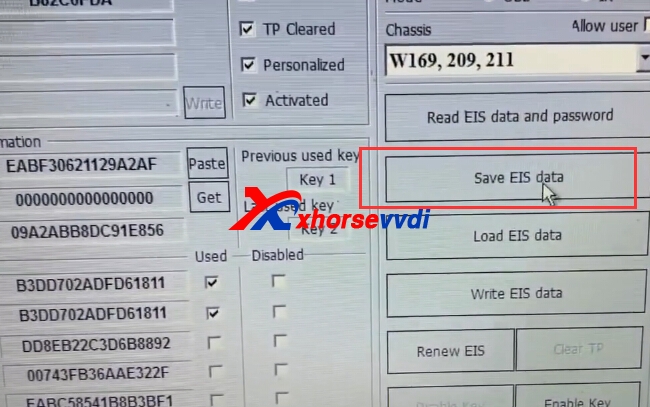
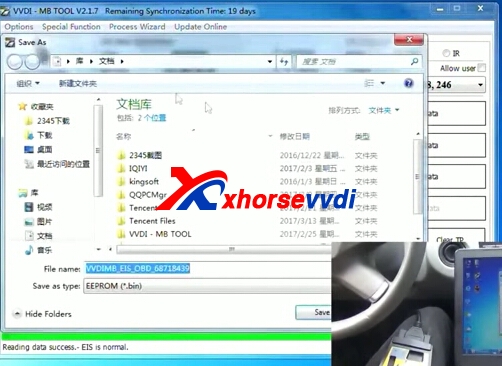
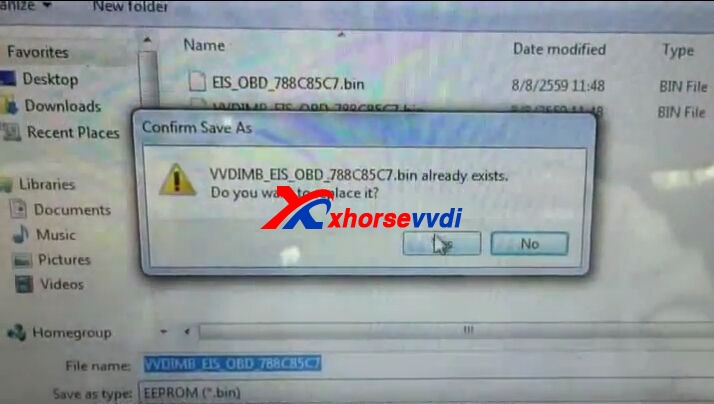
Save EIS data.

4.Prepare key file.
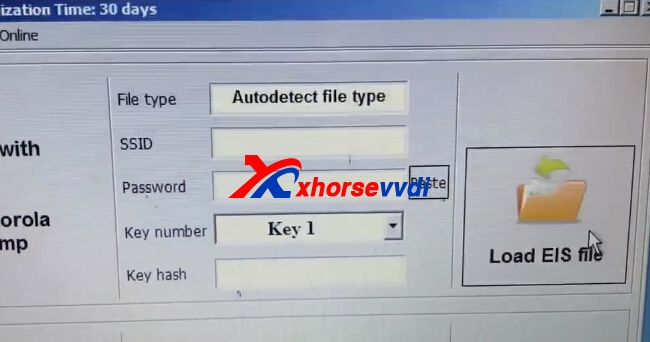
Load EIS data.

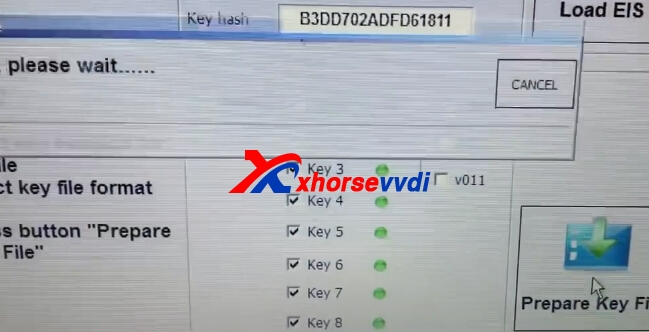
Then click prepare key file,please choose the key version before load and prepare.

Save Key File.

5.Write new key.
Load key file and add new key.


6.Write successfully,then test your new key.


 Edit by Xhorse VVDI:How to use VVDI MB Tool Program Benz W209 Key?

2017年9月9日星期六

How to use VVDI MB Program Benz 2013 E260 All Key Lost

VVDI MB BGA Tool Benz key programmer,support All Key Lost:w204, w207,W166, W246, W212, W212(old),some W216, W164 2009- future will add more.And now we display detailed steps VVDI Benz 2013 E260 All Key Lost.
1.Read EIS data,and save the data it reads out.
vvdi benz all key lost
vvdi mb tool
2.Get "Key Password".
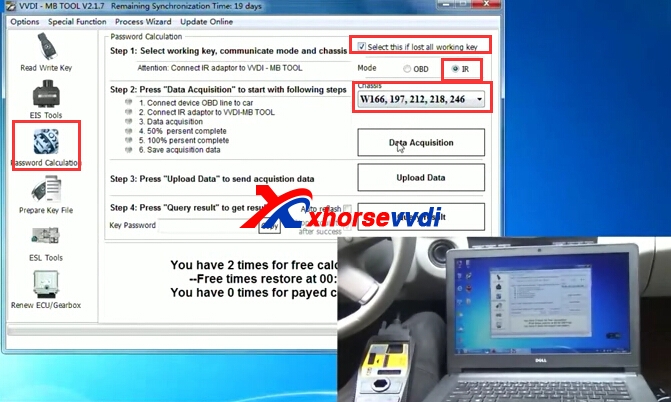
Password Calculation.Choose IR model,and choose detailed chassis.
vvdi mb bga tool
Connect device OBD line to car.
Connect IR adapter to VVDI MB Tool.
Data Acquisition.
Save acquisition.
vvdi mb
vvdi benz
3.Prepare Key File.
Copy the key password from Step2.
And click "Prepare key file",then "Load EIS File" from step1 saved.
vvdi benz e260
Paste key password,and choose Key number.Waiting the prepare key file process.
vvdi mb bga tool
Save key file.

4.Write key.
Load Key File.After load key file,click write.
vvdi benz
vvdi benz

2017年7月26日星期三

How to use VVDI MB BGA to add W246 BGA (79) key?

VVDI MB BGA Tool newest version is updated to V1.2.7,newly add lost all key W216, W164 2009-.And XhorseVVDI.com will show example of W246 EIS with BGA (79) keys, add new key via OBD with VVDI MB BGA Tool.
1. Insert working key to device IR reader, Press “Identification key”, check working key version.
If key with BE version, you can read password via IR.If key with v51, v57 version, you can read password via NEC adaptor, or you can use password calculation
Here key version is 79, belong to BGA key. We use password calculation for key password.
vvdi mb w264
2. Connect device OBD line to car. Select OBD mode, chassis select AutoDetect (CAN)
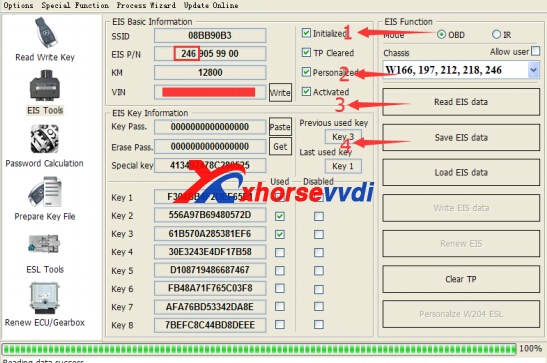
Press Read EIS data. Chassis will turn to specify item after success read.Follow steps 1->2->3->4 in picture and save EIS data. It will save 2 files, VVDI-MB type and HC05 type. There’s default file name when save EIS data. You’d better keep it.
vvdi benz
3. Enter Password Calculation, calculate key password
Select OBD mode, chassis select W166, 197, 212, 218, 246. Press Data Acquisition.
Insert “working key” to “EIS” before press OK; only insert working key to EIS, don’t switch ignition ON
Waiting 15 seconds .Insert “working key” to “Device IR Reader” before press OK; take off working key from EIS and insert to device IR Reader, then press OK
Data acquisition progress, just wait it finish. The left time will show on the bottom
After 100%, Insert “working key” to “EIS” before press OK; only insert working key to EIS, don’t switch ignition ON
Insert “working key” to “Device IR Reader” before press OK; take off working key from EIS and insert to device IR Reader, then press OK
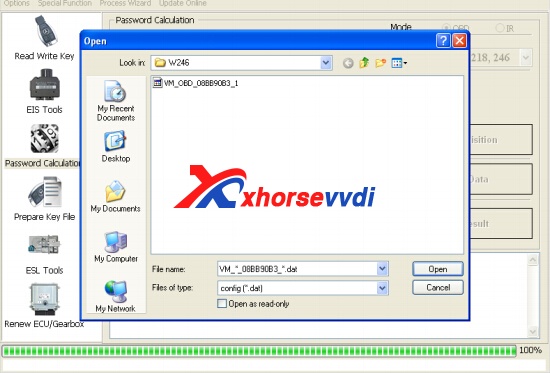
After save acquisition data you will get next window. Please keep the default file name when save acquisition data
Press Upload Data to upload saved acquisition data to server
vvdi-mb-w264-3
After calculate success, key password will display at key password area automatically, press “Copy” copy the password to clipboard
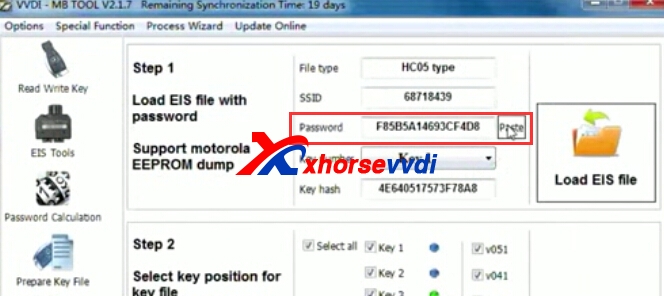
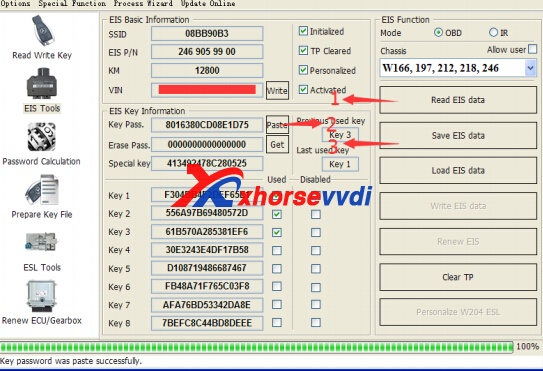
4. Save EIS data with password: Enter EIS Tools again >> Read EIS data >>Use “Paste” paste the password to key password area >>Then save EIS data again >>Steps: 1->2->3
vvdi-mb-w264-4
5. Enter Prepare Key File
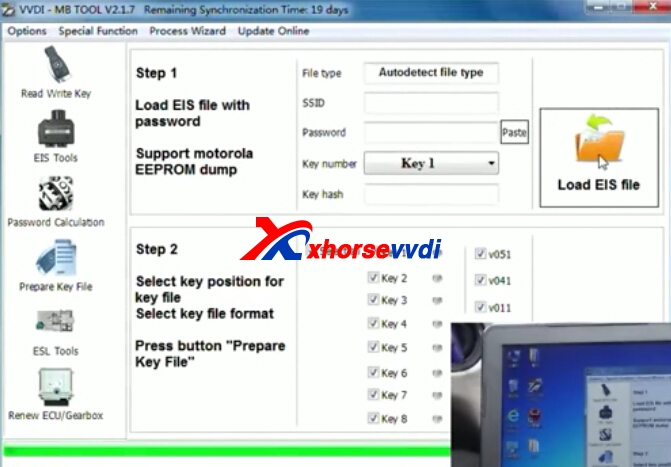
Press Load EIS file load EIS data with password .The file path will be shown at bottom.VVDI-MB TOOL will auto detect load file type, here is VVDI-MB type.SSID and key password was shown.
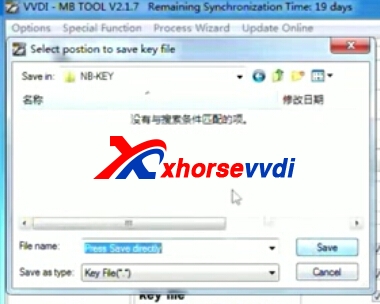
Select key position and format for key file, Press Prepare Key File (online).After server find success, select where you want to save the key file, press save directly.
vvdi-mb-w264-5
6. Enter Read Write Key. If you want Keyless Go, please select NEC adaptor
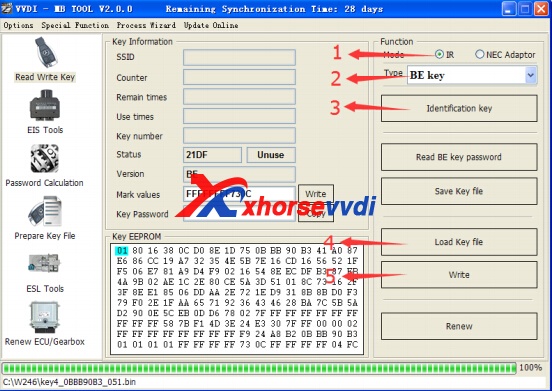
We make a BE key. Input BE key to device IR reader, select IR mode and BE key.Press Identification key .Load Key file, we load key 4 .Press Write.Steps:1->2->3->4->5
vvdi-mb-w264-6
Press Identification key again after write key file. You can see key is prepared success
7. Insert new key to EIS, the EIS will learn the new key
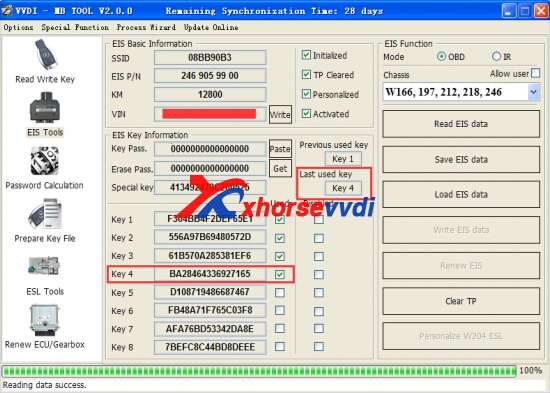
First the red light will ON , then OFF, means key learn success .Read EIS data once more, you can find key 4 was selected.
vvdi-mb-w264-7
8.Finish.
2017年7月25日星期二

VVDI MB Tool vs Simon Tool

Mercedes key programming:VVDI MB Tool and Simon Tool, which better?
VVDI MB Tool can add key if car is having BGA key, Simon Tool can not.
VVDI mercedes can erase used EIS if you know password, Simon Tool cannot
VVDI mercedes can copy old EIS and write to new one, Simon Tool can not
VVDI mercedes can do keyless go key, Simon are working on it
VVDI mercedes can be updated, ST won’t get update anymore
VVDI MB ONLY BGA key On line calculation need tokens,other not need tokens,nec key not need tokens.!
Simon Toolcan repair a block ESL nec, VVDI can not
Simon Tool don’t need token, VVDI require token
Simon Tool can renew key NEC without soldering, VVDI need solder
Simon Tool can do odometer for 2010 to 2013, VVDI not doing
Simon Tool can read motorola EIS password through IR, VVDI not support

Conclusion:
VVDI mercedes wins definitely
1st No other Tool in the market at this moment cz calculate BGA password within less then 10 minutes. ST can not
2nd Renewing W204 without opening it in less then 2 minutes and activate it with EIS in other 2 min all BY OBD , ST can not do it that fast and that easy
3rd FBS3 2010 all key lost key programming as well in 10 minutes. YES you need 2 tokens, but you are getting paid for it x 10 if not more.
4th ECU , ISM , Gear Renew free no token in 10 minutes, ST can not.
The most important: Simon Tool won’t get update anymore , while VVDI mercedes is updating . it mean that more functions will be available with vvdi mb.

2017年6月6日星期二

(How-to) VVDI MB Tool program Mercedes ML250 W166 BGA key

Here share with you: How to program a new Mercedes BGA key for ML250 W166 by VVDI MB Tool FULL steps! Check below detailed guide step by step to success!
Blank key needed: Mercedes new BGA key
Step 1
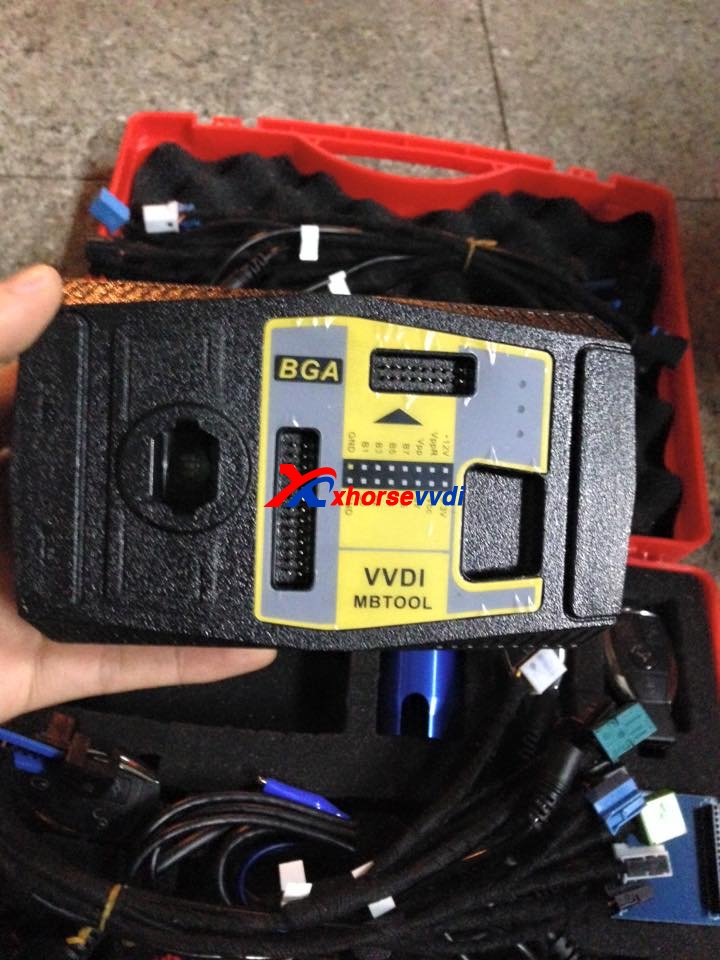
Connect VVDI MB Tool Mercedes key programmer with car via OBD line.
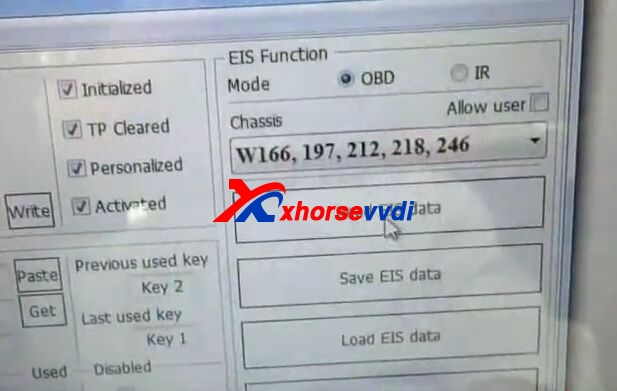
Open VVDI MB Tool software, go to "EIS Tools", choose chassis "W166,197,212,218,246" then click "Read EIS data".
After reading complete, click "Save EIS data". (Save both the bin file and the HC05 format)
Step 2
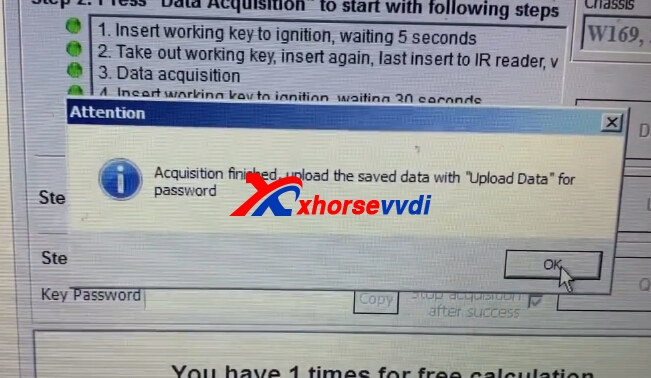
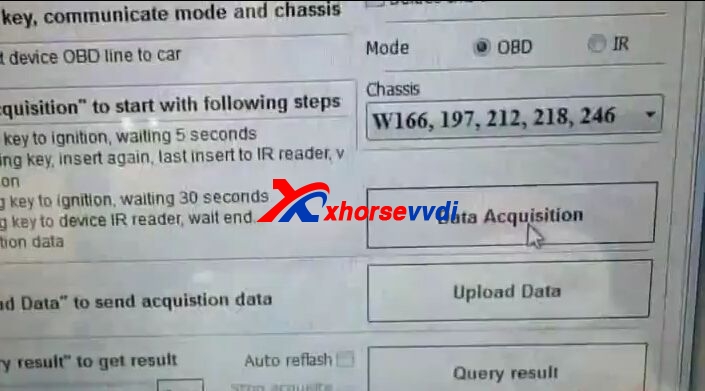
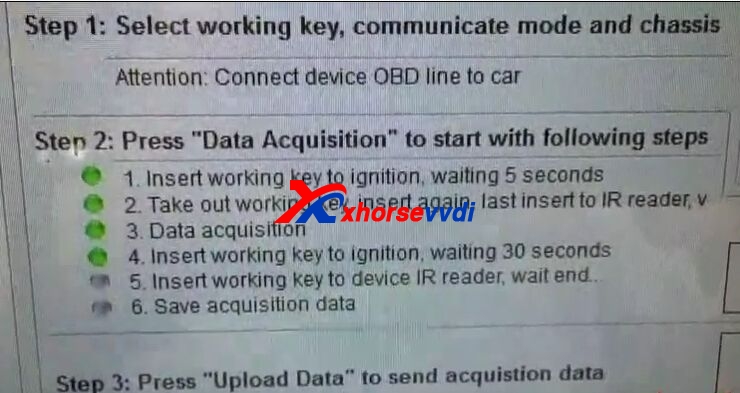
Go to "Password Calculation", select chassis "W166,197,212,218,246" then click "Data Acquisition".
Follow the instruction:
Insert the original working key into car EIS then press "OK".
Insert the original working key into VVDI MB Tool IR reader (the coil) then press "OK".
Then wait about 5 minutes.
Insert the key into car EIS and wait 30 seconds.
Insert the key back into IR reader then press "OK".
After that, save data file.
Step 3
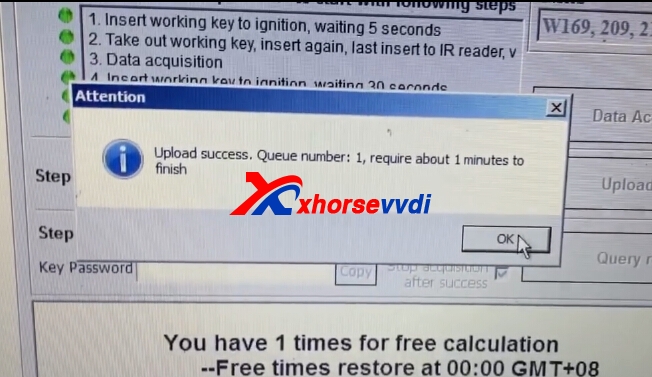
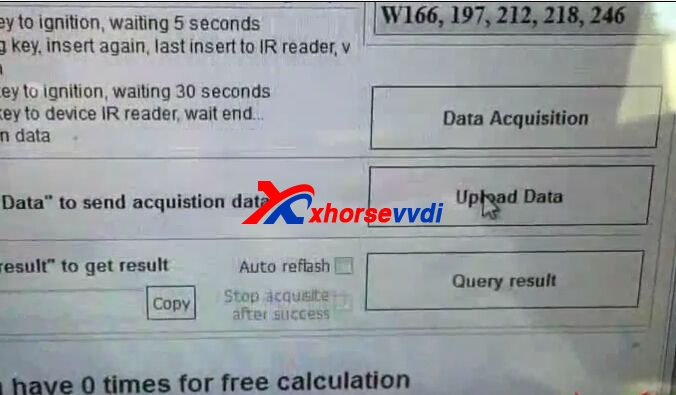
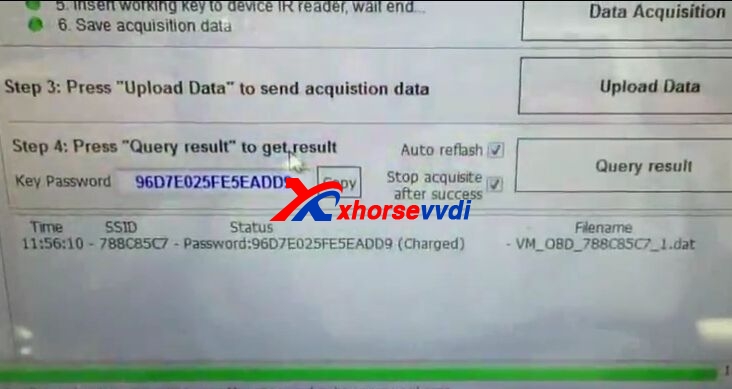
Click "Upload Data" and choose the data file to open.
Upload success, wait 1 minute to finish.
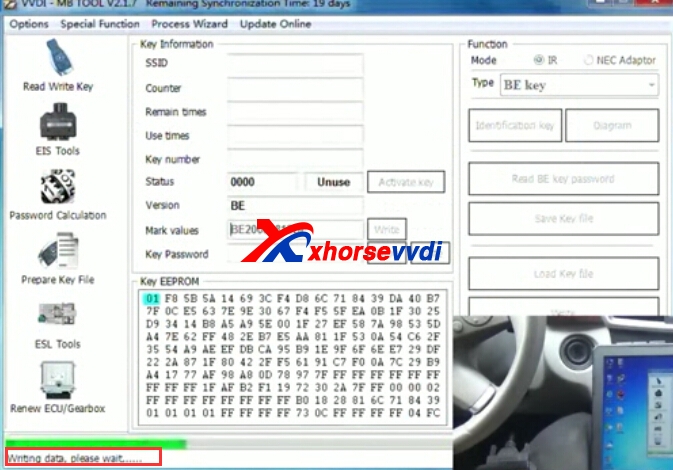
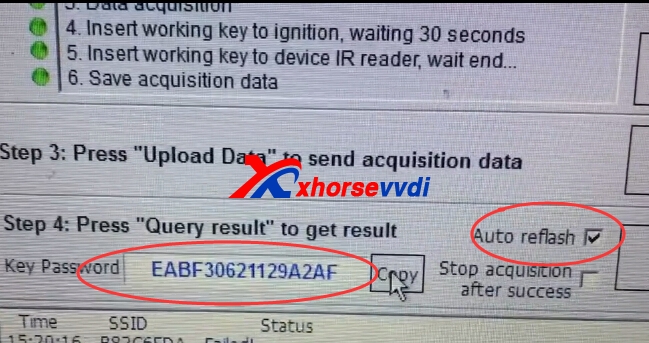
Check "Auto reflash" and "Stop acquisite after success" boxes.
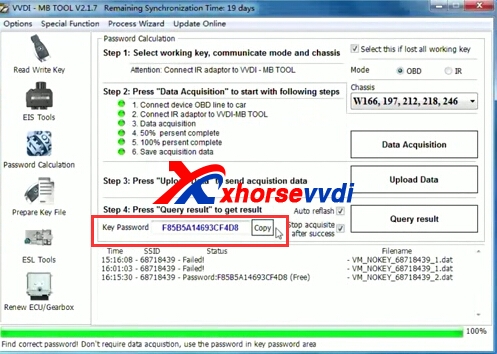
Click "Query result" then it calculate the key password, click "Copy".
Step 4
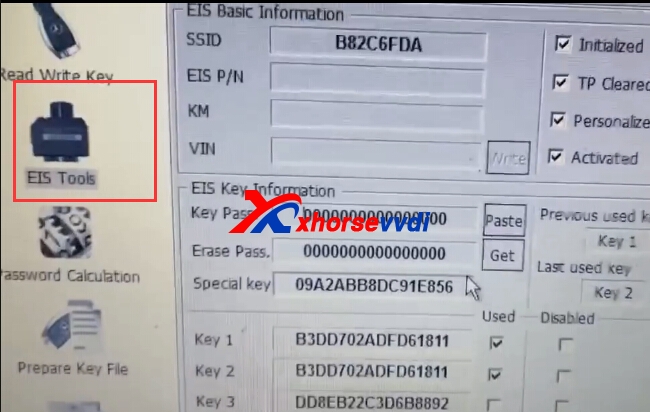
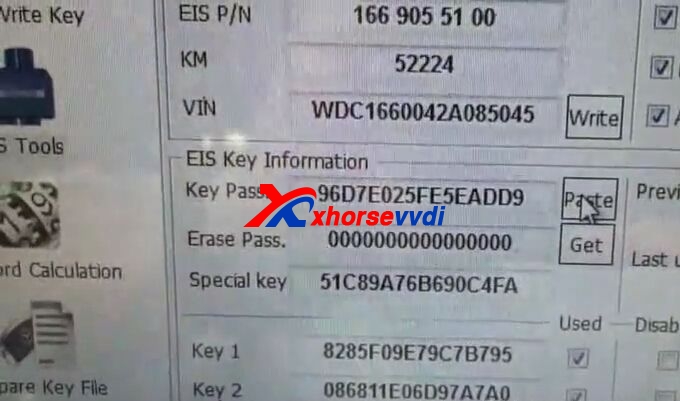
Back to "EIS Tools" and click "Read EIS data" again.
Paste the key password.
Click "Save EIS data" and choose to overwrite the original EIS file.
Step 5
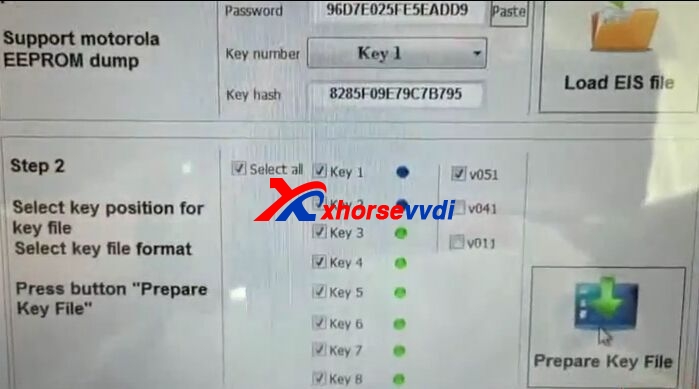
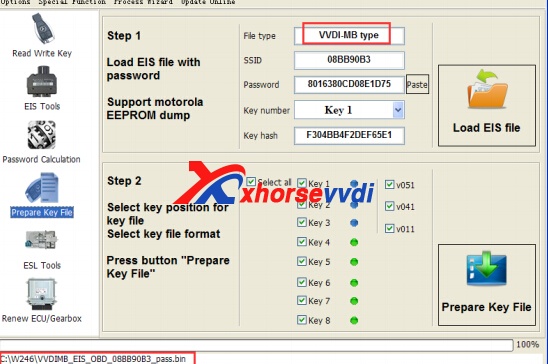
Go to "Prepare Key File", click "Load EIS file" and load the new EIS file with key password.
On the Step 2 area, uncheck the "v041" and "v011" boxes.
Click "Prepare key file".
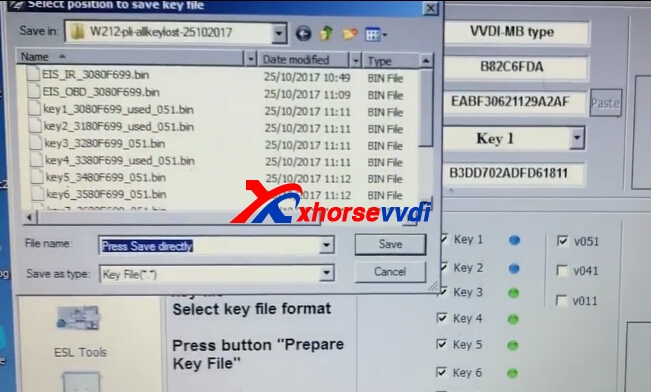
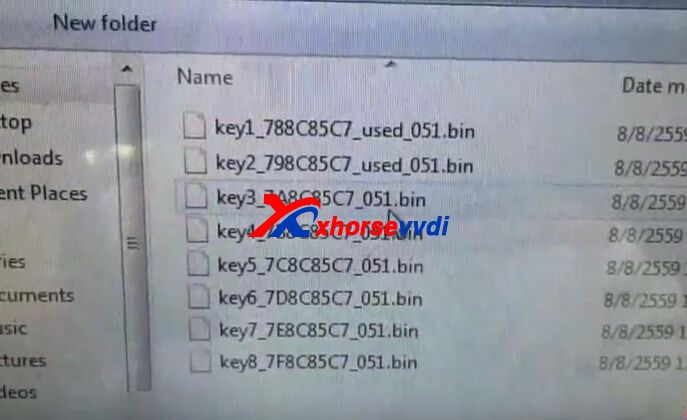
After that, select position to save the key file.
Then it will prepare all keys and complete.
Step 6
Go to "Read Write Key".
Put the new blank Mercedes BGA key into VVDI MB Tool IR reader (the coil) and click "Identification key".
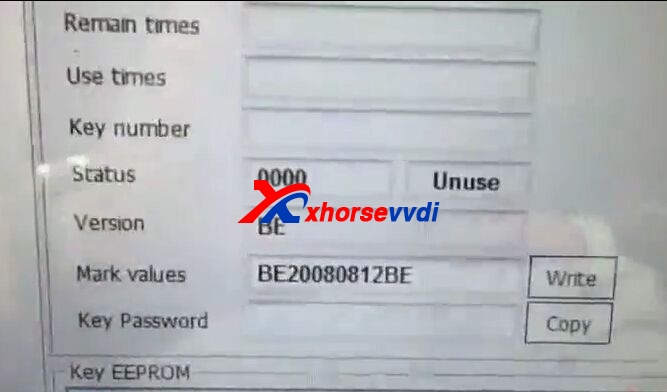
You can see the key status is blank and unused.
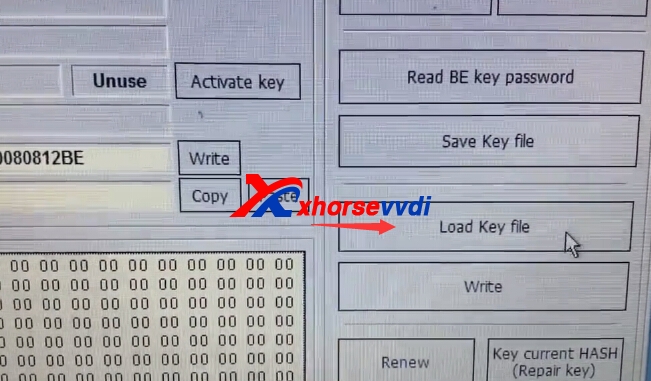
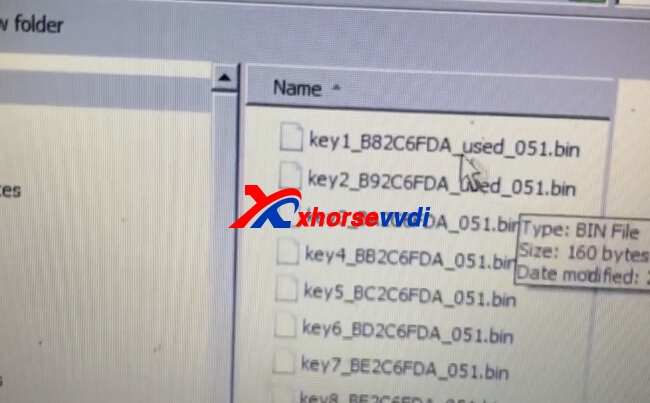
Click "Load key file" and select the key 3 bin file to open. (Since the key 1 and key 2 are already used)
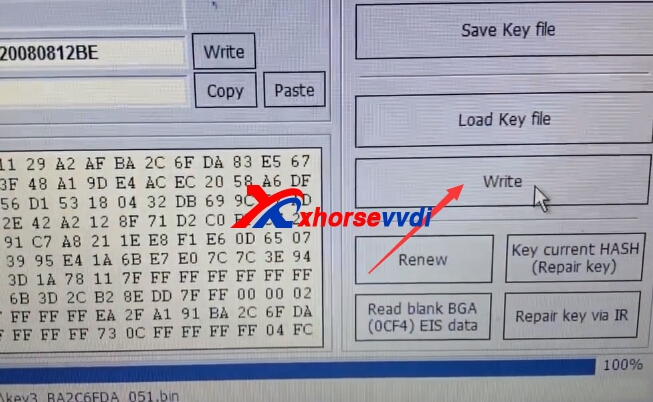
Click "Write" to start write new key.
Step 7
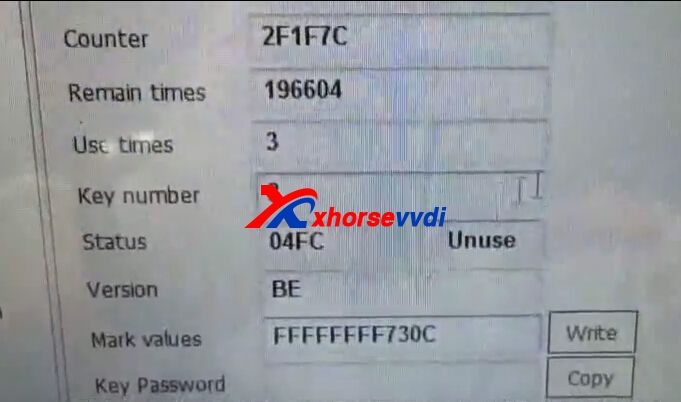
After writing success, click "Identification key" to check the new key status.
New Mercedes BGA key status 04FC, key number turn to 3.
Now the last thing is to synchronize the new key to car.
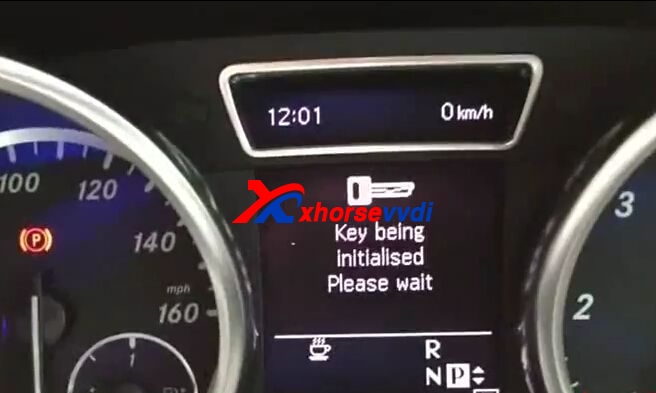
Insert the new key to turn on car ignition.
Key being initialized, wait the process complete.
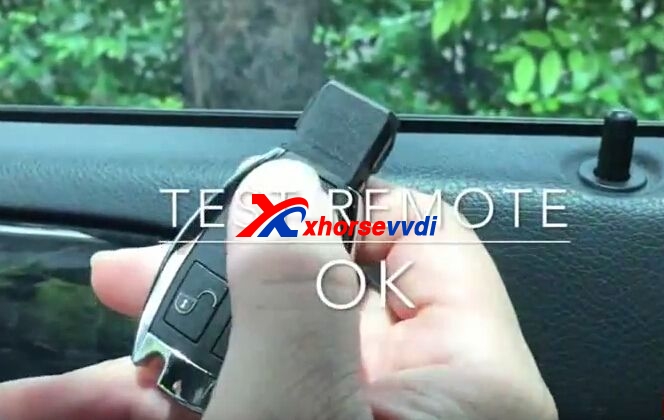
VVDI MB Tool successfully program Mercedes W166 BAG key! New key remote control OK!