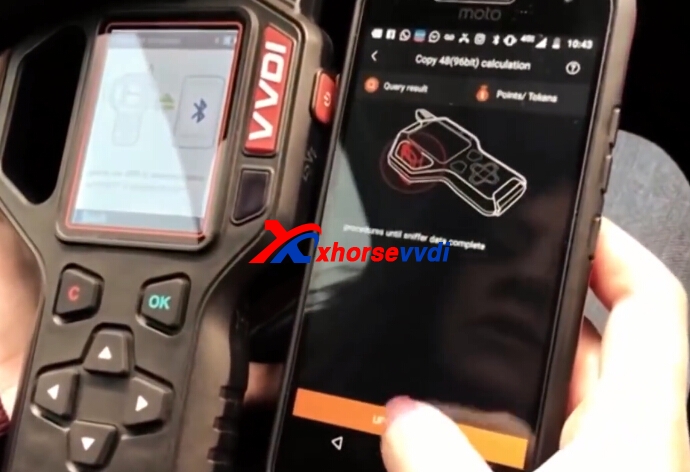
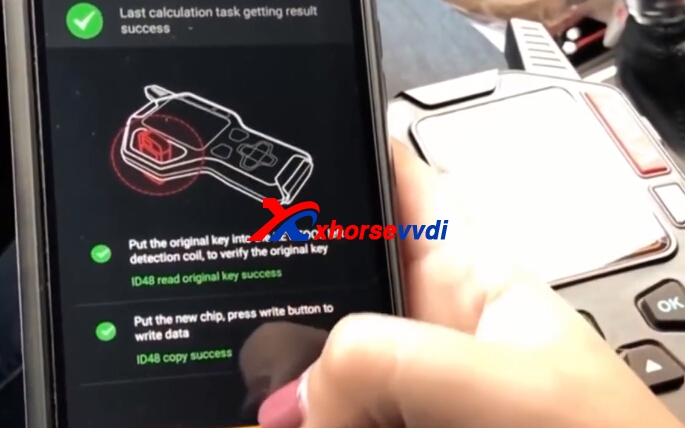
显示标签为“VVDI Key Tool”的博文。显示所有博文

2019年5月15日星期三

Why should I by xhorse mini key tool?

What is xhorse mini key tool?

VVDI MINI Key Tool Starts and runs very fast:  (20 seconds to test frequency)

It is the latest key cloning device for 2019 year:
> Key Cloning ID46/ID4D/ID48/ID4C/ID72/ID70
> Generate various car remotes
> Copy fixed code remotes
> Check remote frequency
> Smaller, lighter and portable.
>Free with ID48 96bit,Toyota H transponder generation.
>Xhorse APP Language:English,Thai,Polish,Hindi,Chinese

The best xhorse mini key tool
http://www.xhorsevvdi.com/wholesale/vvdi-key-tester.html

Xhorse mini key tool vs. vvdi key tool

MINI Key Tool VS VVDI KEYTOOL:
Similarities:
MINI Key Tool and VVDI KEYTOOL are the same in the aspect of remote and chip generation & copy.etc function.
Both of them have EU/NA version.
Update firmware via Xhorse Update kit software.
Bluetooth Connection available.
Same Xhorse APP.
xhorse app
Differences:
1. VVDI KEY TOOL can work alone, it can separately complete all functions except the online function such as 46 4D offline copy, and it can perform online functions by connecting to the phone APP.

MINI Key Tool after connecting to the phone can work fine. Most functions need connect to the phone to work. Transponder Detction Frequency Test can work alone on device,display in little screen menu.
  • [Transponder Detction]Press the power button for 1 second.
  • [Frequency Test] Press and hold the power button for 2 seconds.
2.KEYTOOL support remote renew function,MINI Key Tool not.
3.MINI Key Tool has 3 color,we will send in random.
4.Smarter than Key Tool:
Frequency test, data collect is faster and more stable.
Easier to detect, support longer distance compared with KeyTool.
5. MINI Key Tool is with Toyota h transponder function.

VVDI Mini Keytool FULL Authorization:

AI - Car remote type                                          Already activated
AI - Key blade type                                            Already activated
AI - PIN code                                                     Already activated
Remote - Vehicle remote                                  Already activated
Remote - Garage remote                                  Already activated
Remote -Proximity remote                                Already activated
Generate transponder - 7935/ 46/ 4D/ 48/ 8C  Already activated
Generate transponder -Toyota H (8A)              Already activated
Transponder clone - ID48 (96 bits)                   Already activated
Transponder clone - ID46                                 Already activated
Transponder clone - ID4D                                Already activated
Transponder clone - ID4E                                 Already activated
Transponder clone - ID70/ 83                           Already activated
Transponder clone - ID11/ 12/ 13/ 4C/ 8C        Already activated
Transponder clone - Toyota/ Daihatsu G          Already activated
Transponder clone - Toyota H (8A)                   Already activated
Transponder clone - ID33 /42                           Already activated
Transponder edit - 11/12/13/4C                        Already activated
Transponder edit - 46/ 47/ 48/ 4D/ 4E              Already activated
Remote clone - Fix code                                  Already activated
Remote clone - Rolling code                            Already activated
Remote clone - make new                                Already activated
Detect remote frequence                                  Already activated
Set type of VVDI super transponder                 Already activated
VVDI Special TP                                               Already activated
Special 4D to 4C                                              Already activated
Unlock Toyota smartkey                                   Already activated
ID63 to ID83                                                    Already activated
Hyundai/ KIA PIN code                                    Already activated
Copy BYD smart key                                       Already activated
Detect ignition coil signal                                 Already activated
Online technical support                                  Already activated
Technical center                                               Already activated
Video center                                                     Already activated
History                                                              Already activated

Xhorse mini key tool review:

[Start]Press and hold the power button for 1 second.
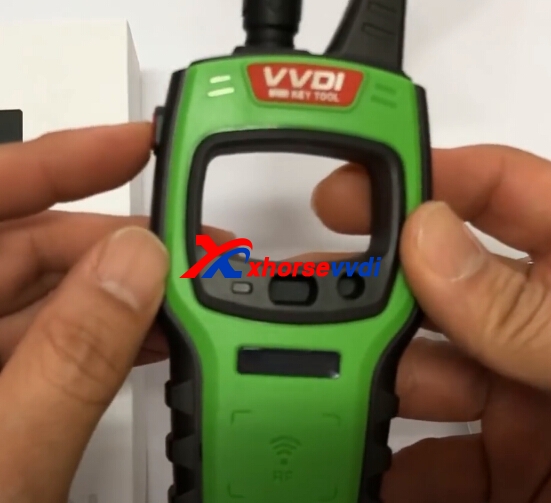
mini key tool
Display serial number,bluetooth status,firmware version,battery level.
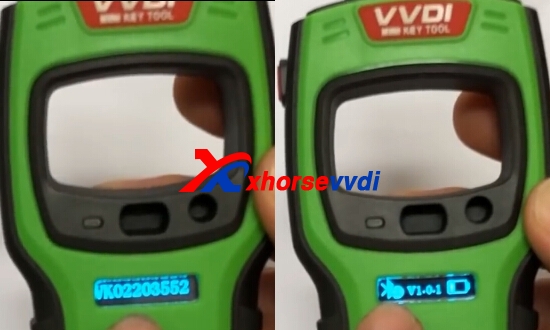
mini key tool
MINI Key Tool use alone.
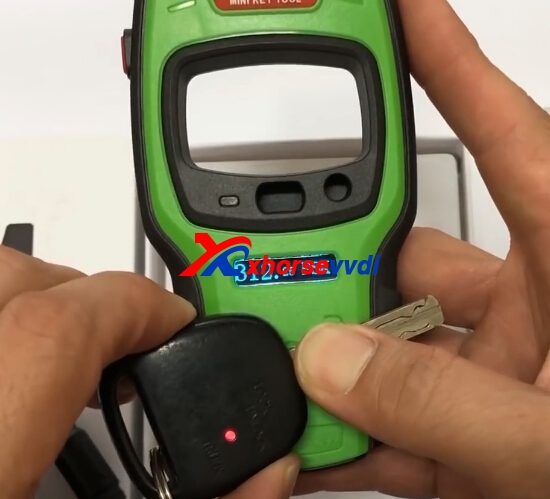
[Transponder Detction]Press the power button for 1 second.
No need extra chip holder,MINI Key Tool has the chip holder on device.
[Frequency Test]Press and holda the power button for 2 seconds.
mini key tool
[Shut Down]Press and holda the power button for 4 seconds.
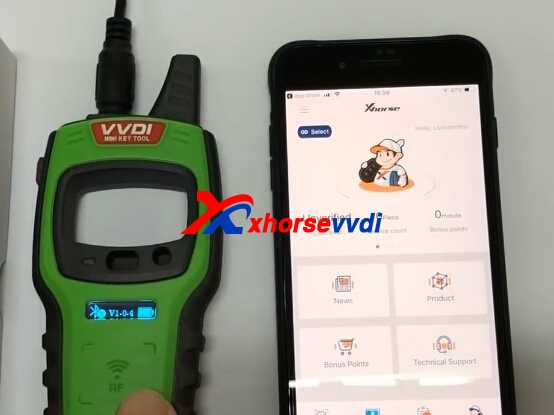
Use VVDI MINI Key Tool with phone.
Install Xhorse APP.
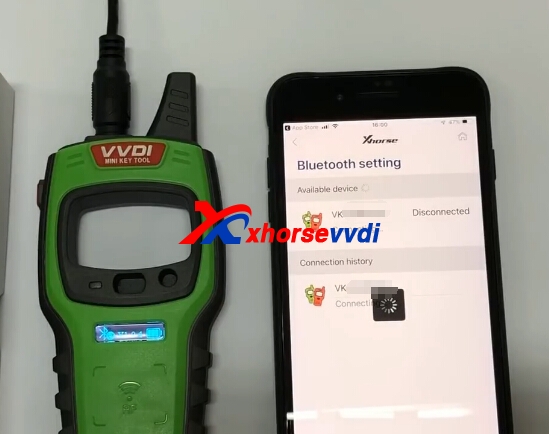
Connect mobile phone via bluetooth.
mini key tool
mini key tool

2019年1月20日星期日

How to use Xhorse VVDI MINI Key Tool VVDI Lark?

Xhorse VVDI MINI Key Tool can generate and copy the remote & chip by working together with the mobile phone. And newest version is V1.0.1.
How to use Xhorse VVDI MINI Key Tool VVDI Lark?
Download the Xhorse APP,same APP of Condor Dolphin.
Turn On:Keep press 2 second on the button of power.
Turn Off:Keep press 4 second on the button of power.
mini key tool
Read Transponnder:Press and hold power button 2s for switch
Frequecy detect:Keep Press 2s on the button for power.
mini key tool
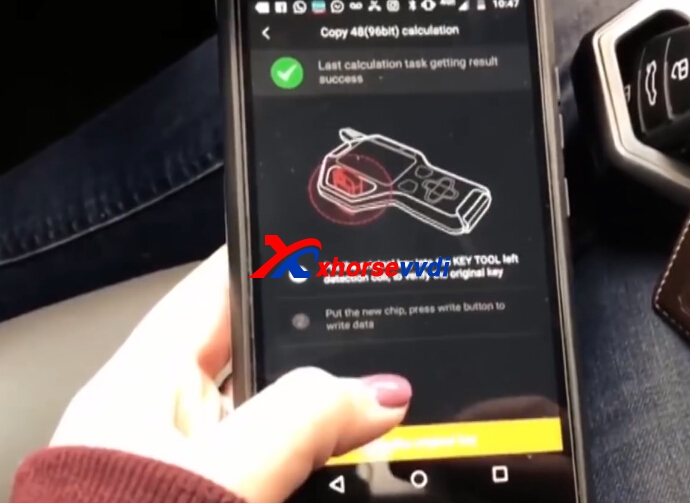
Connect Xhorse MINI Key Tool with phone via Bluetooth.
mini key tool
Then you can see the function on the menu.
Here is Xhorse MINI Key Tool special function:
Ignition switch coil signal detection.
VVDI Special TP.
Unlock Toyota Smart Key.
Special 4D to 4C.
ID63 to ID83.
Detect Remote.
mini key tool
Remote Clone Function
mini key tool
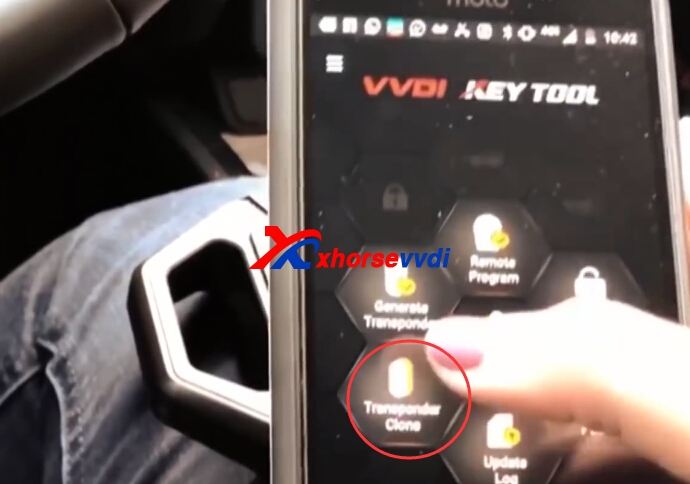
Transponder Clone:
Put transponder into coil position as picture shown,click [Read Transponder] button to detect.
After detect successfully,then process clone.
mini key tool
Xhorse VVDI MINI Key Tool info,we will update more in future.Thanks.

Whatsapp:+86-13983756354
 

2018年12月28日星期五

Xhorse bonus points,what is the use & How to collect?

For some customers' questions about xhorse bonus points, xhorsevvdi.com give an explanation:
 
How to collect xhorse bonus points?
 
1.Buy Xhorse VVDI remote (Collecting points for the first time using a VVDI REMOTE device)
 
Notice:Need to plugged the key into the device, then click on the collection to have points.
 
wire remote/ 25bonus points
 
wireless remote/ 40 bonus points
 
 
2. By purchasing/transfering the points collected by others, it is the point transaction (popular)
 
What is the use of xhorse bonus points?
 
These points can be used to calculate online redemption features/items (see Xhorse APP's points store)
 
There is also one VVDI BE key Pro that can earn 200 points per use, but this 200-point is a non-exchangeable item that can only be used for Mercedes-Benz online calculations.
 
How to check the Xhorse Points?
 
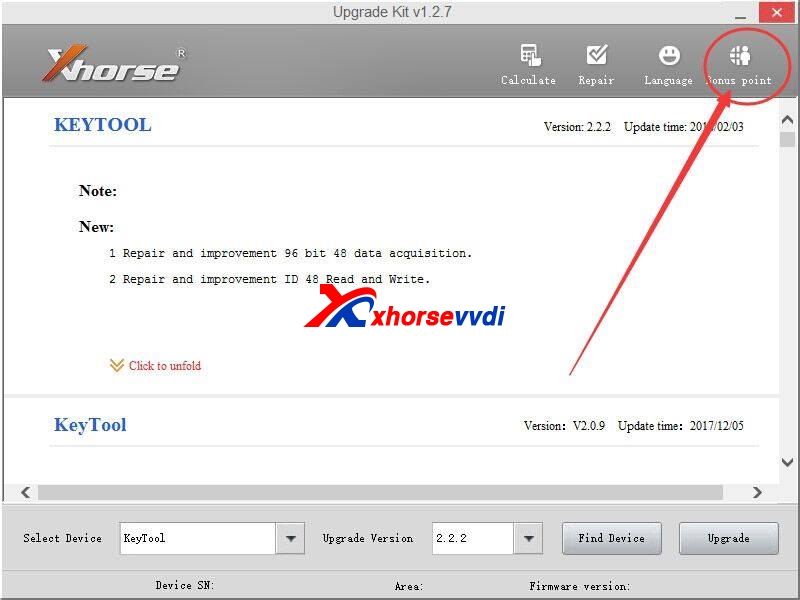
The bonus points can be stored on the Xhorse points server by using Xhorse Upgrade Kit software.
 
Xhorse Upgrade Kit Software download:
 
 
The bonus points can be easily checked from the Xhorse Customer self-service syste
 
More details contact:
 

2018年12月6日星期四

How to use VVDI MB Tool Collect Xhorse Benz PCB Points and Exchange BGA Token?

Xhorse VVDI BE key Pro,Benz PCB,each PCB is free with 200 points,which can be exchanged to one BGA token. Here we will display how to use VVDI MB Tool to collect VVDI BE Key Pro points and exchange BGA Token on VVDI Key Tool app.
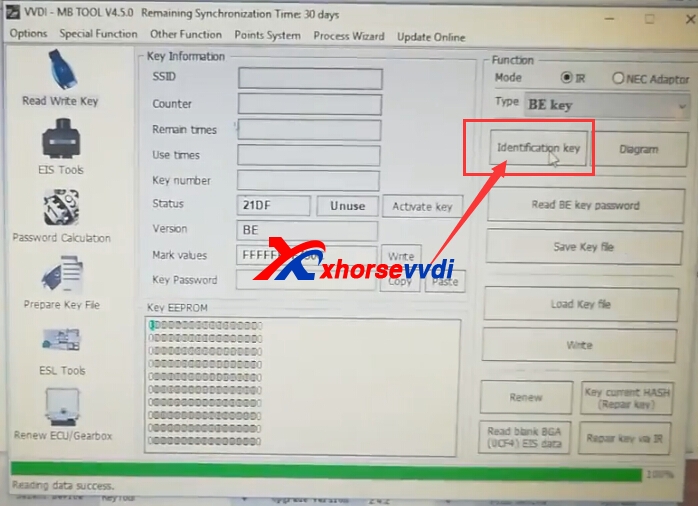
1.VVDI MB Tool software,connect VVDI MB with computer and choose "Read/Write Key"
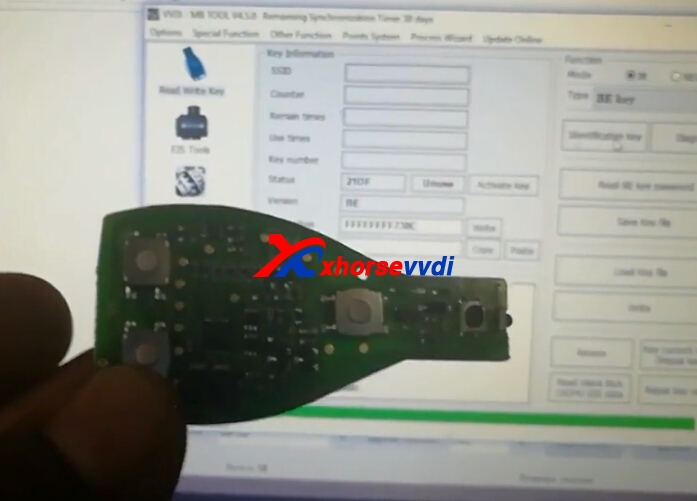
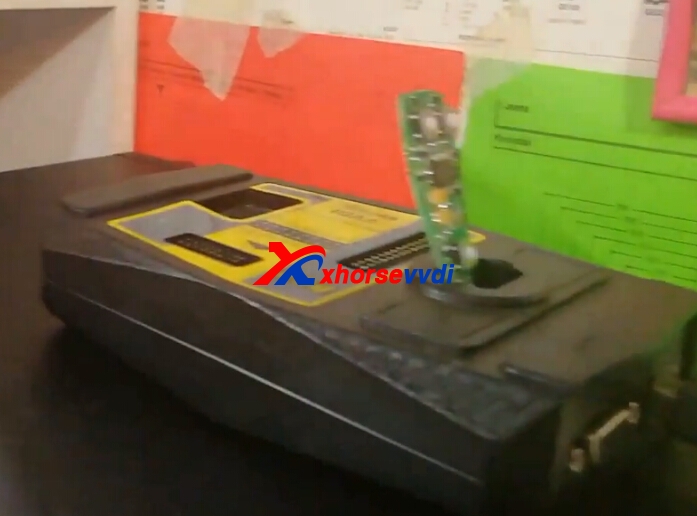
Put the Key Pcb into VVDI MB coil.Click idenfication key.
vvdi mb tool points system
vvdi benz key pro
vvdi benz key pro
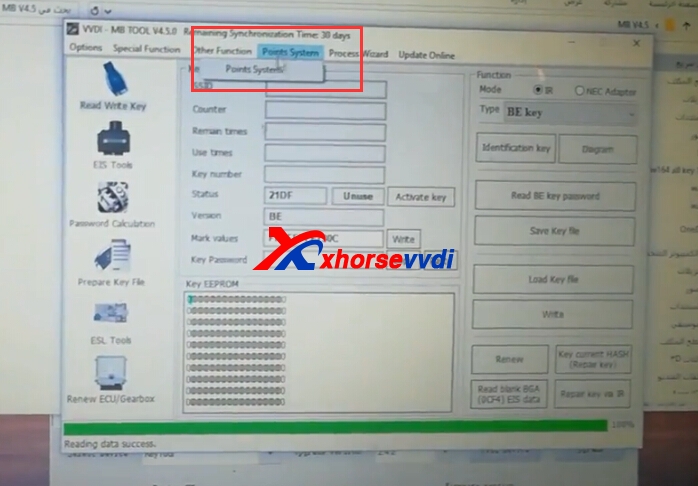
2.Choose "Points System>>Points System"
vvdi mb tool points system
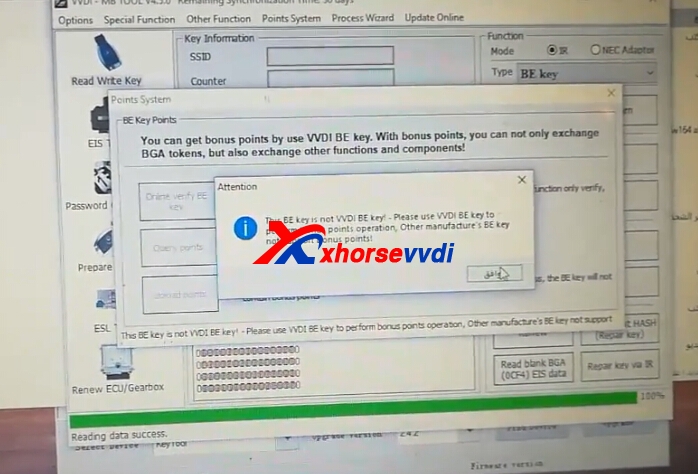
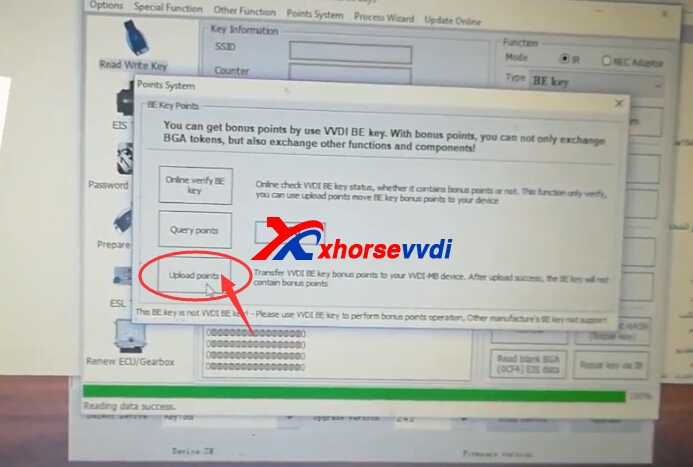
3.Query the points,then click Upload the points.
vvdi mb tool points system
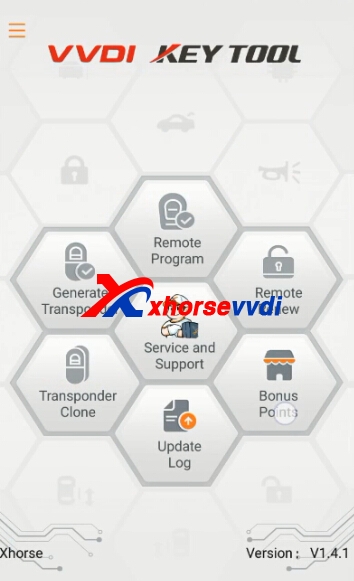
4.After upload successfully.Go to VVDI Key Tool app on your phone.For Key Tool app register and log,please check our previous blog.And without Key Tool ,with key tool both can use Key Tool app to exchange BGA token.
Click Bonus points.
vvdi key tool app
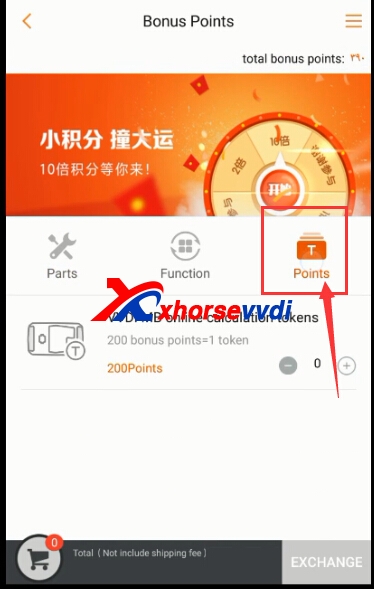
5.Bonus points,click Points.
vvdi key tool app
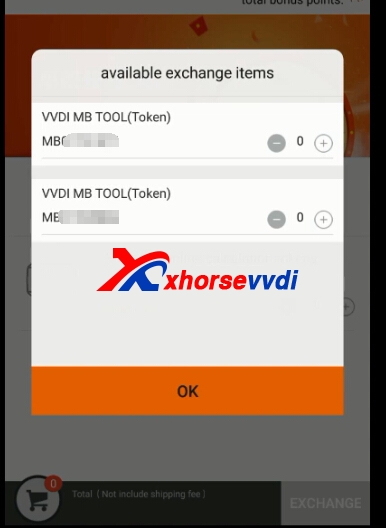
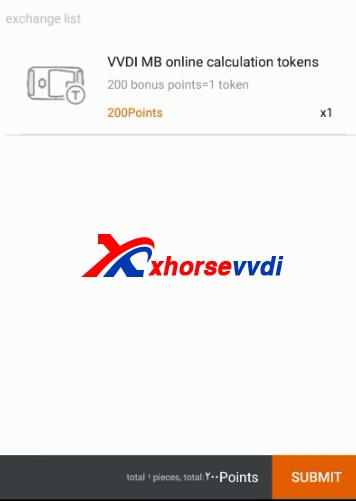
6.Choose VVDI MB Tool device.Then exchange.
vvdi key tool appvvdi key tool app
7.After exchange successfully,please check your token in Password calculation in VVDI MB Tool software.
vvdi mb tool token Original:How to use VVDI MB Tool Collect Xhorse Benz PCB Points and Exchange BGA Token?

2018年11月14日星期三

Skoda Octavia 2007 and newest key programming with Xhorse VVDI

Skoda Octavia 2007 and newest key programming with Xhorse VVDI key tool or VVDI2? or both? go on reading.
Q: i am tryin to decide to buy this tool
http://www.xhorsevvdi.com/wholesale/xhorse-vvdi-key-tool.html  and I need to know if I can to programm a new key in Skoda Octavia 2007 and newest. Can it to clone ID48 chip?
A: You cannot program a new key with vvdi key tool,
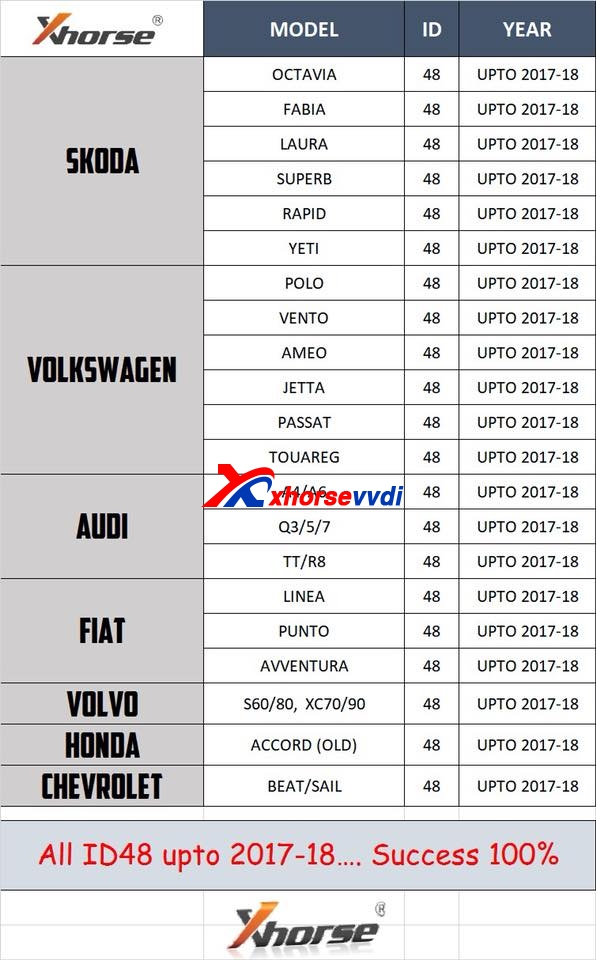
only clone (VVDI key tool clone ID48 96bit model list).Also you need to pay extra for  authorisation id48 clone or bind VVDI2 to get ID48 copy function).
To program a key you need vvdi2. There also are authorizations to pay for your needs.

Personal experience:
you can clone only old id48 not cripto ones! for cripto you have to use online function and extra pay. I am using vvdi2 and have all authorizations but I never used id48 or id48 96 bit function. it's easy to ad keys no need to copy. Also it has key programmer very powerful, BMW coding, mileage adjustment and other very useful dump tools.

Related posts:
What is difference of ID48 copy OBDII and 96bit? Why would need both?
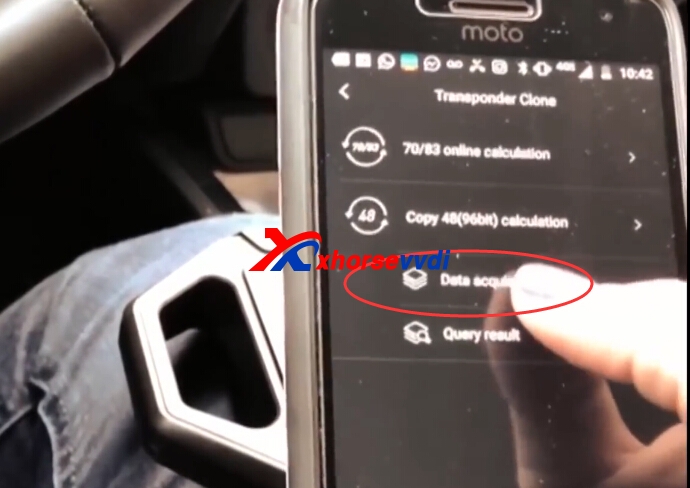
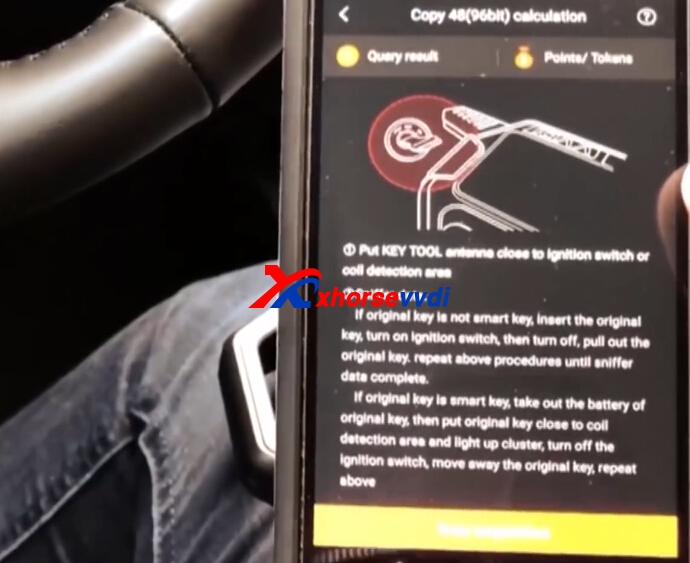
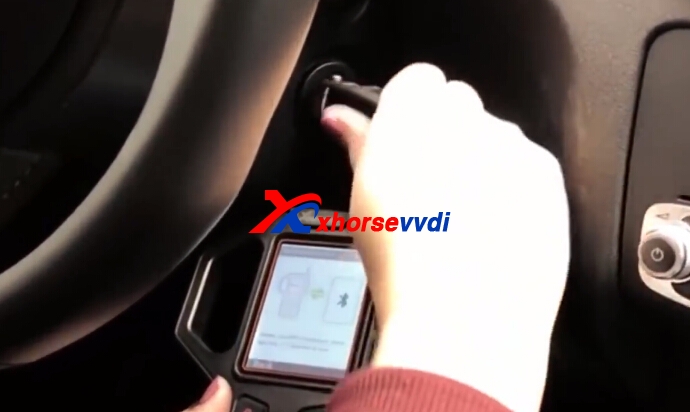
Here VVDI key tool clone ID48 procedure:
VVDI KEY TOOL ID48 VVDI KEY TOOL ID48 VVDI KEY TOOL ID48 VVDI KEY TOOL ID48 vvdi key tool id48 vvdi key tool vvdi key tool id48 copy

2018年9月19日星期三

How to Bind VVDI2 with VVDI Key Tool To Get ID48 Copy Function

VVDI Key Tool 48 Copy 96bit is OK to get from April 1st,  if you have both VVDI2 and VVDI Key Tool,already bought VVDI2 ID48 authorization(VV-04),combine VVDI2 with VVDI Key Tool,your VVDI Key Tool can get free.Here is detailed guide about how to bind VVDI2 with VVDI Key Tool.
1.Register on VVDI Key Tool app in your phone.
You can check the blog:
[embed]http://blog.xhorsevvdi.com/vvdi-key-tool-app-v1-2-3-newest-version-register-and-log-sucessfully-on-ios/[/embed]
2.Start VVDI2 software,choose "Transponder Programmer" software,and then you can check "Points System"
vvdi2 bind with vvdi key tool
bind vvdi2 and vvdi key tool
Choose "Bind VVDI2 and VVDI Key Tool,the bonus points will add to VVDI2!"
Then click "Bind"
vvdi2 and vvdi key tool
Connect VVDI Key Tool to PC and USB Cable,then press OK.


You will be redirected to the login page, enter the same login information you entered when logging in to Keytool App. After logging in you will see the state of VVDI2 and Keytool, if you want to transfer points from Keytool to VVDI2 , press OK. Keytool for 4896bit count will display the status of points from both devices.

After logging in you will see the status of points on VVDI 2 and Keytool

if you want to transfer points from Keytool to VVDI2, press OK

Points transferred

Keytool for 4896bit will display the status of points from both devices.


Edit by http://www.xhorsevvdi.com/:How to Bind VVDI2 with VVDI Key Tool To Get ID48 Copy Function

2018年8月6日星期一

How to exchange VVDI MB Tool Bonus Points to BGA Token?

Xhorse VVDI BE Benz Key Pro is free with 200 points,which is equal to 1 token. But how to exchange VVDI MB Tool Bonus Points to BGA Token?we will display the detailed steps.
1.Collect bonus points from VVDI BE Benz key.
Each Xhorse VVDI Benz key is with 200 points,can exchange 1 BGA Token.
vvdi mb tool
2.VVDI MB BGA Token exchange
2.1.Connect vvdi mb and vvdi key tool to computer and run upgrade kit for "binding" vvdi mb to your account.
vvdi key tool update
2.2.Log in your account and link the vvdi mb to your accout.
BGA Token exchange
2.3.Use the app of vvdi key tool for exchange tokens as you want.
For vvdi key tool app register and install,please check:
[embed]http://blog.xhorsevvdi.com/how-to-install-and-register-xhorse-key-tool-android-app/[/embed]
After log in VVDI Key Tool app,Click Bonus Point,and then Token,you can choose to exchange.
Other xhorse tools,vvdi2,and vvdi key tool with remote key can also collect points,the steps are the same to exchange.
BGA Token exchange
2.4.But how about Exchange BGA Token if without VVDI Key Tool?
Please contact us online,send us your VVDI MB tool serial number,we will exchange for you.
Please Note :
An account can be bound to multiple devices. Can’t disband after , can’t unbinding after binding.

Edit by http://www.xhorsevvdi.com/  :How to exchange VVDI MB Tool Bonus Points to BGA Token?

2018年7月16日星期一

Xhorse Upgrade Kit Software FAQs

Xhorse Update Kit Software is update tool for xhorse multiple products firmware like VAG MM-007,VVDI2,VVDI PROG,VVDI MB Tool,condor xc-mini,Xhorse vvdi key tool,as well as Condor XC-007. Here we will share some frequently asked questions about Xhorse update kit.
1.Xhorse update kit software garbled error
Some customer download software,start to use it,but got garbled error.

Solution:Please click button like the following pic,then choose English language,it will display normally.

2.Xhorse update kit software download
Xhorse Upgrade Kit Software
Please close your anti-virus software,as it contact .exe application,may recognise as virus.It is clean to use.
3.Server Error
When you try to use Xhorse upgrade kit software to update,you may receive server error.Please wait some time,and later time try again.
4.When to use Xhorse upgrade kit “Fix internal error 1”?
Please check previous blog:
[embed]http://blog.xhorsevvdi.com/when-to-use-xhorse-upgrade-kit-fix-internal-error-1/[/embed]
5.Calculate (VVDI Key Tool ID70/83 Online Calculation)
Some customers ask for PC software to use VVDI Key Tool on computer,except the update rpocess,and online 70/83 calculate in update kit software,do not have PC software for VVDI Key Tool.
vvdi key tool online calculation 
Edit by http://www.xhorsevvdi.com/ : Xhorse Upgrade Kit Software FAQs