显示标签为“VVDI BE key”的博文。显示所有博文

2018年12月14日星期五

How to fix the shell with panic of Xhorse Benz VVDI BE PCB

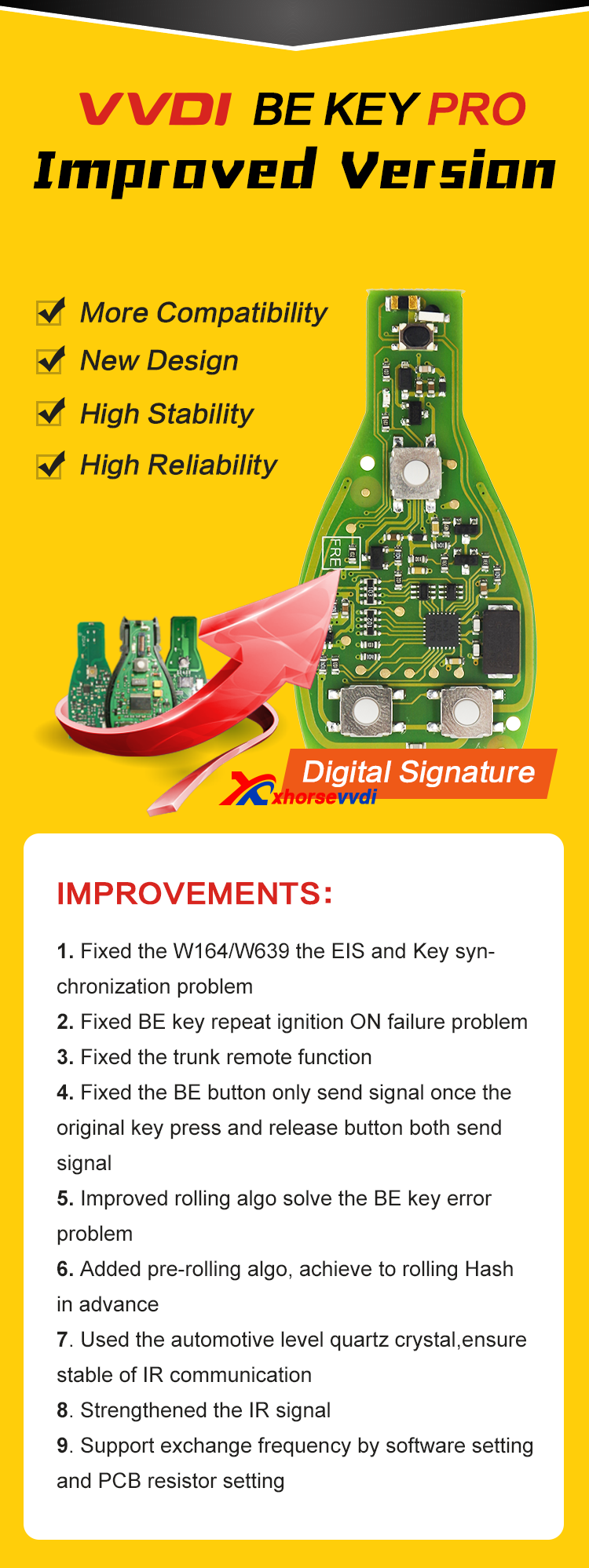
XHORSE VVDI BE Key Pro For Benz XNBZ01CH Remote Key Chip Improved Version is free with 200 points,which can be exchange to one BGA token,315/433mhz both supported,you can switch by yourself.
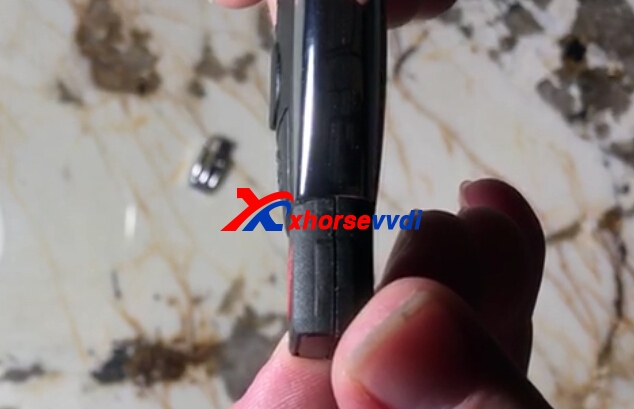
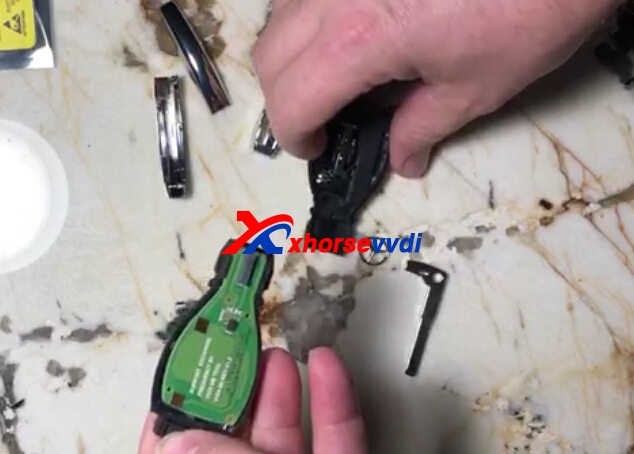
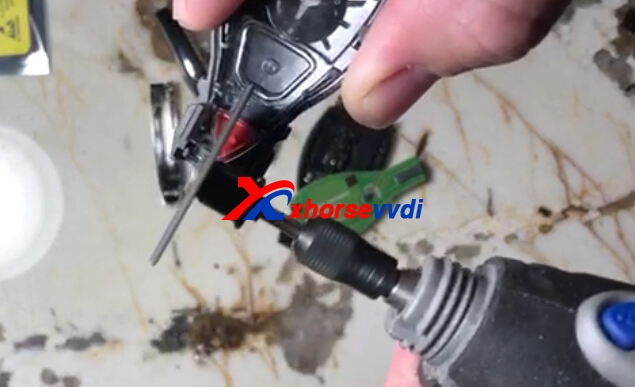
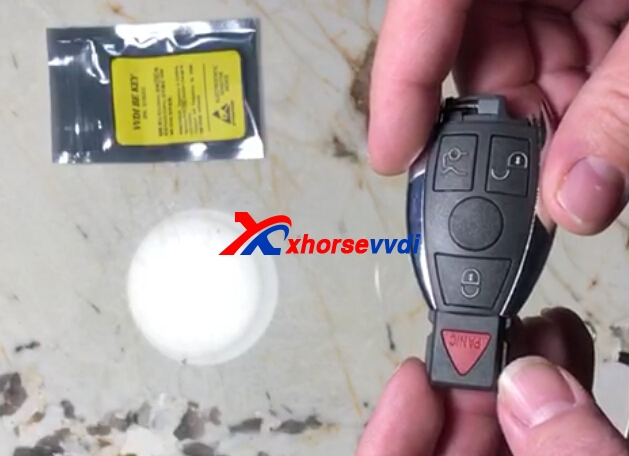
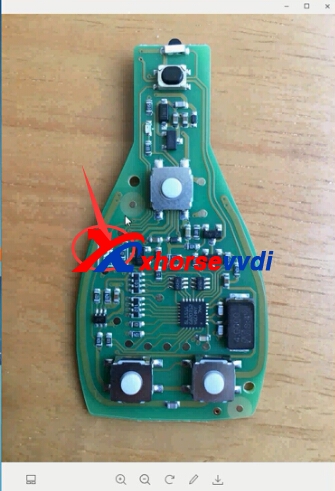
If the Red button key shell with Xhorse Benz Key pcb may be a little rasied just like below pic shows,and you can fix like the following steps to lower it,it is easy fix:
benz key
1.Open the key shell.
benz key
benz key
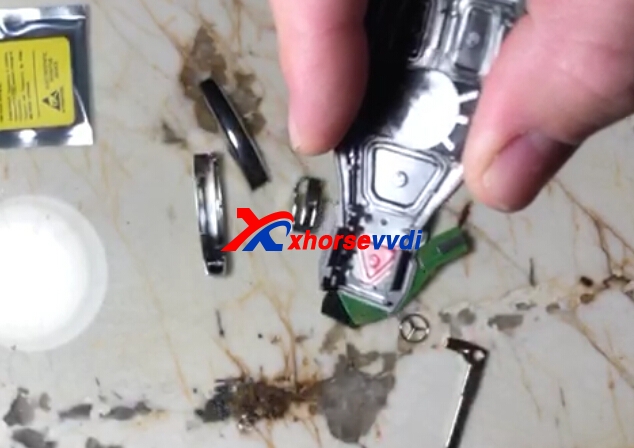
2.This Panic button place is a little bit higher.

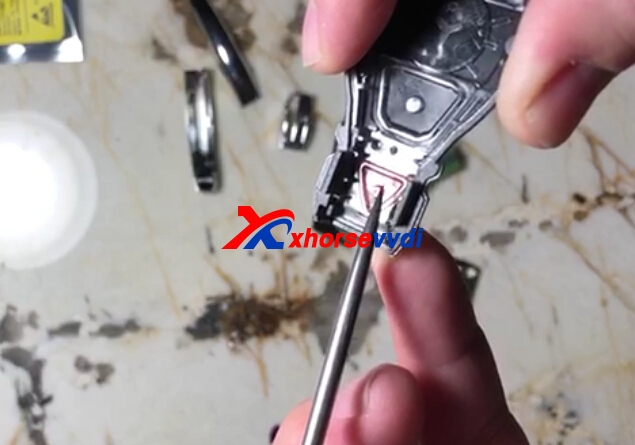
3.Cut down,do not take much.

5.Put back the Xhorse Benz PCB.
benz key Original:How to fix the shell with panic of Xhorse Benz VVDI BE PCB

2018年11月16日星期五

How to use VVDI BE key to download Points from VVDI MB tool?

Every Xhorse MB key have 200 points
Points can be download before you program key or after.
200 points can be exchange to 1 token for online calculation
1) Open VVDI MB Tool
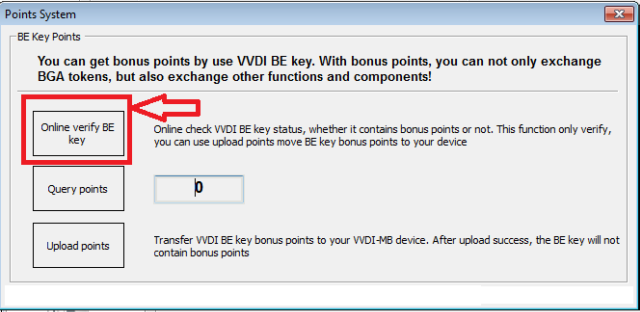
2) click on POINTS SYSTEM

3) in new window click ONLINE VERYFI BE KEY

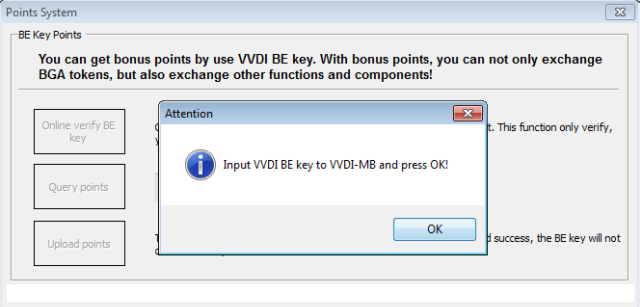
4) You will see message"Input VVDI BE key to VVDI MB and press OK!".

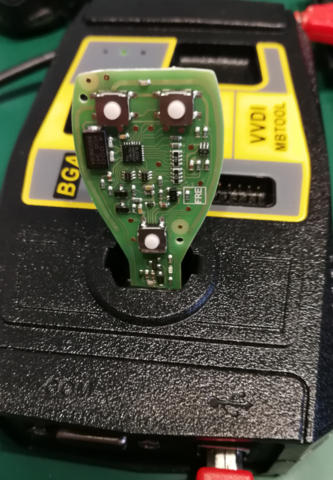
5) Insert the PCB of BE key into VVDI MB and click OK

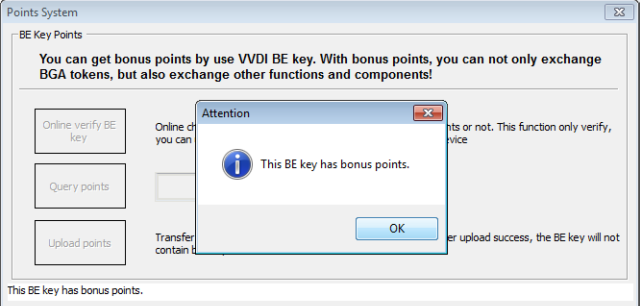
6) If Key have points you will see message "This BE key has bonus points".

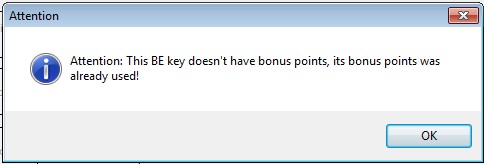
If POINTS already used you will see message: This BE key doesn't have bonus points, it bonus points was already used!

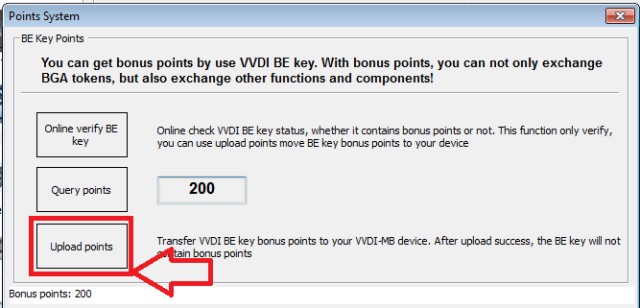
7) Click UPLOAD POINTS to upload it to your VVDI MB tool

www.xhorsevvdi.com

Original: How to use VVDI BE key to download Points from VVDI MB tool?

2018年5月23日星期三

How to Change Xhorse VVDI BE Key Pro Benz PCB Frequency?

XHORSE VVDI BE Key Pro For Benz XNBZ01CH Remote Key Chip Improved Version default frequency is 315MHZ,it supported to change frequency to 433mhz. Here we will introduce two ways to change Xhorse Benz Key PCB frequency.
xhorse benz key pcb
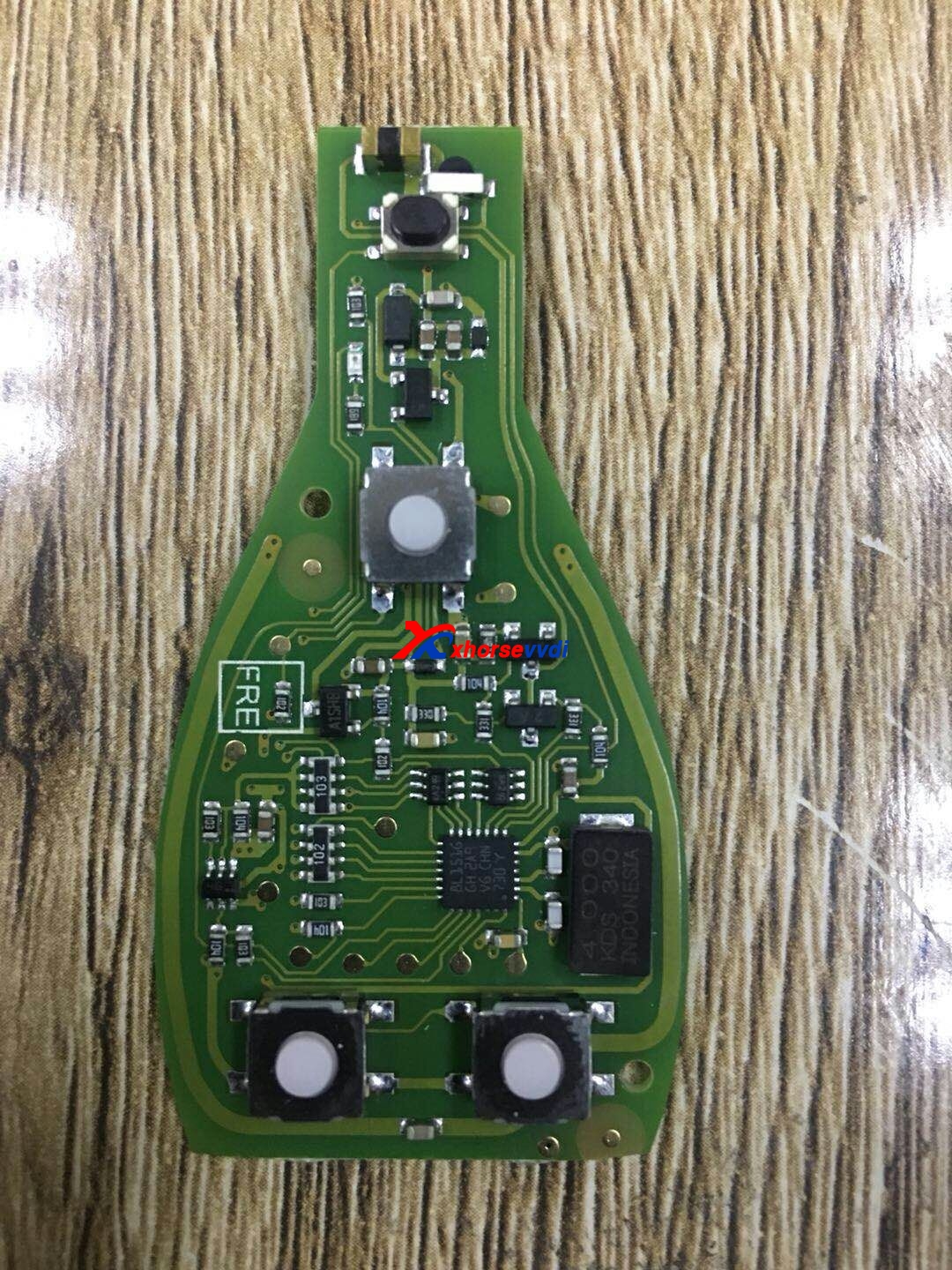
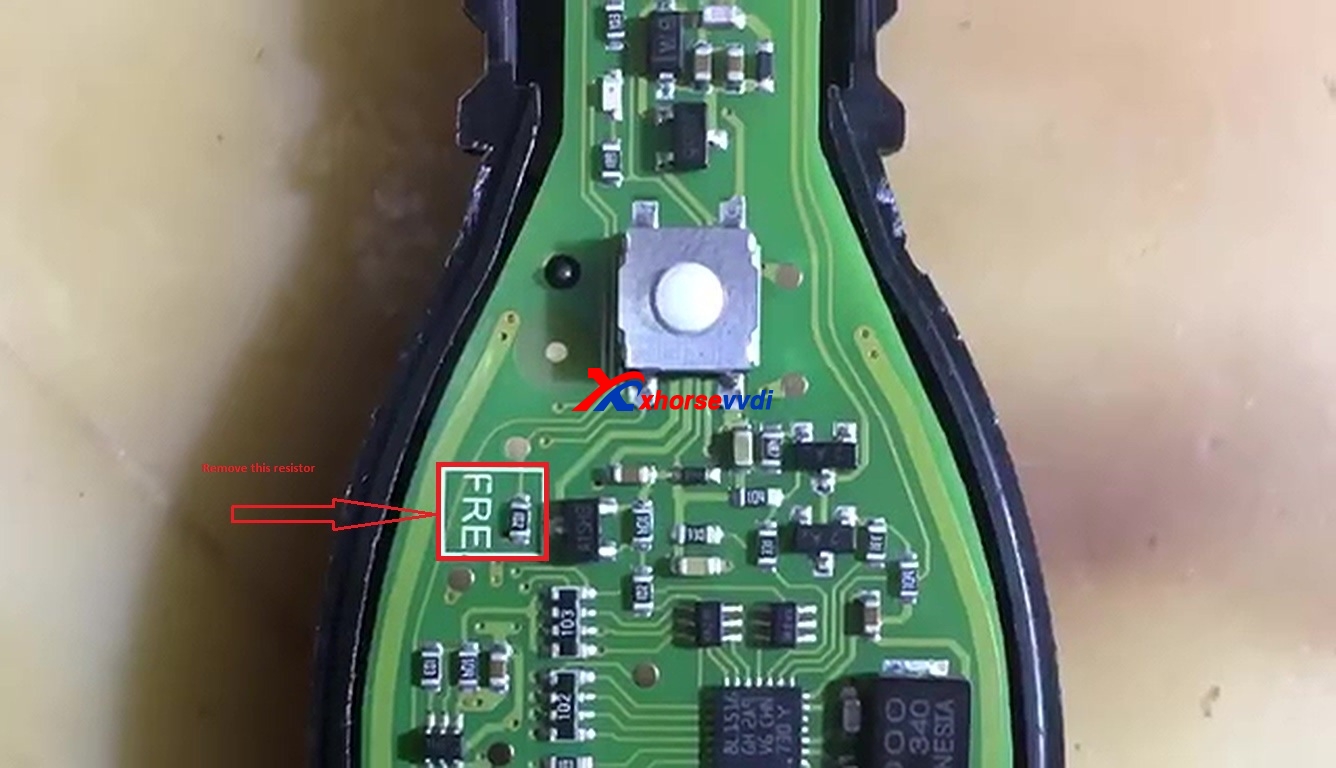
1.Remove PCB FRE resistor change to 433MHZ.

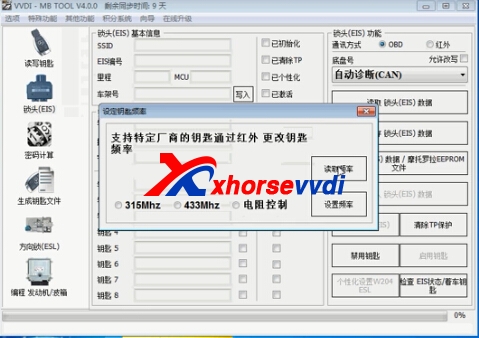
2.Change Via VVDI MB Tool Software.
You can use VVDI MB software check key frequency firstly in EIS Software,other function set frequency.
benz key pcb
Then it shows 315mhz when you read frequency.
Choose 433mhz to set,and check frequency again.
benz key pcb
You can also check the video
 https://youtu.be/Y3gW0UvR8Dc

This is from Blog.xhorsevvdi.com:  How to Change Xhorse VVDI BE Key Pro Benz PCB Frequency?

2018年2月9日星期五

How to use vvdi BE key pro version to change frequency 315MHZ or 433MHZ?

vvdi BE key pro improved version supports changing key frequency between 315Mhz and 433Mhz with VVDI MB tool software or who don't have this tool, always in this way with PCB resistor.
Option 1: change key frequency 315 MHZ or 433MHZ with PCB resistor
This a new VVDI BE Key Pro Improved Version

Put the VVDI BE key into the device programmer of VVDI BGA tool to test the key frequency.
This is a complete new BE key unused.
Test the frequency with VVDI key tool, it is 315MHZ.
Here is a square resistor marked with "FRE", just remove it.

Put the BE key into the VVDI key tool to read out 433MHZ frequency.
Youtube video:
Coming soon
Option 2. change key frequency 315 MHZ or 433MHZ with VVDI MB tool
Open VVDI MB tool, Enter Menu -> Other functions -> reset key frequency.
00:14 - 00:018 : Click on " Read out key frequency", the result is 315MHZ.
Put the VVDI BE key on the top of the VVDI KEY TOOL and the key frequency is 315MHZ.
Insert the VVDI BE key into VVDI MB tool.
Choose" 433MHZ" then "Change key frequency", reset successfully.
Put the VVDI BE key on the top of the VVDI KEY TOOL and read out 433MHZ.93.
Insert the VVDI BE key into VVDI MB tool and you can see " the key frequency is 433MHZ.93", click "OK" to confirm.
Explanation to the option "through PCB resistor". who don't have VVDI MB tool, then change the key frequency through PCB resistor.
Youtube video:
Coming soon
vvdi BE key pro improved version for sale
http://www.xhorsevvdi.com/wholesale/xhorse-vvdi-be-key-pro-for-benz-xnbz01ch-remote-key-chip-improved-version-9180.html


Edit by Xhorse vvdi